Package Name:jbl.stc.com
Show More


8.7
6 Reviews
191.6 MB
File Size
Everyone
Android 7.0+
Android OS
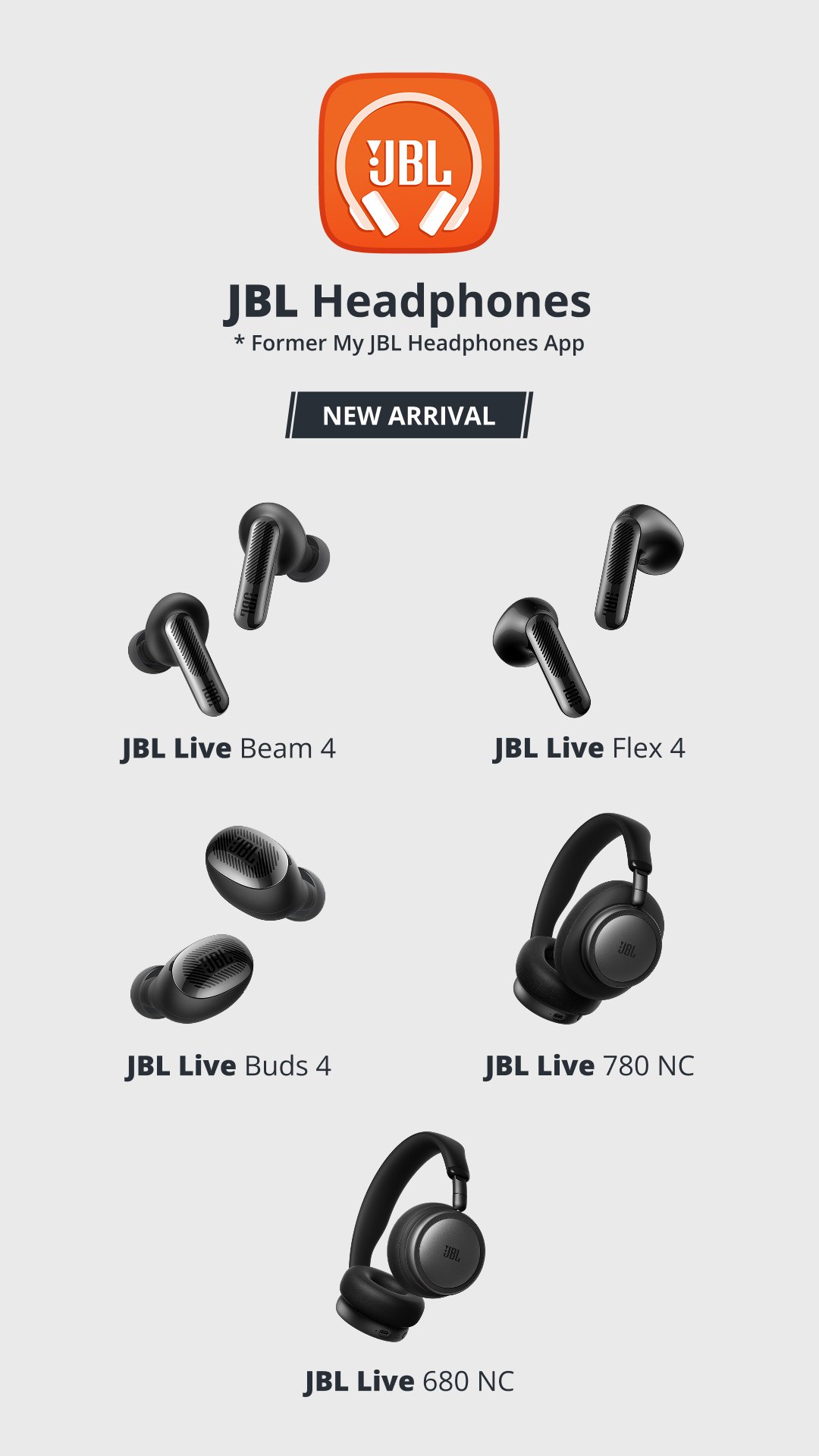
JBL Headphones is the official headphones app for supported JBL earbuds and headphones.
Harman Consumer, Inc. develops this JBL app to give users clearer control over sound, noise, and device behavior after Bluetooth pairing. Its main appeal is how it opens settings that are not available through standard Android Bluetooth controls. If you plan to download JBL Headphones, these are the main tools to know first.
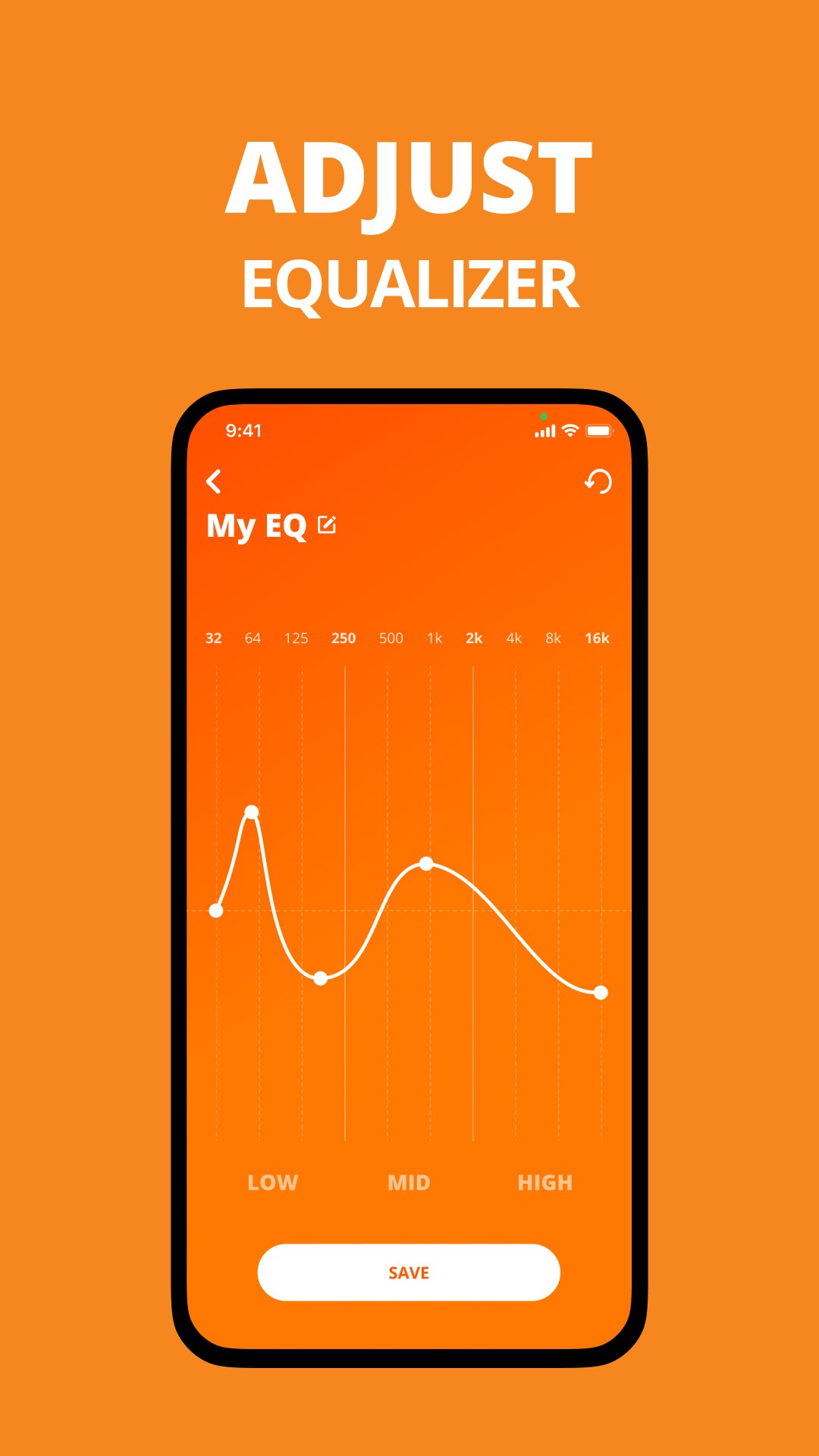
JBL Headphones gives users more control over how music, calls, and videos sound on supported devices. The EQ section includes presets such as Jazz, Bass, Vocal, Club, and Studio, which makes it easy to switch between warmer bass, clearer voices, or a more balanced sound for everyday listening.
Custom sound settings are useful when a preset feels close but not quite right. For example, a user listening to podcasts during a commute may prefer stronger vocal clarity, while someone playing workout music may choose a heavier low end. The feature works best after the earbuds or headphones are already connected through Android Bluetooth, since the app reads the model and shows only the controls that apply to that device.
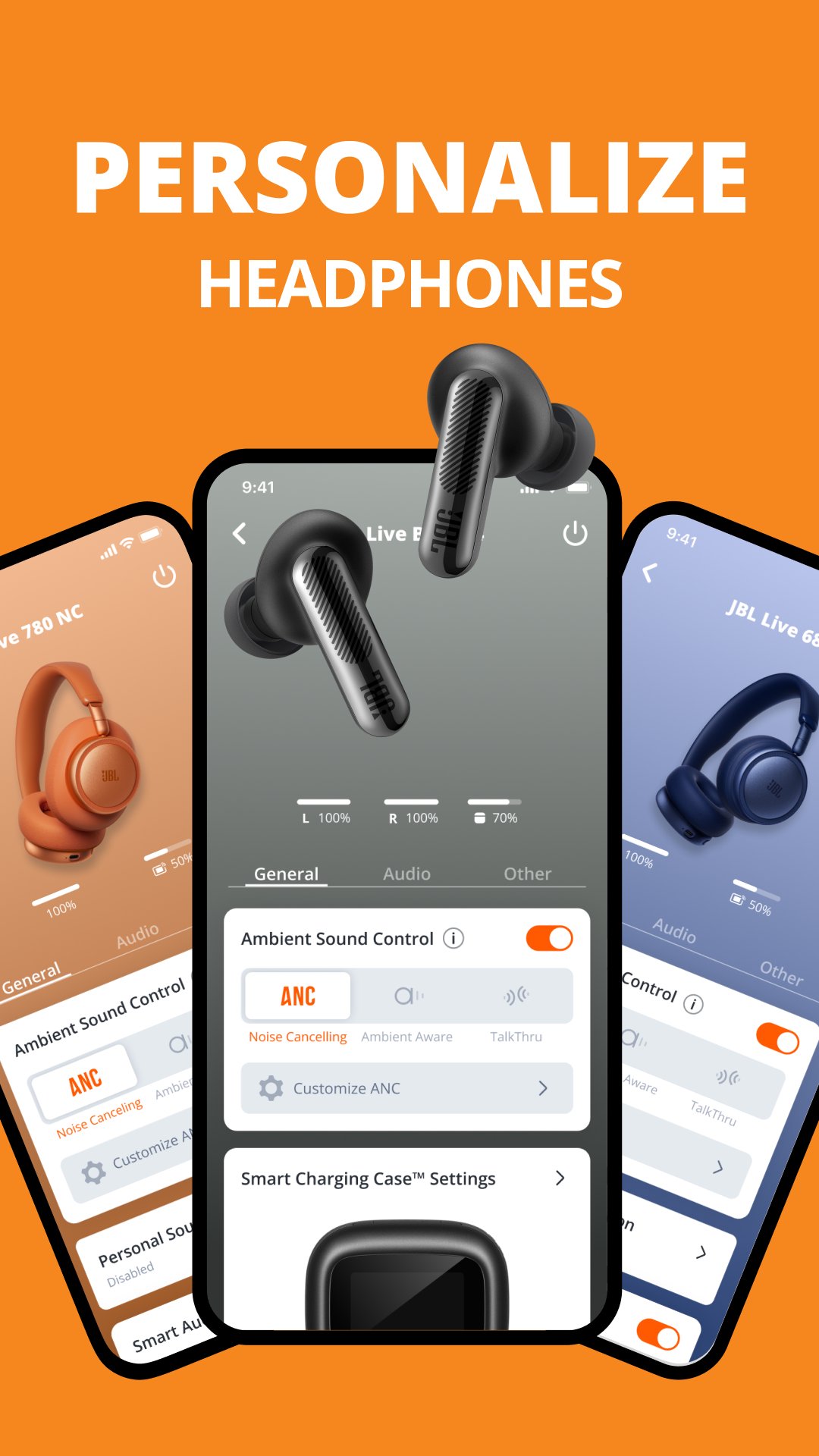
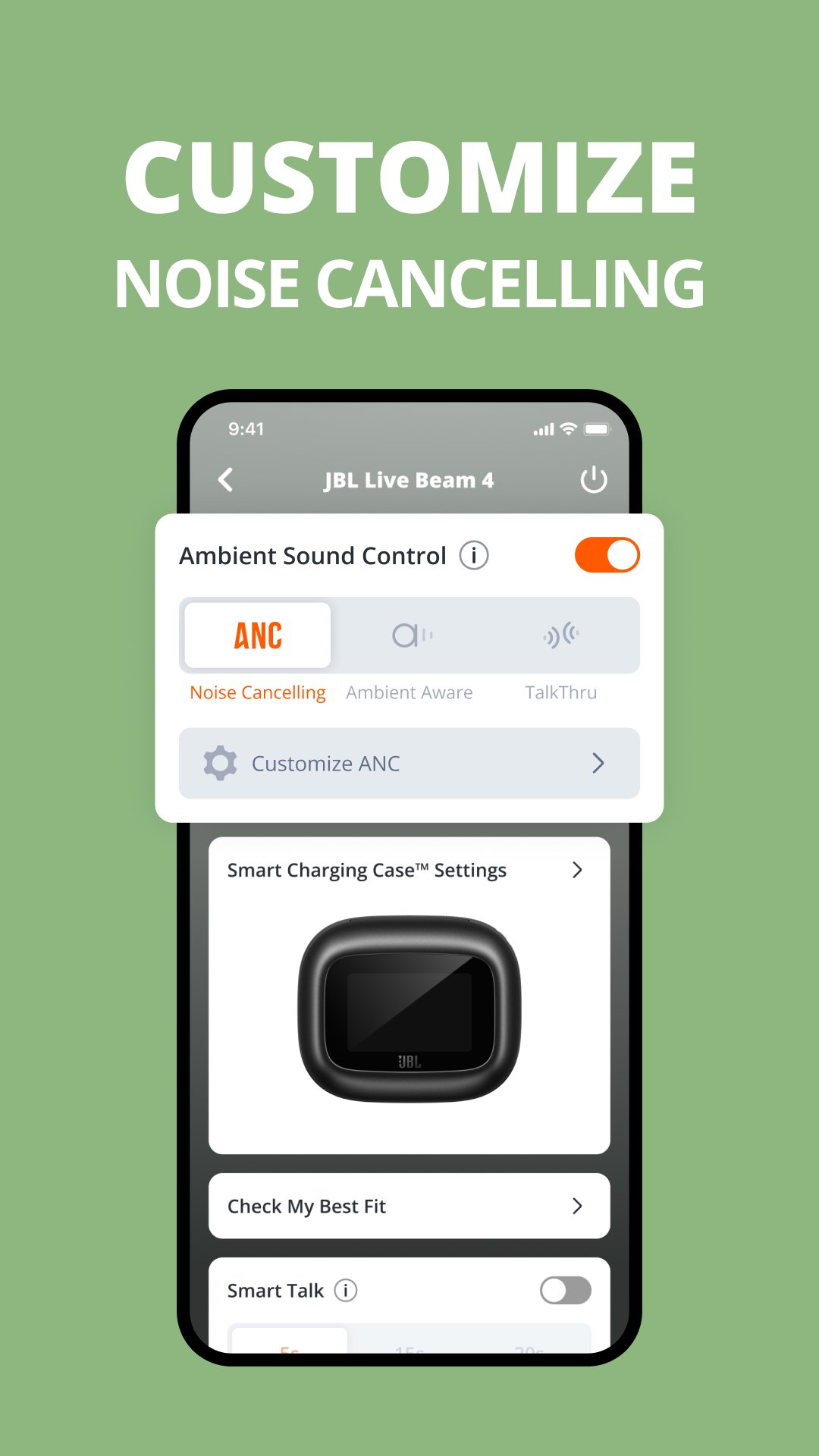
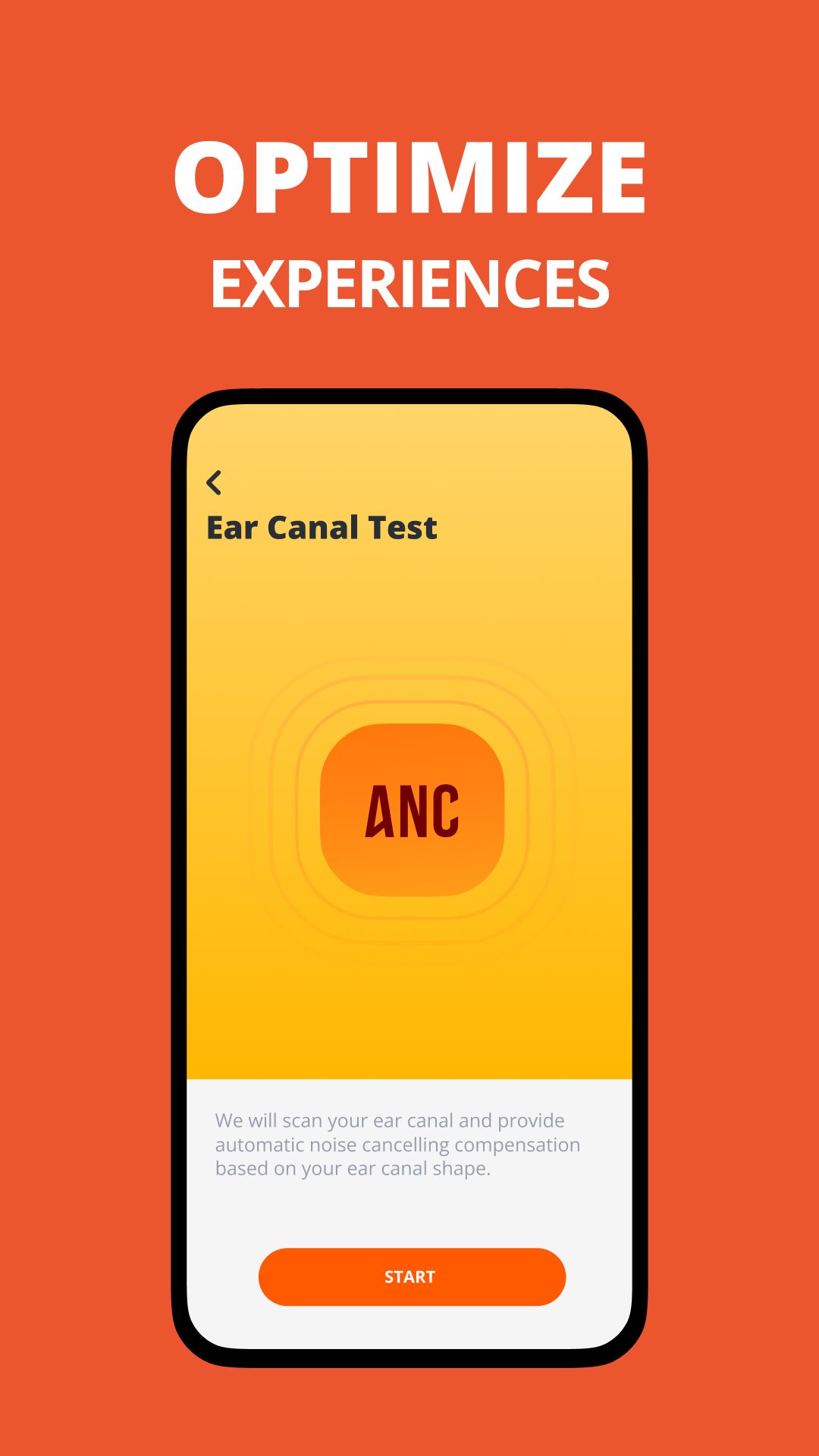
JBL Headphones supports listening modes such as ANC, Ambient Aware, TalkThru, and Smart Ambient on compatible models. These tools help users match the headphones to different surroundings, such as reducing background noise on a bus or letting in outside sound while walking near traffic.
The available modes depend strongly on the specific JBL product. Some earbuds may show full noise and ambient controls, while simpler models may only offer basic settings. When a feature does not appear, it usually means the connected device does not support it rather than the app missing a setting. This model-based layout keeps the device page cleaner, but users should check their headphone model before expecting every advanced option.
JBL Headphones includes Smart Audio & Video settings on supported models to match different listening situations. This is useful when switching between music, video watching, and general phone use, because each activity can feel better with a slightly different balance between sound quality and response.
For example, a user watching short videos may prefer a mode that keeps sound better aligned with on-screen movement, while music listening may favor richer audio quality. The setting is not meant to replace the EQ controls, since it focuses more on the listening scenario than on tone shaping. If the option is not shown on the connected device page, the headphones likely do not include this feature.
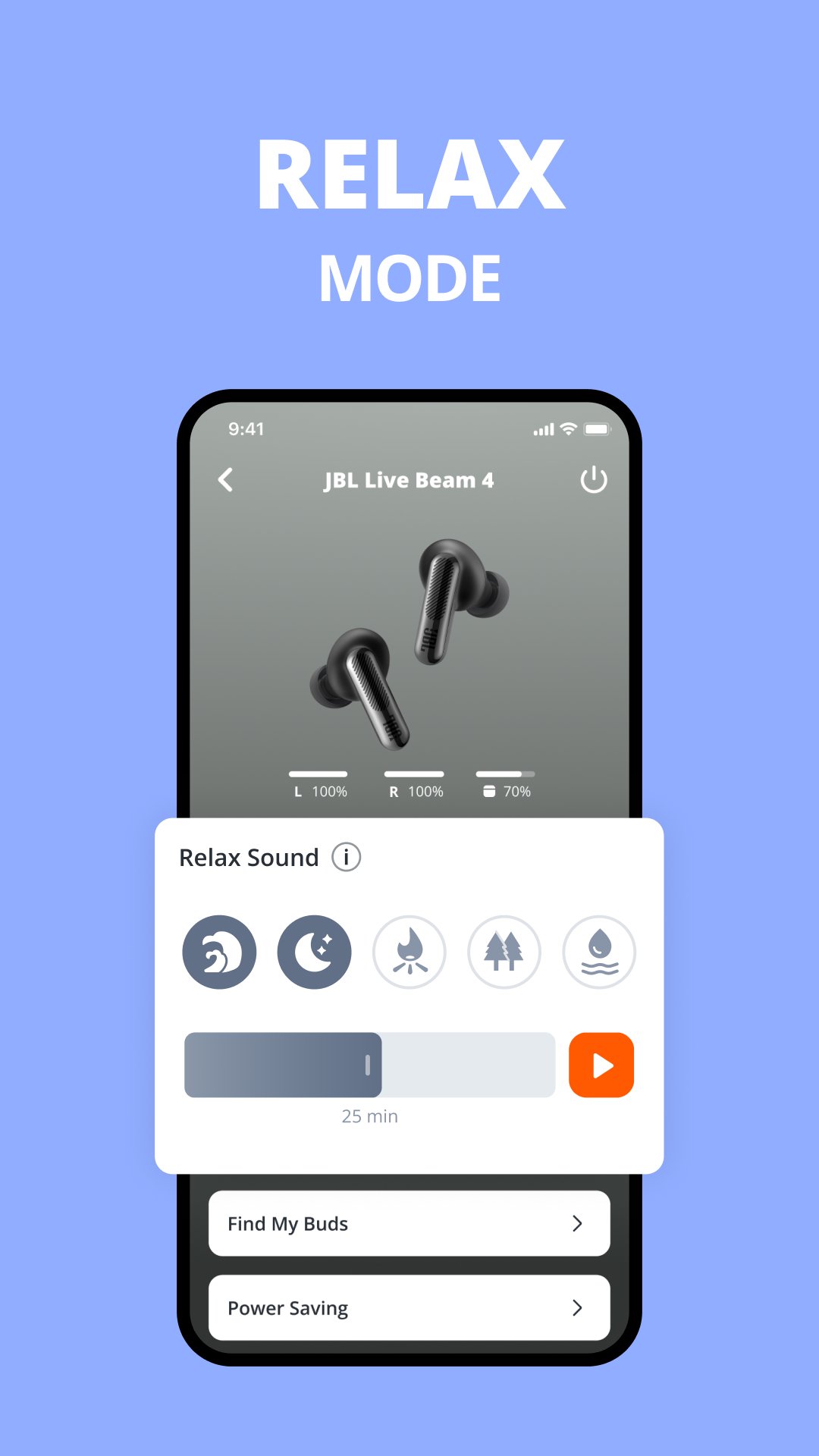
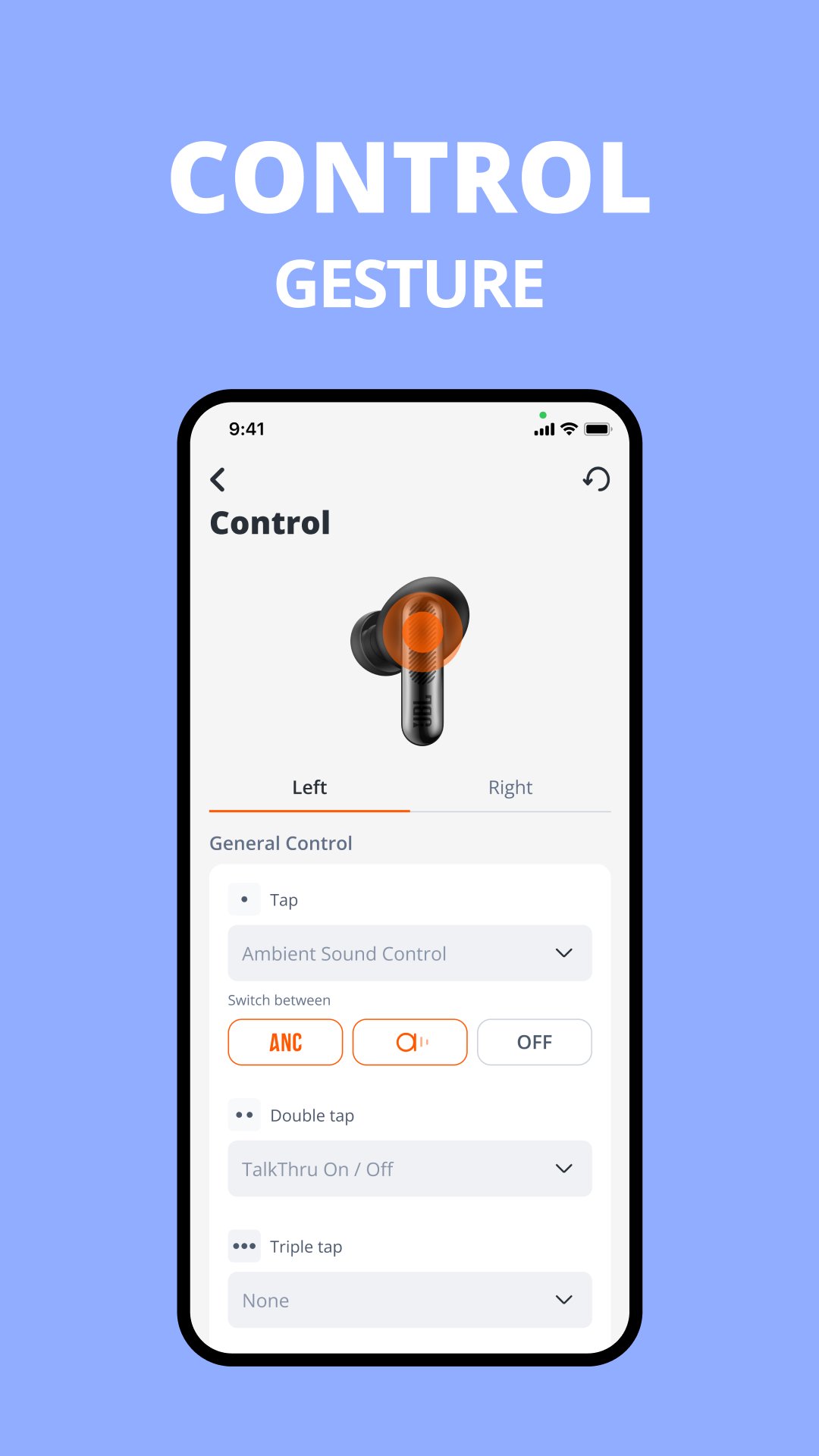
JBL Headphones also brings together practical controls that make daily use easier. Compatible earbuds and headphones can show gesture or button settings, battery levels, voice assistant setup, Find My Buds, fit check, Auto Play & Pause, and power-saving options depending on the model.
The battery view is especially helpful for true wireless users who want to check the earbuds and case before leaving home. Gesture customization can also reduce accidental taps by letting users adjust what touch controls do, where supported. Pairing still starts from Android Bluetooth settings, and users who want to connect the same earbuds to another phone usually need to unpair them from the current Bluetooth menu first. Once connected, the app becomes the main place to review the available controls.
These points reflect how JBL Headphones performs as a companion app for supported JBL audio devices, especially when compared with basic Bluetooth use.
ProsYou can download the JBL Headphones APK from APKPure to install the headphones app on an Android phone. The APK file is around 180MB, so download time should be short on a stable Wi-Fi connection but may take longer on slower mobile networks.
After installing the JBL Headphones latest version, pair your earbuds or headphones from Android Bluetooth settings first. Removing earbuds from the charging case often puts them into pairing mode, usually shown by a blinking light. Once the device is connected, open the app to view the controls supported by that model.
Before installing any JBL APK update, keep enough storage free and make sure the headphones have battery power. This helps the app detect the device properly and show the right sound, noise, and control settings.

One-click to install XAPK/APK files on Android!

Thanks for your rating and feedback!
You have already rated.