
Safe & Fast APK Downloads on APKPure
APKPure uses signature verification to ensure virus-free Internal Audio recorder APK downloads for you.

this is a professional screen recorder and screenshot tool app(multi-lingual)
Screen recorder Professionals is a professional screen recorder that can be used to take screenshots and record your screen in real time.
★ Support Simplified Chinese, Traditional Chinese, English, Japanese, Korean, Belarusian, Polish, Portuguese, Spanish, Italian, Thai, Vietnamese, Indonesian, Arabic, French, German
It can also help you to record video calls, webcasts and other related videos without any third party watermark.
You can record video without root access, and you can customize the recording parameters.
Choose from different video resolutions, video quality and frame rates.
Screen Recording Module Features
Screen capture (note: you can't take screenshots while recording)
★ Screen recording (horizontal and vertical screen support)
★ Front camera can be turned on to show the current user's avatar
★ Support microphone audio recording and noiseless system internal audio recording (internal audio recording must be at least android 10 or above)
★ Support external hover window function, which can be used to record screen, screenshot and other functions more easily
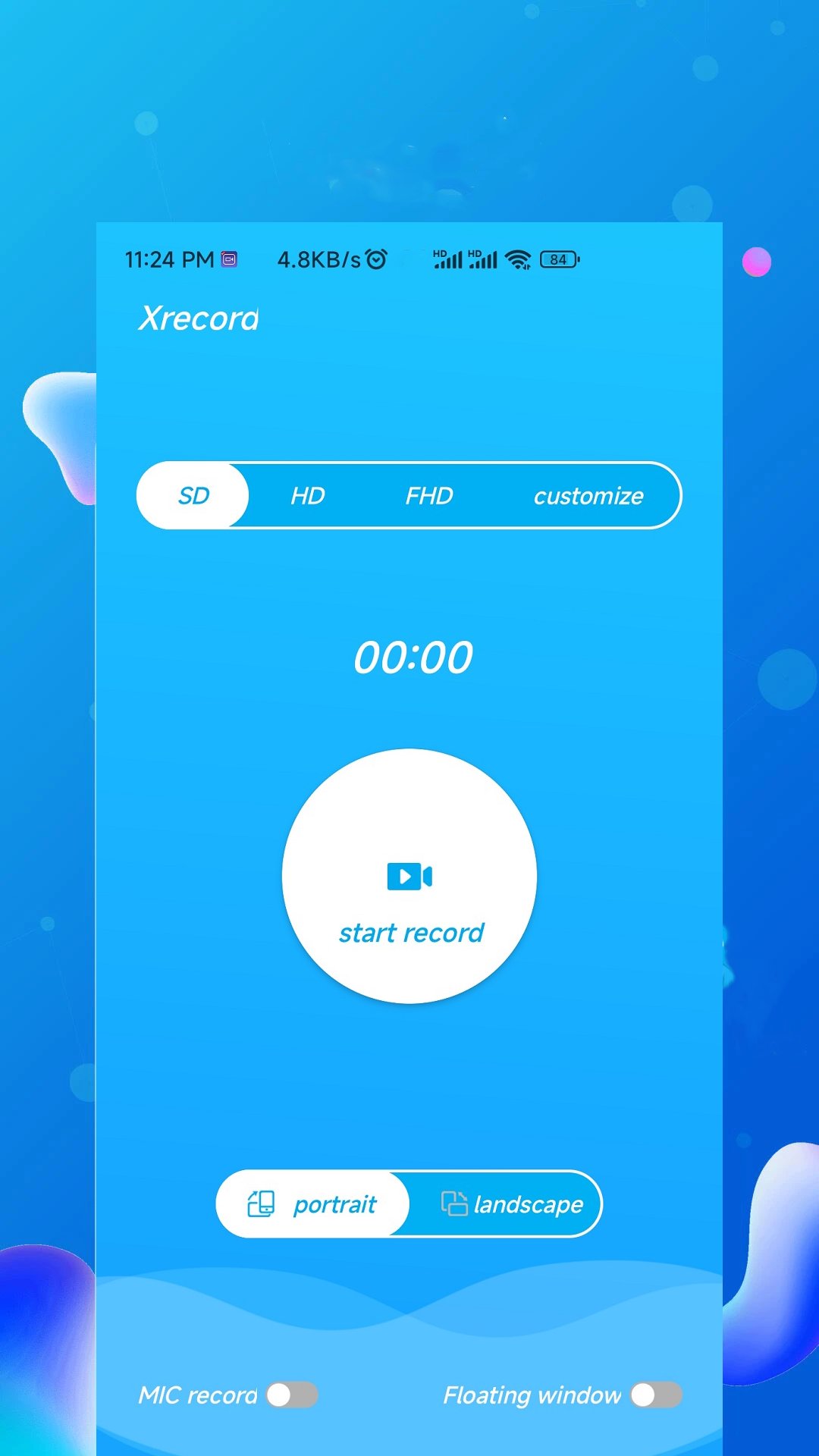
Support for SD, HD and FHD recording quality, with the option to customise the definition
Audio recording allows you to choose whether you want to record the main Markwind or the internal audio in the lower left of the main screen.
Screen recording settings
Video resolution selection (480p, 720p, 1080p), as well as the current resolution of the phone system
Video quality and bit rate selection
★ Support video frame rate selection (15FPS, 25FPS, 30FPS, 60FPS)
★ Screen recording preparation time (3s, 4s, 5s)
Video picture list function
★ Recorded videos and pictures will be stored in the app's private directory, the list will show the video and picture related information
★ Simple playback, preview, delete, change file name, export to external folder
★ You can import videos from your own phone into the app and use them to edit the current video
Video crop editing module
★ You can select the video time to cut the video and keep the most important part of the video
★ You can choose filters, tags, watermarks, subtitles, QR codes and other images to add to the video.
★ External selection of tags, QR codes, watermarks and other images, horizontal and vertical subtitle support
★ You can manually choose to add background music after editing the video, or add your own external music, and specify whether to eliminate the original video audio
Video speed change function can speed up or slow down the speed of the video
The video recording function will not have any third-party watermarks, which you can add manually in the video editor after the video has been recorded.
No ads and no time limit when recording videos
Don't forget to turn on the hover window when you use it, the screenshot button and the front camera button are inside the hover window.
The internal audio recording must be at least android 10, if you need to use this feature, please upgrade your android phone.
Thank you for downloading Screen recorder Professionals and I would be delighted if I could help you and share the app with your friends,
If you have any feedback please send me an email: mrsmithchinese@gmail.com



One-click to install XAPK/APK files on Android!

Thanks for your rating and feedback!
You have already rated.







