Intelligent Wifi

Intelligent Wifi

Ashish Tanwer
Aug 26, 2016
  • 86.0 KB

    File Size

  • Everyone

  • Android 2.2+

    Android OS

About Intelligent Wifi

service to Intelligently switch between the different Wifi and Mobile Networks

Intelligent Wifi Client

Android based service to Intelligently switch between the different Wifi and Mobile Networks

STEPS DONE

1 Interfacing with Accelerometer sensor to get the raw readings.

2 Applying the high pass and low pass filter to the RAW readings. High pass will acceleration due to gravity =9.8. Low pass will give the external acceleration. We need the external

acceleration to detect if we are travelling.

3 Interfacing with GPS to get the latitude and longitude.

4 Getting the WIfi Connection available from Android Wifi Manager.

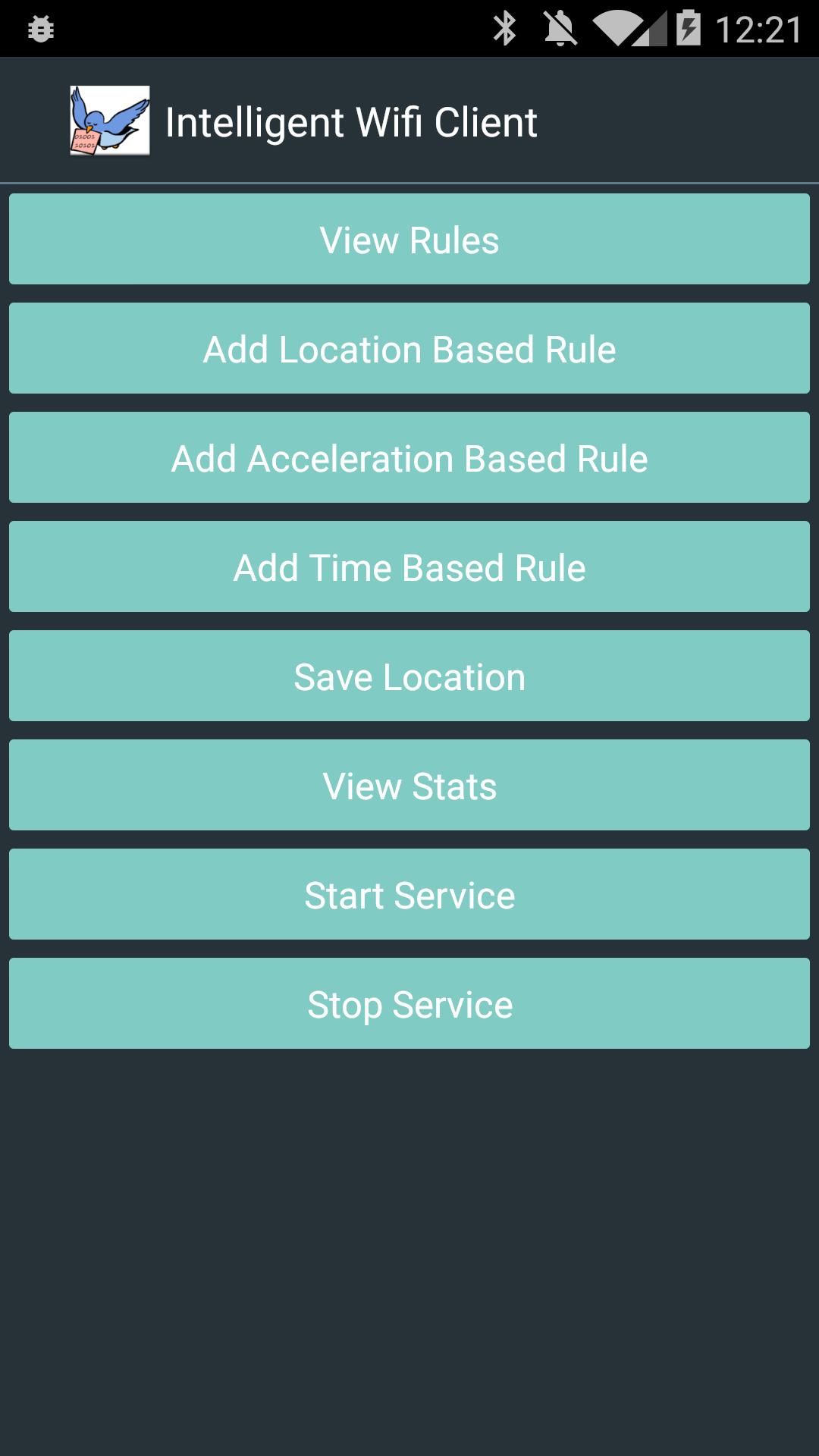
5 Showing all the above information as activity. The activity activity will start a Intelligent Monitoring Service.

My source code is here

https://github.com/ashishtanwer/IntelligentWifiClient

Show More

What's new in the latest 1.0

Last updated on Aug 26, 2016
Minor bug fixes and improvements. Install or update to the newest version to check it out!
Show More

Videos and Screenshots

  • Intelligent Wifi poster
  • Intelligent Wifi screenshot 1
  • Intelligent Wifi screenshot 2
  • Intelligent Wifi screenshot 3
  • Intelligent Wifi screenshot 4
  • Intelligent Wifi screenshot 5
  • Intelligent Wifi screenshot 6
  • Intelligent Wifi screenshot 7

Intelligent Wifi APK Information

Latest Version
1.0
Category
Productivity
Android OS
Android 2.2+
File Size
86.0 KB
Developer
Ashish Tanwer
Content Rating
Everyone
Safe & Fast APK Downloads on APKPure
APKPure uses signature verification to ensure virus-free Intelligent Wifi APK downloads for you.

Old Versions of Intelligent Wifi

86.0 KBAug 26, 2016
Download
APKPure icon

Super Fast and Safe Downloading via APKPure App

One-click to install XAPK/APK files on Android!

Download APKPure
thank icon
We use cookies and other technologies on this website to enhance your user experience.
By clicking any link on this page you are giving your consent to our Privacy Policy and Cookies Policy.
Learn More about Policies