Scan Date:May 29, 2025
Show More


9.0
55 Reviews
43.0 MB
File Size
Everyone
Android 9.0+
Android OS
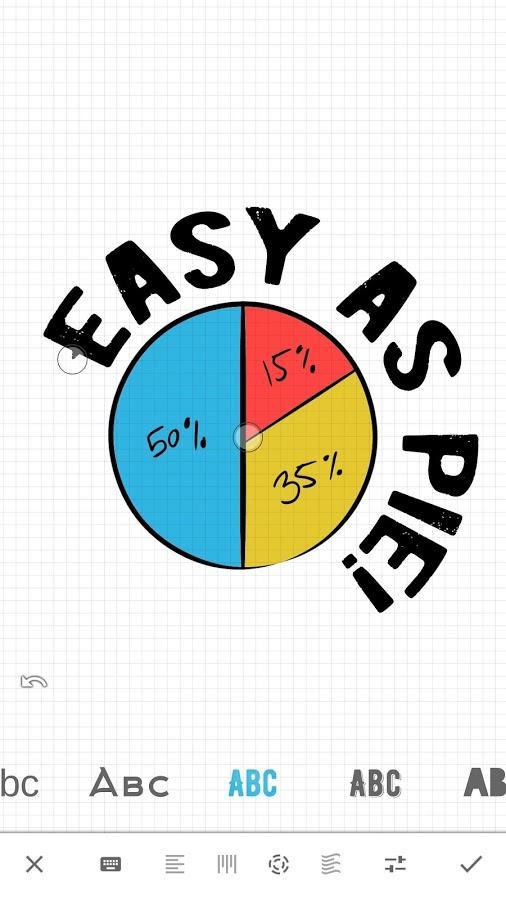
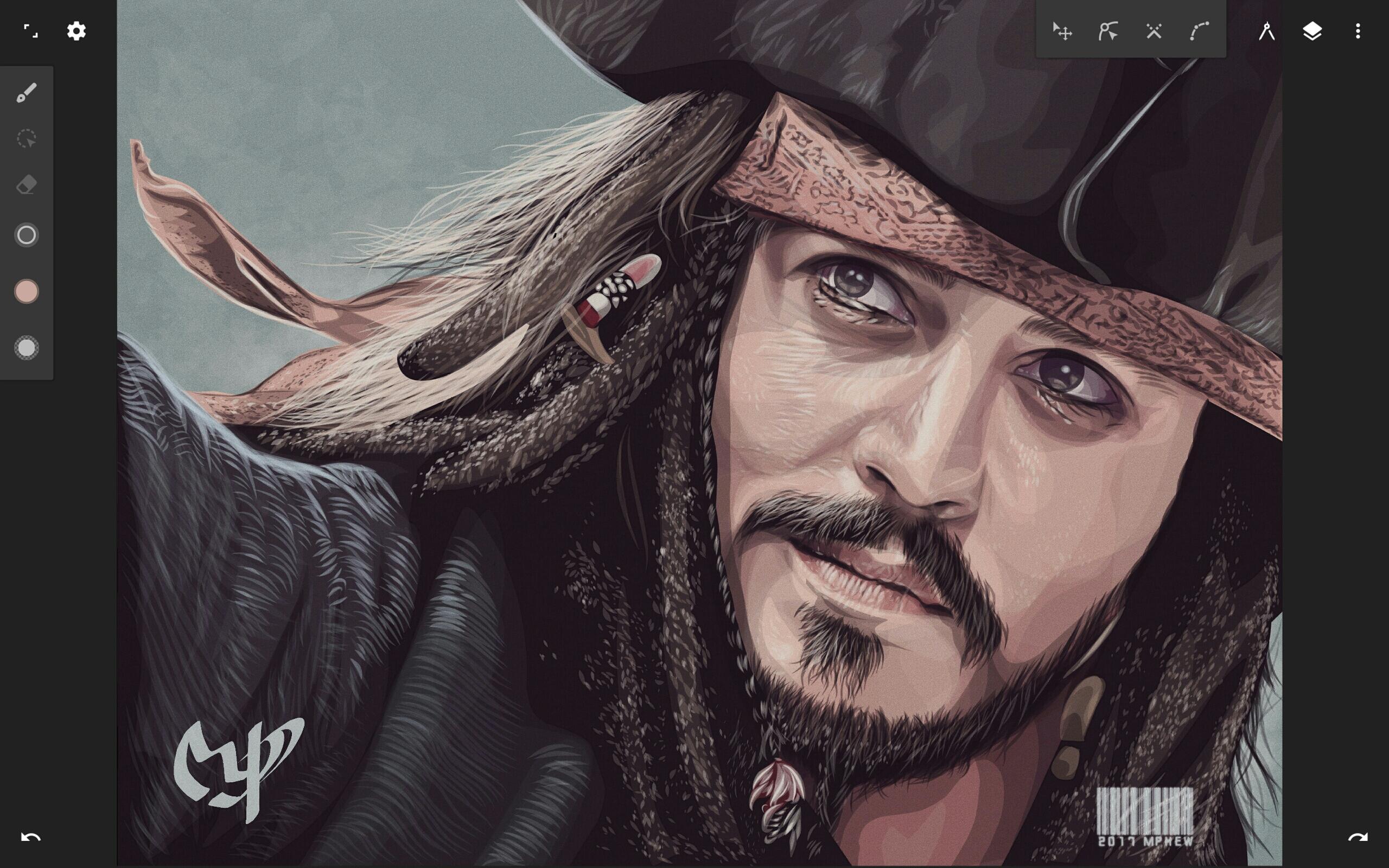
Infinite Design is a vector graphic and drawing app for creating scalable art on Android.
Created by Infinite Studio LLC, it focuses on a fast, stable workflow with a clean, rebuilt interface. The infinite canvas and precise vector tools make sketching, logo drafts, and posters feel natural on a phone or tablet. For quick edits or long sessions, download Infinite Design and explore the features below.
The infinite canvas lets you sketch broad outlines, then zoom into tiny details without quality loss. The history slider keeps every step, so you can scrub back to early strokes, branch ideas, or compare versions. In the Infinite Design latest version, a rebuilt interface keeps tools out of the way as you refine shapes and placements.
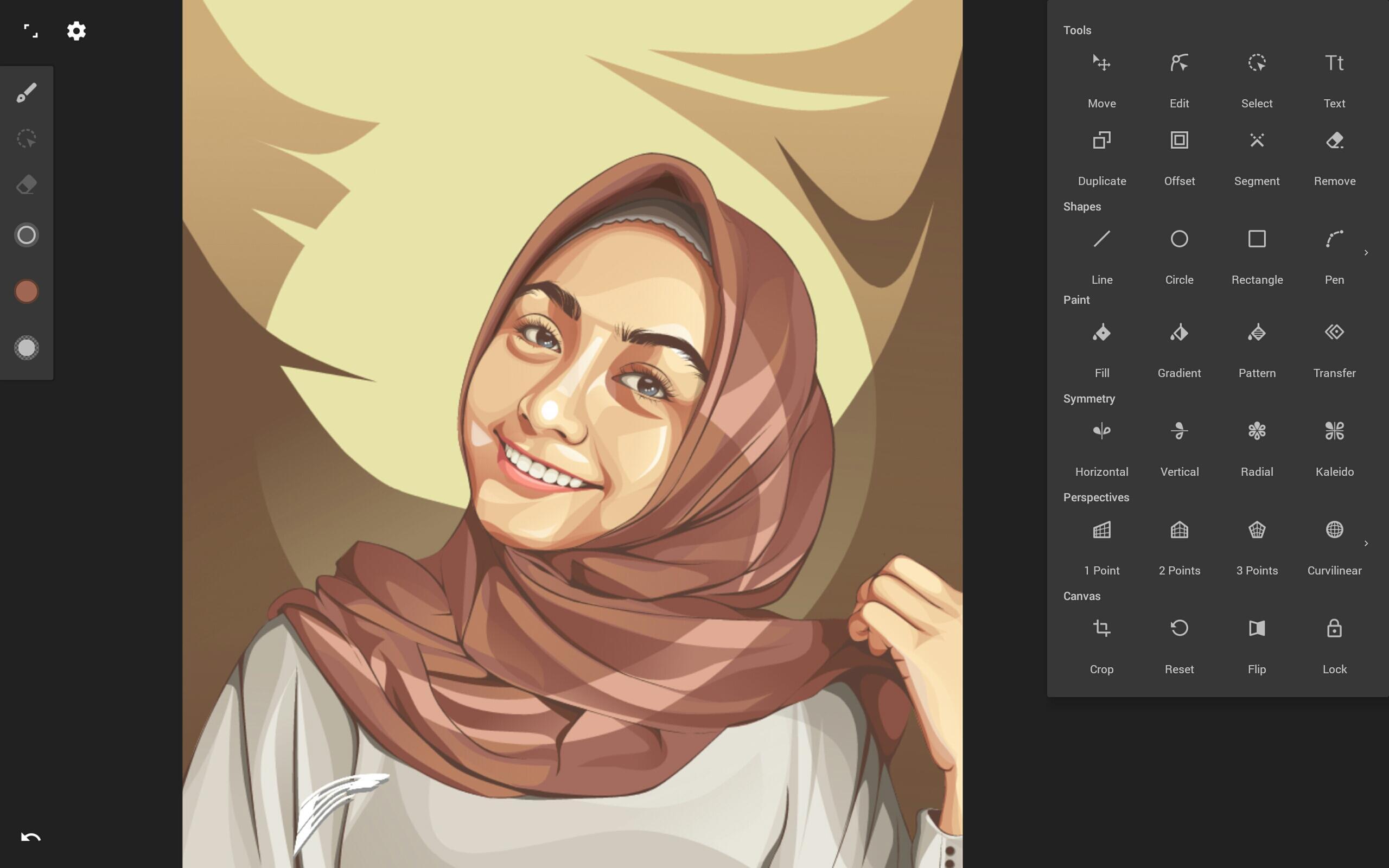
Vectorize converts a photo or imported image into editable paths within seconds. From there, boolean operations and node controls make cleanup quick, whether tracing a logo or simplifying a poster graphic. When alignment matters, Infinite Design pairs snapping and distribute tools to keep edges sharp and spacing consistent.
You can download the latest Infinite Design APK from APKPure. The file size is moderate, so the download usually finishes quickly on a stable connection. During installation, Android may ask for permission to install from your browser. After setup, the app may request access to media for importing images.
If the network is slow, keep the page open until the process completes. On first launch, explore the clean interface and pin favorite tools to the top bar for quicker access. Free up storage space beforehand if needed to avoid interruptions while installing or exporting large projects.





One-click to install XAPK/APK files on Android!

Thanks for your rating and feedback!
You have already rated.