Package Name:com.toolbox.image.tools
Show More

5.9 MB
File Size
Everyone
Android 6.0+
Android OS
Resize, crop, blur, compress & edit photos with powerful image tools
IMAGE TOOLS – ALL-IN-ONE PHOTO EDITOR & IMAGE TOOLBOX
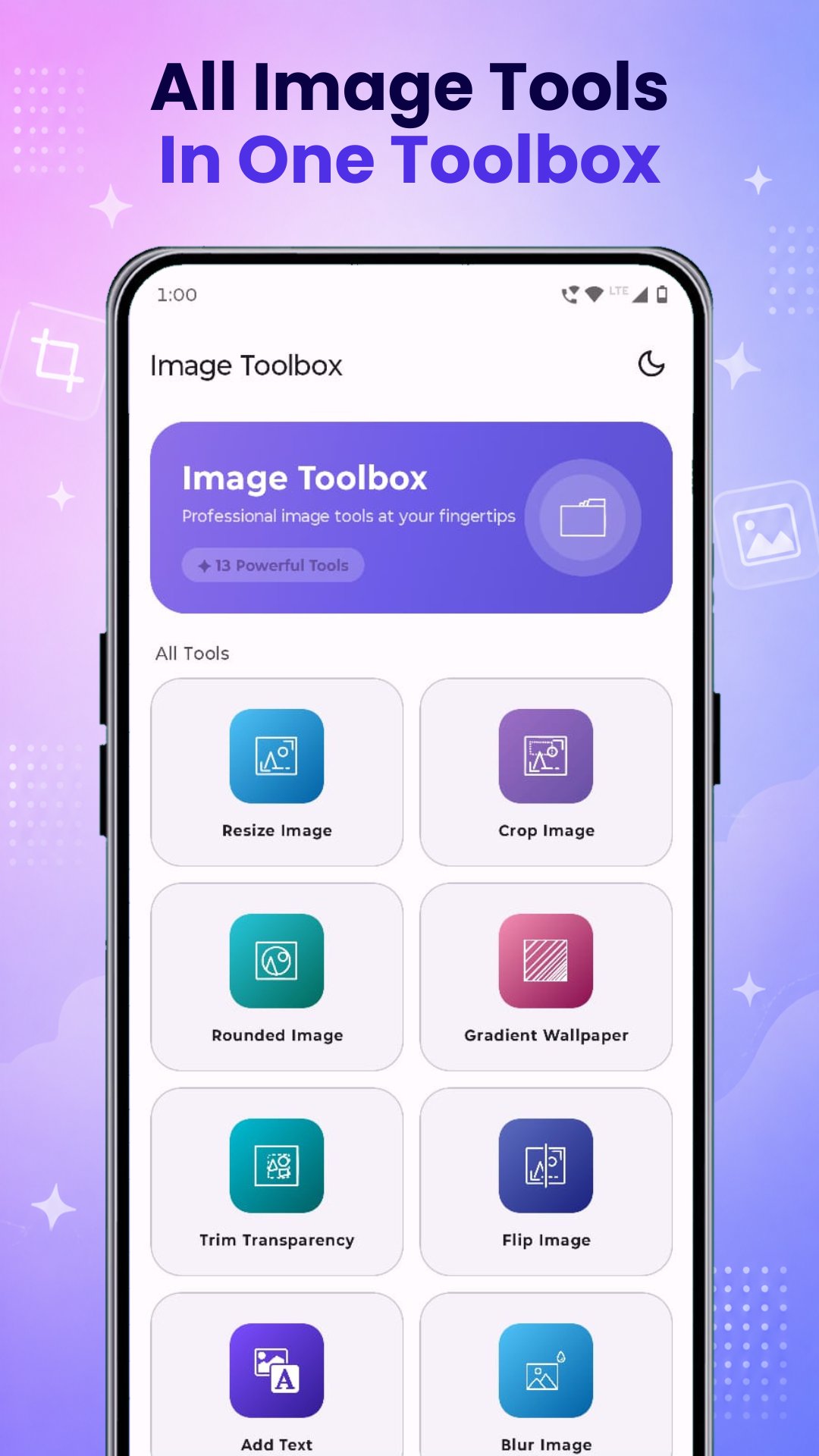
Edit photos easily with Image Tools, the complete image editor and photo editing toolbox for Android. Resize images, crop photos, compress images, blur backgrounds, add text to photos, create collages, convert image formats, enhance image quality, and much more.
Whether you need a quick photo editor, an image enhancer, a collage maker, or simple image editing tools, this app gives you everything in one place.
No need to install multiple apps — get all essential image tools in one lightweight and easy-to-use app.
🖼 POWERFUL IMAGE EDITING TOOLS
📏 Resize Image
Quickly resize images and change photo dimensions while maintaining image quality.
✂️ Crop Image
Crop photos and images easily for social media, profile pictures, wallpapers, and custom sizes.
🔵 Rounded Image
Create beautiful rounded profile photos and circular images instantly.
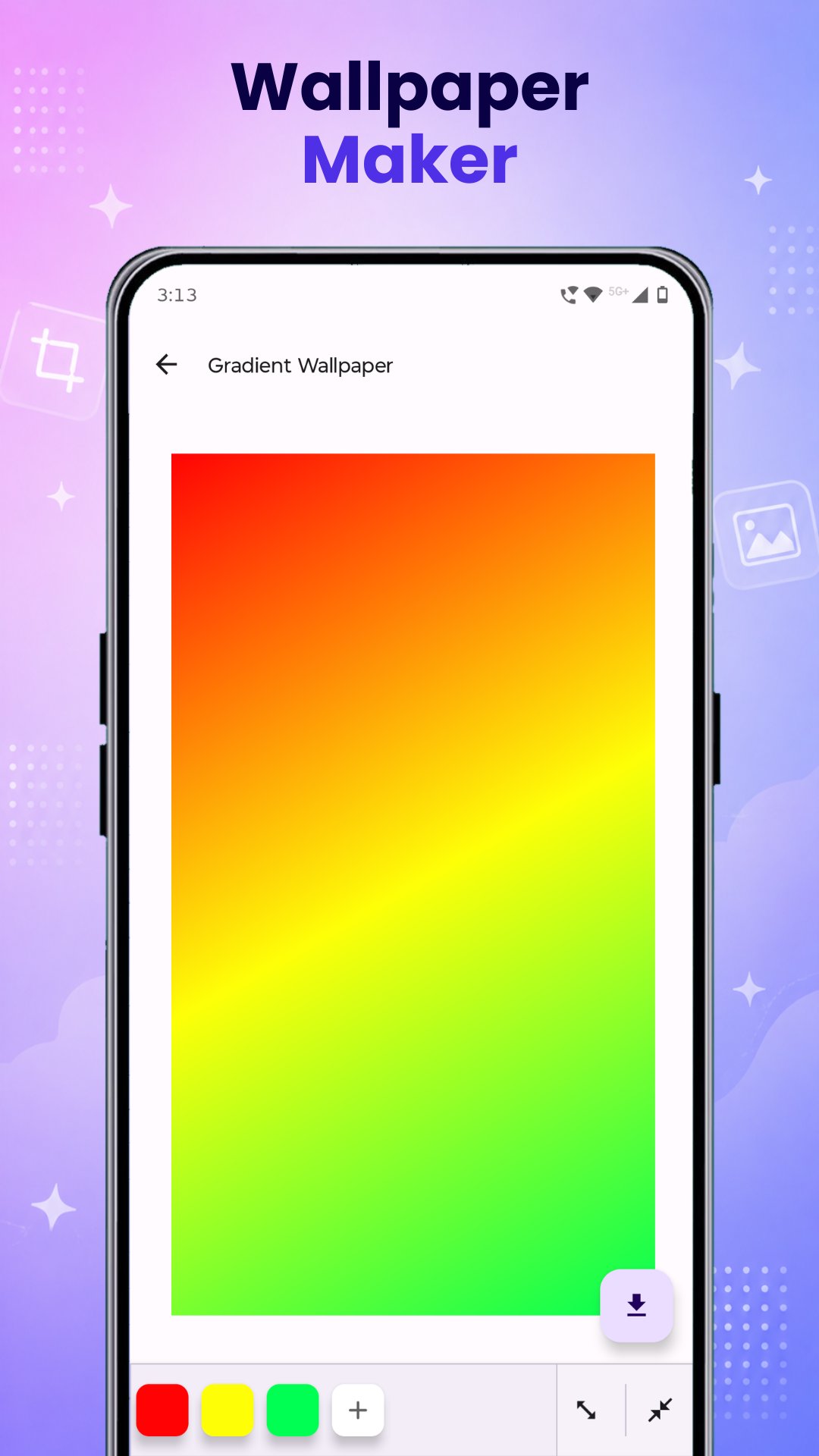
🎨 Gradient Wallpaper Maker
Design stunning gradient wallpapers and colorful backgrounds in seconds.
🪄 Transparent Image Tool
Remove or adjust transparency from images quickly and easily.
🔄 Flip Image
Flip photos horizontally or vertically with one tap.
📝 Add Text To Image
Add stylish text to photos, create quotes, memes, posters, or customized images.
🌫 Blur Image
Blur images and photos for aesthetic edits, background blur, or privacy.
📉 Compress Image
Reduce image size while keeping quality and save storage space.
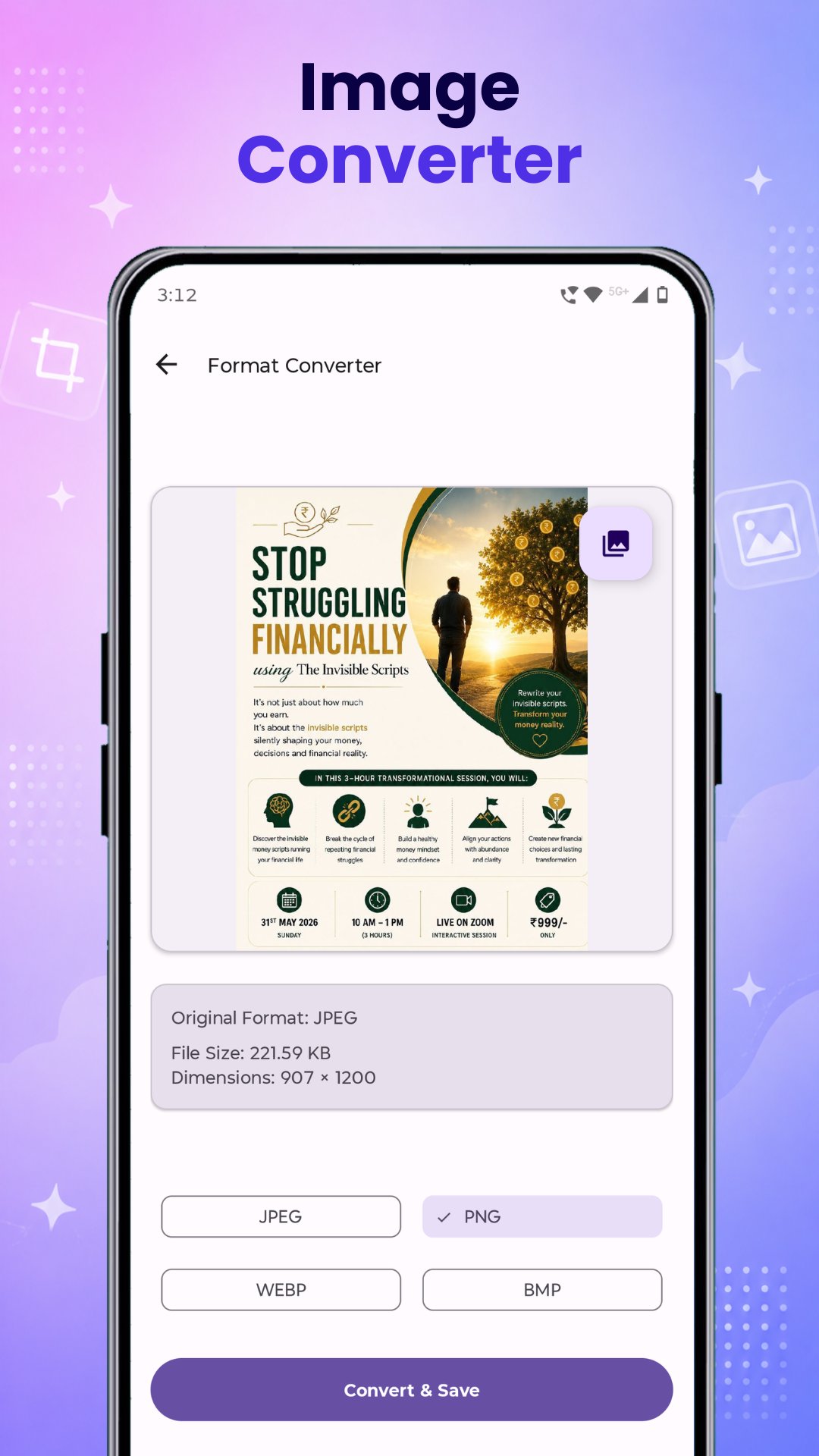
🔁 Image Format Converter
Convert image formats quickly and easily for better compatibility.
🟪 Mosaic Effect
Apply creative mosaic effects and pixel-style edits to your images.
🖼 Collage Maker
Combine multiple photos into beautiful photo collages with easy layouts.
✨ Image Enhancer
Enhance photo quality, improve clarity, and make images look sharper and better.
⚡ WHY USE IMAGE TOOLS?
✔ All image tools in one app
✔ Fast & lightweight photo editor
✔ Easy to use interface
✔ High-quality image output
✔ Smart image editing tools
✔ Save time with one image toolbox
✔ Perfect for creators, students & everyday users
✔ Quick editing, conversion & enhancement tools
Whether you want to resize an image, crop a photo, blur images, compress image size, create collages, add text to photos, or enhance image quality, Image Tools makes photo editing simple and fast.
Download Image Toolbox today and get powerful photo editing tools, image converter, collage maker, image enhancer, blur tool, crop image, resize image, and photo editor features in one app.




One-click to install XAPK/APK files on Android!

Thanks for your rating and feedback!
You have already rated.