Unduh APK dengan Aman dan Cepat di APKPure
APKPure menggunakan verifikasi tanda tangan untuk memastikan unduhan APK Quick Button yang bebas dari virus untuk Anda.

Quickbutton adalah untuk memberikan akses cepat dari aplikasi tertentu seperti senter, kunci dll
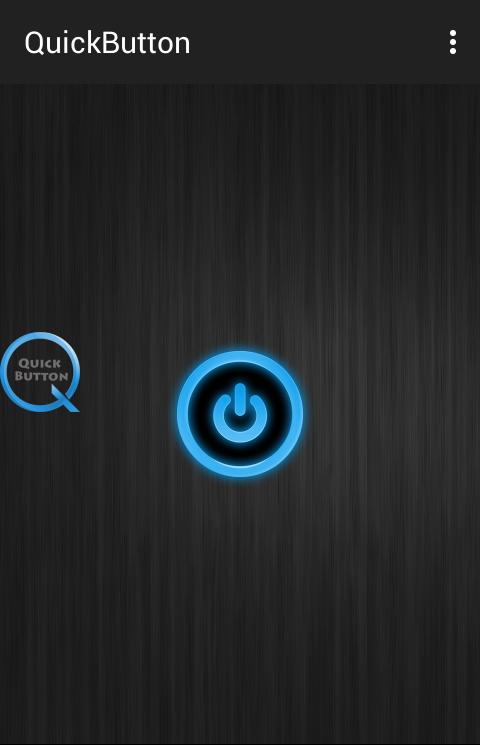
Quick Button is an assistant manipulation tool for your Android phone. It floats on your phone screen so that you can easily access all setting with one touch.
you can use quick button to find and adjust certain settings/apps on your device like Flash light, Brightness, Wifi on/off, Bluetooth instant access and Lock Screen.
Quick button can work in the background with other application of mobile.
Tap for long time will deactivate the quickbutton.
For Lock screen user must be use the app as an admin.
Feed back:
- If you like Quick Button please review and give us 5 star.
- If you have any problem with this app please give use 4 start and your problem, we will fix it quickly
Thanks for your support




Sekali klik untuk menginstal file XAPK/APK di Android!

Terima kasih atas peringkat dan umpan balik Anda!
Anda sudah menilai.