Sichere und schnelle APK-Downloads auf APKPure
Mit APKPure können Sie Quick Button APK einfach und sicher mit Signaturüberprüfung herunterladen.

Quickbutton bietet assis Zugang bestimmter Anwendungen wie Taschenlampe, lock
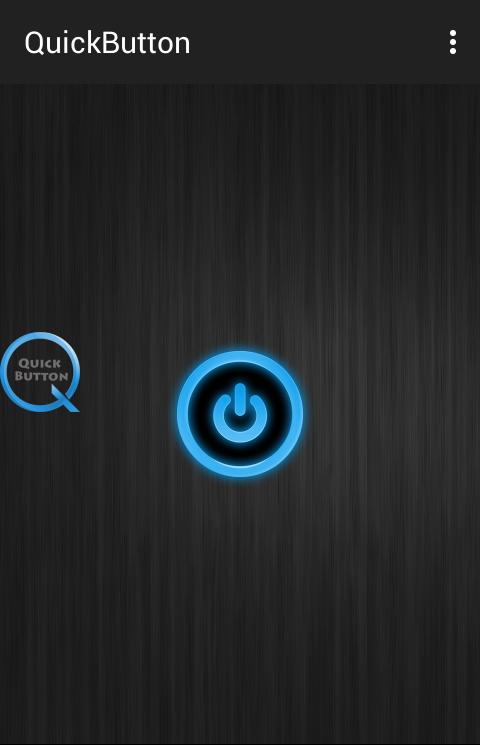
Quick Button is an assistant manipulation tool for your Android phone. It floats on your phone screen so that you can easily access all setting with one touch. It is an assistive touch button for your phone settings
It is your 助理 (assistant manager) in your phone to control and customise smart phone settings
you can use quick button to find and adjust certain settings/apps on your device like Flash light, Brightness, Wifi on/off, Bluetooth instant access and Lock Screen.
Quick button can work in the background with other application of mobile.
Tap for long time will deactivate the quickbutton.
For Lock screen user must be use the app as an admin.
Feed back:
- If you like Quick Button please review and give us 5 star.
- If you have any problem with this app please give use 4 start and report your problem, we will fix it quickly
Thanks for your support



Ein Klick zur Installation von XAPK/APK-Dateien auf Android!

Vielen Dank für Ihre Bewertung und Ihr Feedback!
Sie haben bereits bewertet.