Scan Date:Jul 31, 2026
Show More

11.3 MB
File Size
Everyone
Android 5.0+
Android OS
Use floating button to make quick actions using gestures to do various tasks.
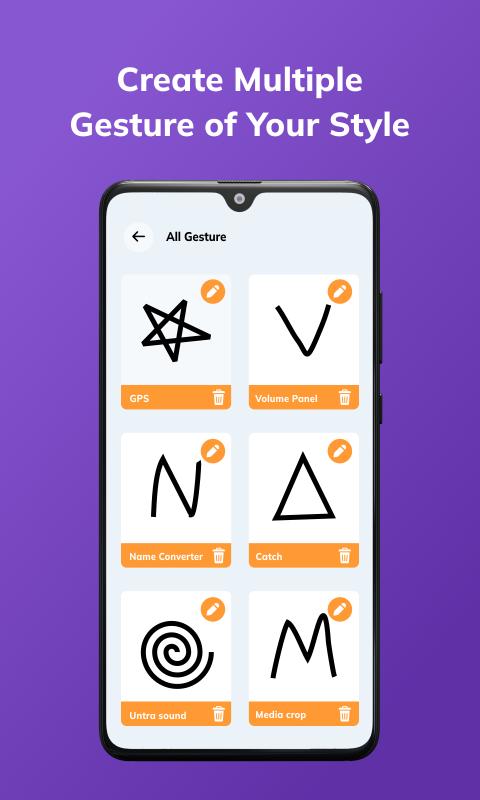
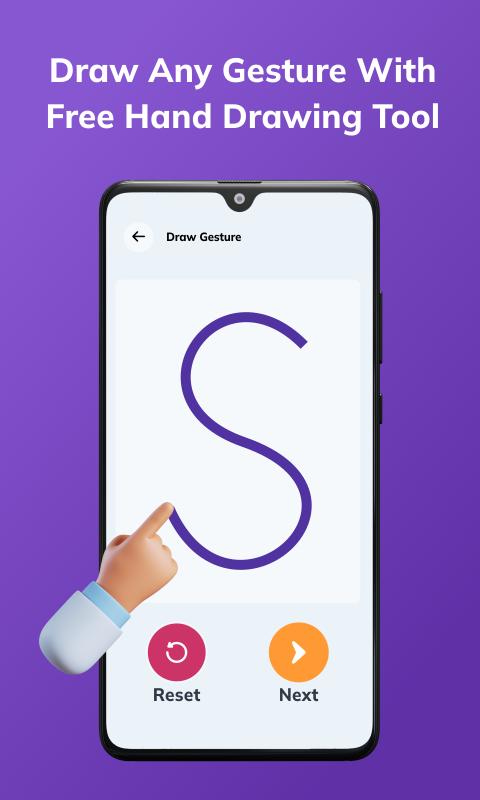
Draw gesture using floating button to perform number of tasks.
Assign a gesture to each task that you wish to perform using gesture.
A floating button will appear on your home screen that will help you to open gesture screen to draw to perform the assigned activity. Click the floating button and draw a gesture to perform an activity.
Eg. If you have assign gesture "Q" for open selected app, click on the floating button, draw "Q", and the app will launch selected app.
App provides following tasks to perform with gesture :
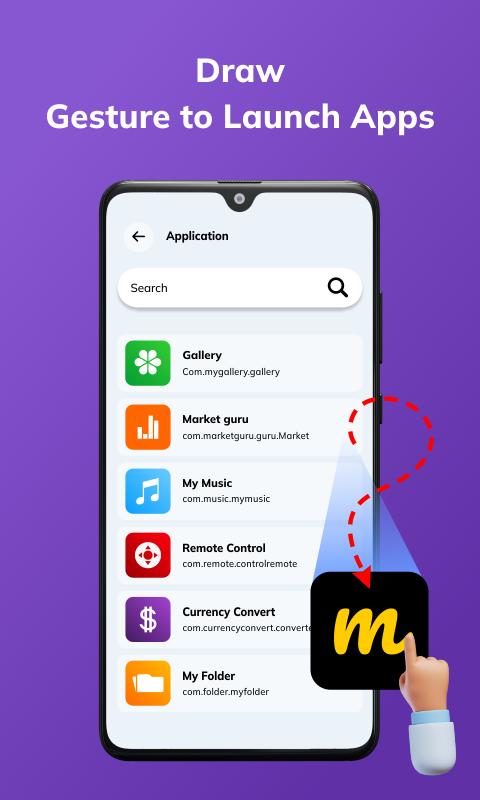
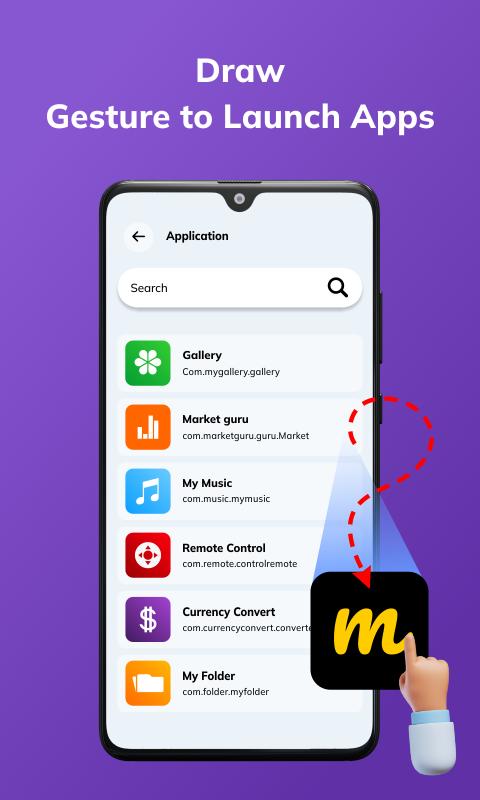
1. Open and launch any application :
- Assign a gesture to each app that you want to open with gesture.
- Click on floating button, draw gesture to open that particular app.
- You don't need to search the application from menu.
- Assign gestures to your favorite apps.
2. Quick Call
- Assign gesture to any contact from contact list.
- Click on floating button, draw the gesture.
- The app will make a phone call to the concerned person.
3. Quick SMS
- Use quick geture to send a message to your assigned contact.
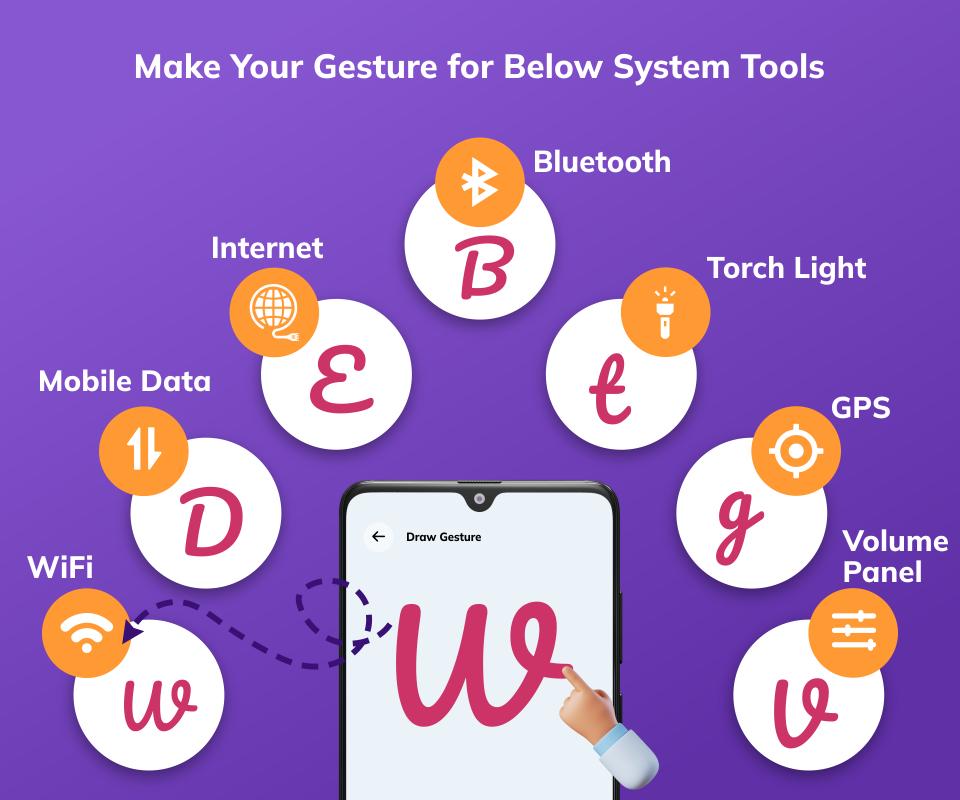
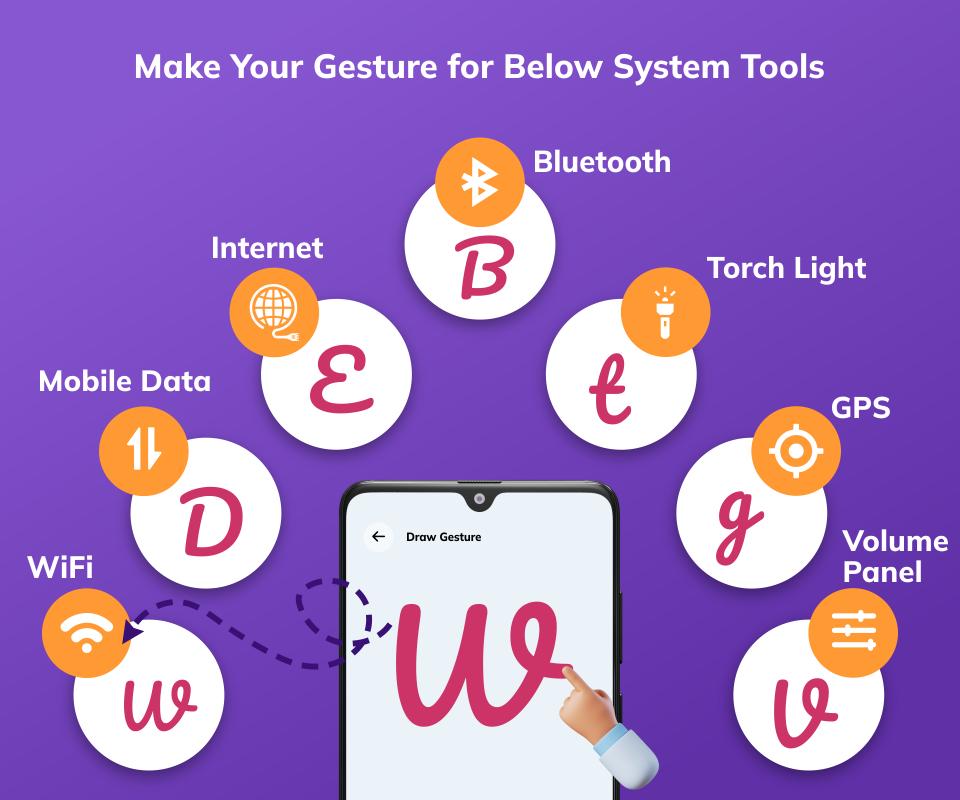
4. System tools with gesture
- Switch on/off WIFI, Bluetooth, GPS and Mobile data using gesture.
Permission :
Query all packages: The app has feature that allows user for quick access to any app using draw Gesture.
To allow this feature we need to get list of all installed apps on user's phone to set as quick access with gesture draw.
Without QUERY_ALL_PACKAGES permission we can not get app list in android 11 & later devices so we use this permission in our application.



One-click to install XAPK/APK files on Android!

Thanks for your rating and feedback!
You have already rated.