Package Name:com.quazmoz.flickdeck
Show More

Trigger webhooks and Home Assistant actions with deliberate Wear OS gestures.
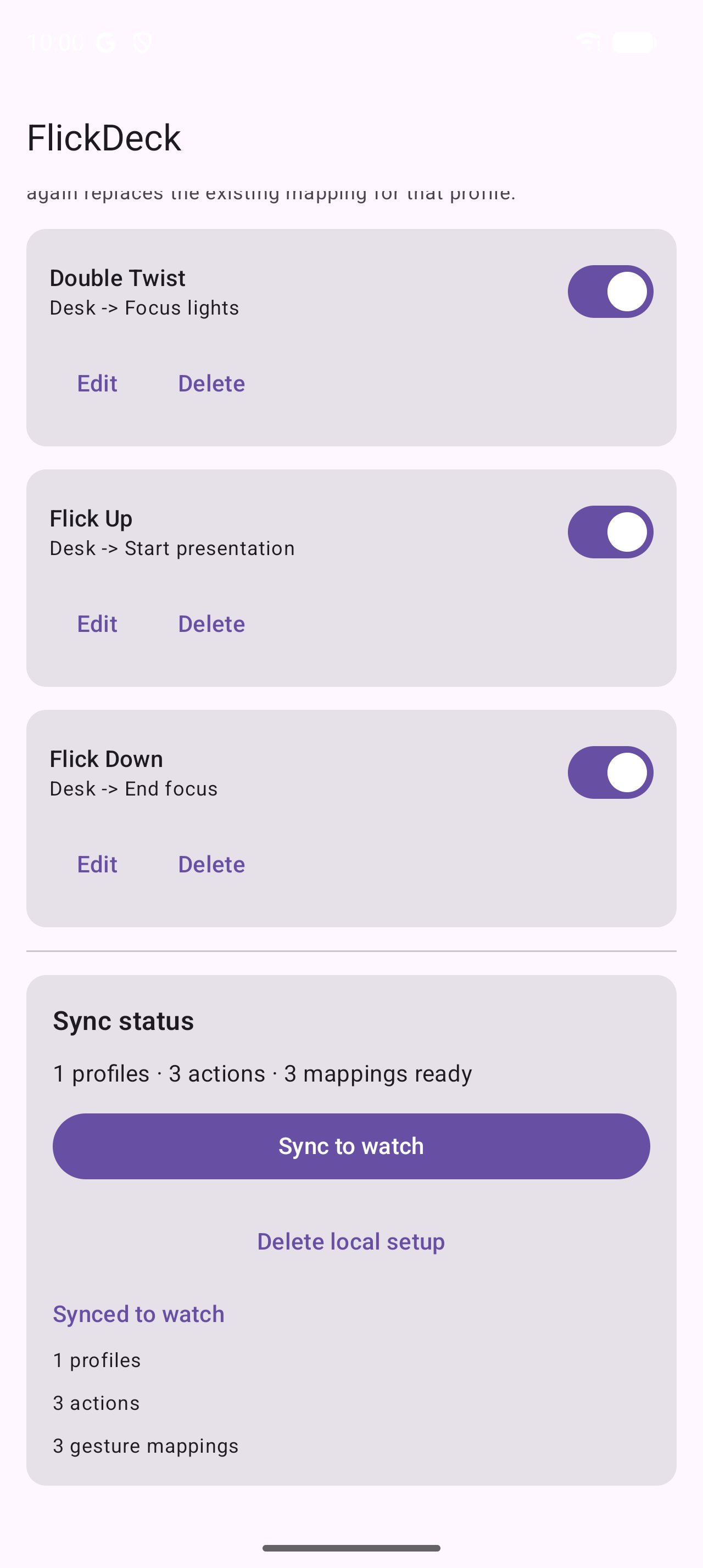
Run a webhook or Home Assistant automation from your wrist without leaving gesture detection active all day. Configure an action on your Android phone, sync it to your Wear OS watch, then arm a short session and use a deliberate double twist, flick up, or flick down.
FlickDeck gives automation builders a watch-native shortcut for smart home scenes, desk setups, homelab tasks, presentation workflows, and other user-configured webhook endpoints. Gesture listening starts only when you arm it and stops when the session is disarmed or expires.
HOW FLICKDECK WORKS
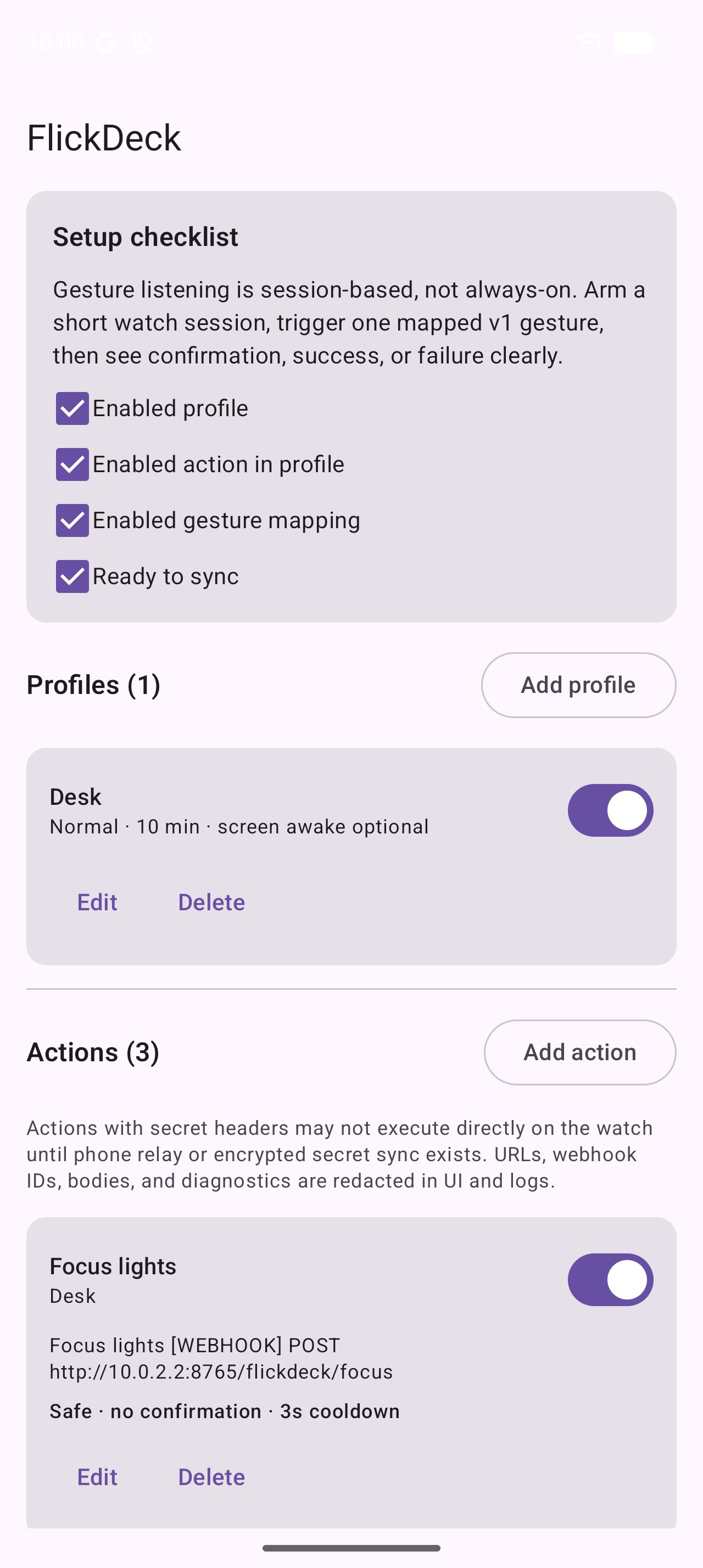
Create a profile in the Android phone companion.
Add a generic webhook or Home Assistant webhook action.
Map a supported wrist gesture to that action.
Sync the configuration to your Wear OS watch.
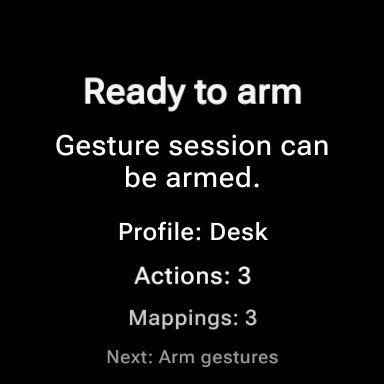
Arm gesture mode when you are ready to use it.
SUPPORTED WRIST GESTURES
• Double twist
• Flick up
• Flick down
AUTOMATION FEATURES
• Generic webhook requests
• Home Assistant webhook shortcuts
• Profiles for home, desk, presentations, workouts, bedtime, and custom workflows
• Configurable gesture-to-action mappings
• Cooldowns that reduce accidental repeat triggers
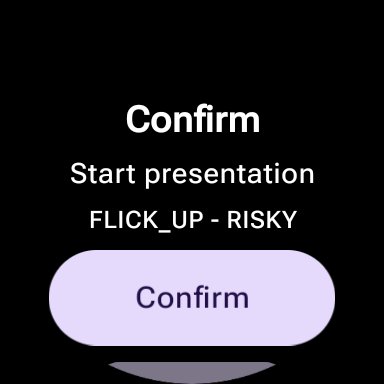
• Confirmation before risky actions
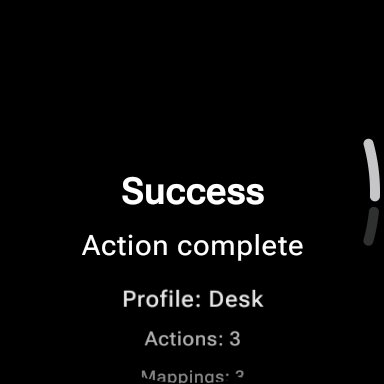
• Haptic feedback for success, failure, rejection, and session status
• Gesture test mode with confidence and rejection feedback
WEAR OS CONTROLS
Open FlickDeck from the watch app, add the Wear OS Tile for quick access to gesture mode, or use the complication to view status and open the app. The Tile and complication do not execute configured actions directly.
FREE AND PRO
Free includes one complete setup with one profile, one action, and one gesture mapping. It also includes normal watch operation, webhook and Home Assistant actions, the Tile, complication, gesture testing, confirmations, and cooldown controls.
FlickDeck Pro Lifetime is an optional one-time Google Play purchase that unlocks unlimited profiles, actions, and gesture mappings. It is not a subscription. Purchases can be restored on compatible devices using the purchasing Google Play account.
LOCAL-FIRST SETUP
FlickDeck does not require an account and does not use a developer-operated cloud backend. Profiles and action settings are stored on your devices. Webhook requests are sent only to endpoints you configure when you trigger an action.
• No account
• No ads
• No analytics
• No developer cloud sync
• Redacted logs and exports by default
Public webhook URLs must use HTTPS. Plain HTTP is limited to validated local-network targets, such as a Home Assistant instance on a trusted network. Secret header values are not synced to the watch in this release.
REQUIREMENTS AND LIMITATIONS
FlickDeck requires a compatible Android phone and Wear OS watch. The phone companion is required for setup, purchase management, and phone-to-watch synchronization. Watch timers, watch app launching, and phone relay actions are not available in this release.
FlickDeck is a shortcut utility, not an emergency, medical, accessibility, or security system. Gesture recognition is not guaranteed and should not be used for safety-critical actions.
FlickDeck is independent and is not affiliated with or endorsed by Google, Wear OS, Home Assistant, Open Home Foundation, n8n, Tasker, Samsung, or any other third-party service.



One-click to install XAPK/APK files on Android!

Thanks for your rating and feedback!
You have already rated.