







Thanks for your rating and feedback!
You have already rated.

Start your smart health journey
【Precise motion tracking】
Accurately records steps, distance, and calorie consumption, supports multiple exercise modes, including running, cycling, swimming, etc., and automatically identifies and records exercise status.
High-precision GPS accurately records your movement trajectory
[Health protection throughout the day]
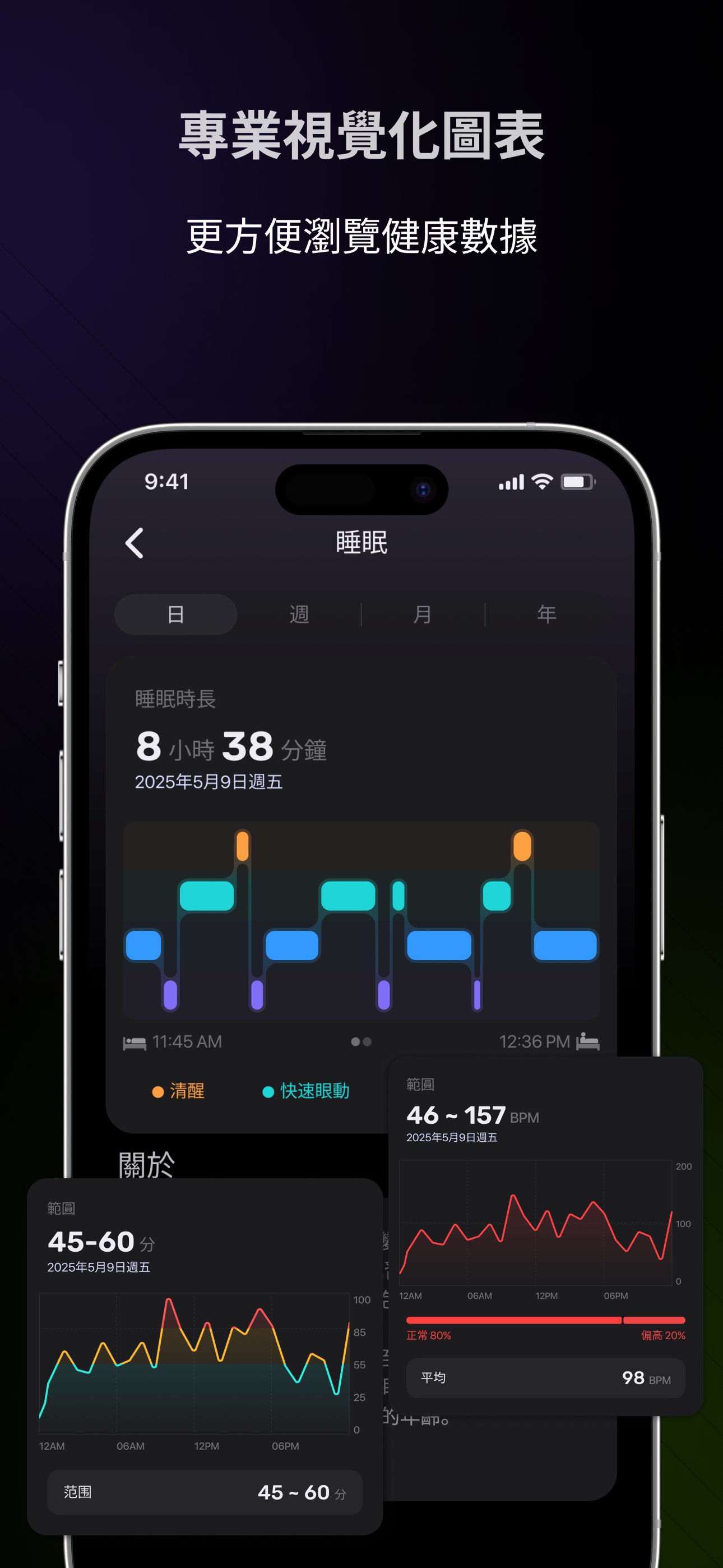
Deep sleep analysis: Accurately analyzes sleep cycles, provides improvement suggestions, and optimizes sleep quality.
Health indicator tracking: exercise intensity, calorie consumption monitoring, etc., to help you embrace a healthy life.
【Professional sports partner】
Multiple sports types: covering over 100 sports modes such as running, cycling, swimming, etc., accurately capturing your every sports performance
Multi-dimensional data charts: Multi-dimensional data visualization technology transforms complex health data into clear and easy-to-understand charts, allowing you to understand your health status at a glance.
Trend comparison: Compare health data in different time periods to visually display your progress or areas for improvement.
Goal Tracking: Set personalized exercise goals and track progress to stimulate your exercise motivation.
【Smart Life Assistant】
Notification management: Synchronize mobile phone notifications, such as incoming calls, text messages, and social software messages, to ensure that important information is not missed.
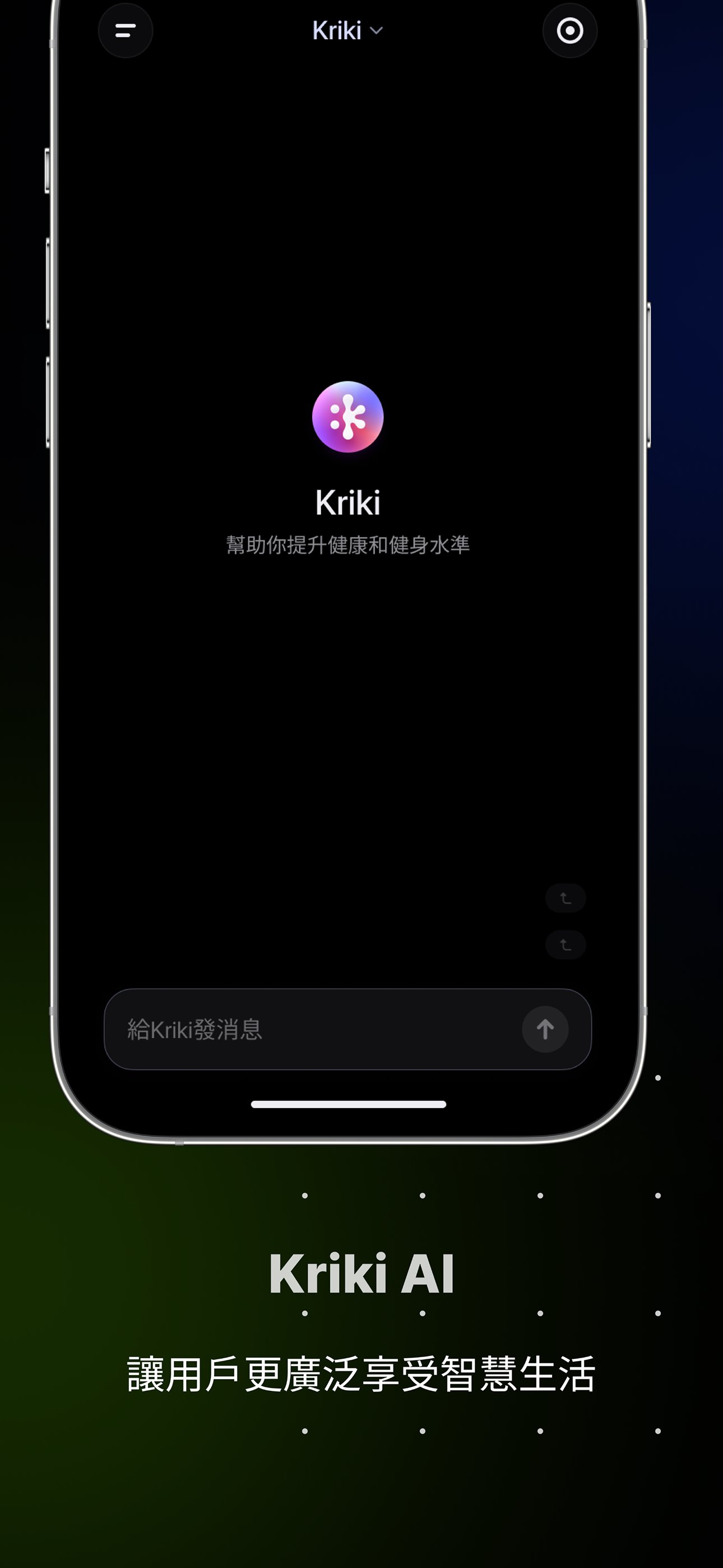
Health concerns: Provide intelligent in-depth data interpretation, provide recovery suggestions, etc., and customize an exclusive improvement plan for you.
Voice interaction: Quickly start watch functions or query various information.
[Health data exchange]
Interoperate with multiple devices and applications to build your personal health ecosystem. Strava, Apple Health, Google Fit, and more health apps are being connected.
【Notice】
- The functions described in the above introduction do not cover all listed devices, please refer to the actual purchase.
- The charts and heart rate and other health data displayed in this application are for reference only and cannot provide professional health advice or replace professional doctors and medical equipment. If you feel there is a problem with your health, please consult a medical professional.
[Permission Description]
After the app is installed, you can manage these permissions in "Settings". If you deny them, the relevant functions will not be available.
1. Address book
Read contacts: Allows the application to read and save phone-related data for watch functions such as answering and making calls. If rejected, related functions cannot be used.
2. Call records
Read call records: Allows the app to read call records, which is used to send a “missed call” notification containing the missed call number to the watch. If rejected, the related functions cannot be used.
3. Information
Receive/reply text messages: Allow the app to select a reply when the smart watch receives a text message, an incoming call, or a "missed call" notification, and send it to the corresponding contact through the app. If rejected, the related functions will not be available.
4.Save
Access local media and files: Allows the app to read photos and files on the memory card to provide photo watch face setting services. If rejected, related functions cannot be used.
5. Location
Access location information: Allow applications to obtain location information based on network sources such as GPS, base stations, and Wi-Fi, which can be used to provide location-based services such as checking the weather and selecting the country/region. If rejected, the relevant functions cannot be used.
Using location information in the background: If the app has obtained the "Access location information" permission, allowing the app to use location information while running in the background may reduce your battery life.
6. Camera
Allows the app to take photos and videos to provide services such as photo dial settings and uploading photos or video files when reporting problems. If rejected, the relevant functions will not be available.
7. List of installed applications
Read the list of installed applications: Allow the application to read the list of installed applications on the device so that you can receive and view application notifications on the watch. If you refuse, the relevant functions will not be available.


One-click to install XAPK/APK files on Android!
Thanks for your rating and feedback!
You have already rated.