Package Name:fileexplorer.filemanager.ds
Show More


51.0 MB
File Size
Everyone
Android 7.0+
Android OS
DS File Explorer helps you manage files, apps, and master your phone
DS File Explorer is a file manager tool that can help you quickly find files stored on the device and automatically organize files. With this file manager app, you can view, delete, move, rename, or remark any files such as ZIP, RAR, PDF, videos, audio, and more.
Key features
🌟 Organize Files and Folders
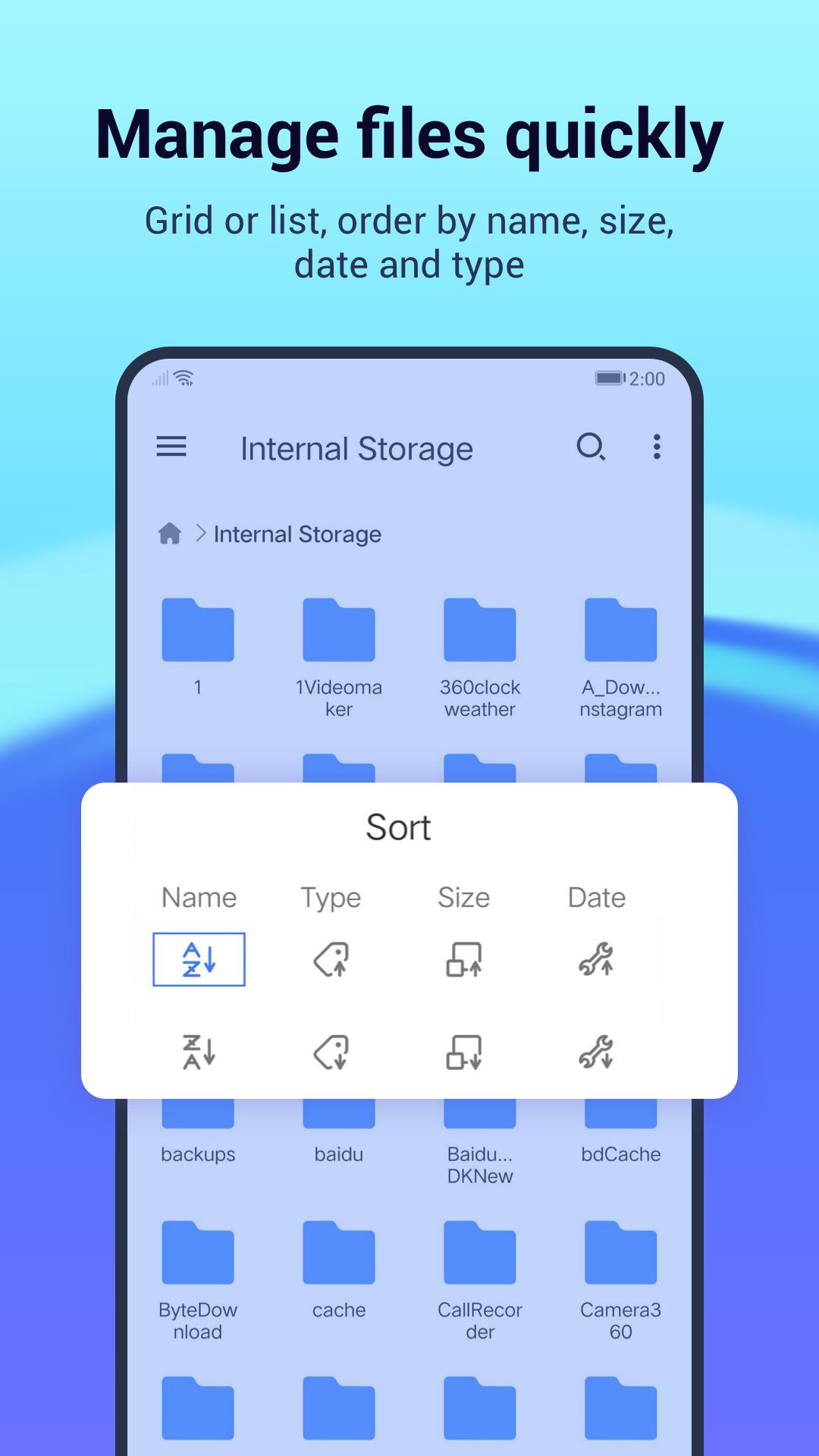
With the user-friendly UI of File Explorer, you can easily browse, move, copy, compress, rename, extract, delete, create, and share files (folders) on both internal and external storage of your mobile device.
🌟 Zip and Unzip Files
Unzip, decompress, and unrar files easily. Unzip and unrar files directly, and unzip files with a password. Also, DS File Explorer can zip and compress files with or without a password which can be unzipped later. RAR file is supported.
🌟 PDF Reader
DS File Manager provides you with a PDF Reader which can read PDF files nicely. A PDF file with a password is supported.
🌟 Share files
With the built-in wifi file transfer, this free file manager can use wifi and hotspots to transfer files to another mobile phone and PC even if there is no Internet connection. Without limiting the file size and type, users can transfer any file exceptionally quickly, including applications, videos, music, pictures, etc. DS File Manager can work as a file browser.
🌟 Manage Apps
Easy to manage all applications on your device, you can view the package name and size of the application, and quickly backup, stop and uninstall in the file manager.
🌟 Analyze Storage
A visual space to help you easily view the storage space occupied by the current mobile device, and easily manage it. Enter file management through internal storage, and powerful multiple functions help you easily manage your device files.
🌟 Bookmarks
You can bookmark your favorite folder and it will appear on the homepage so that you can quickly appear on the homepage. You can bookmark your favorite folder and it will appear on the homepage, so that you can quickly enter the folder in the future, reducing the trouble of searching.
If you are looking for a file explorer app that has a simple interface with full features, DS File Manager is your great choice.



One-click to install XAPK/APK files on Android!

Thanks for your rating and feedback!
You have already rated.







