
Safe & Fast APK Downloads on APKPure
APKPure uses signature verification to ensure virus-free Exam Guide : GK Quiz APK downloads for you.

An application for competitive exam preparation like SSC, IBPS, UPSC, GPSC, etc.
Exam Guide is helpful to those who likes to update their general knowledge (GK) and preparing for competitive exams like IBPS, SSC, UPSC, SBI PO, RRB, LIC, NICL, IB, etc.
Application contains questions on different subjects like GK, History, Art, Religious, Banking, Sociology, Biology
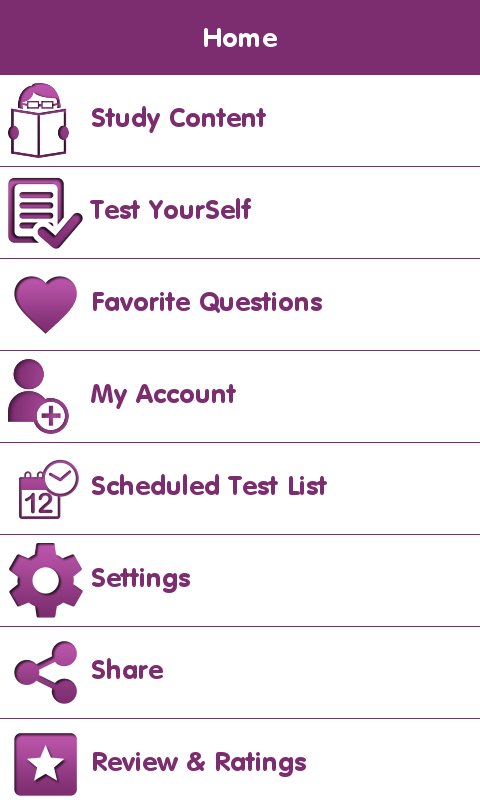
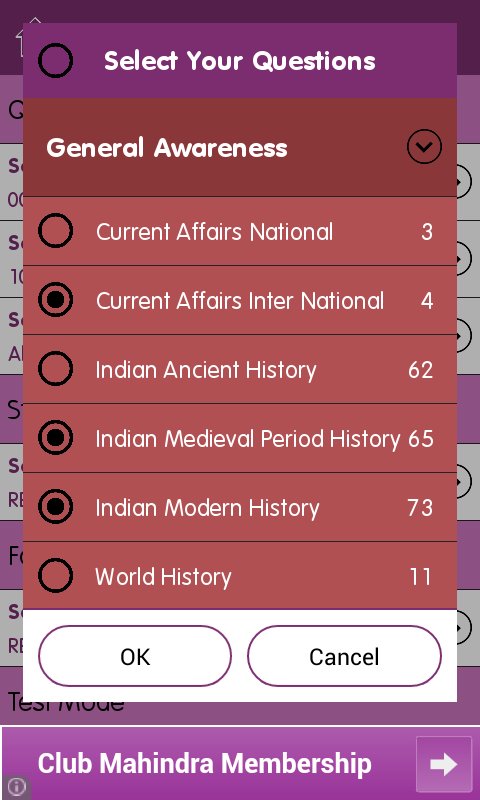
-> Category & Subcategory wise questions
Show categories and subcategories. As per selection, display questions of that category. Questions can be viewed in test mode or reading mode. In test mode, user should select right answer and check for right or wrong. In reading mode, user will be shown right answer with the question. Questions can be marked as favorite.
-> Download Questions
On study content screen, download new questions from server.
-> Mock Test
It will generate a test paper from the question bank as per settings and allow user to give test. After test completion, result will be generated and stored to statics of user.
-> Test Configuration like Category/Sub Category, No of questions, Time
It will provide option to set number of questions, categories and subcategories and total test duration.
-> Questions display settings (Test Mode/Reading Mode/Revise Mode)
In simple question view area, user can view it in two modes.
1) Test Mode: In this mode, questions will be displayed and user need to choose the answer and then check if he is correct or not.
2) Reading Mode: Here question will be displayed with answer. So user can go through easily.
3) Revise Mode: In this mode, all questions will be shown in list with answers below. In this mode other options will not be shown.
-> Result (Show right and wrong answers, Analysis)
In the end of test, we show complete quiz analysis. Here we show, user selected answers with right answer. How much time user has taken and what %marks he scored.
-> Previous test statics
User has option to view his/her previous test results. It will show test date & time, time taken, number of total questions and right answered number. It will also show overall % of user tests. User can remove specific results.
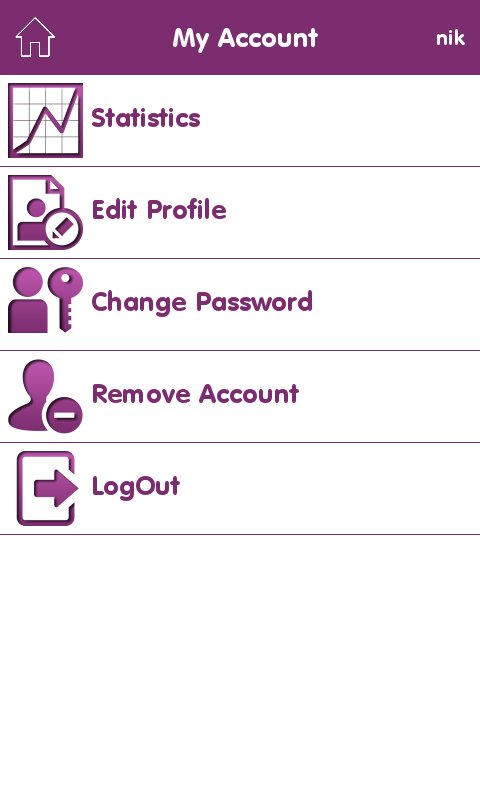
-> Multiple user profile
Application will start as guest mode. So by default a guest user will be created. Application will allow to create other users also. So each user can maintain their preparation separately. User can also delete their profile. But to delete any profile, password of that profile is required.
-> Results & Statics as per user
All results will be stored as per user currently logged in. For guest user no data will be logged/saved.
-> Favorite Questions as per user
User can set question as favorite. These favorite questions can be viewed later easily. User can remove questions from favorite list also.
-> Share
Share application link on multiple social networking media to help others.




One-click to install XAPK/APK files on Android!

Thanks for your rating and feedback!
You have already rated.







