Descargas seguras y rápidas de APK en APKPure
APKPure utiliza verificación de firmas para garantizar descargas de NotifyRDS Add-On: Plum APK libres de virus para ti.

Active la capacidad de control remoto para su dispositivo Plum
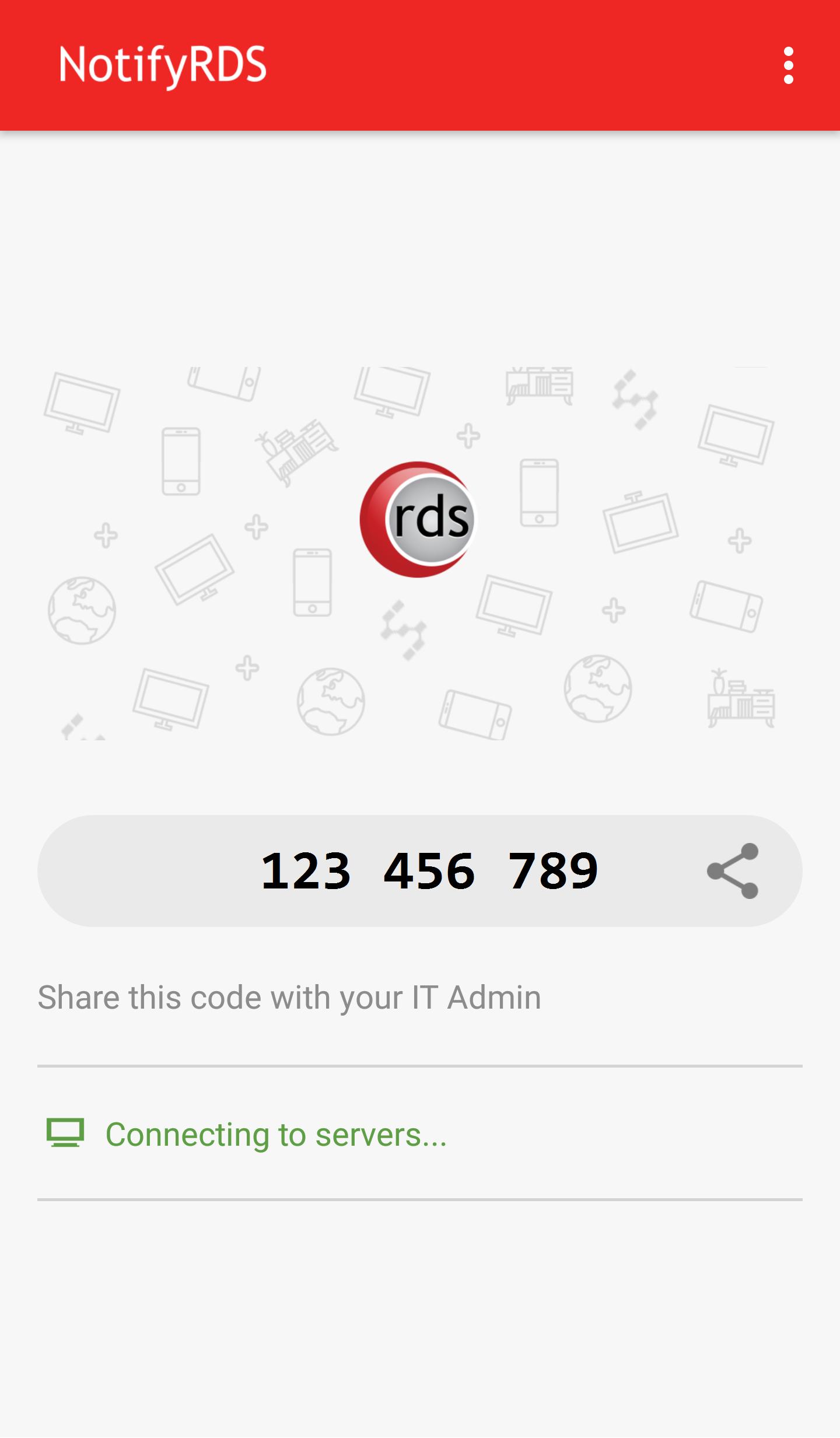
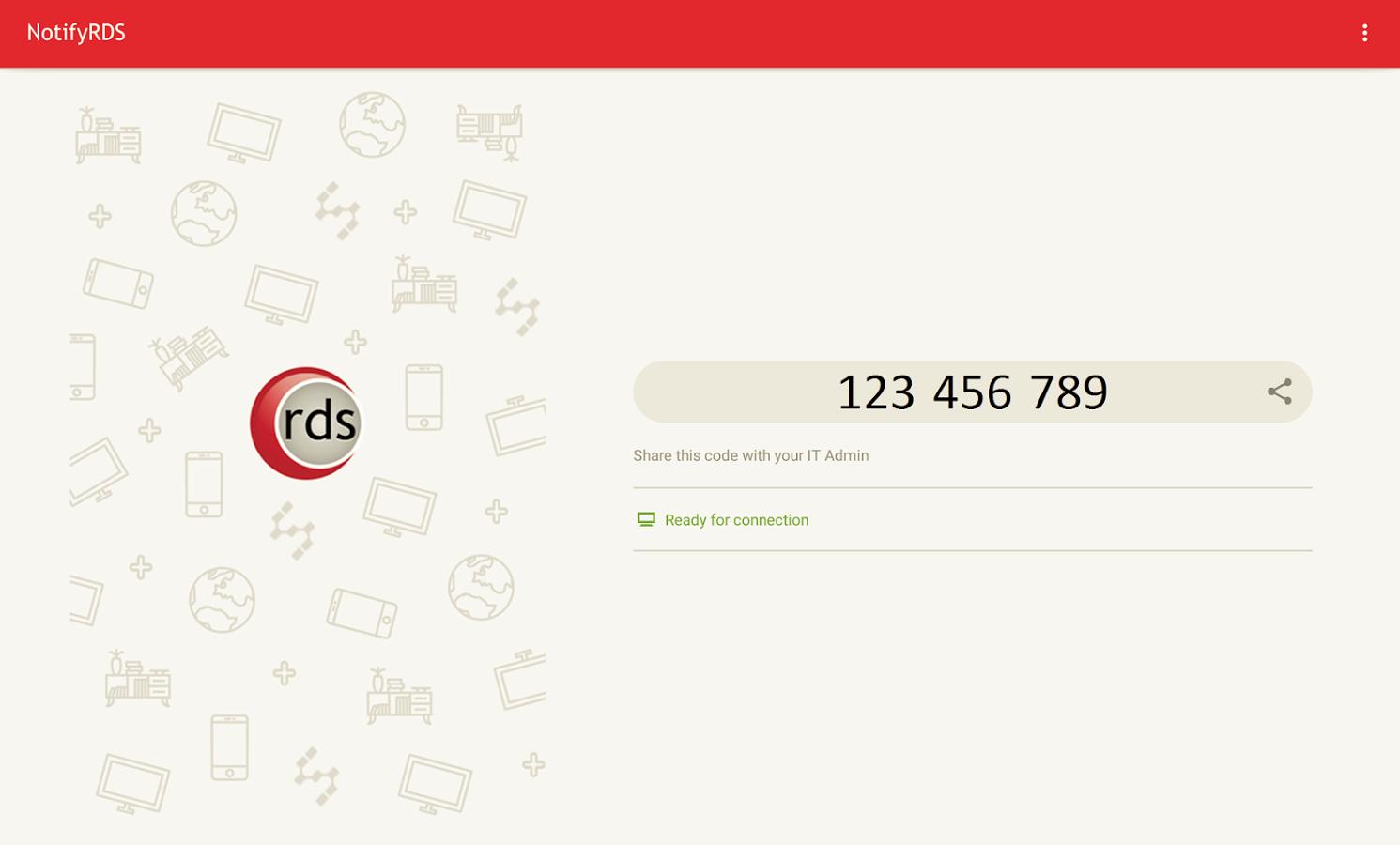
Get remote support of your mobile device from any computer with NotifyRDS account. User can real-time screen share to remote technician. Technician will be able to share clicking pointer remotely to help guide the user. Session connection is encrypted using 256-bit AES / TLS.
With this add-on, Plum devices remote control will be turned on.
Quick Guide:
1. Download and launch the NotifyRDS app on your mobile device
2. Install appropriate Add-on per the instructions in the app
3. Share the session ID to your remote technician who has NotifyRDS Account.

¡Un clic para instalar archivos XAPK/APK en Android!

¡Gracias por tu valoración y comentarios!
YYa has valorado.