Sichere und schnelle APK-Downloads auf APKPure
Mit APKPure können Sie NotifyRDS Add-On: Plum APK einfach und sicher mit Signaturüberprüfung herunterladen.

Aktivieren Sie die Fernsteuerungsfunktion für Ihr Plum-Gerät
Get remote support of your mobile device from any computer with NotifyRDS account. User can real-time screen share to remote technician. Technician will be able to share clicking pointer remotely to help guide the user. Session connection is encrypted using 256-bit AES / TLS.
With this add-on, Plum devices remote control will be turned on.
Quick Guide:
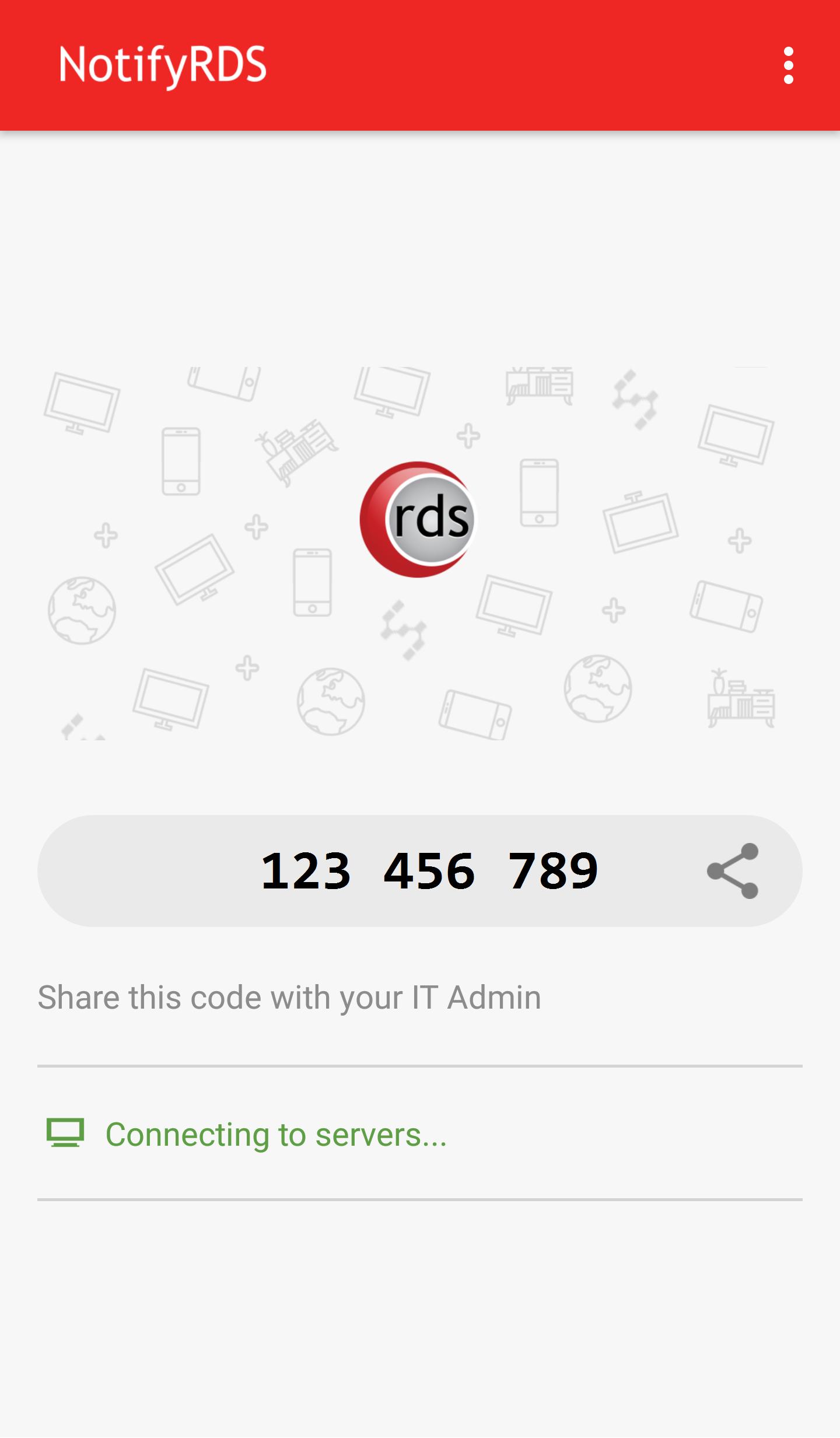
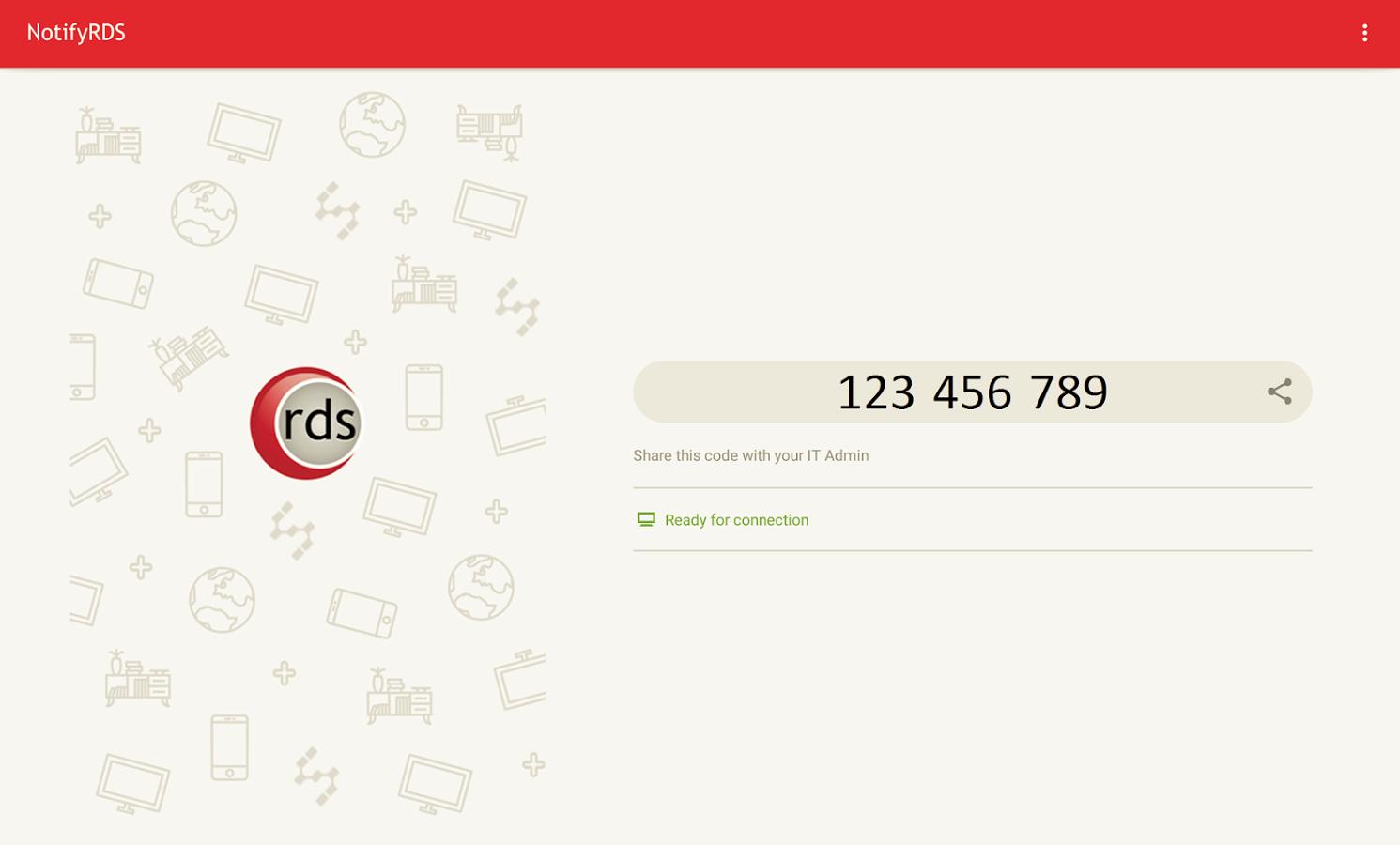
1. Download and launch the NotifyRDS app on your mobile device
2. Install appropriate Add-on per the instructions in the app
3. Share the session ID to your remote technician who has NotifyRDS Account.

Ein Klick zur Installation von XAPK/APK-Dateien auf Android!

Vielen Dank für Ihre Bewertung und Ihr Feedback!
Sie haben bereits bewertet.