Scan Date:Nov 12, 2026
Show More


359.4 MB
File Size
Everyone
Android 8.0+
Android OS
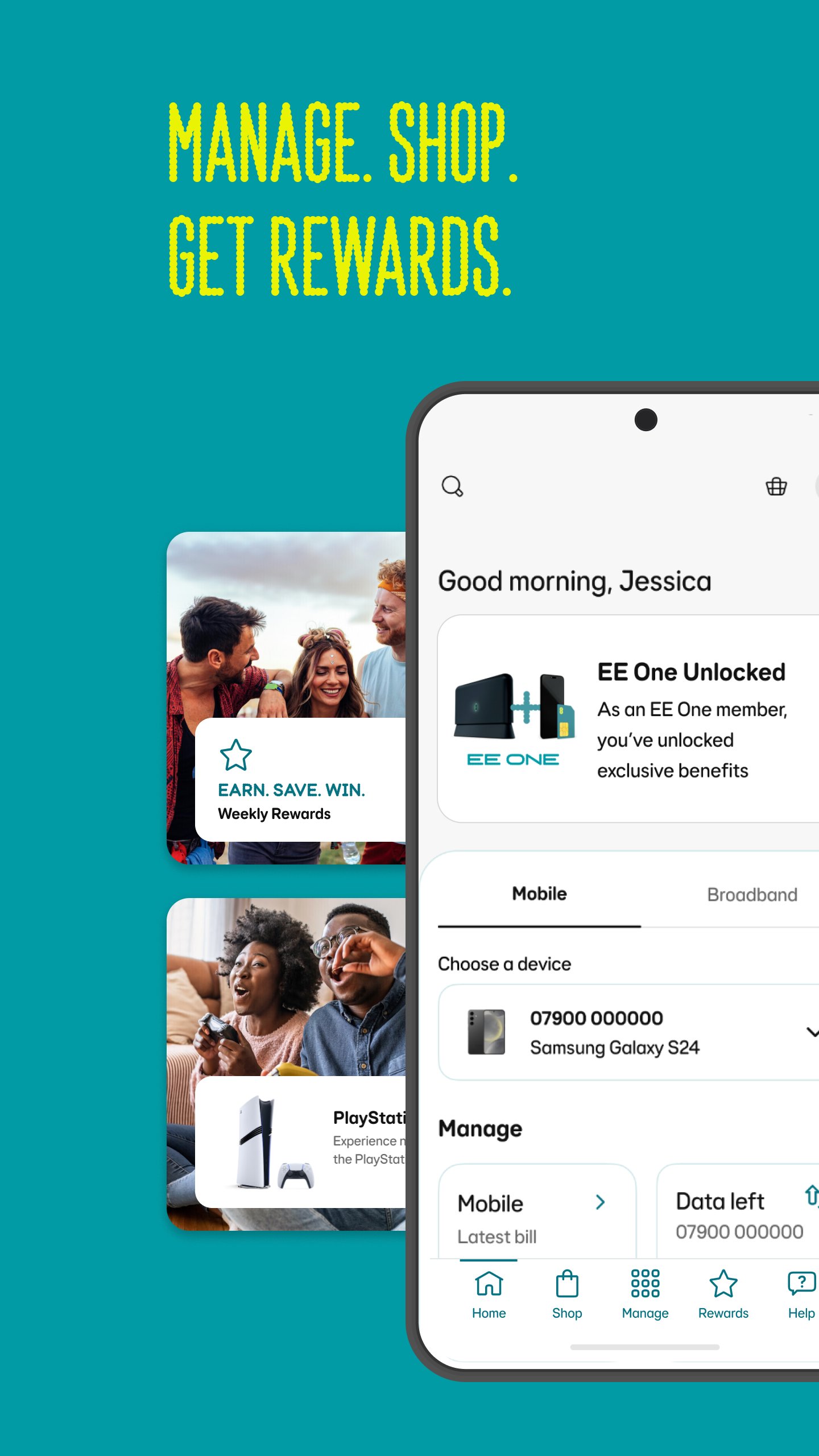
EE is an account management app for mobile, broadband, billing, rewards, and support.
EE develops the app for customers who want everyday account tasks in one place, from checking data to managing home WiFi. Its main appeal is convenience, especially for users with both mobile and broadband services under the same account. The EE app keeps key tools close together, so the main features are easy to understand:
EE gives Pay Monthly and Pay As You Go users a clear place to check the details that matter most day to day. Mobile data usage, remaining allowances, bills, itemised usage, and any extra charges are grouped around account management, so users can quickly see whether a bill looks normal or whether a data-heavy week has changed the picture.
The bottom tab bar keeps navigation simple, with the Manage area acting as the main entry point for account tools. A Pay As You Go user can check balance, view active packs, add extras, and track Free Boosts before topping up. For Pay Monthly users, the same area helps with upgrade checks, Smart Benefits, and personalised offers, which makes the app useful beyond a quick bill check.
EE supports family account use through tools such as Data Gifting, Parental Controls, device groups, and WiFi pause schedules. Data Gifting is useful when one family member has spare mobile data and another is running low, as long as the numbers are on the same eligible account.
For home broadband, Groups make the family controls easier to manage. A parent can group a child’s phone, tablet, or laptop, then apply website blocking, allow lists, pause schedules, and usage viewing from one place. These controls are practical for school nights or shared devices, although they depend on correct device recognition, which may take time to refresh in some home networks.
EE includes broadband tools for customers using compatible home equipment, including Smart Hub Plus and Smart WiFi features. From Manage or Broadband, users can open WiFi Controls, set up a hub, view connected discs, check online and offline devices, and rename devices so the network is easier to understand.
Setup is designed around simple in-home confirmation rather than complicated router menus. For Smart Hub Plus pairing, users choose the setup option, confirm they are at home, follow the prompts, and scan the hub QR code from the security card. The broadband screen also includes a Speed test tool, which helps users compare everyday performance when streaming, gaming, or working from home feels slower than expected.
EE adds support and account extras that help customers handle common issues without leaving the app. Aimee, the digital assistant, is available for help queries, while EE Cover, rewards, Smart Benefits, and personalised offers sit alongside the account tools for users who want more than basic billing access.
Advanced Web Protect is one of the more practical broadband-related options. It can enable threat blocking and show detected threats across all devices or by individual device, which gives households a clearer view of risky browsing attempts. One point to understand is Pause Wi-Fi: it mainly blocks internet access for a selected device or group, but it may not fully disconnect that device from the local WiFi network.
These points reflect how EE works as a combined mobile and broadband account app, especially for households managing several devices or services.
ProsUsers can download EE latest version from APKPure to manage mobile, broadband, billing, rewards, and support features on Android. The EE APK is around 300MB, so the download may take a few minutes on a busy mobile connection and should be faster on stable WiFi.
Before installation, make sure there is enough free storage for the app and its normal updates. After installation, signing in with an eligible EE account gives access to the relevant mobile or broadband tools. If broadband setup is the main reason for the EE download, keep the Smart Hub Plus security card nearby because the QR code may be needed during pairing.



One-click to install XAPK/APK files on Android!

Thanks for your rating and feedback!
You have already rated.