Package Name:com.hkwww.cleanscan
Show More

103.8 MB
File Size
Everyone
Android 7.0+
Android OS
Document scanner app: scan to PDF, OCR text search, remove shadows, offline
CleanScan is a document scanner app that turns your phone camera into a high-quality PDF scanner. It automatically detects edges, removes shadows, and produces clean, sharp PDFs — the kind that look like they came from a flatbed scanner, even when you photographed the page under uneven light.
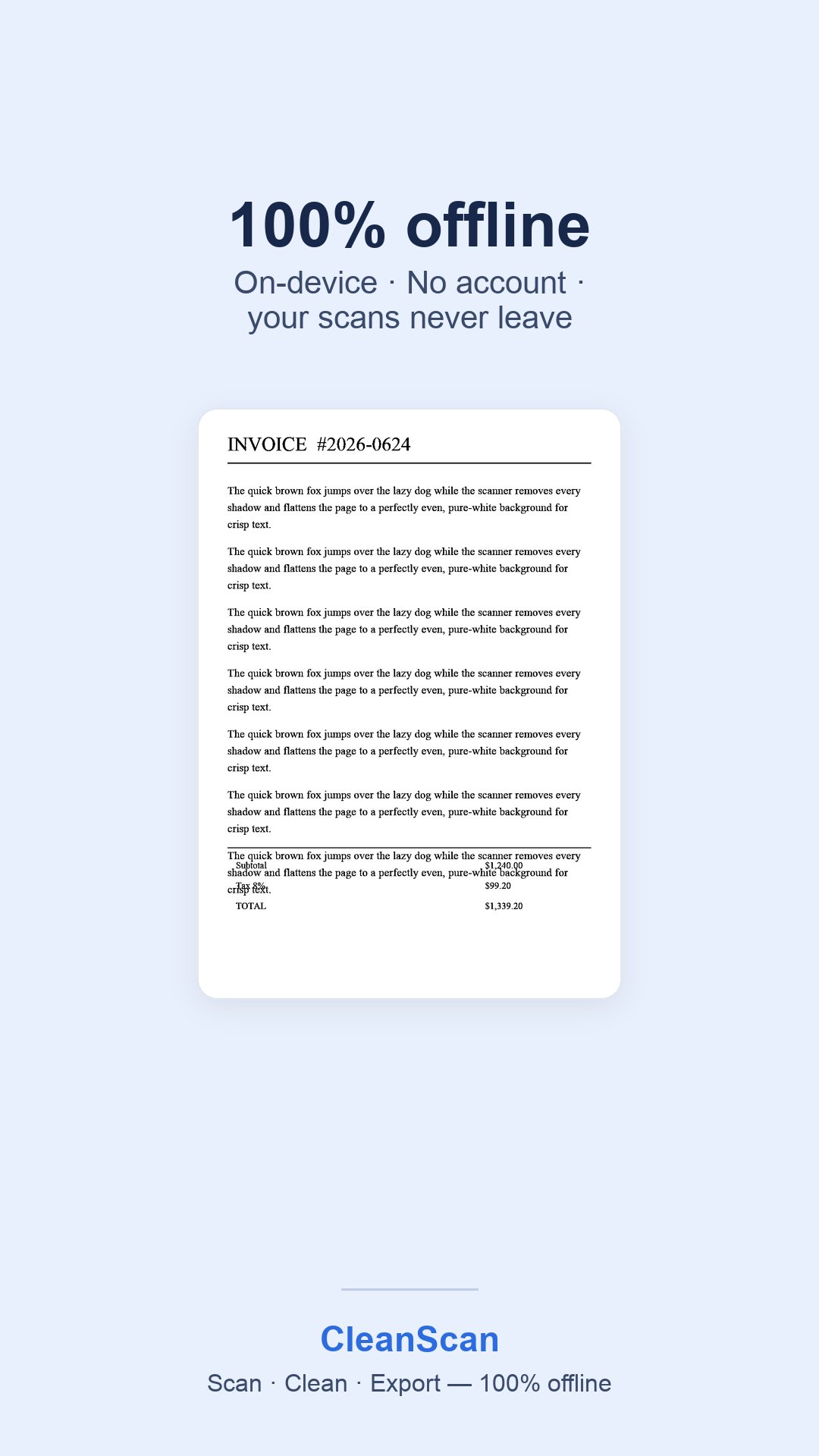
Everything runs on your device. No account, no sign-up, no cloud upload.
FIND ANY OLD RECEIPT IN SECONDS
Every scan is searchable. Need to find what you spent on a specific day — six months ago, a year ago? Search by date, amount, or the shop's name, and the matching invoice comes straight back. No more digging through a shoebox of receipts.
SCAN ANYTHING
- Receipts and invoices for expense claims
- Contracts, forms, and signed agreements
- Textbook pages, lecture notes, handouts
- ID cards, certificates, and letters
- Whiteboards and printed handouts
SMART DOCUMENT SCANNING
Automatic edge detection, cropping, and deskew give you straight, clean pages every time. Shadow removal handles uneven lighting. Choose Color, Grayscale, or Black & White output depending on what you are scanning.
ON-DEVICE OCR IN FOUR LANGUAGES
CleanScan recognises English, Chinese, Japanese, and Korean text directly on your phone. Nothing is sent to a server. The OCR runs offline, so it works on a plane, in a basement, or anywhere with no signal.
SEARCHABLE PDF EXPORT
Exported PDFs carry an invisible text layer, so you can search them in any PDF reader — on your phone, on your computer, or after you email them to someone else.
FULL-TEXT SEARCH
Find any scan by what is written inside it, not just by its filename. Type a word, an amount, or a shop name and CleanScan finds the page.
PDF TOOLS
- View, reorder, rotate, rename, and delete pages
- Fill interactive PDF form fields right on your phone
- Annotate: draw, highlight, add text, and sign by hand
- Password protection with AES-128 encryption
- Translate scanned text, or have it read aloud
- Scan barcodes and QR codes
PRIVACY BY DESIGN
Your documents stay on your device. Scanning, image enhancement, and text recognition all run on-device — your files are never uploaded to any server. CleanScan does not ask you to create an account.
WHO USES CLEANSCAN
Field workers filing reports away from a desk. Students without a scanner at home. Admin staff handling paperwork. Freelancers scanning invoices to claim expenses. Anyone who needs a document scanner in their pocket.
CleanScan is supported by a single banner ad at the bottom of the screen. There are no full-screen ads, no video ads, and no pop-ups.



One-click to install XAPK/APK files on Android!

Thanks for your rating and feedback!
You have already rated.