Scan Date:Oct 28, 2026
Show More


50.3 MB
File Size
Everyone
Android 8.1+
Android OS
BLOApp is an official field operations tool for Booth Level Officers.
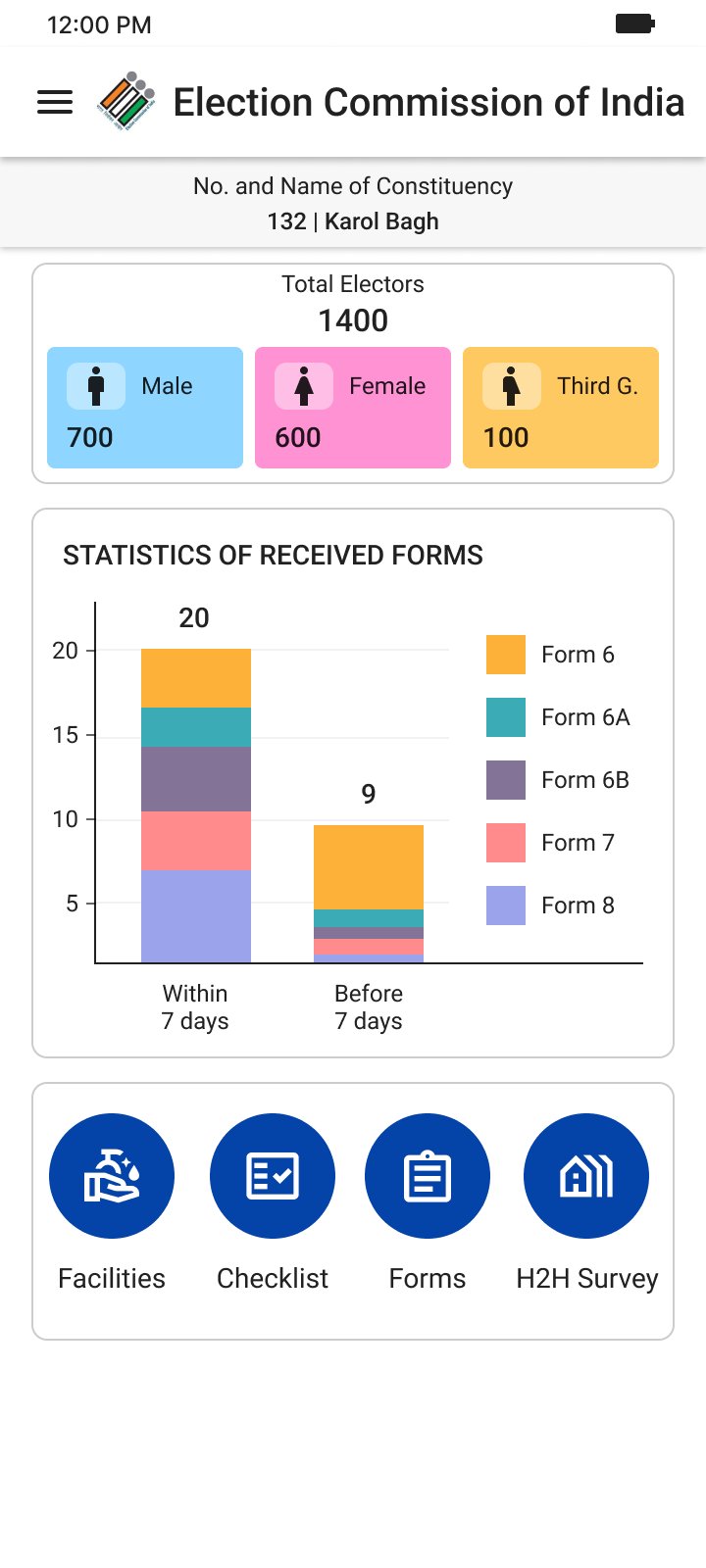
Developed by the Election Commission of India, this app consolidates on the ground electoral workflows into a single mobile tool. It brings checklists, polling station photos, and location capture together to reduce paperwork and speed up verification. Earlier known as GARUDA, it stays focused on practical field use for BLOs. To get started quickly, download BLOApp and move routine tasks from paper to phone. Below are the key capabilities most BLOs rely on during daily rounds.
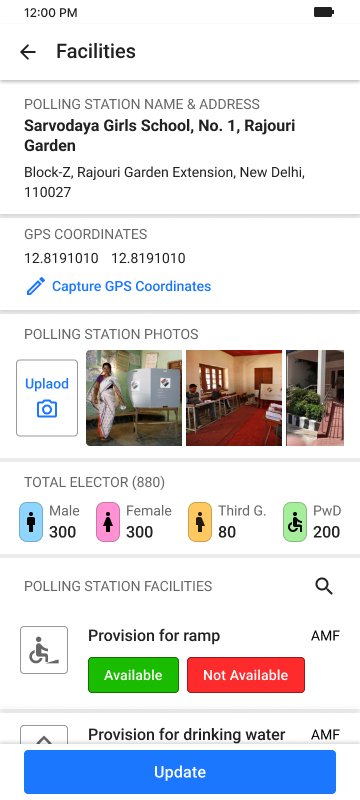
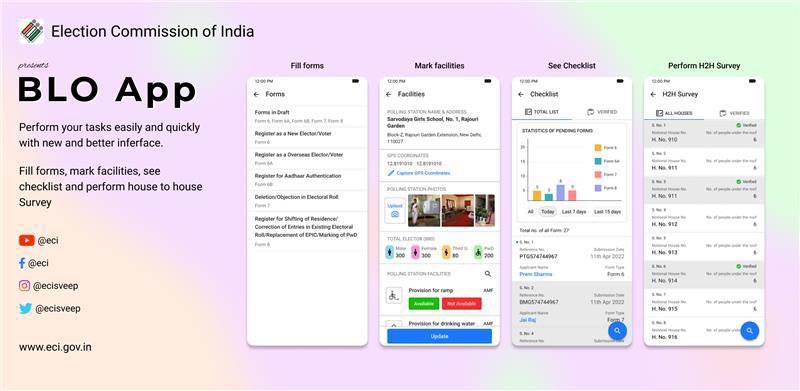
Accurate location capture confirms the exact site of each polling station. In the BLOApp latest version, coordinates sit alongside station details to support planning and audits. During pre-poll checks, a BLO visits the site, saves the point, and adds a photo in the same trip.
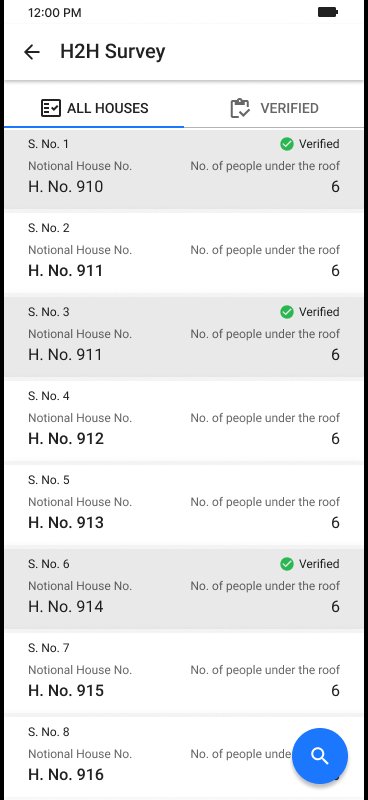
Standardized checklists guide BLOs through form review and on-site verification. BLOApp keeps the process organized, so common details are captured consistently. On house-to-house rounds, you work through the list, confirm entries, and submit forms on behalf of eligible electors when appropriate.
You can get the BLOApp APK from APKPure and install it on an Android device. On a stable connection, the download usually completes within a short time, then the installer opens. During setup, the app may request permissions such as location and camera, which are needed for GIS capture and polling station photos.
After installation, launch the app and check that data sync works over your network. If storage is low or the connection drops, reattempt the download and try again later. Regular updates help keep field operations smooth and reliable.

One-click to install XAPK/APK files on Android!

Thanks for your rating and feedback!
You have already rated.