
Safe & Fast APK Downloads on APKPure
APKPure uses signature verification to ensure virus-free Bass Booster Pro APK downloads for you.

Enhance the Music sound quality of your devices & Improve your sound
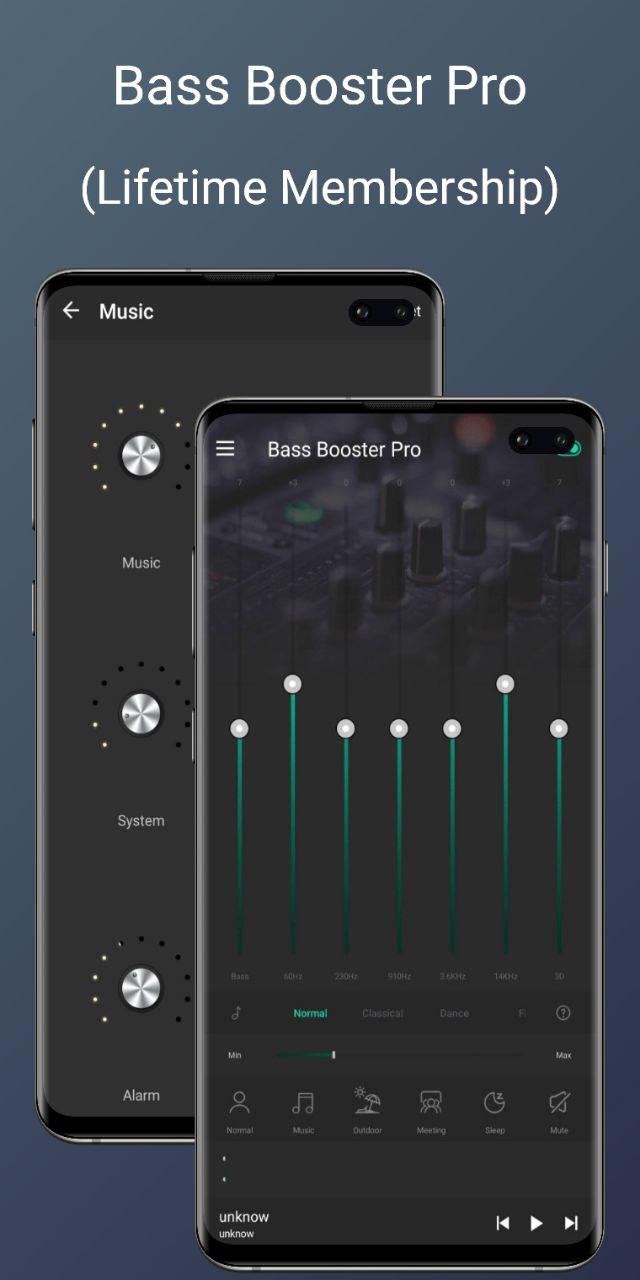
Improve the sound quality of your android device with the Bass Boost, Volume Boost, Virtualizer and Equalizer. Make your music and video sound like never before.
Bass Booster and Volume Booster let you adjust sound effect levels so that you get the best out of your Music, Audio or Video coming out of your device.
Main Features:
* Bass Boost effect
* Volume Boost effect
* Stereo surround sound effect
* Five bands Equalizer
* 10 preset equalizations(Normal, Classic, Dance, Flat, Folk, Heavy Metal, Hip Hop, Jazz, Pop, Rock)
* Customizable preset
* 16 Colorful Themes
* Notification control
* Cool Spectrum
* 3 Widgets(1x1, 1x1, 2x2)
Ξ How to install & use:
1. Put on your best headphones
2. Turn on your Android music player to play top songs from your music library.
3. Open Music Volume EQ and adjust sound level and frequency.
4. To save custom preset press Save Preset on the list and type preset name. To delete preset, long press presets name and delete.
5. Select your preferred theme: Classic or Material
6. You can switch to full-screen visualization and enjoy in a stereo sound booster.
7. To close the application and remove from Status Bar long press app power button.






One-click to install XAPK/APK files on Android!

Thanks for your rating and feedback!
You have already rated.





