









Thanks for your rating and feedback!
You have already rated.

Azad VPN Pro is a mobile VPN app for secure, simple connections.
Developed by DreamForge Technology Co., Ltd., it focuses on reliable access with a simple, one-tap interface. Users can download Azad VPN Pro to get quick, protected sessions for email, classes, news, and entertainment without complex setup. The app keeps connection choices flexible, so you can match servers to your current task and network. The highlights below summarize what stands out in daily use.
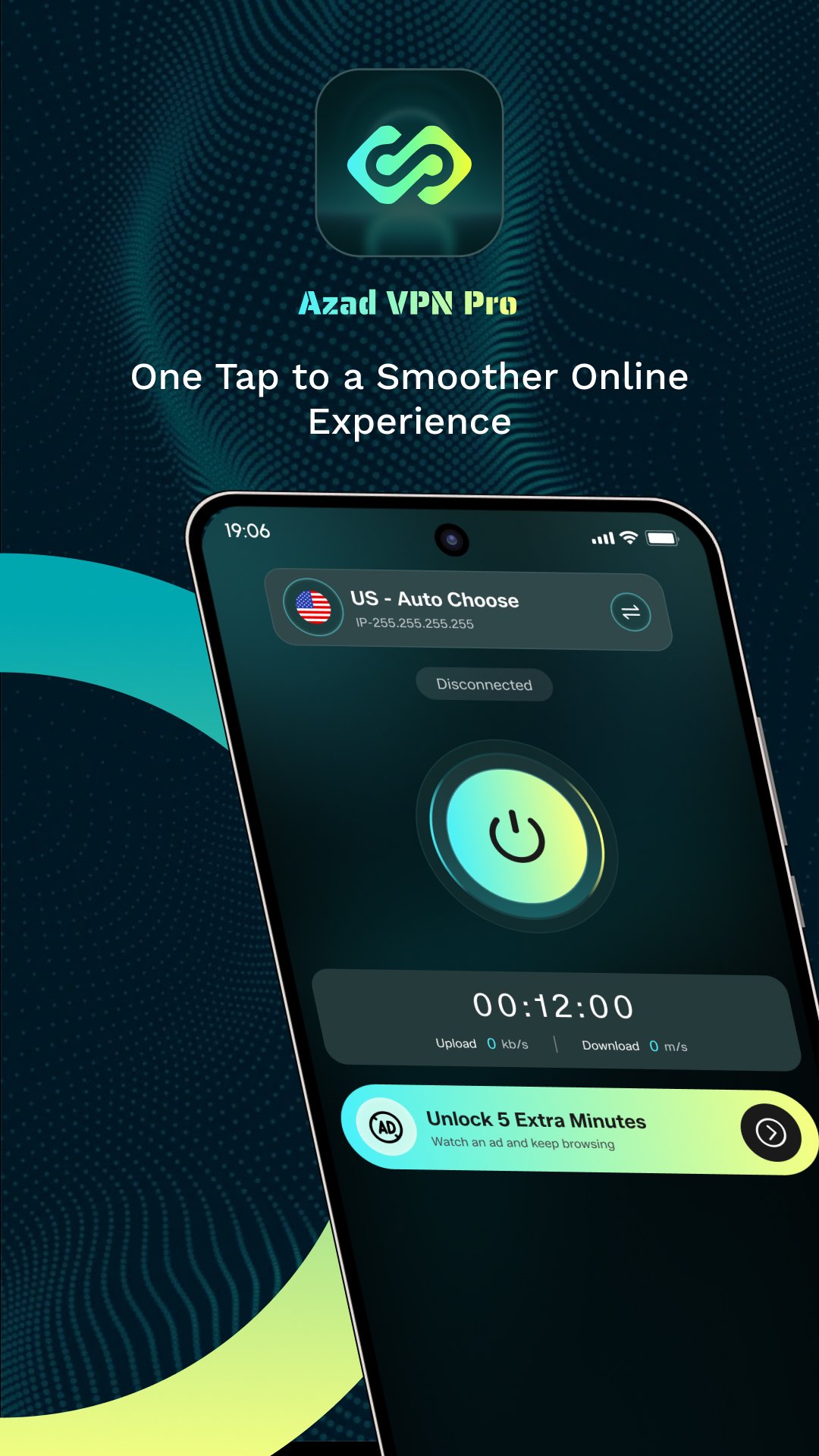
The main Connect button lets you start or stop a VPN tunnel instantly. This keeps setup minimal, with no profiles to manage or confusing toggles. Azad VPN Pro shows clear on-screen statuses like Connecting and Connected, so you know when traffic is protected. Timers help you track session length at a glance, which is handy during quick tasks. It fits moments when you need protection on public Wi-Fi, such as checking email or reviewing class materials. If a website feels slow or unresponsive, a quick reconnect can refresh the route and often improves responsiveness without digging through settings.
The endpoints list presents available locations and network options in a straightforward view. You can choose a region that suits the task, such as a nearby server for speed or a different country when services behave differently by location. Within Azad VPN Pro, switching usually takes just a few seconds, and the configuration runs in the background. A common routine is disconnecting, selecting another endpoint, then reconnecting to test a fresh route. This feels natural during daily use, like moving from office Wi-Fi to mobile data or when entertainment platforms respond better from a particular region. Frequent travelers may appreciate how fast the list updates as conditions change.
All traffic through the VPN is encrypted, which helps shield sessions against casual interception. This adds a layer of protection for everyday tasks, including online classes, messaging, and basic entertainment. Azad VPN Pro focuses on practical, day-to-day safeguards rather than deep security tuning. Available materials share limited detail on logging or data practices, so privacy-minded users may want to review the developer’s policy before handling sensitive work. For routine browsing, a cautious habit is to avoid account changes or financial actions until comfortable with the chosen server and policy notes. Even with these considerations, the encryption layer helps provide peace of mind on shared or unsecured networks.
Connection management is designed to adapt to network conditions, aiming to maintain steady access and responsive speeds. The goal is to reduce dropouts during commutes and spotty Wi-Fi and to keep tunnels stable across changing environments. Azad VPN Pro often holds connections while you move between cellular and home networks, which suits everyday mobility. If performance dips, the simplest workaround is to switch to a closer or less busy endpoint. Advanced knobs are minimal, so power users craving granular controls might miss protocol or port tweaks. For most users, the balance of automation and server choice is enough to keep sessions smooth and consistent.
Based on hands-on use and available materials, Azad VPN Pro balances ease of use with steady, practical connectivity for daily tasks.
ProsYou can download the latest Azad VPN Pro APK from APKPure. The package is typically small, often under 50MB, so most devices handle it quickly. On a typical connection, the download completes in a minute or two.
After installation, the first launch may request VPN permission to create the tunnel. If the initial server feels slow, open the endpoints list and try a closer location. For devices low on space, keep around 50MB to 100MB free to accommodate data and future updates.
For stability and feature improvements, update to the Azad VPN Pro latest version when available. Once installed, tap Connect to start a session and see how it fits your everyday browsing.




One-click to install XAPK/APK files on Android!
Thanks for your rating and feedback!
You have already rated.