Package Name:co.newgates.clickmaster
Show More


8.2 MB
File Size
Everyone
Android 7.0+
Android OS
Pro auto clicker with support Custom scripts for games & tasks. No root
Stop the endless tapping! Automate your clicks and swipes with Auto Clicker & Tap: Click Macro (MasterClick Pro). Perfect for gamers, testers, or anyone tired of repetitive tasks, our auto clicker gives you back your time and boosts your efficiency. Download the Pro version now and experience the difference!
⚡️Dominate Your Games & Simplify Your Tasks⚡️
Searching for the ultimate auto clicker? Look no further! MasterClick Pro offers unparalleled customization and control over your clicks and swipes, letting you:
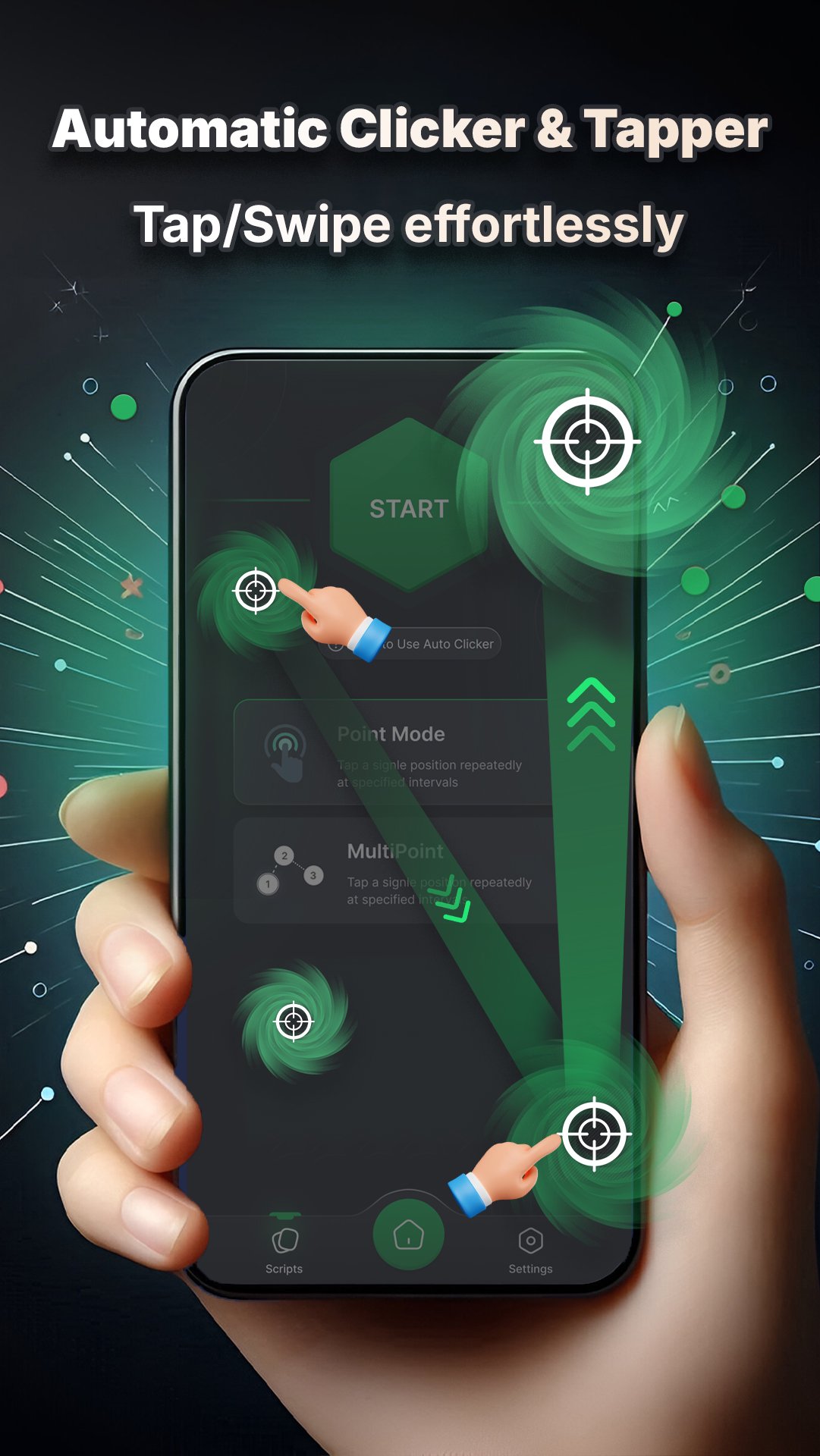
* Automate Clicks: Set the perfect timing and location for your automatic clicks. Level up faster in games, automate in-app tasks, or speed through any repetitive clicking.
* Master Swipes: Configure custom swipe gestures between multiple points with adjustable speed and distance. Perfect for complex game actions or navigating apps with ease. Precisely place your swipes by adding or removing swipe points.
* Multi-Point Clicking: Tap multiple screen locations simultaneously for advanced multitasking. Gain an edge in your favorite games or streamline complex workflows.
* Set it & Forget it: Control the duration of your auto clicker with a built-in timer. No more worrying about stopping the clicks – MasterClick Pro handles it for you.
🔥No Root Required - Pro Version!🔥
Enjoy all these powerful features on both rooted and non-rooted Android devices
Why Choose Auto Clicker & Tap: Click Macro?
* Effortless Automation: Reclaim your time and reduce strain from repetitive tapping.
* Full Customization: Tailor your clicks and swipes to perfectly match your needs.
* Enhanced Gaming: Level up faster, automate complex actions, and dominate the competition.
* Improved Productivity: Speed through repetitive tasks and boost your efficiency.
* User-Friendly Interface: Easy setup and intuitive controls for a seamless experience.
How to Use:
1. Select your tap and swipe points.
2. Adjust the timing, speed, and duration.
3. Start the auto clicker and watch the magic happen!
Accessibility Service API Usage:
This app uses the Accessibility Service API to enable its core functionality, including touch gestures, navigation actions, and floating widgets. It captures touch input data (coordinates, finger count, duration) locally on your device and does not share it with third parties. You can optionally export this data to a file.
Download Auto Clicker & Tap: Click Macro (MasterClick Pro) today and unlock the power of automated clicking and swiping!



One-click to install XAPK/APK files on Android!

Thanks for your rating and feedback!
You have already rated.