Package Name:ds.vault.applock.new
Show More


38.4 MB
File Size
Everyone
Android 7.0+
Android OS
App Lock - lock apps with fingerprint, password or pattern, protect your privacy
AppLock: Fingerprint & PIN Lock – Ultimate Privacy Guard
Your Privacy, Secured. Lock Apps, Hide Photos, & Guard Data.
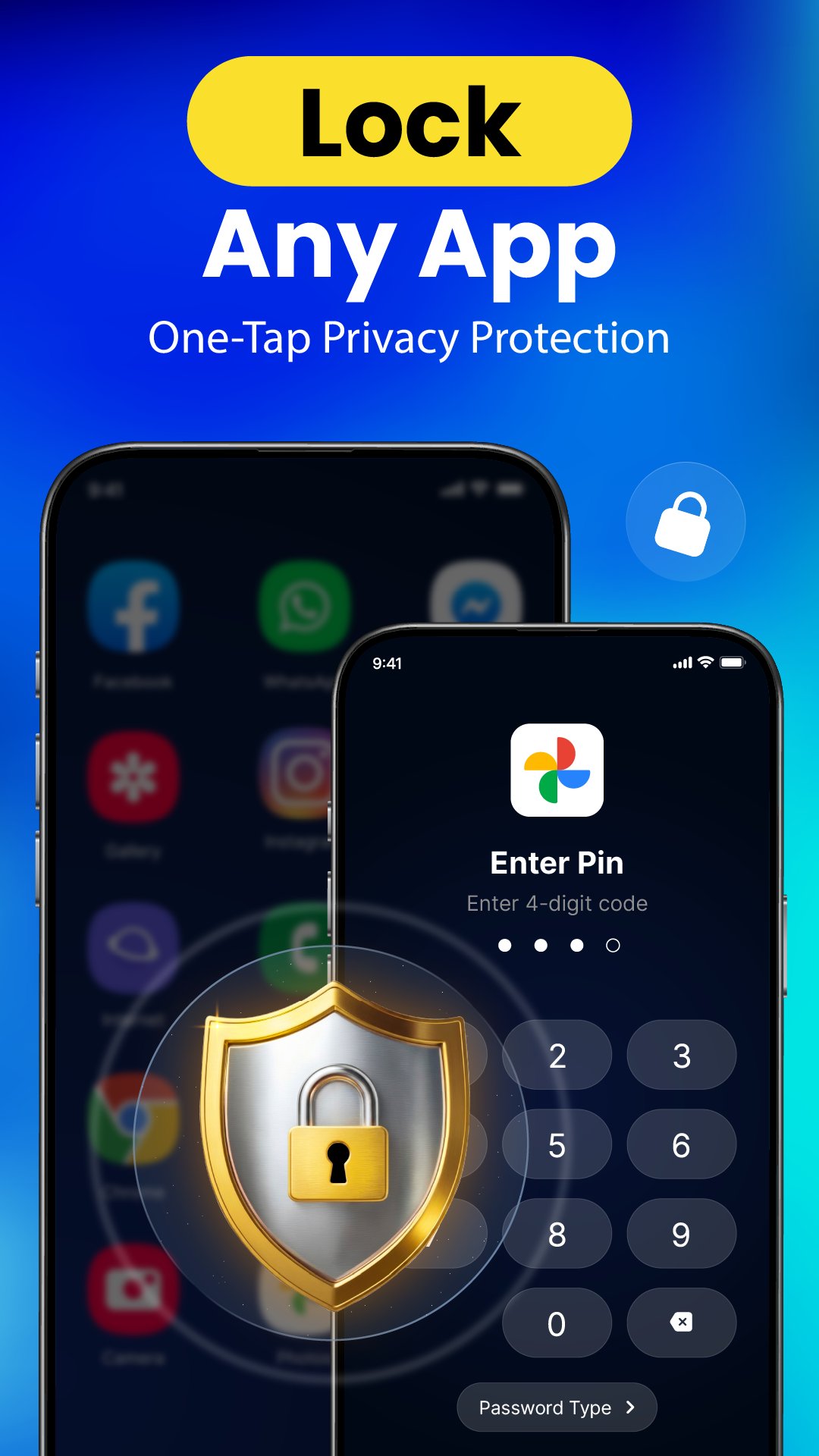
Protect your personal life with AppLock, the most trusted fingerprint app locker and privacy vault for Android. Whether you want to lock Chat, secure your gallery, or prevent unauthorized access to payment apps like Google Pay, our advanced security encryption keeps your data 100% private.
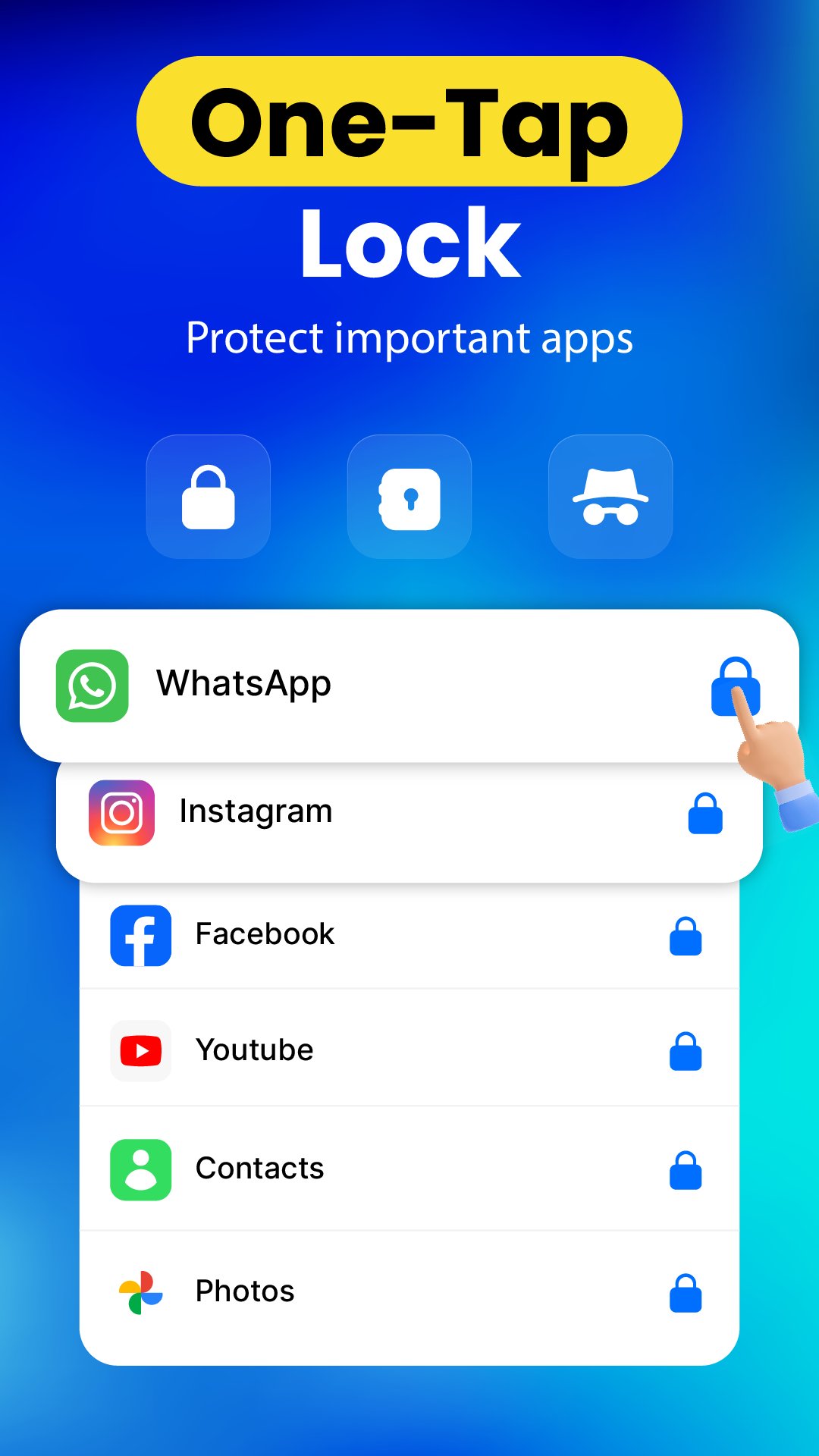
With a single tap, you can secure your social media, messages, and sensitive files using biometric fingerprint, secure PIN, or invisible pattern lock.
🛡️ Key Security Features:
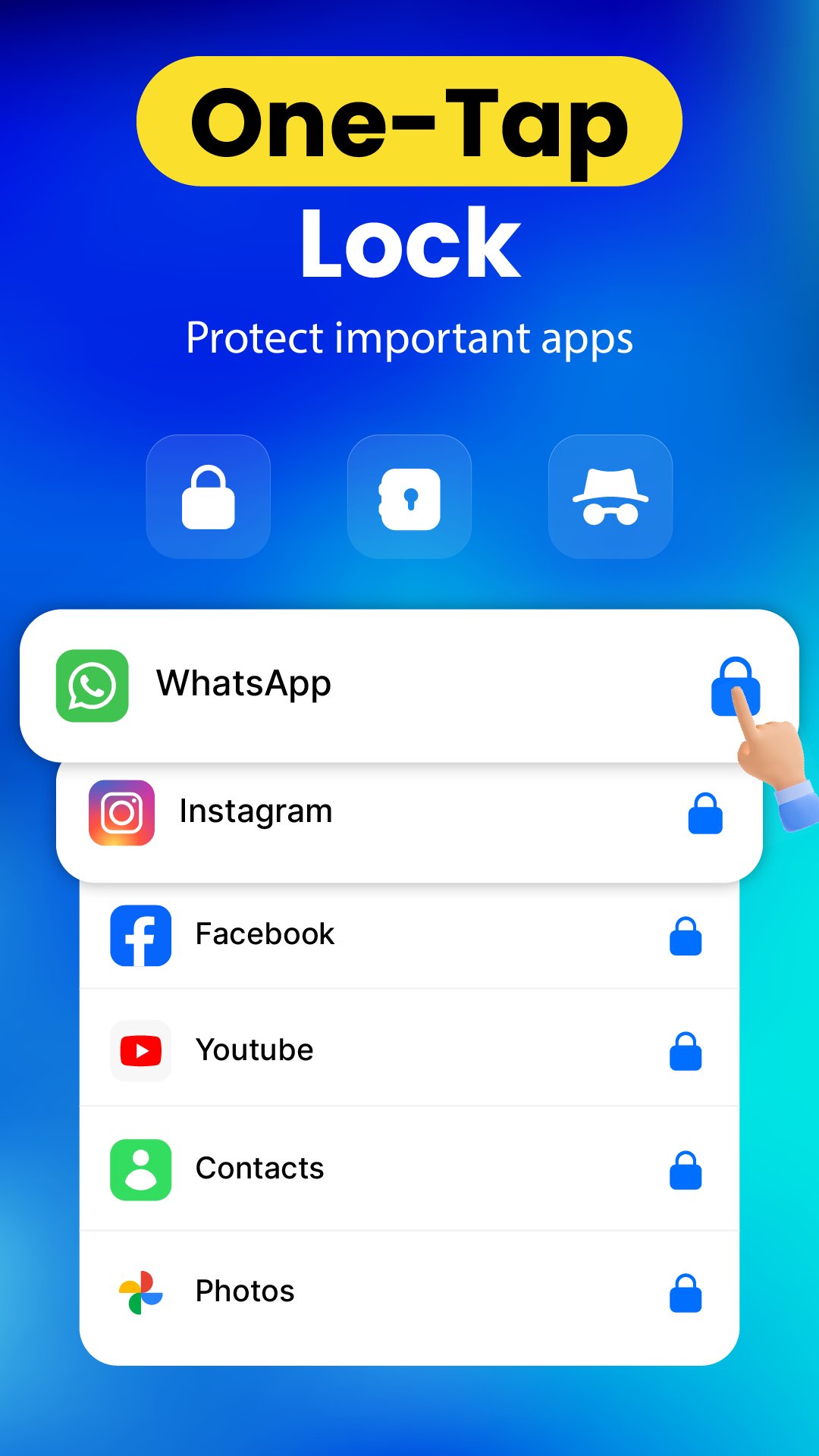
• Smart App Locker: Lock chats, messages, games, recent screen, history and recent activites. Stop snoopers from reading your private chats.
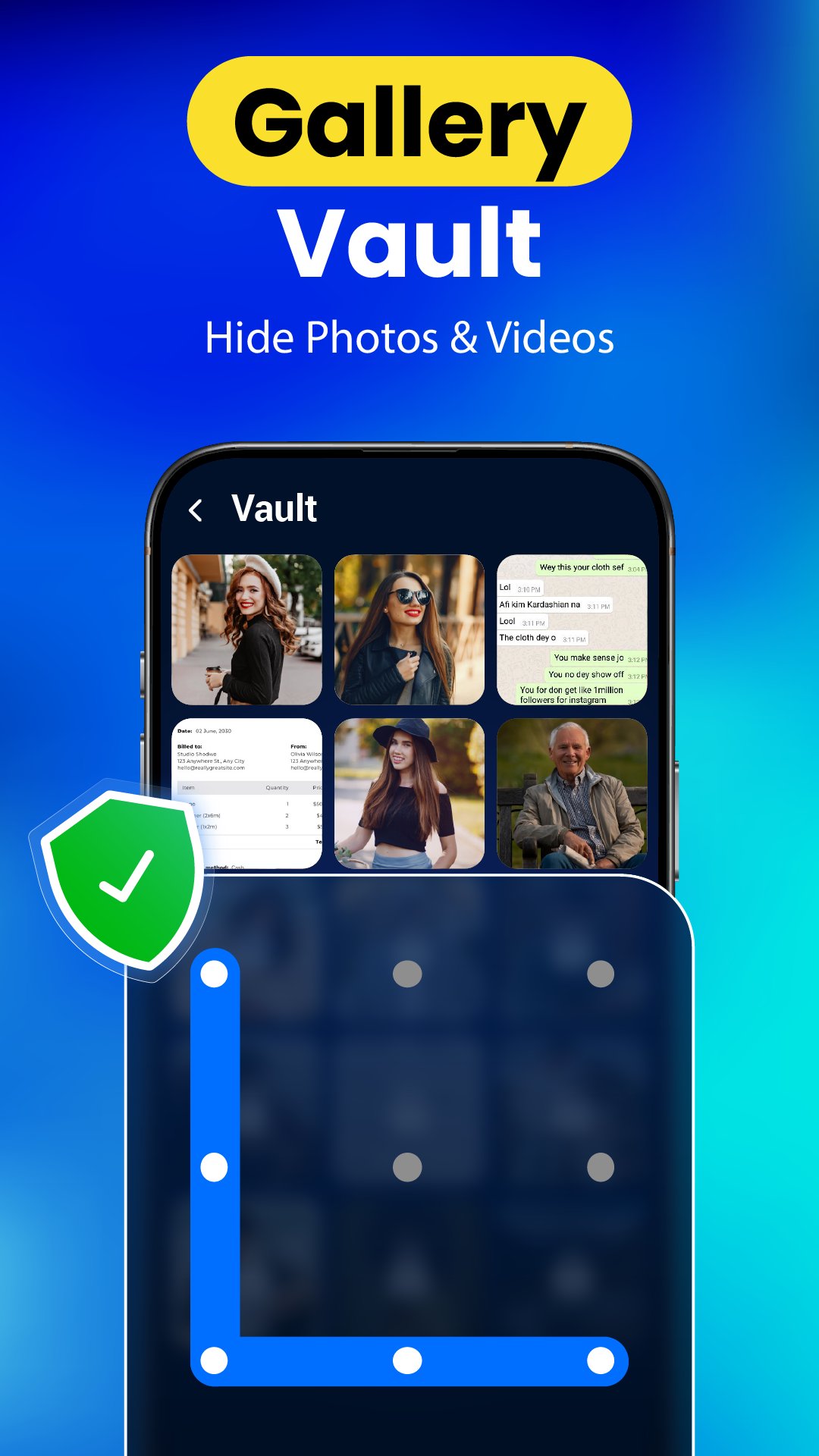
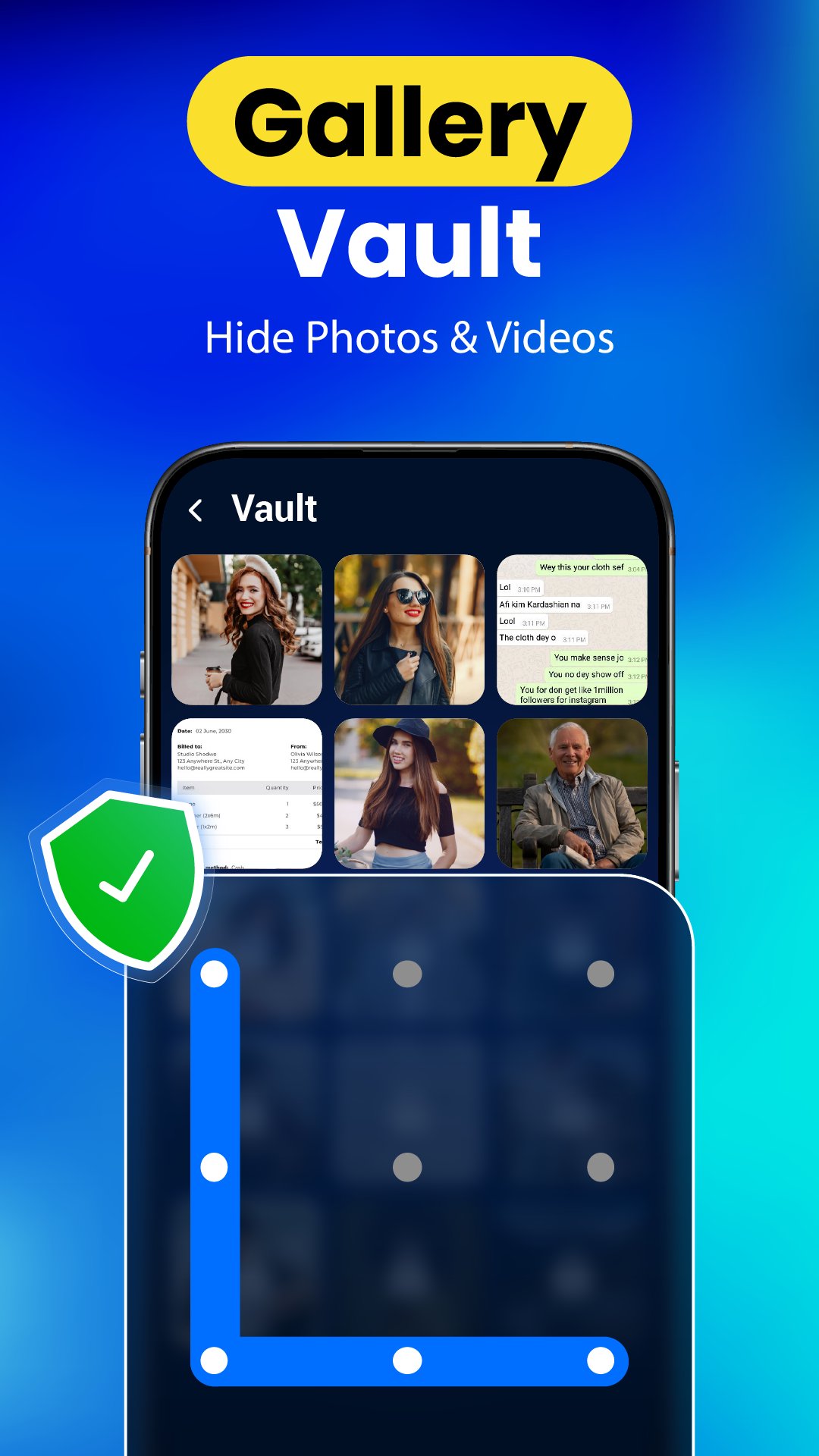
• Safe Photo Vault: Hide photos and videos in a secret vault. Encrypt your media so it only appears to you.
• Intruder Selfie: Catch them in the act! AppLock automatically snaps a photo of anyone entering the wrong password.
• Uninstall Protection: Enable "Advanced Protection" to prevent children or intruders from deleting the app to bypass the lock.
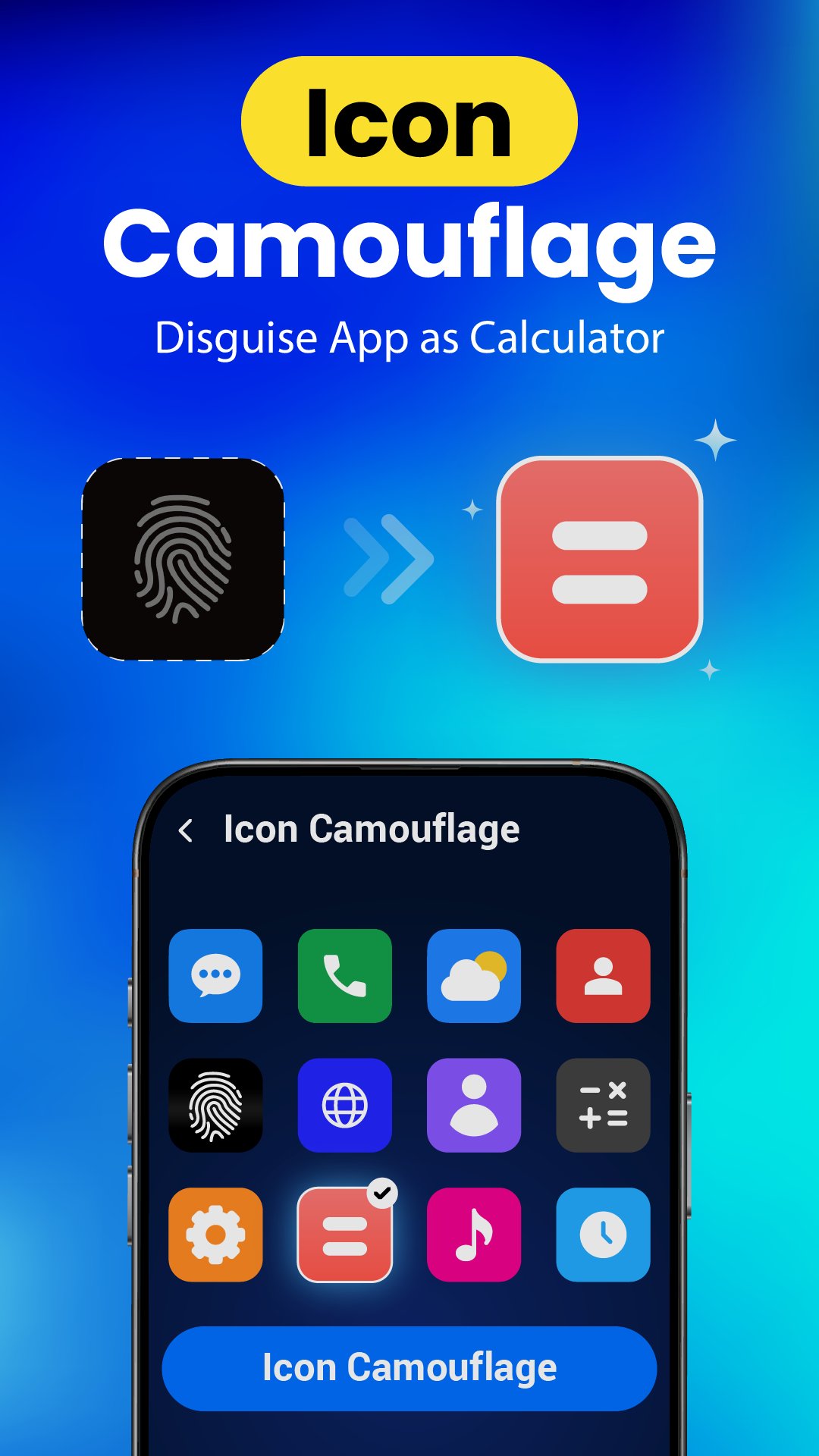
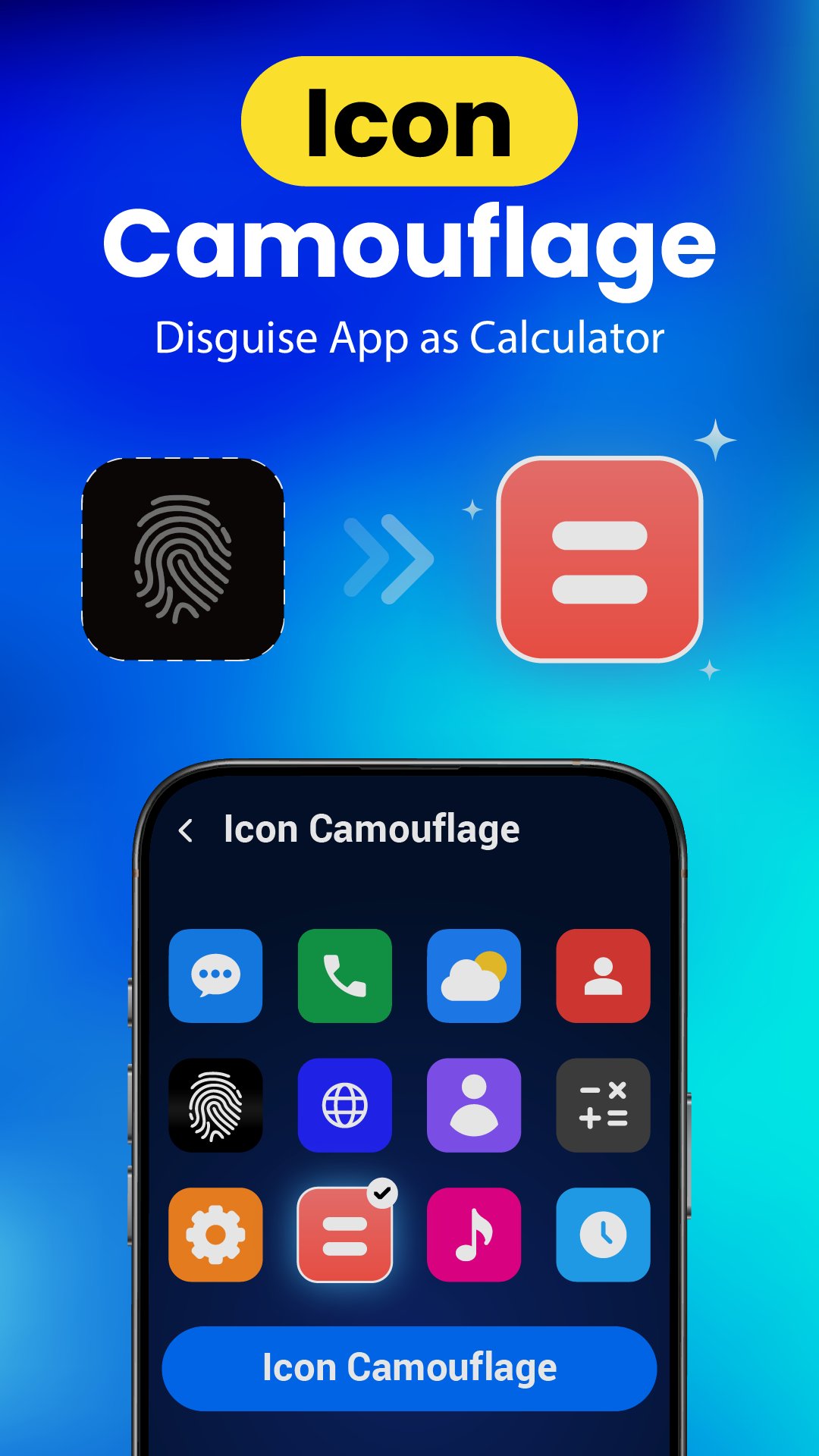
• Disguise Mode: Mask AppLock as a Calculator or Weather app to keep your security invisible to others.
• Real-Time Protection: App Lock automatically detects and locks newly installed apps to ensure constant privacy.
✨ Why Choose AppLock Fingerprint?
• Multiple Lock Types: Choose between Fingerprint, PIN, or a Scalable Pattern in App Lock.
• Spy-Proof Security: Use a random keyboard and invisible pattern path to stop people from peeping at your code.
• Lightweight & Fast: Optimized for the latest Android versions. Runs smoothly without draining your battery.
• Custom Themes: Personalize your lock apps screen with high-quality, colorful themes.
📁 Why We Need "All Files Access" (Android 11+)
To provide a truly secure file vault, AppLock requires the MANAGE_EXTERNAL_STORAGE permission. This allows us to:
1. Hide & Encrypt: Move photos, videos, and documents to a private, hidden folder.
2. Restore Safety: Securely move files back to their original location whenever you choose.
3. Local Storage: Your data never leaves your device. We operate 100% offline for maximum privacy.
⚠️ Important User Notes:
1. Privacy First: We do not collect, store, or share your personal data.
2. Recovery: Set up a recovery email to ensure you never lose access to your locked apps.
3. Safe Uninstall: Always restore your hidden files before uninstalling the app to prevent permanent data loss.
Stop worrying about your privacy. Download the best App Locker today!


One-click to install XAPK/APK files on Android!

Thanks for your rating and feedback!
You have already rated.