Safe & Fast APK Downloads on APKPure
APKPure uses signature verification to ensure virus-free AG Skin Tool APK downloads for you.


10.0
1 Reviews
13.4 MB
File Size
Everyone
Android 4.4+
Android OS
AG Skin Tool is a free Android skin tool for customizing outfits and emotes in Free Fire.
Developed by m8gan private limited, AG Skin Tool focuses on a large, daily‑updated catalog of pro skins so users can refresh their style without top‑ups. To help you scan the essentials quickly, here are the key highlights of the AG Skin Tool APK.
Large library of pro skins, dresses, and emotes
Daily additions keep customization options fresh
Simple download-and-apply flow with clear steps
Supports both Free Fire and Free Fire MAX
Lightweight, free to use; local-only skin display
The app’s core appeal is variety. New bundles are added daily, which helps players find fresh Free Fire skins without waiting for paid events. Browsing is straightforward and organized by character-plus-bundle pairs, so it is easy to match looks to the hero you use most.
In the AG Skin Tool app, users pick a character, preview a bundle, and decide if it fits their style before applying. This ongoing flow of content is useful for players who like rotating their cosmetic sets regularly, such as switching to a themed outfit for a weekend squad match or an emote set for a highlight moment.
AG Skin Tool focuses on a fast apply process that maps your chosen bundle to the selected character and makes it appear locally on your device. This helps you test different looks without extra purchases, though it does not change how other players see your character.
On first launch, the app may prompt for a password and display three options on the main screen: Start, Download File, and Download Free Fire. Typically, users download the required files, tap Start, then tap Apply on a chosen bundle. In some cases, an external helper tool may be requested to complete setup. It is important to remember that appearance changes are local-only and use may conflict with a game’s terms, so users should proceed carefully.
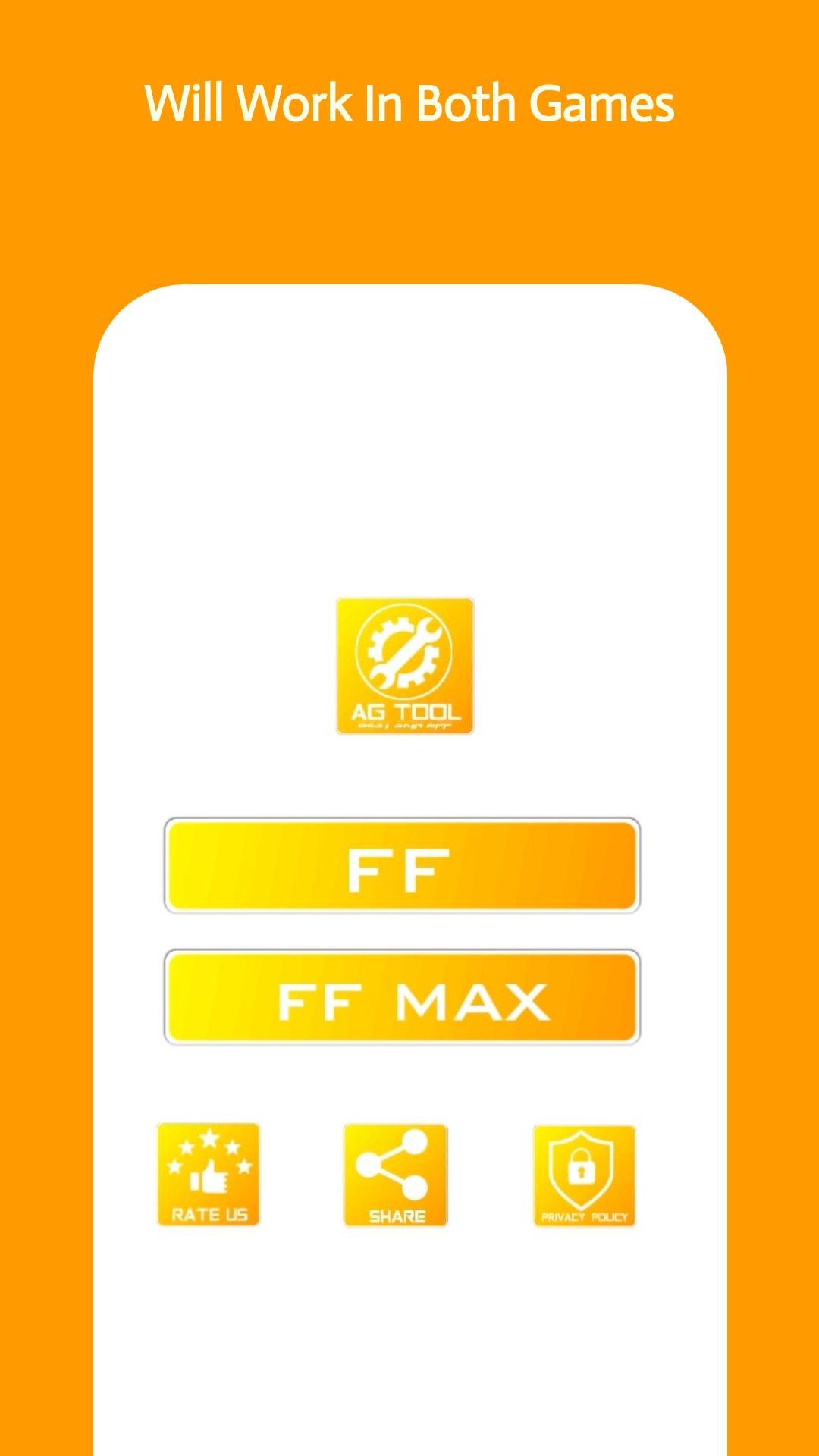
The app supports both Free Fire and Free Fire MAX, and the selection is made early in the setup. This reduces mismatches and improves the chance that local appearances line up with the version you actually play.
For example, a user who trains on Free Fire MAX for better visual effects can select MAX inside the app, apply an outfit, and then continue into the game to verify the local change. This small step saves time and prevents repeating the apply process due to version differences. The AG Skin Tool app guides the choice so you can set the right target quickly.
AG Skin Tool is lightweight compared to most game utilities, which helps on devices with limited storage. The UI keeps things simple: a short password prompt, a version choice for Free Fire or Free Fire MAX, and clear actions to Start or Download File. This keeps friction low for users who just want to refresh their look and jump back into matches.
It also supports APK or XAPK download formats, making installation flexible across different Android devices. Because the focus is on local appearance changes, the app avoids complex menus and advanced toggles. That simplicity helps users get from install to in-game testing in a few minutes, which is especially convenient before a team scrim or quick solo queue.
Based on its daily content updates and streamlined apply flow, the AG Skin Tool balances fast cosmetic changes with clear limits around local display. Users get quick variety with minimal setup.
Pros
Big skin library with frequent daily updates
Free customization; no purchases or top-ups needed
Supports Free Fire and Free Fire MAX
Lightweight install with simple UI
Flexible APK and XAPK download options
Cons
Local-only visibility; others may not see skins
May conflict with game rules and risk sanctions
Extra setup steps and possible helper tool
You can download the latest AG Skin Tool APK from APKPure. The installation file is small, around 13.4 MB, so the download usually completes in seconds over Wi‑Fi and under a minute on mobile data. After installation, the first run may prompt for a password and download required files before skins appear locally in game.
If storage space is tight, the small package size helps keep your device responsive. Users who prefer a bundled format can choose XAPK download, which can streamline resource setup on certain devices. When you open the app, select Free Fire or Free Fire MAX, follow the on-screen steps, and apply a bundle to a character to see it locally.
For the smoothest experience, download AG Skin Tool when connected to stable Wi‑Fi and keep enough free space for any extra files. After applying a look, launch the game and check your character in the lobby or a casual match. Remember that changes are local-only, and consider the game’s rules before using AG Skin Tool APK latest version during ranked play.





One-click to install XAPK/APK files on Android!

Thanks for your rating and feedback!
You have already rated.