Package Name:com.coddy.zcut
Show More


77.0 MB
File Size
Everyone
Android 7.0+
Android OS
Easy video editor — cut, effects, filters, music, text. and AI video maker.
Z-Cut is a pure video editor. No sign-up, no AI credits, no subscription — just
a fast, offline editor that does what you tell it to.
Edit. Create. Your way.
━━━━━━━━━━━━━━━━━━━━━
REAL EDITING
━━━━━━━━━━━━━━━━━━━━━
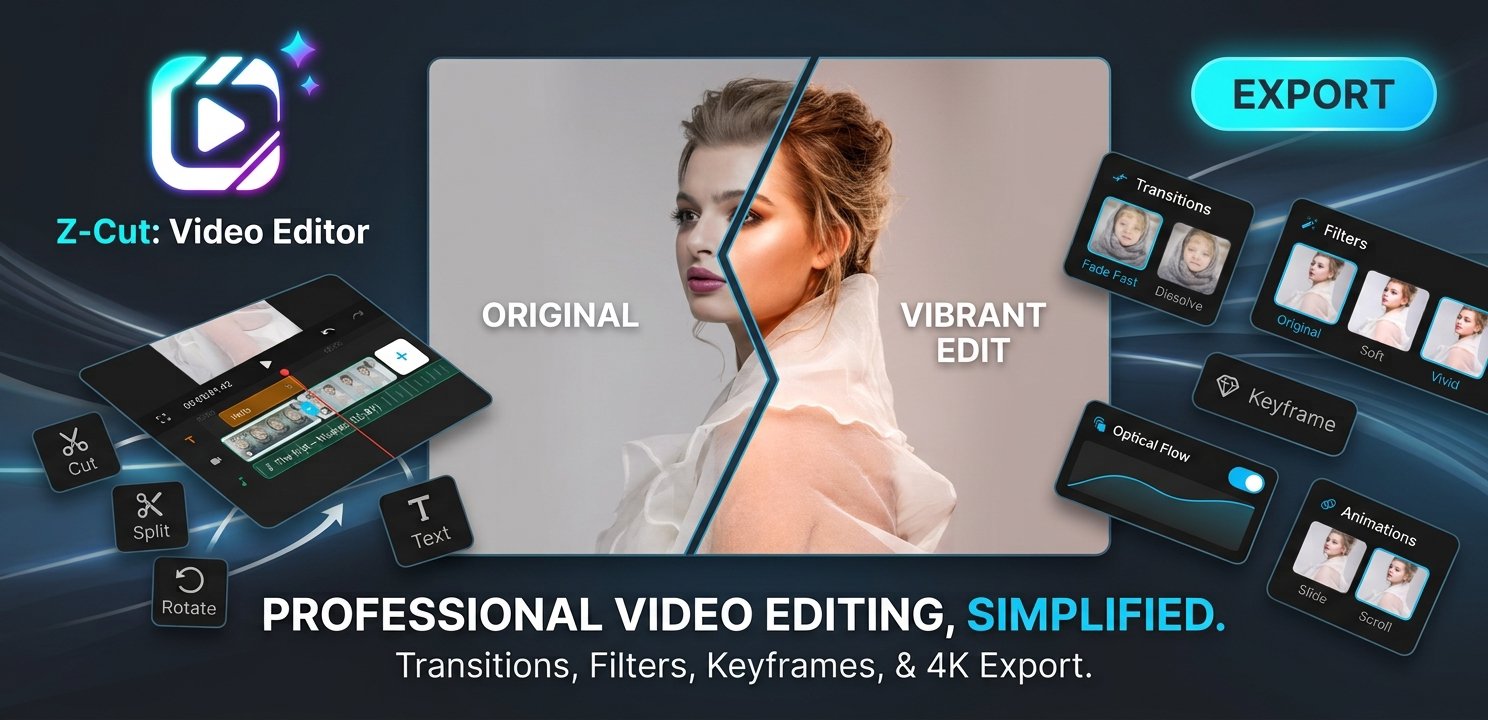
• Multi-track timeline — video, overlay (picture-in-picture), text and audio lanes
• Trim, split, merge, duplicate, replace
• Crop, rotate, flip
• Speed control from 0.25x to 4x
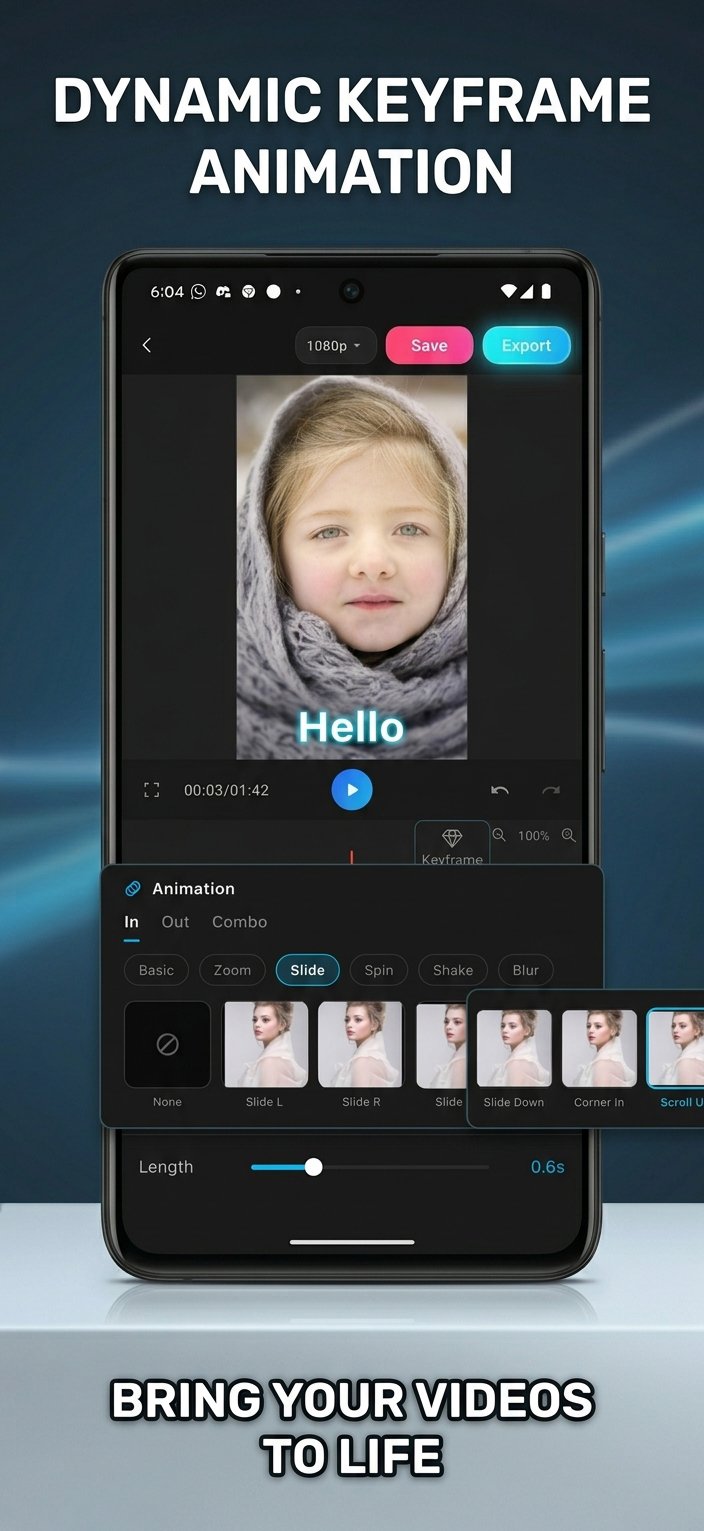
• Keyframes and clip in/out animations
• Undo / redo everything
• Draft auto-save — pick up exactly where you left off
━━━━━━━━━━━━━━━━━━━━━
EFFECTS & FILTERS
━━━━━━━━━━━━━━━━━━━━━
• Cinematic, Film, Vintage, Warm, Cool, Moody, B&W, Retro filters — with a
strength slider
• Real-time video effects: Glitch, VHS, RGB Split, Shake, Flash, Blur, Motion
Blur, Grain, Light Leak, Vignette, Pixelate, Dreamy and more
• Beauty: skin smooth, brightness, skin tone, one-tap retouch
• Colour adjust: exposure, contrast, saturation, temperature, highlights, shadows
No AI. Just fast, honest real-time effects.
━━━━━━━━━━━━━━━━━━━━━
MUSIC & SOUND
━━━━━━━━━━━━━━━━━━━━━
• Add your own music and sound files
• Free stock music and sound effects, licence-labelled (CC0 / CC-BY)
• Voiceover recording
• Multiple audio tracks, volume, fade in / out
• Extract audio from a video clip
• Waveform view
━━━━━━━━━━━━━━━━━━━━━
TEXT & MANUAL CAPTIONS
━━━━━━━━━━━━━━━━━━━━━
• Custom fonts, colour, stroke, shadow, background
• Position, rotation, opacity, animation
• Add captions by hand — type it, set the duration, animate it. You stay in
control, not an algorithm.
• Import .srt / .txt subtitle files
• GIF stickers
━━━━━━━━━━━━━━━━━━━━━
TEMPLATES (no AI)
━━━━━━━━━━━━━━━━━━━━━
Beat, Cinematic, Social (Reel / TikTok / YouTube Short), Gaming (Kill Montage /
Highlight / Victory) and Intro packs. A template just sets cuts, transitions,
an effect, a filter and music timing — then hands you the timeline to edit.
━━━━━━━━━━━━━━━━━━━━━
EXPORT
━━━━━━━━━━━━━━━━━━━━━
• Up to 4K, 24 / 30 / 60 fps
• 9:16, 1:1, 16:9, 4:5 and original aspect ratios
• Watermark-free
• Saves straight to your gallery, share anywhere
━━━━━━━━━━━━━━━━━━━━━
WHY Z-CUT
━━━━━━━━━━━━━━━━━━━━━
✓ Works fully offline
✓ No account, no cloud, no login
✓ No AI generation, no AI assistant, no credits
✓ No subscription
✓ Manual control over everything
✓ Free, supported by ads
Z-Cut is free to use. Ads keep it that way.




One-click to install XAPK/APK files on Android!

Thanks for your rating and feedback!
You have already rated.