Safe & Fast APK Downloads on APKPure
APKPure uses signature verification to ensure virus-free Win 11 Simulator APK downloads for you.


10.0
5 Reviews
33.7 MB
File Size
Everyone
Android 5.1+
Android OS
Win 11 Simulator is a Windows 11 interface simulator for Android devices.
Developed by Soft Jelly Games, it offers a safe way to preview the Windows 11 desktop on mobile without changing your system. With Win 11 Simulator APK, you can explore Start, Search, Settings, and common tools in one place. It focuses on familiar navigation and lightweight performance, making it useful for students and first-time users. The highlights below show what you can expect inside the simulation.
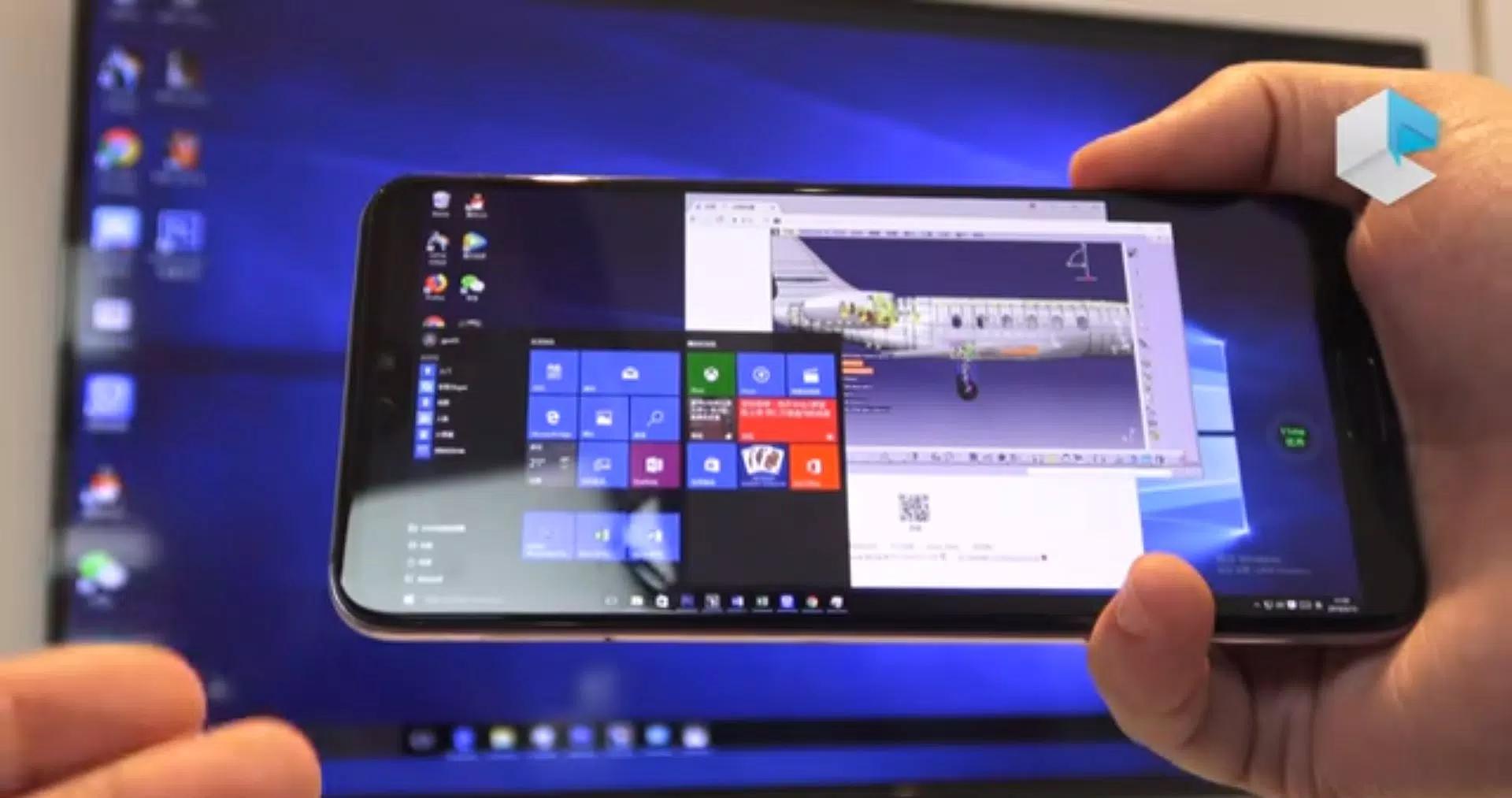
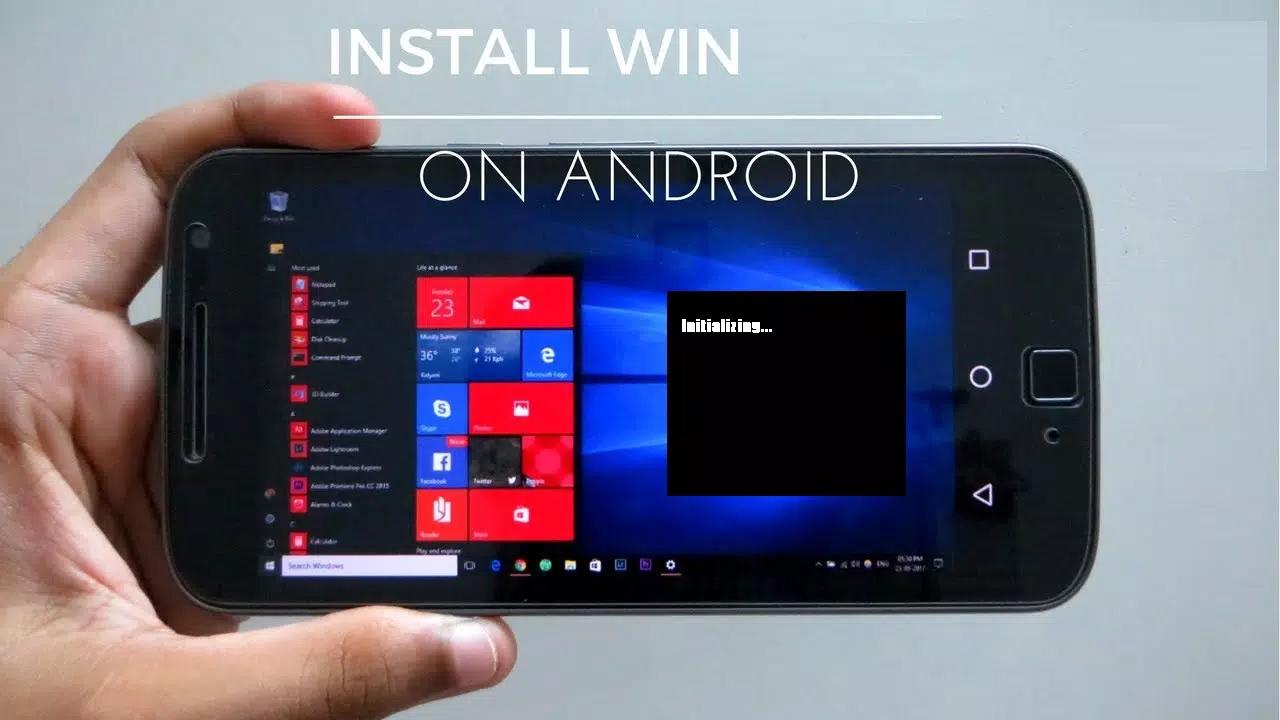
Win 11 Simulator places a centered taskbar, Start, Search, and Widgets on a desktop-style screen. Pinned items and shortcuts appear clearly, making it easy to find tools you use often. Long pressing an icon acts like a right click, which helps you discover context options without digging through menus.
Inside Win 11 Simulator, open File Explorer, Notepad, Calculator, Camera, Task Manager, and a simple Browser to practice everyday tasks. Explore settings categories such as Display or Sound to see how navigation feels on touch. If a website refuses to connect in the embedded view, try another page or switch to your regular mobile browser.
Get the Win 11 Simulator latest version on APKPure with a quick download. To download Win 11 Simulator, expect a short wait depending on your network and device. After installing, the app may ask for basic permissions so the simulation can run smoothly.
No system changes occur, and you can close all simulated windows when finished. If a page fails to load inside the browser view, try another site or your normal mobile browser. Open the desktop screen, explore the Start menu, and personalize themes whenever you want.

One-click to install XAPK/APK files on Android!

Thanks for your rating and feedback!
You have already rated.


