Scan Date:Mar 20, 2024
Show More


7.5 MB
File Size
Everyone
Android 7.0+
Android OS
No more slow typing on VR Keyboards in VRChat chatbox
Introducing the VRChat Companion App VRCCB (Short for VRChat ChatBox) - the ultimate tool for VRChat users! With our app, you can easily type messages to your friends in VRChat using your phone's keyboard, track your online duration, and even set the chatbox as a second status bar that stays visible forever.
Key features:
- Speech-to-text functionality: Easily type messages by speaking into your phone by pressing the mic icon.
- ChatBox on phone: Type anything that you want to send over to VRChat. examples like, “Now Playing: AmongUs Soundtrack”.
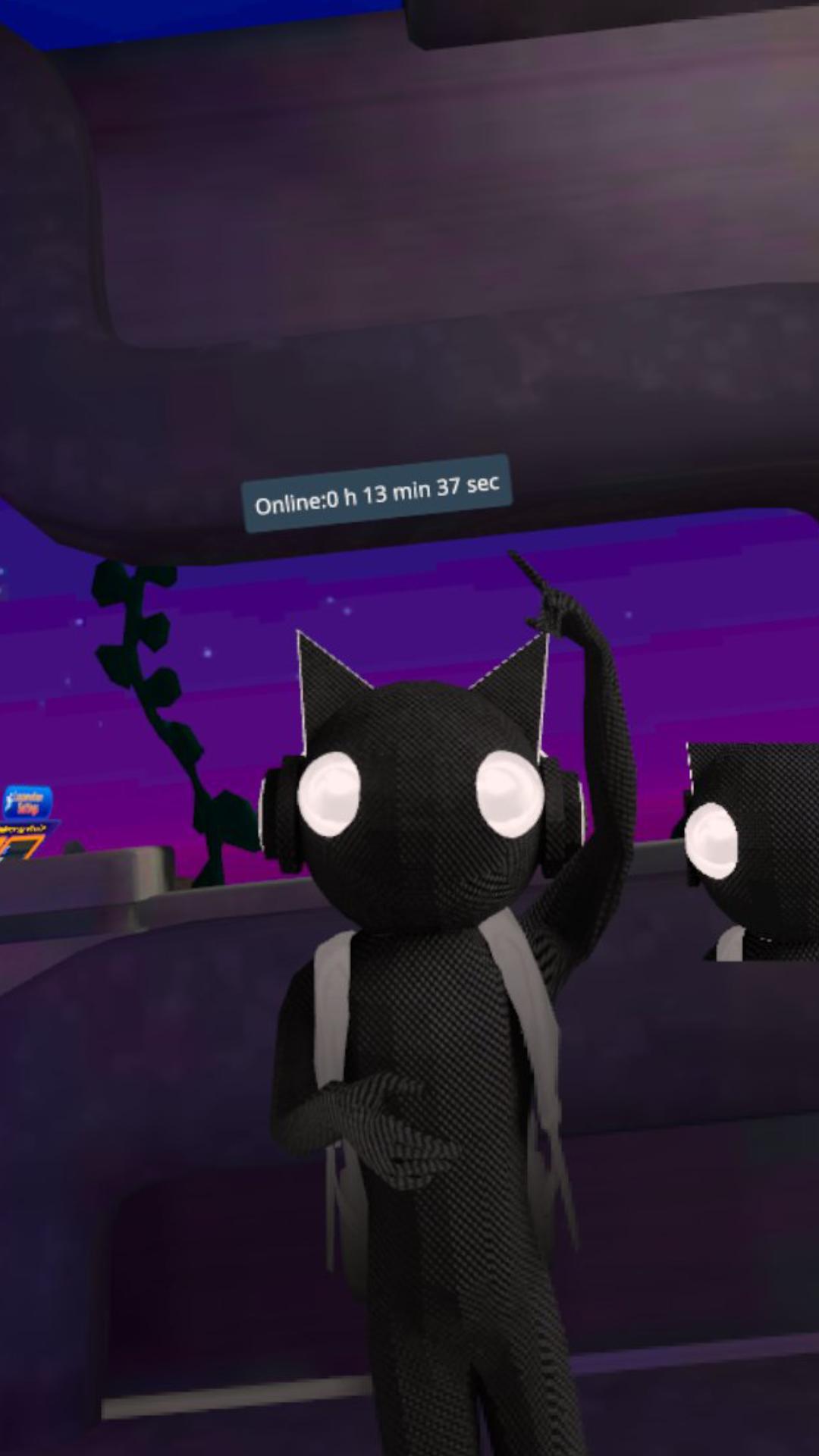
- Online duration tracker: Let your friends know how long you've been online in VRChat.
- Display forever: Keep the chatbox visible as a second status bar or keep your message shown on your chatbox forever.
- Paste video links: Paste video links in chat popup and copy them over to video player in game (quest video playback only works on certain video player)
Don't waste time typing on a virtual keyboard in VR - download the VRChat Companion App now and stay connected with your friends in VRChat like never before!
How to setup:
1.First enable OSC on your PC/Quest. (might require restart of VRC)
Press R on PC | press and hold B or Y button on Quest/VR to access your radical menu > Options > OSC >Enable
2. Find your IP address
- PC windows 10/11:
Right click your wifi icon on your toolbar> Open network & internet settings > Wifi Properties > Scroll down for iPV4 address.
- Quest:
open your wifi settings > click on the connected wifi > Scroll down to advance> find IP address
3. Enter IP address to app and click connect. Enjoy using the app
Tutorial on the app: https://youtu.be/fnNM_a1b7oo
Update:
V1.1.0 - New feature: Allows users to send quest youtube/video url and paste them in game. More info on how to do that in the instructions on top right of the app.




One-click to install XAPK/APK files on Android!

Thanks for your rating and feedback!
You have already rated.