Tải APK an toàn và nhanh chóng trên APKPure
APKPure sử dụng xác minh chữ ký để đảm bảo tải APK miễn phí virus cho Edge Launcher.

Truy cập thiết lập nhanh chóng, mở các ứng dụng yêu thích / địa chỉ liên lạc, chuyển sang ứng dụng gần đây nhanh.
Discover the power of multitasking with Edge Launcher. Edge Launcher is a fast and powerful gesture launcher and app switcher available to you anytime anywhere. Access quick settings and toggles, open favorite apps and contacts, and switch between recent apps, all with one single touch and fast speed.
Reviews:
"This little app has managed to outdo Google itself by making the Recents function obsolete." - Android Police
"Extremely handy application that makes the multitasking experience on Android much more snappy and intuitive" - addictivetips
"The simple fact that you can access it from anywhere makes it extremely useful for multitasking operations." - dotTech
Features:
• Select 4 customizable quick settings and toggles
• Show 5 most recently used apps
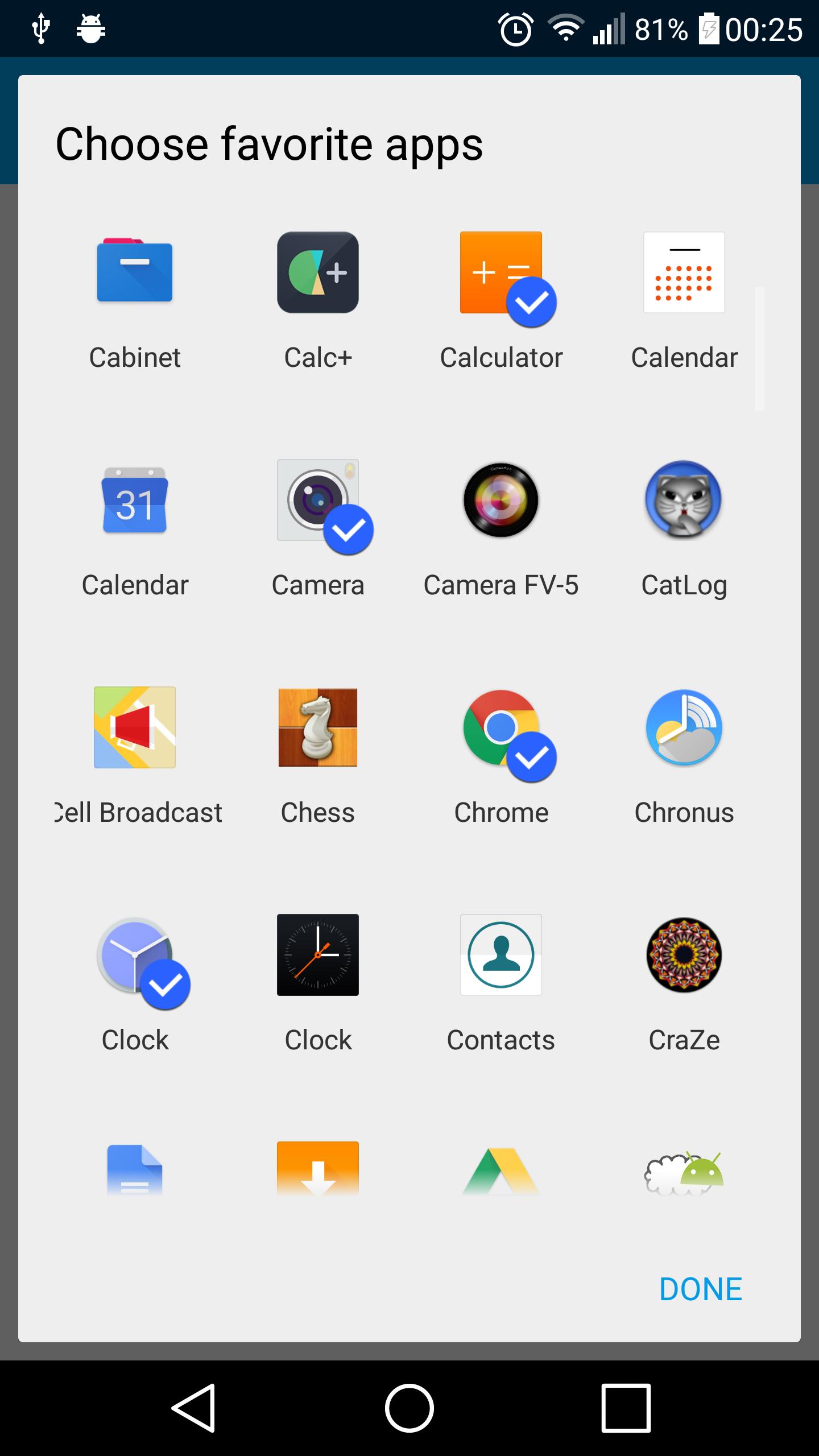
• Show up to 5 favorite apps and 5 favorite contacts
• Open with one touch from the left or right edge of the screen
Pro features:
• Up to 14 settings and toggles
• Show up to 10 recent apps
• Unlimited favorite apps and contacts
• Open from left and right edge of the screen
• Customizable colors and appearance
Available quick settings and toggles:
• Turn on/off WiFi, Bluetooth, screen auto-rotate
• Turn on/off mobile data (Android Kit-Kat and below only)
• Turn on/off flashlight (torch)
• Take a screenshot of the phone screen/display
• Toggle sound between silent/vibrate and ring mode
• Adjust screen brightness: low, medium, high, auto brightness modes
• Access location and NFC settings
• Expand notifications shade
• Navigation keys and buttons: Power, back, menu, search (require root)
• Home key shortcut
• Built-in app-drawer - quickly access all your apps
• Media buttons: play/pause music, previous track, next track
Tips:
• You can switch between 'One touch' and 'Swipe in' modes to open Edge Launcher
• One touch - touch and hold the edge of the screen to open the launcher, swipe towards the icon and let go!
• Swipe in - Quick swipe (flick) from the edge of the screen inwards to open the launcher.
Note: This app is still in beta. Please report any bugs to the developer before leaving a rating.
End-user License Agreement:
This software application (“app”) is provided 'as-is', without any express or implied warranty, including, but not limited to, the implied warranties of merchantability and fitness for a particular purpose. The entire risk as to the quality and performance of the app is with you. In no event will the author be held liable for any damages or injuries arising from the use of this app. Should the app prove defective, you assume the cost of all necessary servicing, repair or correction.





Một cú nhấp chuột để cài đặt các tệp XAPK/APK trên Android!

Cảm ơn bạn đã xếp hạng và phản hồi của bạn!
Bạn đã đánh giá.