Tải APK an toàn và nhanh chóng trên APKPure
APKPure sử dụng xác minh chữ ký để đảm bảo tải APK miễn phí virus cho Control Center OS12.

Control Center OS12 giúp bạn nhanh chóng truy cập cài đặt & ứng dụng yêu thích
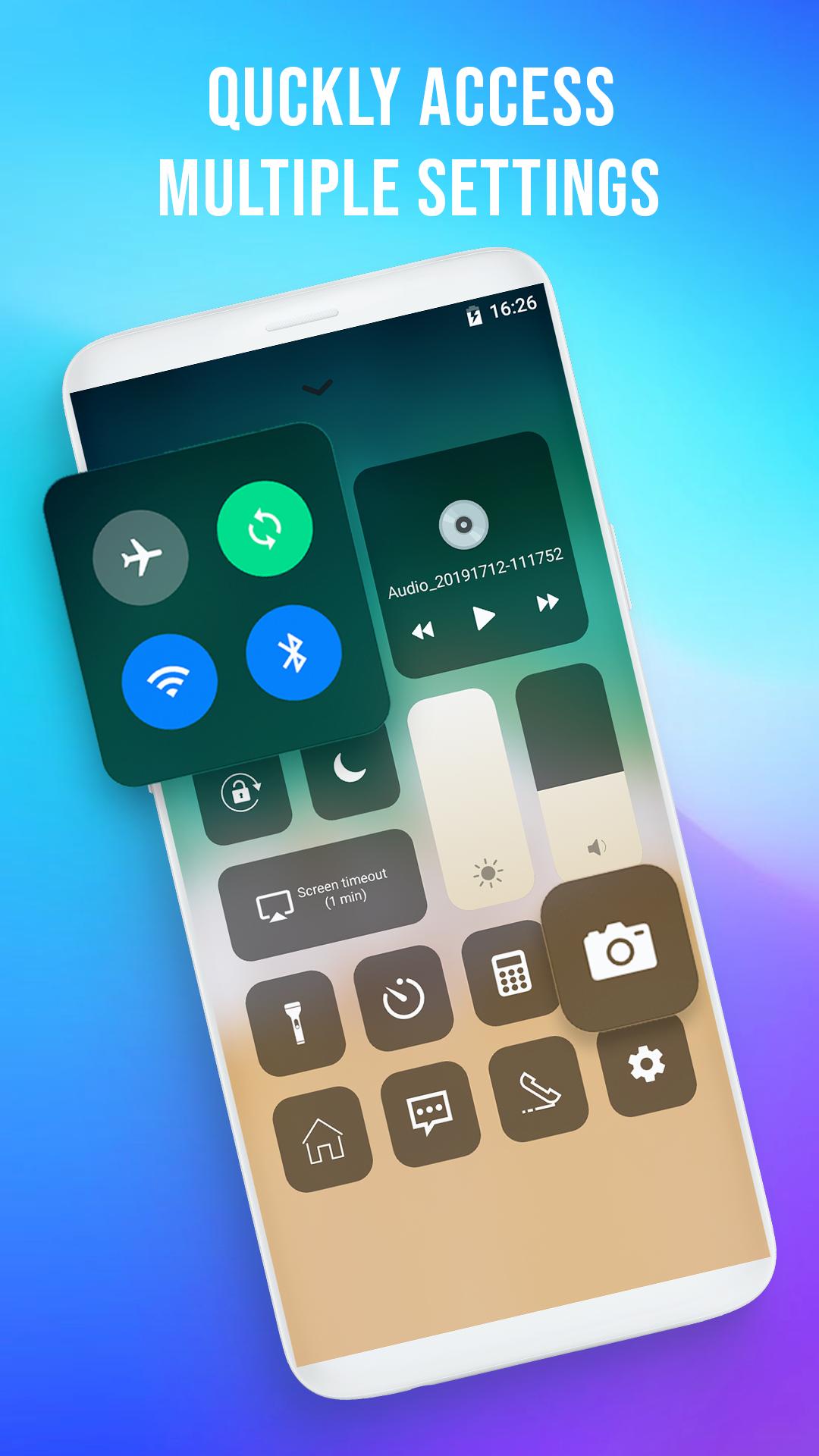
✪ Quick Control Panel OS - Control Center OS 12 gives you instant access to the Camera, Clock, Record the screen, Screenshot and more settings like to Phone X, Phone XS max.
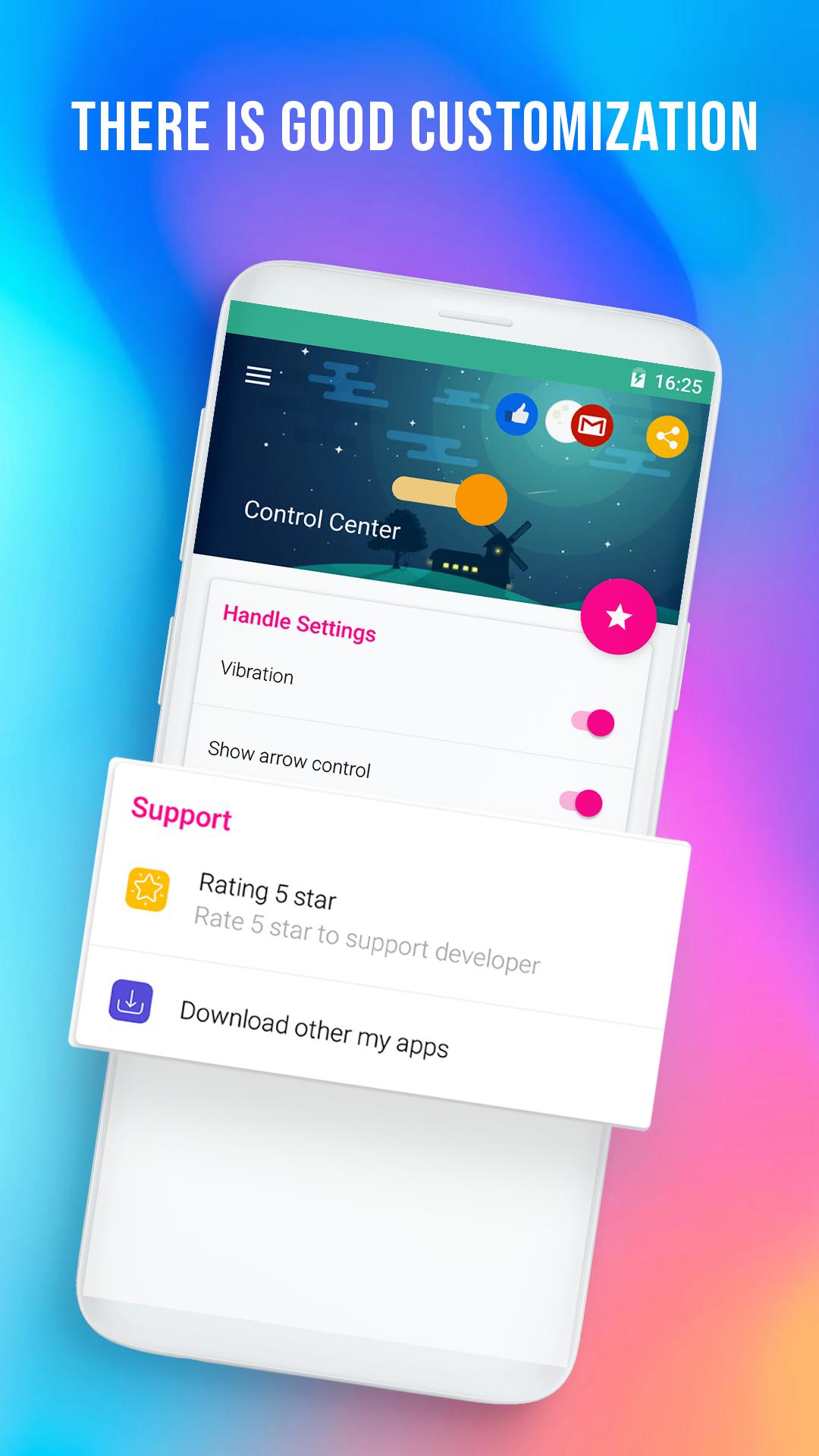
✪ There is good customization, we can bring the applications to use, put in this new Control Center to manipulate more conveniently.
✪ You can quickly access all your favorite apps, games, settings and quick toggle, screen capture, screen recording.
✪ If you are using an Android device, you can fully experience the Control Center through the same name application on Play Store.
☎️ Quick Control Panel OS - Control Center OS 12, the control center gives Android users instant access to commonly used applications and controls (like OS) by swiping up from any screen. Control Center is a feature that allows users to quickly activate frequently used connections on Phone X as well as adjust screen brightness, increase or decrease the volume of OS 12. Manipulation of Control Center is the same as on OS, just swipe from the bottom up, the panel will appear to control volume, music, vibration, flight mode and the basic notification functions similar to OS.
🥝 Quick Control Panel OS - Control Center OS 12 is an easy tool for Android devices. It's fast, it’s smooth, and it’s totally free. In addition, the adjustment icons can be customized, users can replace "useless" icons with frequently used functions, including Control Center colors and themes. There is good customization, we can bring the applications to use, put in this new Control Center to manipulate more conveniently.
🍋 Features
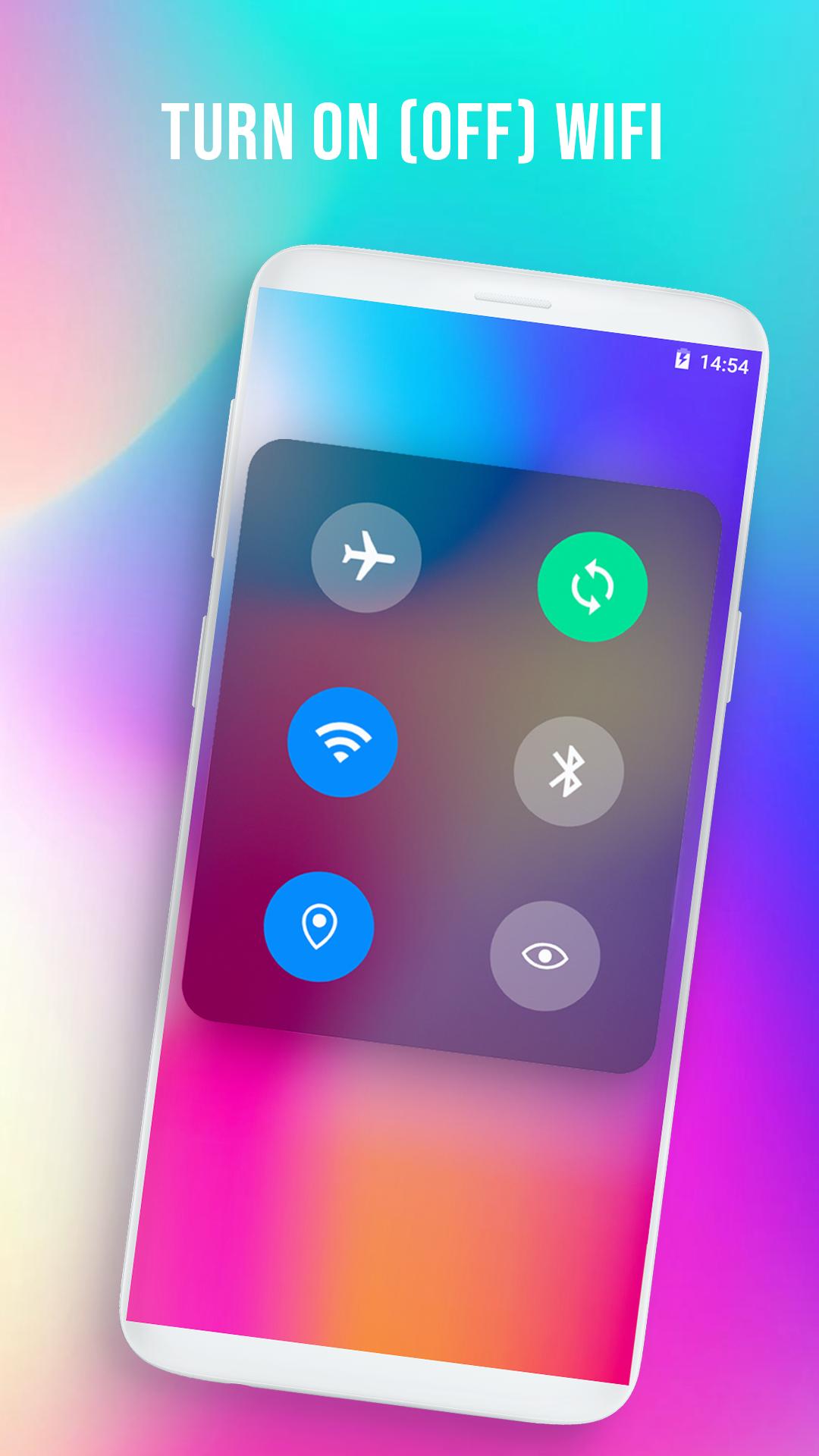
❂ Turn on (off) airplane mode
❂ Turn on (off) sync
❂ Turn on (off) Bluetooth
❂ Turn on (off) wifi
❂ Turn on (off) flashlight
❂ Turn on (off) screen lock
❂ Turn on (off) k disturbing mode
❂ Set the standby screen (15s, 30s, 1M, 2M, 10M, 30M)
❂ Turn on, turn off the music, select the next song, the previous one
❂ Go to the home screen
❂ Adjust dark light
❂ Adjust the sound to be small
❂ Open the clock app
❂ Open the photography application
❂ Open the computer application
❂ Open the message application
❂ Open the calling application
❂ Go to application center (settings) control
❂ Also when pressing and holding long into the group (airplant, sync, wifi, Bluetooth), it can turn on, turn off the location and turn off the reading mode.
💎 In the main screen of the application, there is a function of vibrating when turning on, turning off any function in the control center. In addition, it can optionally hide the horizontal scroll bar that appears on the screen when installing the control center.





Một cú nhấp chuột để cài đặt các tệp XAPK/APK trên Android!

Cảm ơn bạn đã xếp hạng và phản hồi của bạn!
Bạn đã đánh giá.