






Thanks for your rating and feedback!
You have already rated.

VIP by Callyo is a business calling utility that lets you choose the line for outgoing calls.
Developed by Motorola Solutions, it cleanly separates work and personal calling through tight native dialer integration. The main draw is instant line selection before each call, so you decide between your VIP Number and your device number without switching apps. Once your admin enables access, you can download the VIP APK and start quickly. Below are the features that matter in daily use.
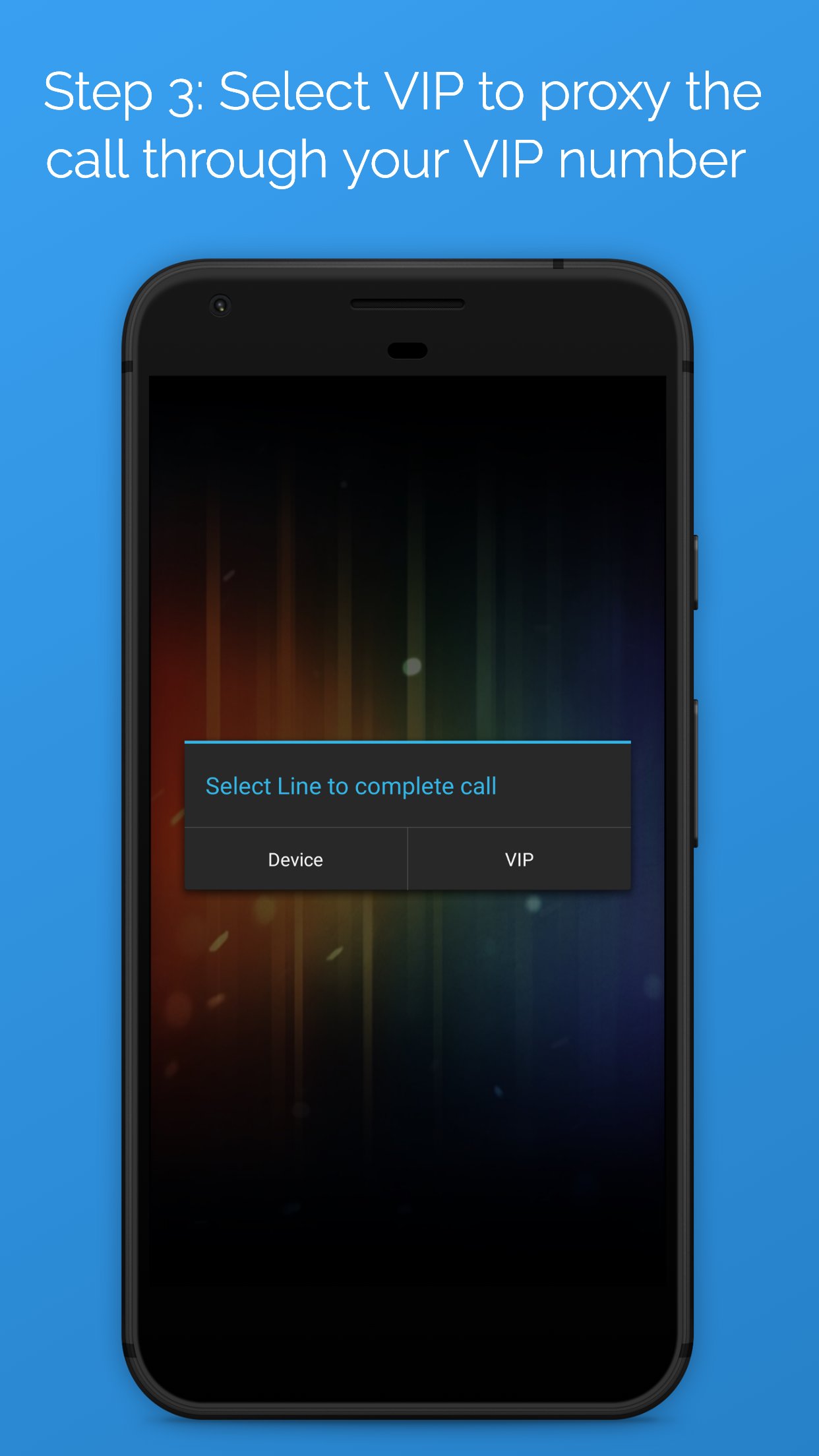
The outgoing call proxy lets you pick which line to use directly from your phone’s keypad or contacts. When you place a call, a simple prompt appears and you choose VIP Number for work or Device Number for personal. This makes it easy to call a client on the correct line and then ring a friend on your device number right after, without juggling apps or settings. VIP by Callyo requires the Make & Manage Outgoing Calls permission to function, which some users may find sensitive. If that’s a concern, review the permission details and discuss privacy expectations with your administrator before proceeding.
There’s also a calling interface inside the app if you prefer a contained workspace for business calls. Open the dialer within the app, enter the number, and place the call through your VIP line. This can be handy when traveling or working in a new environment, since your work calls stay within a dedicated space and feel distinct from personal calling. While the native dialer is usually faster for day‑to‑day calls, VIP by Callyo keeps this secondary option ready whenever a dedicated interface helps you focus.
Push notifications alert you when someone calls your VIP line, even if the app isn’t open. With notifications turned on, you see who’s calling and can respond promptly, which is useful during busy days or while multitasking. If notifications seem quiet, check your phone’s system settings, Do Not Disturb, or battery optimization to make sure alerts aren’t blocked. Because alerts rely on network connectivity, occasional delays may occur in poor signal areas. VIP by Callyo keeps notifications straightforward so you can spot work calls at a glance and avoid missing important conversations.
A dedicated recent‑calls view lists activity made from the VIP line, helping you review work calls without wading through personal history. You can quickly confirm last contact times, scan call patterns, and keep work logs tidy for follow‑ups or reporting. It’s a clear way to maintain boundaries: your VIP calls are tracked in one place, while personal calls remain in the phone’s standard history. Access and setup for VIP lines are controlled by your Callyo admin, so enterprise rules are applied consistently. With VIP by Callyo, teams get reliable separation and visibility while retaining the familiarity of the native dialer.
Get the VIP latest version from APKPure and start managing line selection right from your native dialer. The download typically finishes quickly, though time varies with your network speed and device. APK size may change between builds, so ensure sufficient storage before downloading.
After installation, you may be prompted to grant calling permissions and enable notifications. Sign‑in and access are managed by your organization’s Callyo administrator, and some users will not be able to place VIP calls until that setup is complete. If needed, open the app once and run a short test call to confirm the VIP Number prompt appears.
When ready, place your next work call via the VIP line and keep personal calls on your device number. For a smooth experience, download VIP and verify notifications so you never miss an incoming VIP call.



One-click to install XAPK/APK files on Android!
Thanks for your rating and feedback!
You have already rated.