










Thanks for your rating and feedback!
You have already rated.

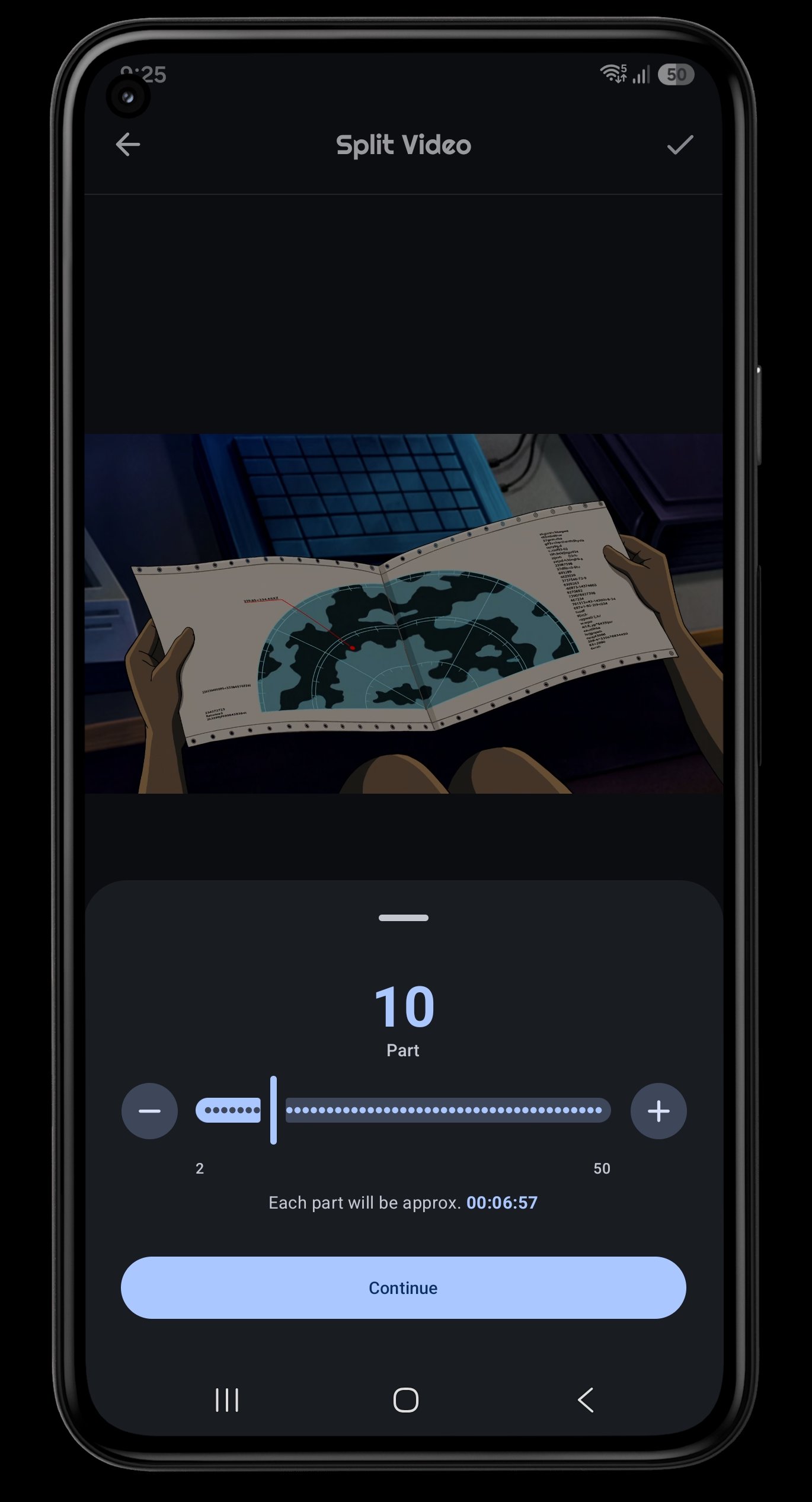
Easily split video into fixed and custom parts/duration.
In a world of constant sharing, you need a video editor that is fast, powerful, and respects your privacy. Stop juggling multiple apps for simple tasks.
Welcome to Video Cutter - Split Video, the all in one solution for quickly editing video and audio files right on your device.
Your Complete Video & Audio Toolkit
Whether you're a content creator, a social media enthusiast, or just want to manage your personal library, our suite of tools has you covered.
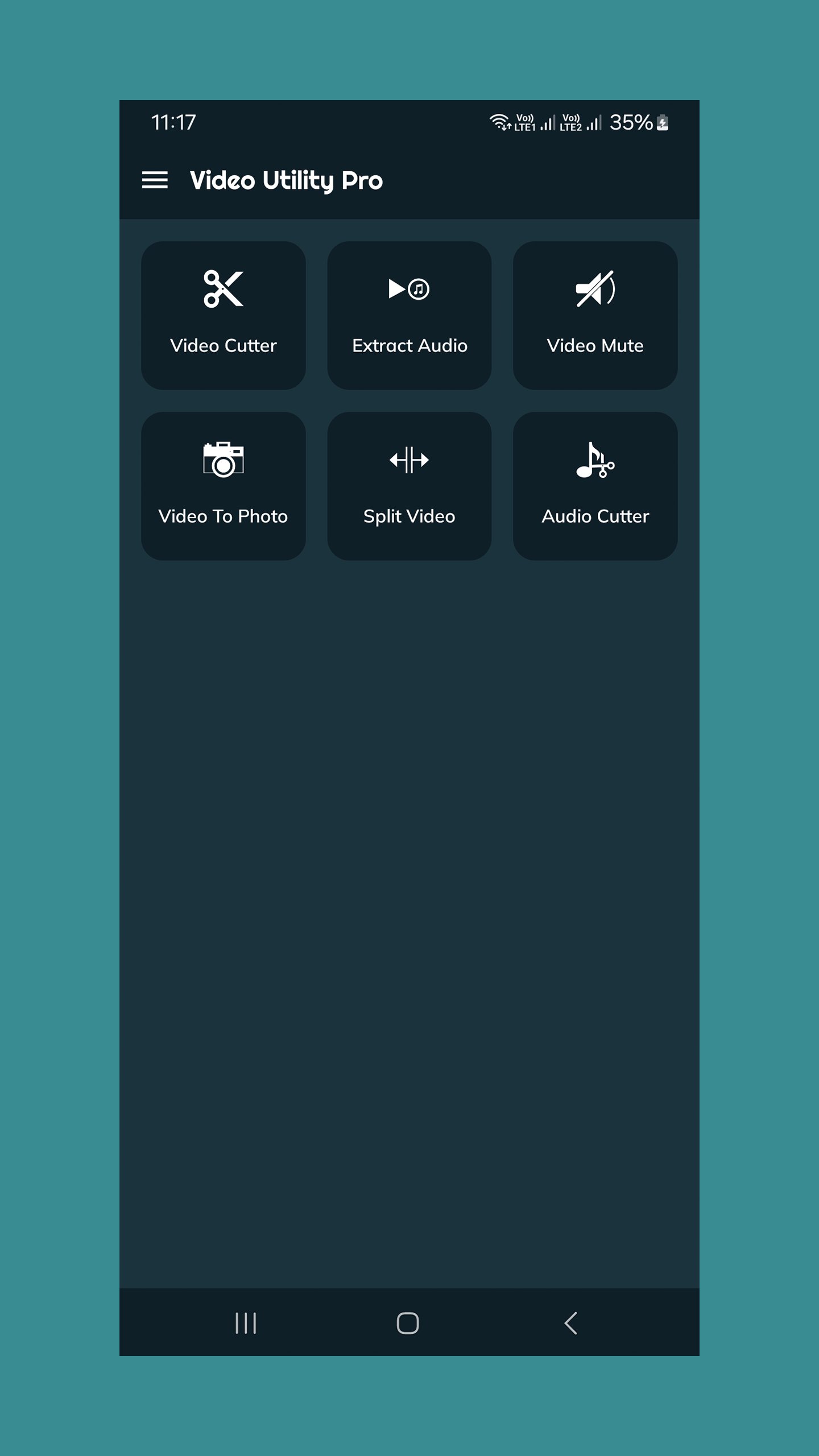
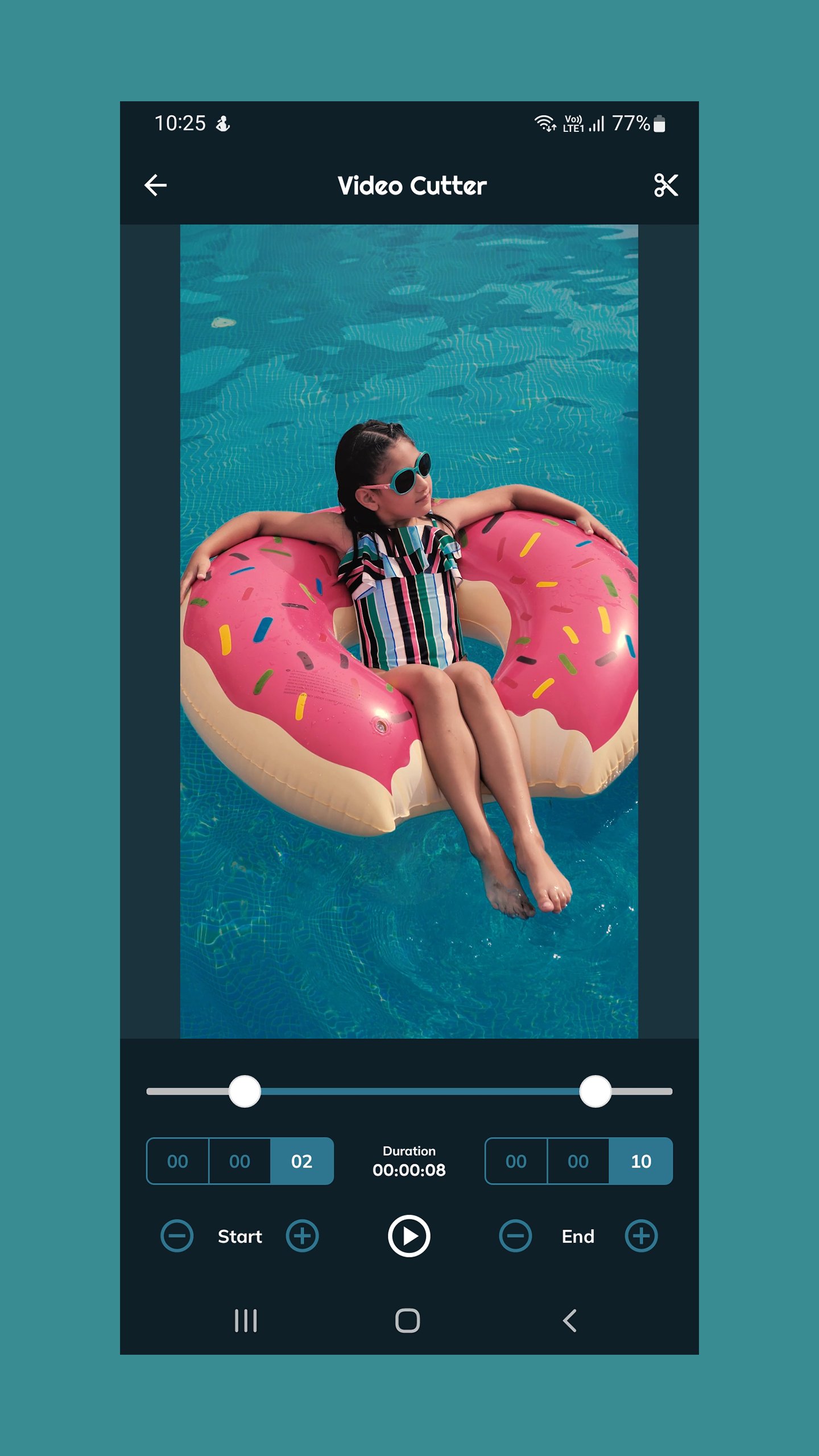
• Video Cutter & Trimmer: Precisely cut your videos to keep only the most important parts. Perfect for creating clips, stories.
• Mute Video: Easily remove all audio from a video file. Ideal for creating GIFs or when the background noise is distracting.
• Extract Audio (Video to MP3): Convert your favorite music videos or talks into high-quality MP3 audio files you can listen to anywhere.
• Split Video: Break long videos into smaller, manageable parts. You can split videos into a specific number of equal parts or divide them time duration (e.g., every 30 seconds).
• Extract Photo from Video: Capture any moment from your videos. Grab a high-quality screenshot from any frame with a single tap.
• Audio Cutter: Trim your audio files, ringtones, or extracted MP3s with the same simple and effective interface.
Privacy-First & Offline
Your files are your own. All processing happens directly on your device. Your videos and audio never leave your phone, ensuring your content remains completely private and secure. No internet connection is needed to edit. (Pro users only)
Simple & Efficient Workflow
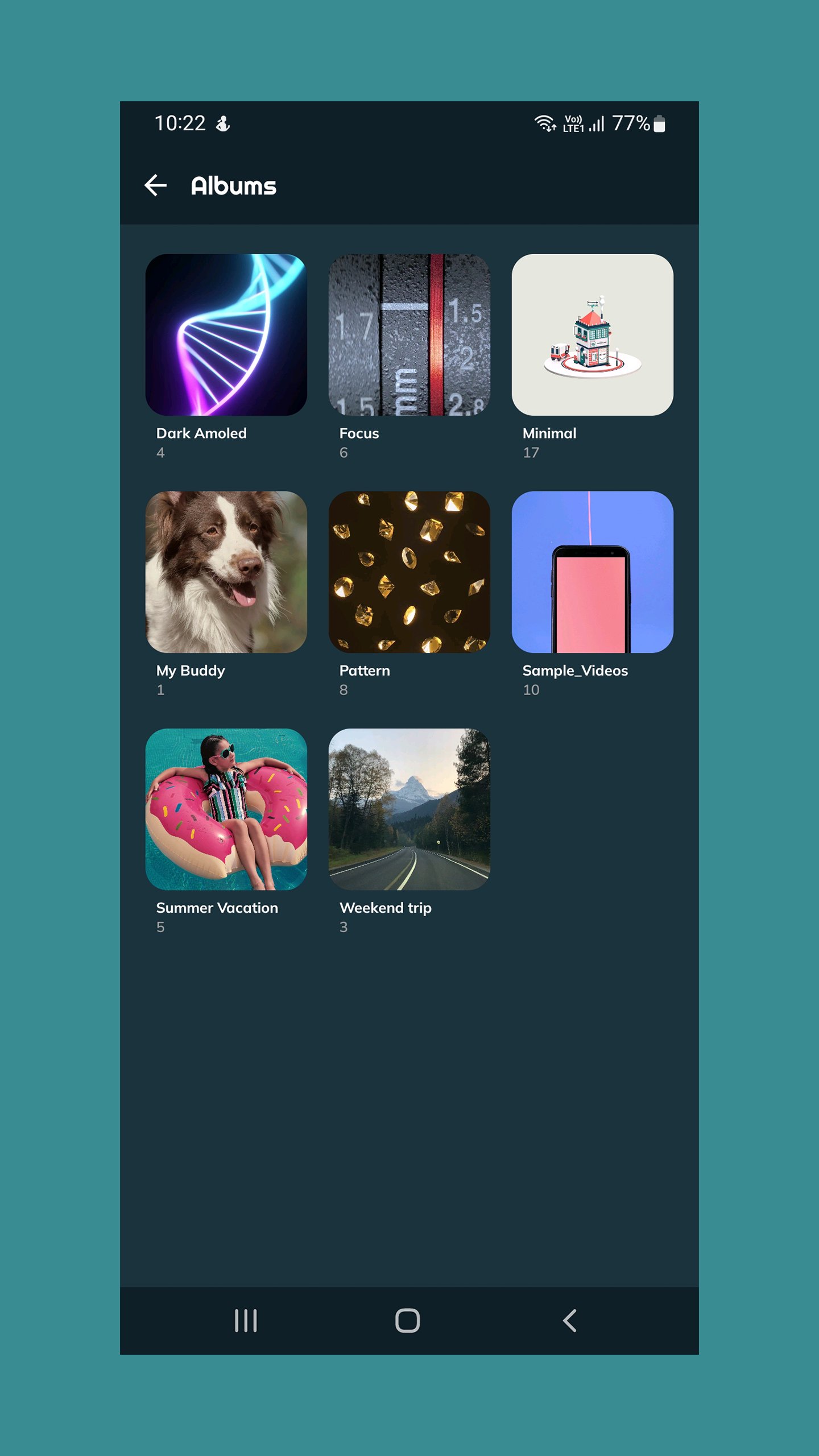
1. Browse Your Library: The app automatically organizes your videos into albums, just like your phone's gallery, making it easy to find what you need.
2. Select Your Tool: Simply choose the editing function you want to use and select video from list.
3. Edit & Save: Make your changes with our intuitive controls and save the new file in seconds.
A Note on Ads & Pro Version
This free version is supported by ads to fund its ongoing development. For an uninterrupted, ad-free experience, please consider upgrading to the Pro version.
The Pro version is a single, small, one-time purchase that unlocks an ad-free experience forever. No subscriptions, no monthly fees.
Click here to get Video Cutter - Split Video Pro
If you have any questions or feedback, please feel free to contact us via the "Contact Us" option in the app menu.
Download Video Cutter - Split Video today and take control of your video editing!
Don't forget to rate and review, once you have used and enjoyed our app.





One-click to install XAPK/APK files on Android!
Thanks for your rating and feedback!
You have already rated.