Safe & Fast APK Downloads on APKPure
APKPure uses signature verification to ensure virus-free VancedTube APK downloads for you.

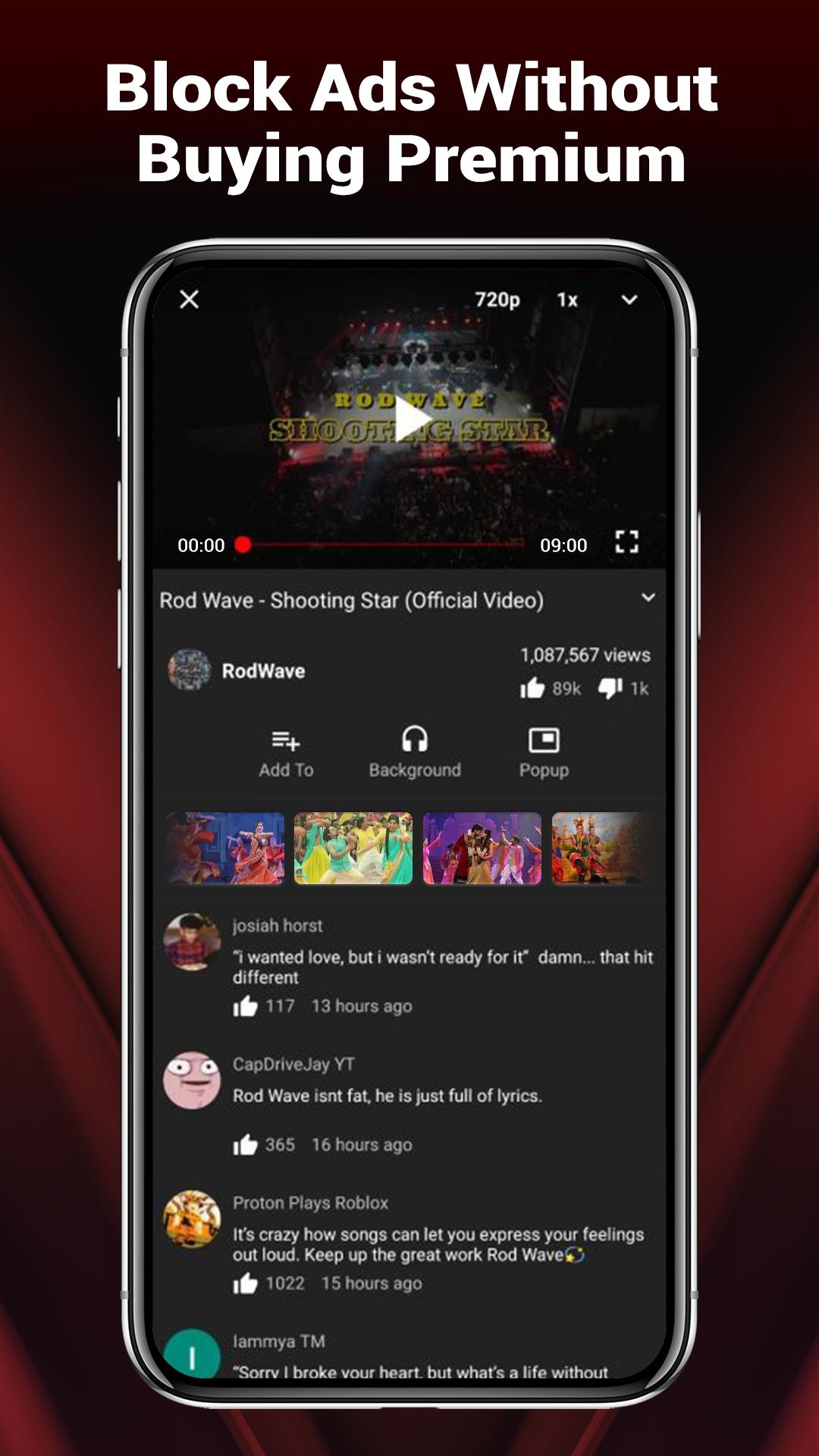
VancedTube is a third-party YouTube client for ad-free, uninterrupted streaming.
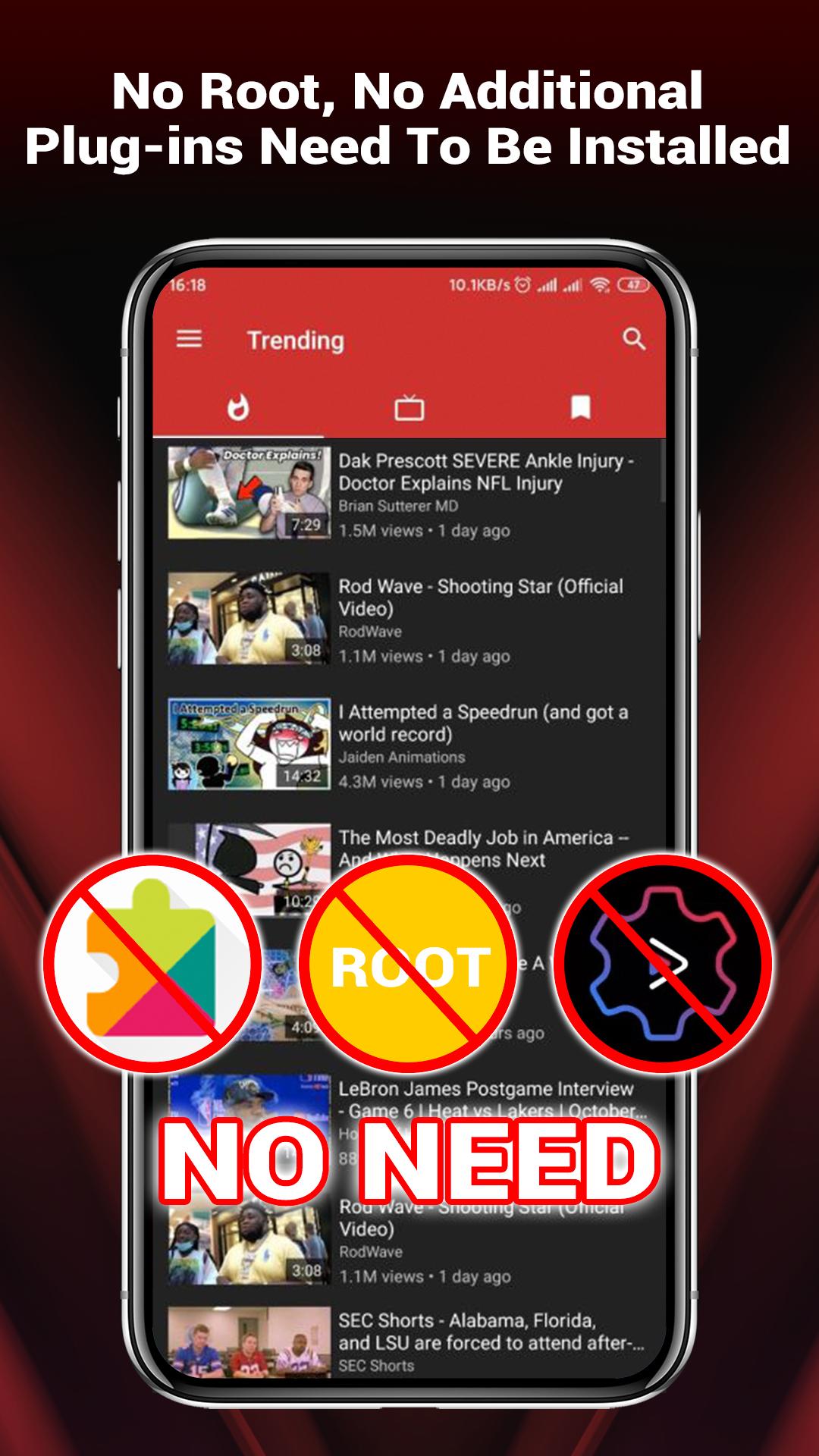
Developed by Vanced Official, the VancedTube APK focuses on ad-free viewing without extra plugins. It keeps controls close to the player and supports true multitasking. Below are the features that matter most in everyday use.
Ad-free playback with auto-skips for intros and mid-video ads
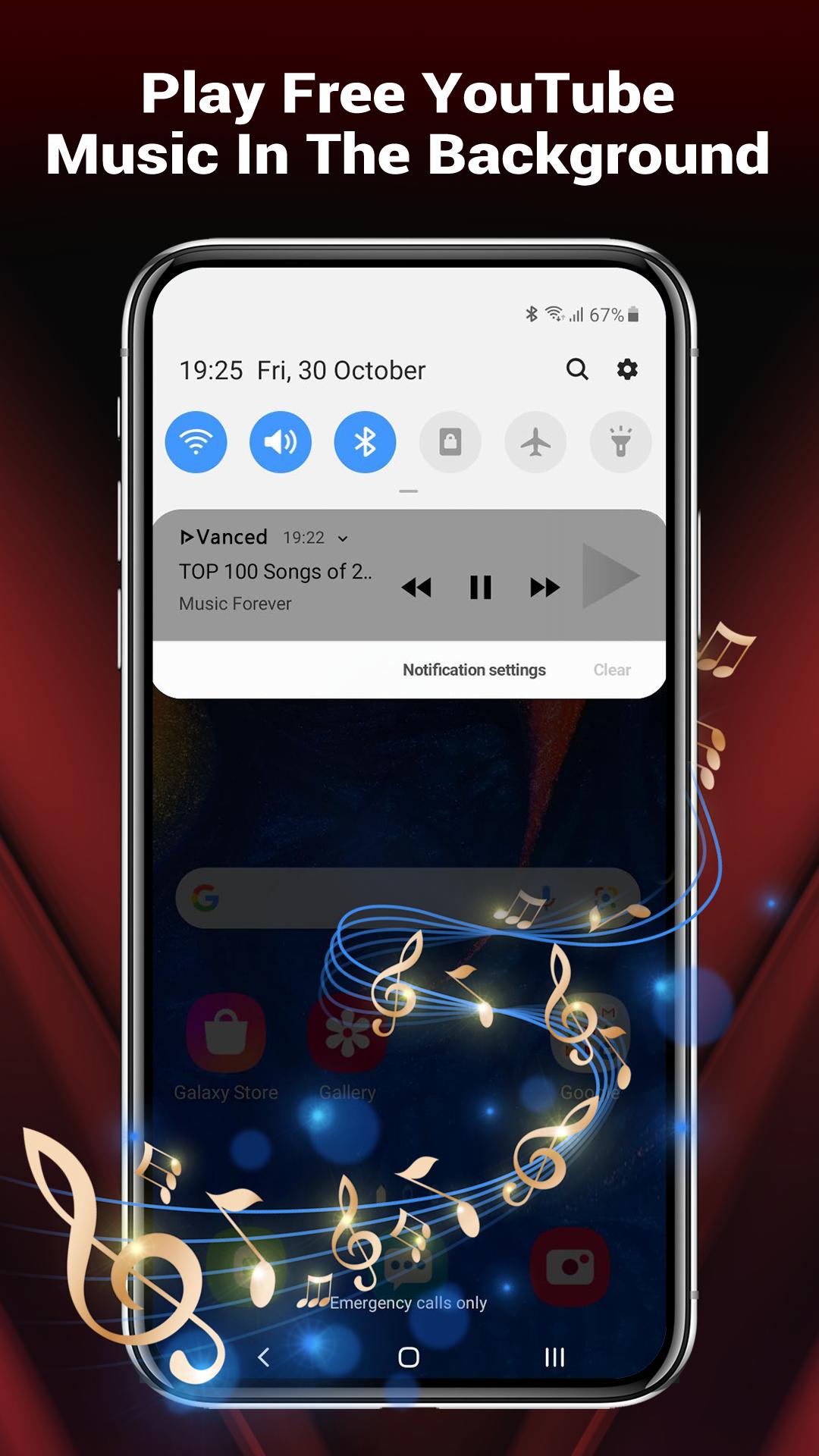
Background audio when screen is off or app minimized
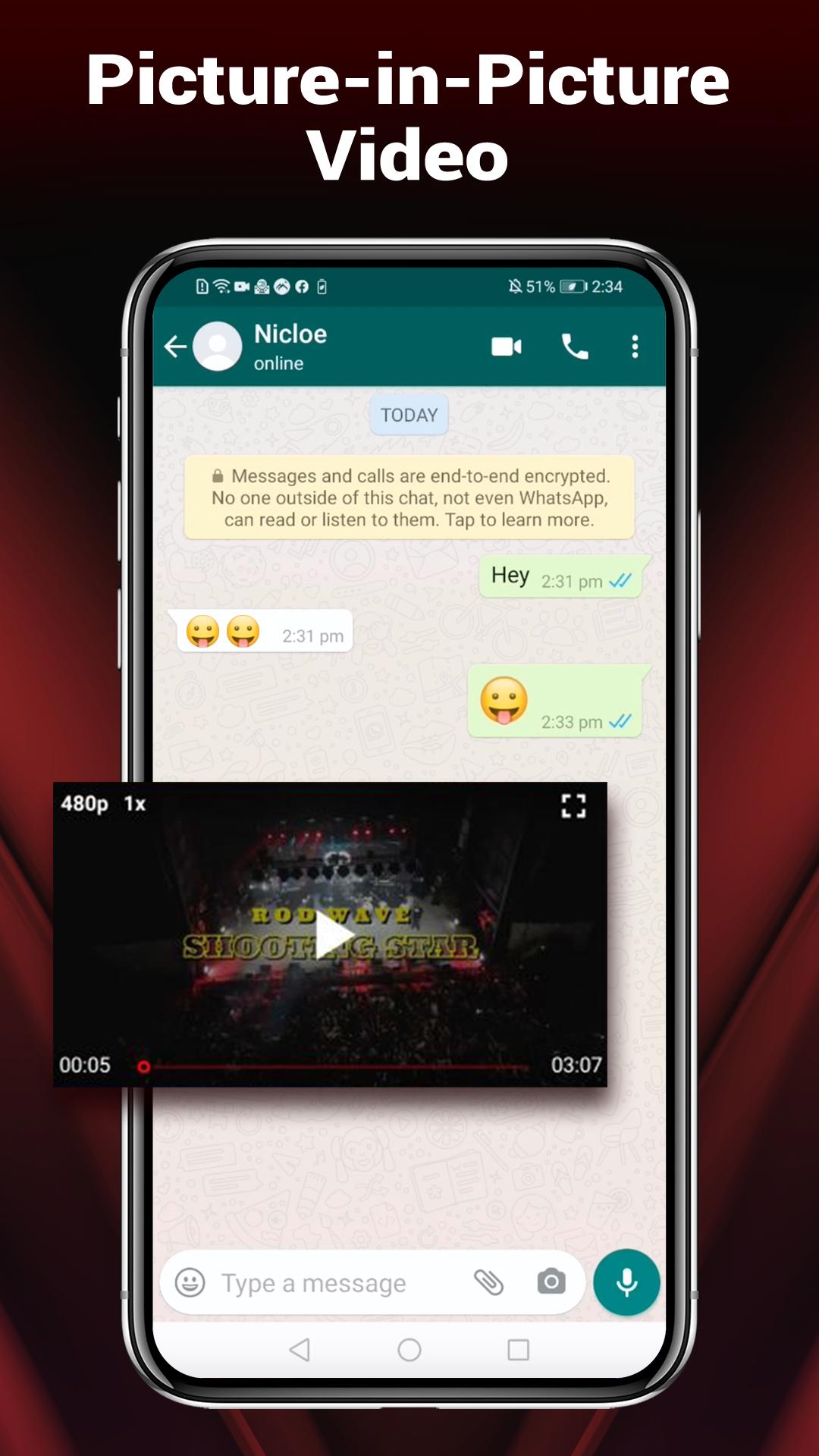
Floating popup player to watch while using other apps
Starts at max resolution; quick quality, volume, brightness controls
Core to the experience is uninterrupted viewing. Ads and intros are filtered and skipped automatically, so videos start faster and keep playing without breaks. The VancedTube app removes distractions while keeping the standard player layout familiar.
There is nothing extra to set up. Just press play and let the app handle pre-rolls and mid-rolls. In practice, auto-skip can be inconsistent across videos or regions, so some content might still show brief sponsored segments. When that happens, users can use the seek bar to move ahead. This keeps the overall flow smooth for long sessions like lectures, news clips, or music videos.
Background playback lets you keep music, podcasts, and long interviews running while the screen is off or you leave the app. It’s useful on commutes or when you want to conserve battery and focus on audio.
Tap the Background button in the player, then lock the screen or switch to another app. Audio continues without stutter. This works well for playlists, ambient mixes, or study sessions where video isn’t needed. If you need to pause quickly, wake the screen and use the in-player controls. The VancedTube app keeps these actions simple so users can multitask without losing their place.
The floating popup player opens a movable window over other apps. This helps you watch tutorials while messaging friends, or follow live commentary while checking email.
Tap the popup icon in the player to open the floating window. Drag it to any corner to keep it out of the way while browsing. It’s handy for step-by-step videos, game walkthroughs, or quick news clips. When done, close the window or tap it to return to full screen. With the VancedTube app, picture-in-picture style viewing feels light and responsive for everyday use.
Videos start at maximum resolution by default, so you see the best quality right away. Users can adjust quality manually to save data or improve stability on slower connections. In-player sliders fine-tune volume and brightness without leaving the video.
Open the Quality option in the player to confirm the highest resolution or choose a lower one. Slide the on-screen controls to set brightness for a dark room or volume for noisy environments. These controls make it easy to adapt quickly, whether you’re streaming over mobile data or watching at night. The VancedTube app puts practical adjustments within thumb’s reach, so sessions stay comfortable.
Bookmarks help collect videos you rewatch often, such as daily music mixes, language lessons, or fitness routines. Saved items sit ready for whenever you return.
Tap the Bookmark or Save button on a video to add it to favorites. This cuts down on search time and keeps regular content organized. It’s especially useful for series or channels you check every morning. Over time, users build a concise library that suits their habits. The VancedTube app keeps this lightweight, focusing on fast access rather than complex folders.
Designed for uninterrupted viewing and multitasking, the VancedTube app streamlines playback controls and removes extra plugin requirements. Most features work out of the box, though third-party clients can face occasional limitations.
Pros
Ad-free viewing reduces interruptions
Background and popup playback enable multitasking
Starts at max resolution automatically
In-player volume and brightness controls
Small APK size, no extra plugins
Cons
Relies on YouTube APIs; features may change
Auto-skip can be inconsistent across regions
You can download the latest VancedTube APK from APKPure. The installation package is about 22.6 MB, so the download is quick on Wi‑Fi and usually completes in under a minute. Over mobile data, expect a few minutes depending on signal strength.
VancedTube runs on Android 5.0 and above and does not require MicroG or Vanced Manager. After installation, open a video and check the Quality setting if you want to manage data usage. For first-time users, try background playback or the popup player to see how multitasking fits your routine.
If you prefer to download VancedTube during peak hours, using Wi‑Fi helps avoid data spikes. Once installed, start with a favorite channel, set brightness and volume in the player, and enjoy an ad-free session right away.

One-click to install XAPK/APK files on Android!

Thanks for your rating and feedback!
You have already rated.