APKPure پر محفوظ اور تیز APK ڈاؤن لوڈ کریں
APKPure آپ کے لئے وائرس سے پاک Fileshare - Send files APK ڈاؤن لوڈ میسر کرنے کے لئے سائنیچر تصدیق استعمال کرتا ہے۔

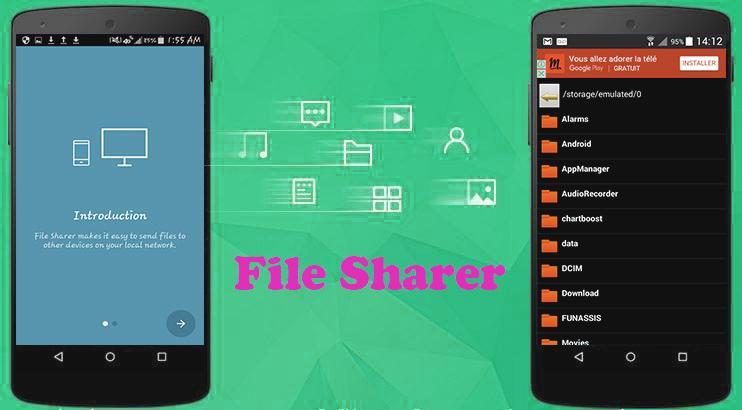
Fileshare allows you to transfer files fast between Android & PC wirelessly
With File Transfers, File Sharer you can transfer files from Android to PC and PC to mobile phone. Get this WiFi Data Transfer Application for free and copy, paste, and delete files from your phone by connecting it with your computer. File transfers with this WiFi Data Transfer Application have never been simpler! Get this tool today! It utilizes WiFi technology to its full potential, thereby giving you super-fast file transfers in a short space of time, no USB cable needed!
How to use this WiFi Data Transfer Application:
1. Install the App on both devices
2. Make sure there is a WiFi connection between the devices (on the same WiFi router or hotspot. You can also start the portable hotspot feature on one device and connect the other)
3. Click on the pink "upload" button.
4. Select the file(s) you wish to transfer.
5. Select the device which you want to transfer the files to.
6. Transfer!
Share files between other Android devices on your Wifi network now.



Android پر XAPK/APK فائلیںانسٹالکرنےکےلیےایککلککریں!

آپ کی درجہ بندی اور آراء کا شکریہ!
آپ پہلے ہی درجہ بندی کر چکے ہیں۔