Package Name:com.gorgeous.liteinternational
Show More


8.6
61 Reviews
142.1 MB
File Size
Everyone
Android 5.0+
Android OS
Ulike - Define your selfie in is a selfie camera and photo editor for portrait-focused mobile photography.
Bytedance Pte. Ltd. builds Ulike - Define your selfie in around quick beauty retouching that works before or after a selfie. Its main appeal is helping users create cleaner portraits with filters, makeup effects, and face adjustments in one camera flow. For anyone searching for a natural way to download Ulike - Define your selfie in, these are the main tools worth knowing first.
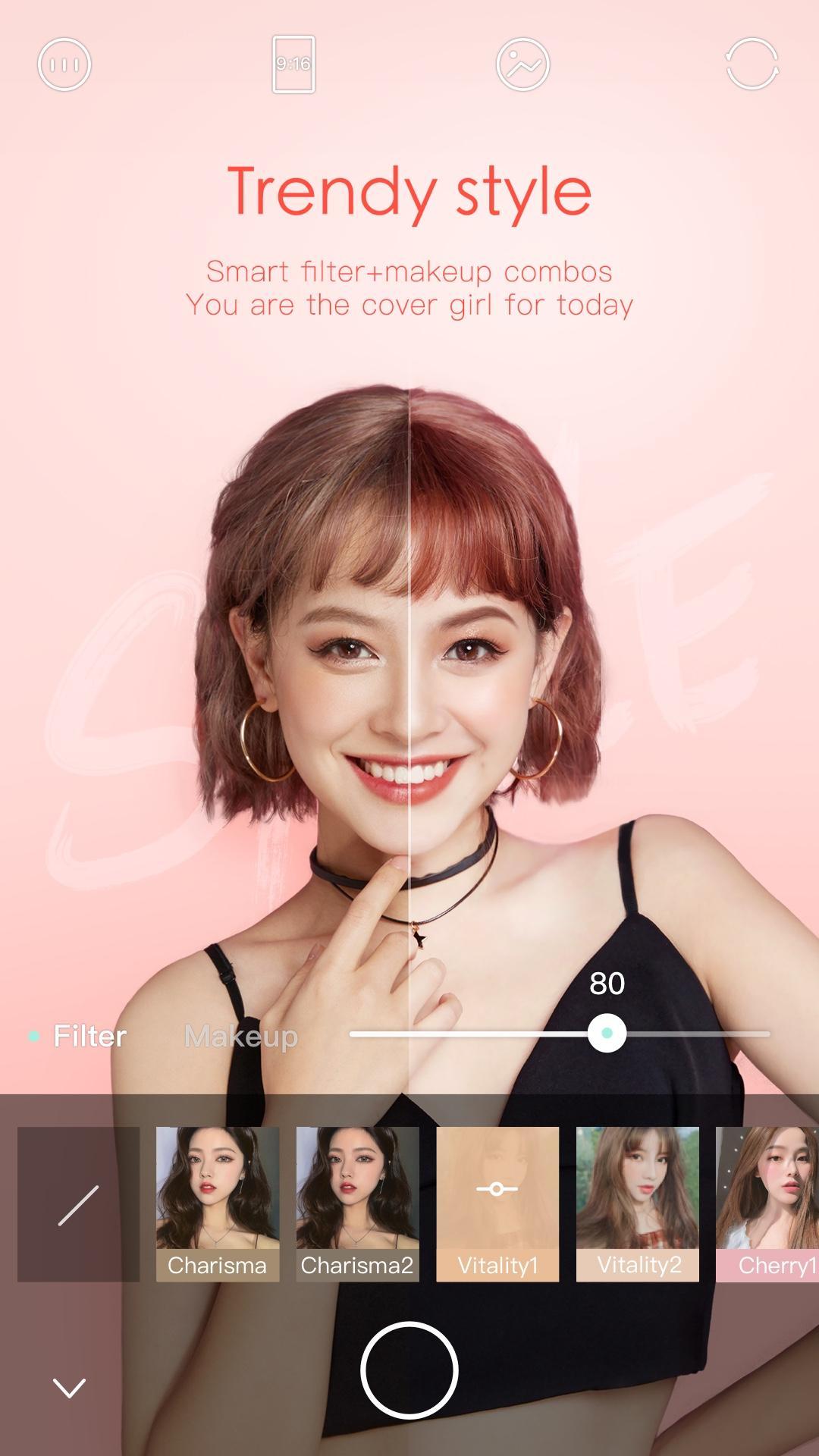
Ulike - Define your selfie in focuses on portrait photos from the moment the camera opens. Beauty effects can appear while taking a selfie, so users can preview how a softer skin tone, cleaner facial balance, or lighter makeup effect looks before saving the shot. This makes it useful for quick profile photos, casual social updates, or a simple camera check before meeting friends.
The app also supports edits right after capture, which helps when the first preview looks close but still needs small changes. Instead of moving to a separate photo editor, users can adjust the portrait in the same flow. The retouching is best suited to selfies and face-centered images, so wide landscape shots or detailed object photos are not its strongest use case.
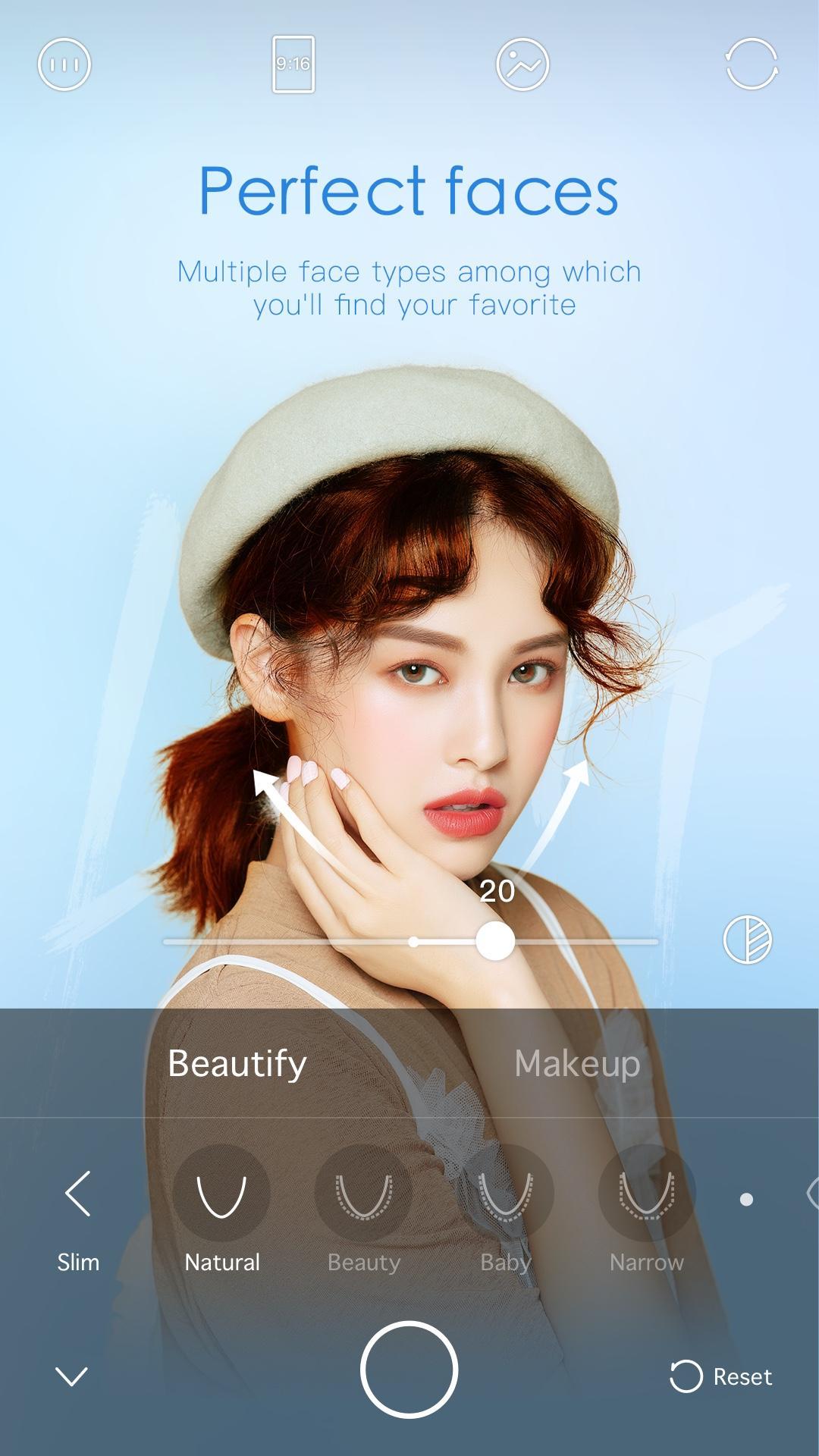
Ulike - Define your selfie in lets users fine-tune facial features such as eyes, nose, and mouth without building a full editing project. These controls are designed for small portrait changes, especially when a selfie needs a more balanced look under indoor light or harsh outdoor shadows. The result depends on the original photo quality, so a clear face and steady shot usually give better edits.
For regular selfie takers, the saved edit settings are one of the more practical details. If a user prefers the same eye, skin, or face-shape adjustment every time, those choices can be kept for later photos. This avoids repeating the same retouching steps and makes the Ulike APK feel faster for daily use. Heavy edits can look less natural, so subtle changes often work better for close-up portraits.
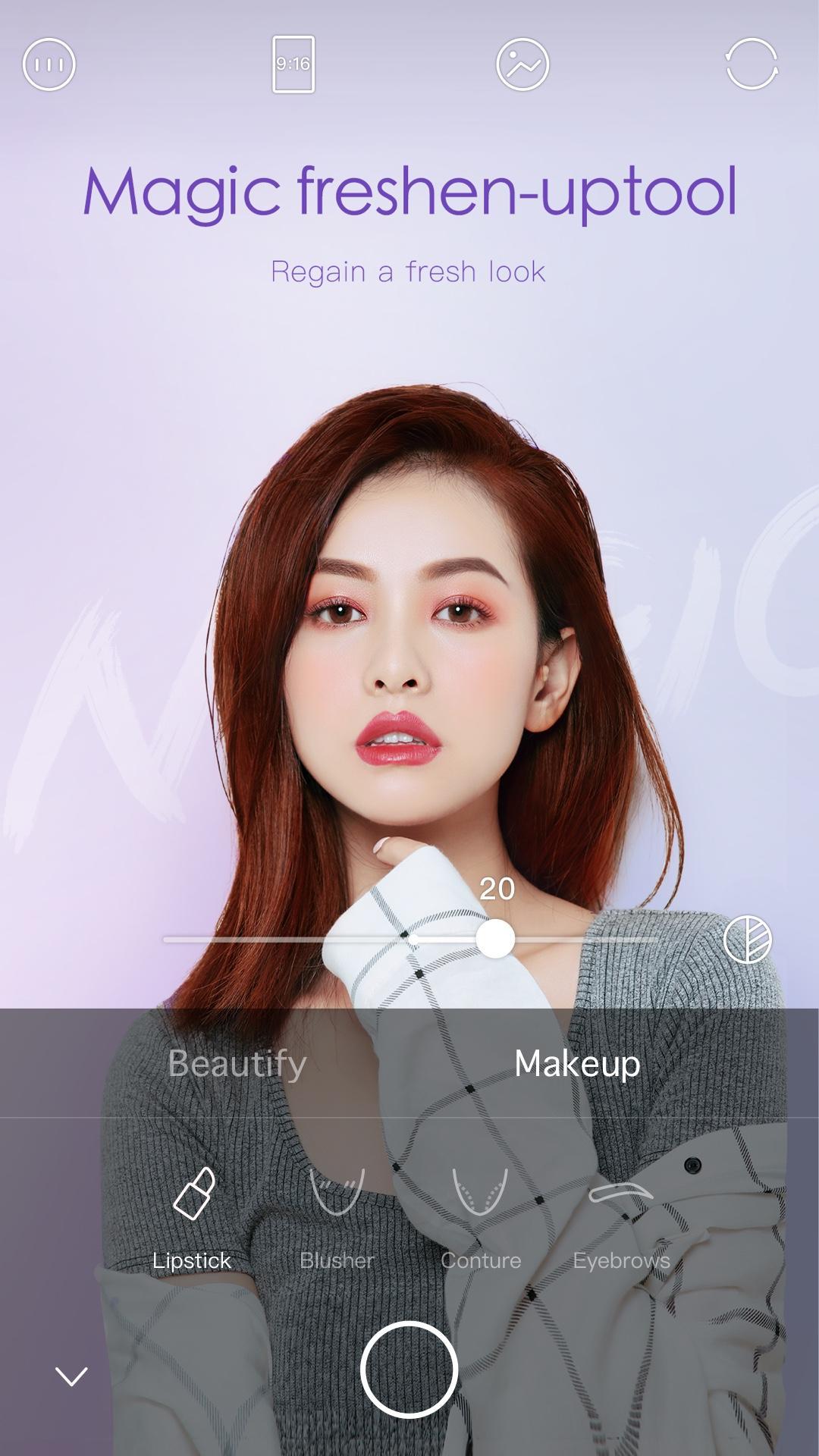
Ulike - Define your selfie in combines makeup effects with several filter categories, giving portraits a finished look without requiring advanced editing skill. Styles such as Trendsetter, Indie, Artsy, and Retro cover different moods, from clean everyday selfies to more stylized street photos. Makeup tools can help add color and definition, especially when the original image looks flat or the lighting feels dull.
The app works best when filters support the photo instead of covering it. A soft filter can improve a travel selfie, while a stronger Retro or Artsy option may fit a planned outfit photo or café snapshot. Some users may notice filter errors or unknown error messages in certain cases, so keeping the app updated is a sensible workaround. Video capture may also feel less smooth when filters and makeup effects are active together.
Ulike - Define your selfie in includes pose reference themes that help users frame photos more naturally. These samples are useful for selfies, street snaps, shopping photos, travel pictures, and other common scenes where a user may want a clearer idea of how to stand, hold the phone, or compose the shot. It adds practical guidance without turning the app into a complicated photo lesson.
This feature is especially helpful when taking photos alone or when asking a friend to capture a quick picture. A user can browse a pose theme, match the general angle, and then apply a filter or beauty setting that fits the scene. The pose samples do not replace good lighting or a steady hand, but they can reduce awkward framing and make casual portrait photos look more intentional.
These points reflect how Ulike - Define your selfie in performs as a selfie camera and portrait editor in everyday use, with strengths centered on quick retouching and pose support.
ProsUsers can download the Ulike - Define your selfie in APK latest version from APKPure to get the current selfie camera features and recent public beta update improvements. The APK is around 140MB, so download time should be short on a stable Wi-Fi connection and may take longer on mobile data.
After downloading, Android may ask for installation permission before the app opens. Once installed, users can start with a simple selfie, test a saved beauty setting, and try a pose theme that matches the scene. Keeping enough storage free before installation helps avoid failed updates, especially when downloading the Ulike - Define your selfie in APK again for a newer version.






One-click to install XAPK/APK files on Android!

Thanks for your rating and feedback!
You have already rated.