





Thanks for your rating and feedback!
You have already rated.

UKG Pro is a mobile HR and payroll app for employees and managers.
Developed by UKG, Inc., it brings HR, pay, time, scheduling, and engagement into one secure app. The main appeal is fast, on-the-go actions like clocking in, approving requests, and checking pay without waiting for a desktop. You can download the UKG Pro APK to keep key work tools at your fingertips. Below is a quick look at what you can do.
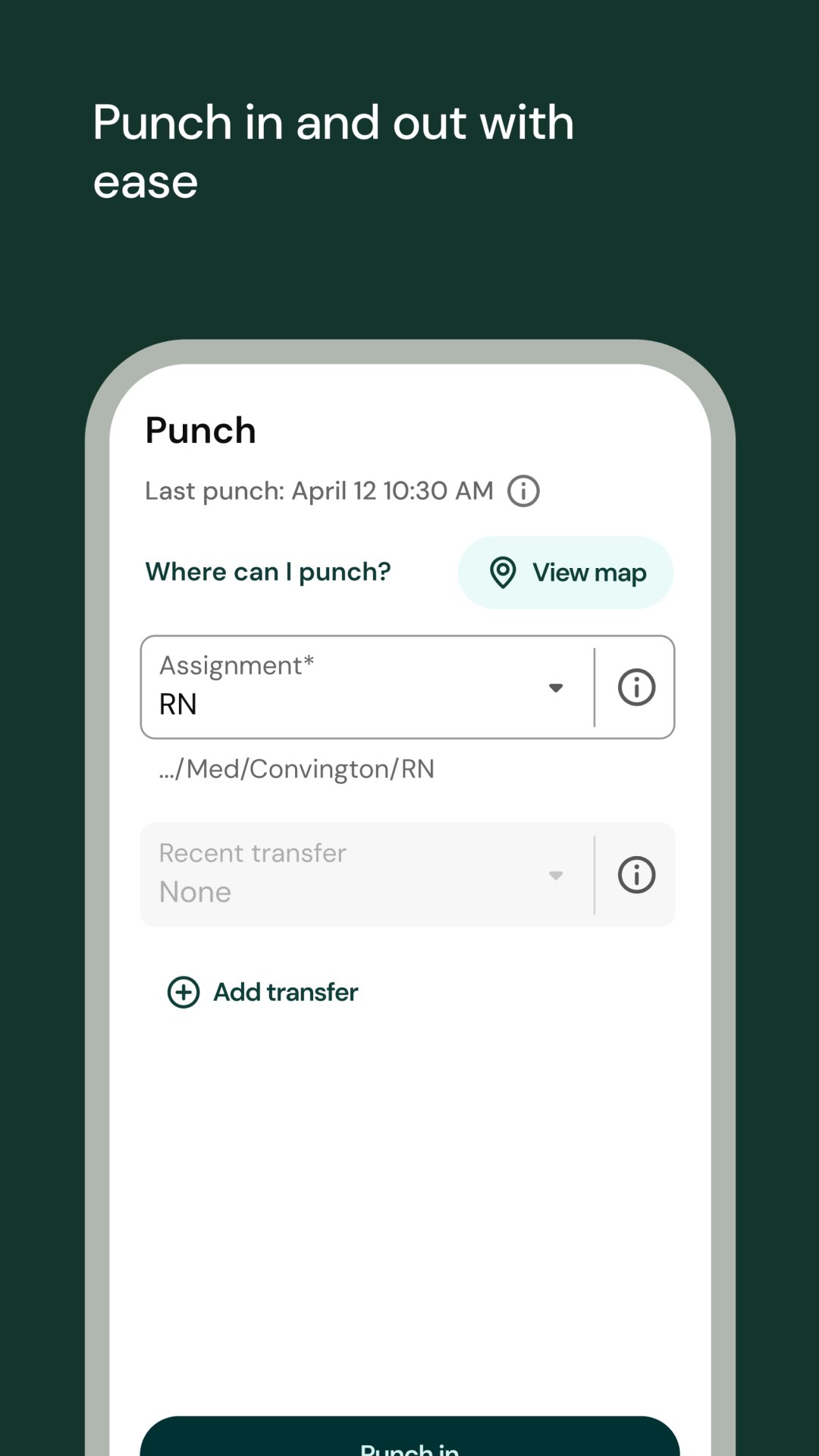
Clock in/out, track hours, and fix exceptions with quick confirmations.
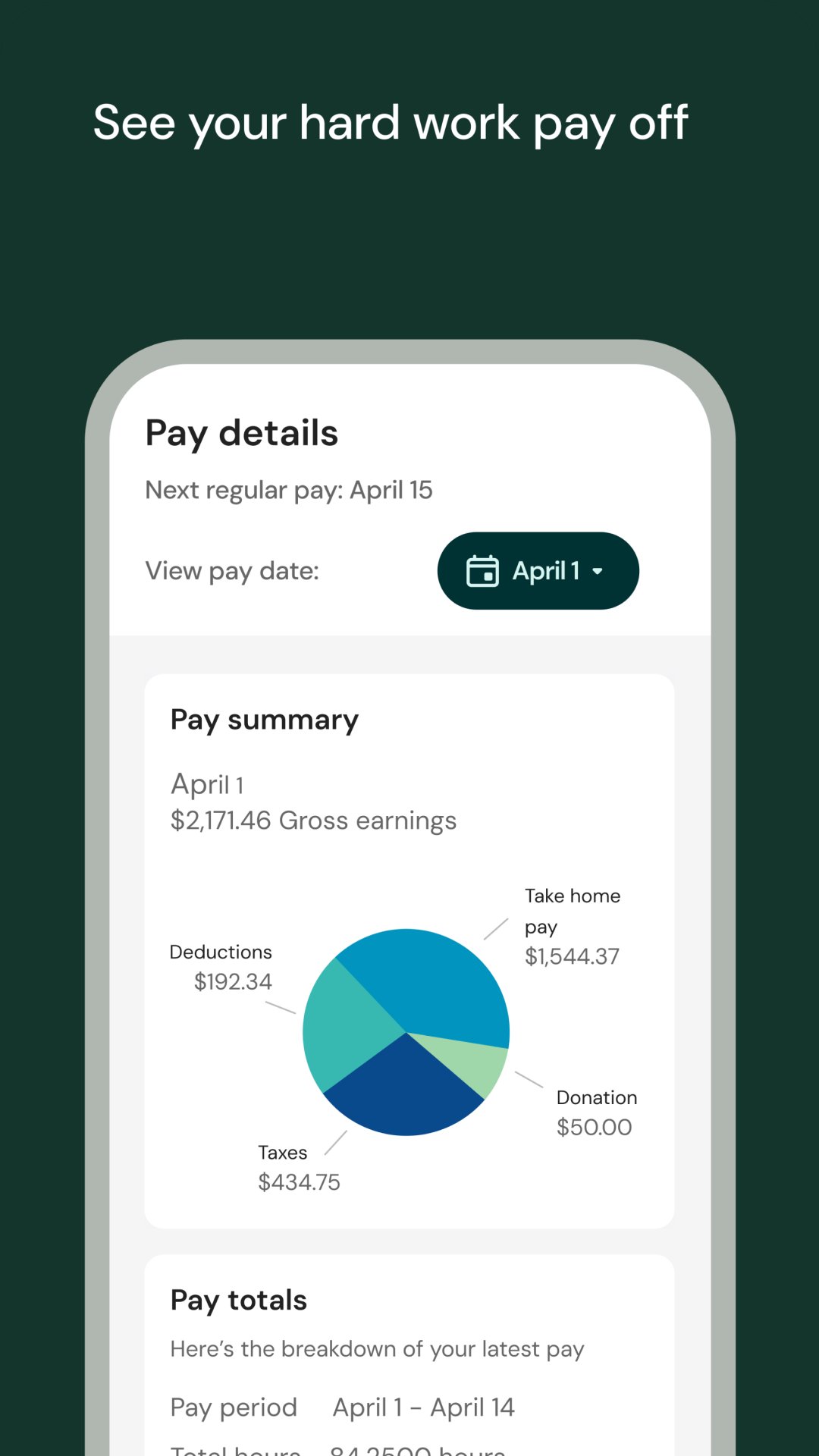
Review pay history and model net pay using the What‑If calculator.
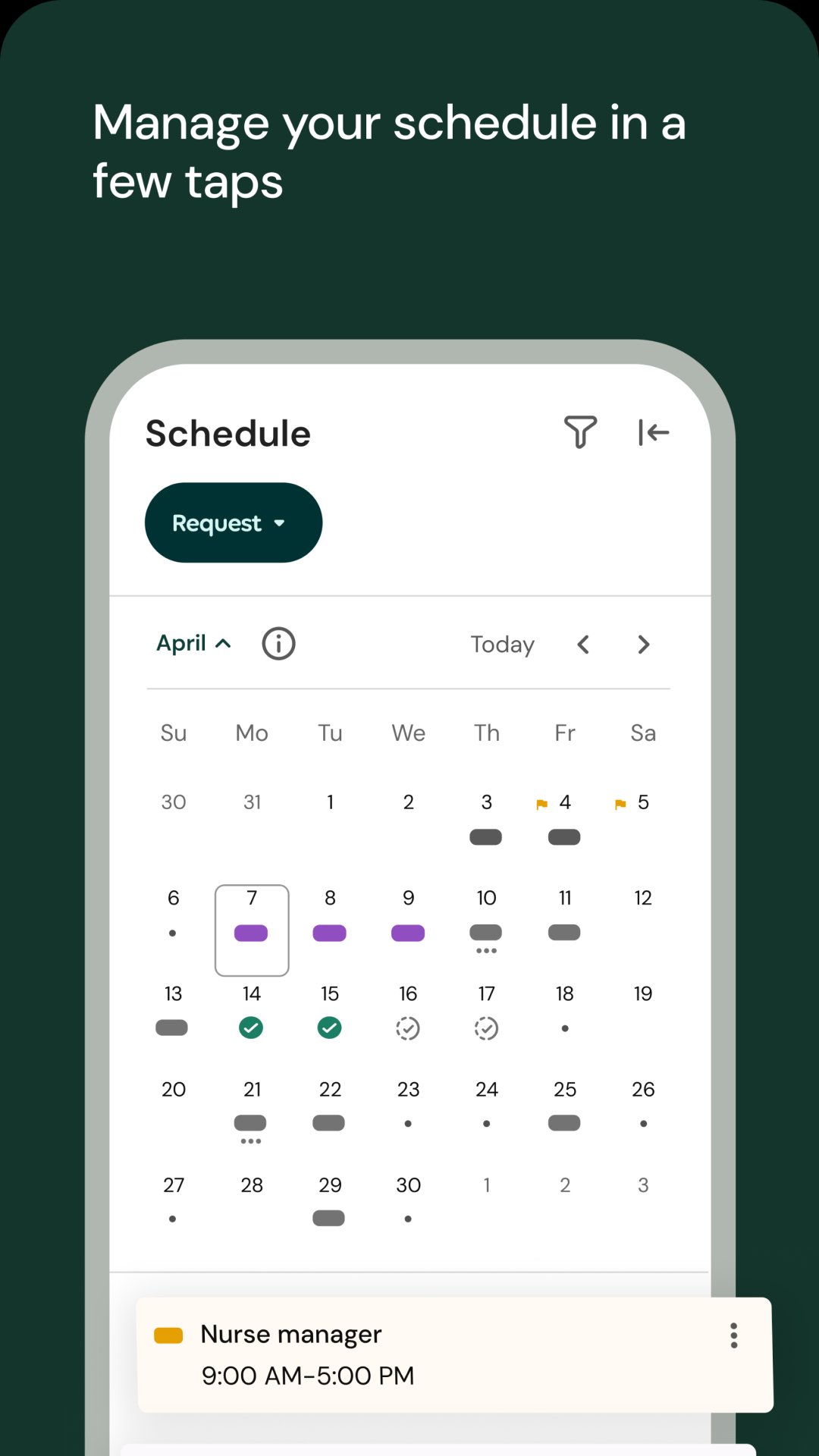
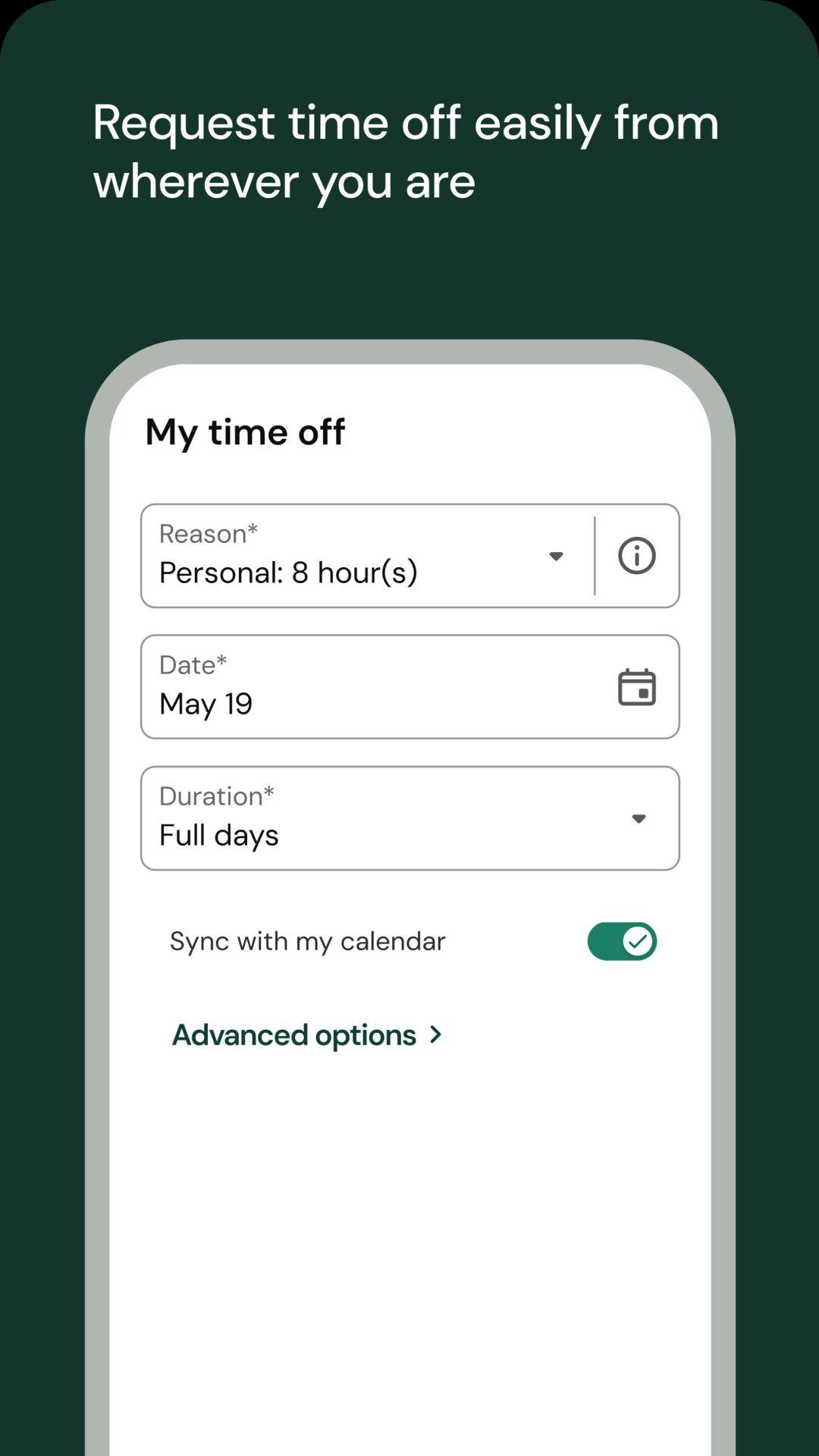
Request or approve time off and monitor balances if enabled by employer.
Browse org charts, set goals, and respond to pulse engagement surveys.
Managers act from push alerts, run reports, and message teams in one place.
The time tools let you punch in and out, add breaks or transfers if your company allows them, and see a clear record of hours. In daily use, this means you can start a shift at the door, then glance at your timecard later to confirm totals, fix permitted entries, or sign off. Managers can approve timecards straight from push notifications, which shortens end-of-period crunch. UKG Pro confirms successful punches so you know they registered. Some users report slow loads or biometric hiccups that can delay a quick punch, so it helps to open the app a moment early and check for the success message before walking away.
Pay features put current and past earnings in one place so you can verify details without emailing payroll. The standout tool is the What‑If paycheck calculator that estimates take‑home pay before you change deductions, hours, or other variables. In practical terms, you can model an overtime-heavy week or consider a benefit adjustment and see how net pay might look. UKG Pro makes these estimates fast and convenient, though they remain estimates. Actual payroll results follow your company’s rules and final processing, so treat the calculator as guidance rather than a binding result.
Requesting, tracking, and approving leave happens in the same spot as your time tools, which keeps everything connected. You can submit a day off, check status, and view balances if your employer enables those views. Managers can approve or decline from a push alert and move on. For users who swap or flex schedules, the mobile experience helps you react quickly when plans change. UKG Pro reflects your organization’s policies and settings, so available options and approval flows vary by company. If a correction is needed, expect to follow your team’s standard process rather than a one-size-fits-all fix.
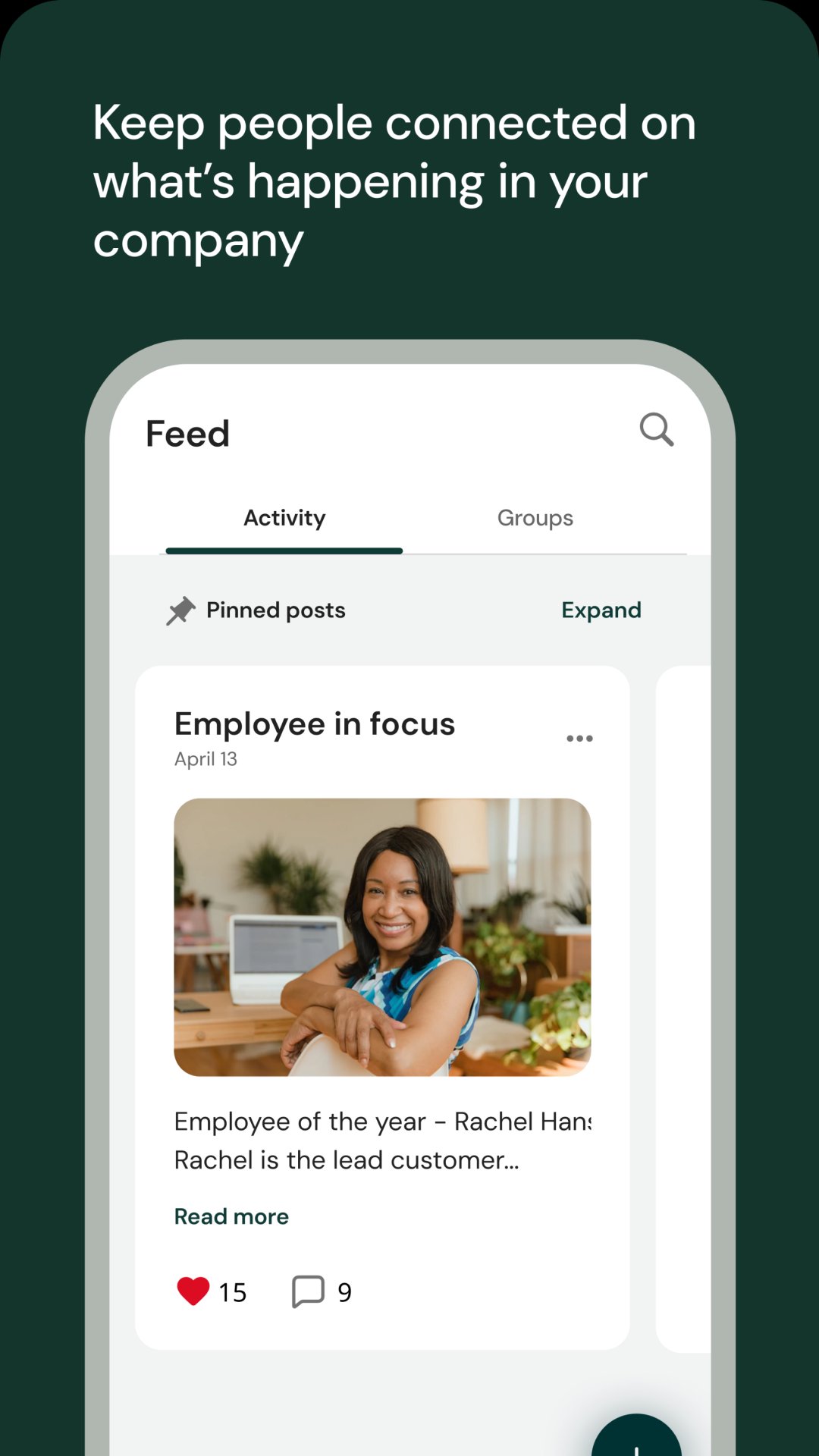
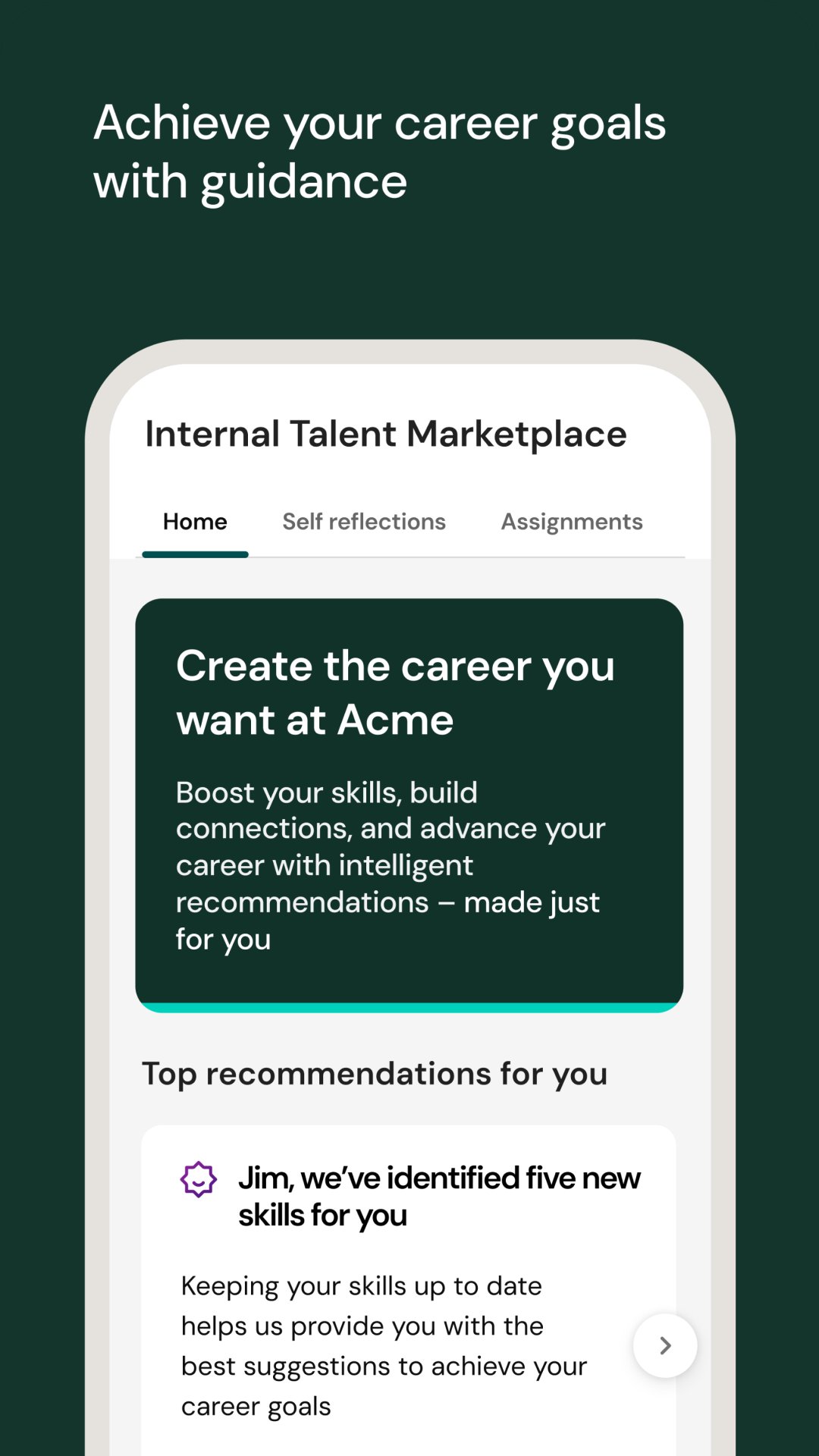
The org chart shows how teams fit together so you can find the right person fast. Goals let you define targets, align them with your manager, and track progress in context, which makes check-ins more productive. Engagement tools round this out with pulse surveys, celebrations, and chats for one-to-one or group conversations, including employee resource groups where enabled. Managers get reports and dashboards for quick insights and can message individuals or teams to keep work moving. UKG Pro centralizes these touchpoints so updates, feedback, and recognition sit alongside everyday tasks rather than in separate portals.
Based on everyday workflows and recent fixes, UKG Pro streamlines routine HR tasks while still showing a few stability limits reported by users.
Pros
All-in-one HR, pay, time, scheduling, and engagement hub.
Fast approvals from actionable push notifications.
What‑If paycheck estimates add clarity before changes.
Org charts, chats, and ERGs support team connection.
Cons
Occasional crashes, freezes, or slow loading reports.
Biometric sign-in failures can delay quick punches.
Data deletion not supported; access depends on employer enablement.
You can download the latest UKG Pro APK from APKPure. On mobile data it may take a bit longer, and having a little extra storage available helps the installation complete smoothly.
After installing, open the app and sign in once your organization has enabled mobile access and the specific features you need. Keep notifications on so approvals and timecard requests arrive in real time. If you prefer to download UKG Pro using mobile data, consider starting the download when you have a strong signal to avoid interruptions.
Once installed, explore pay history, check your timecard, and try the What‑If calculator. If a feature seems missing, it may require your employer to enable it. Updating to the UKG Pro latest version over time ensures you get the newest fixes and performance improvements.


One-click to install XAPK/APK files on Android!
Thanks for your rating and feedback!
You have already rated.