套件名稱:com.tokindle
顯示更多

一鍵將文章、PDF 和每日摘要發送到您的 Kindle
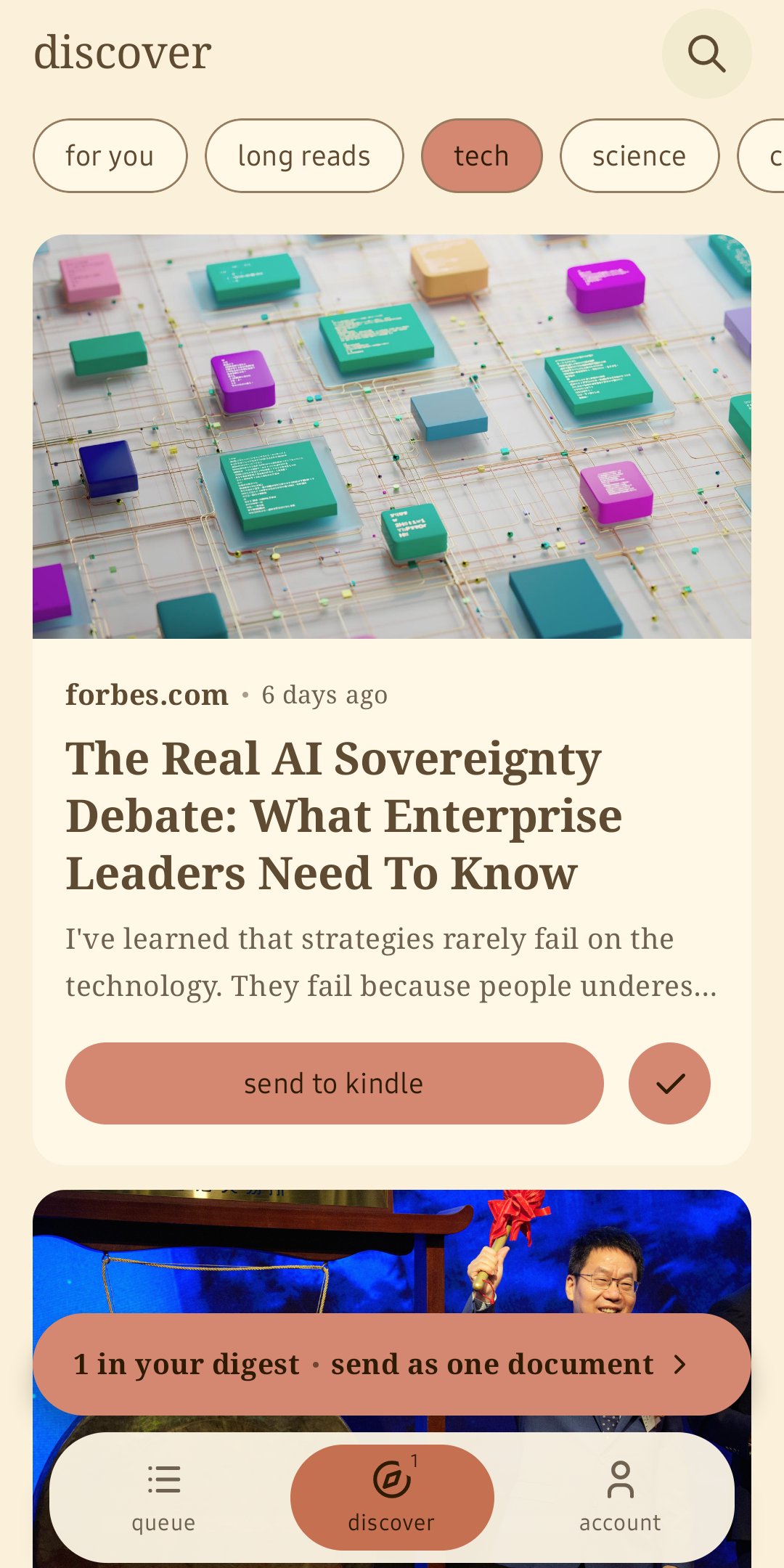
tokindle 可以將你手機上的內容傳送到你的 Kindle 裝置上,內容經過整理,可以直接閱讀。你可以分享任何應用程式中的文章,或從「發現」推播中選擇一篇文章,它都會以文件的形式出現在你的 Kindle 裝置上,並帶有封面。
您可以做什麼
• 透過瀏覽器、Twitter、Reddit 或 RSS 閱讀器分享任何文章鏈接,幾分鐘內即可在您的 Kindle 上閱讀
• 以相同的方式傳送 PDF 文件
• 瀏覽「發現」動態:每日更新新鮮文章,依科技、科學、深度閱讀和文化等分類,支援全文搜索
• 建立摘要:選擇幾篇文章,將它們合併成一個文檔,隔天早上送達
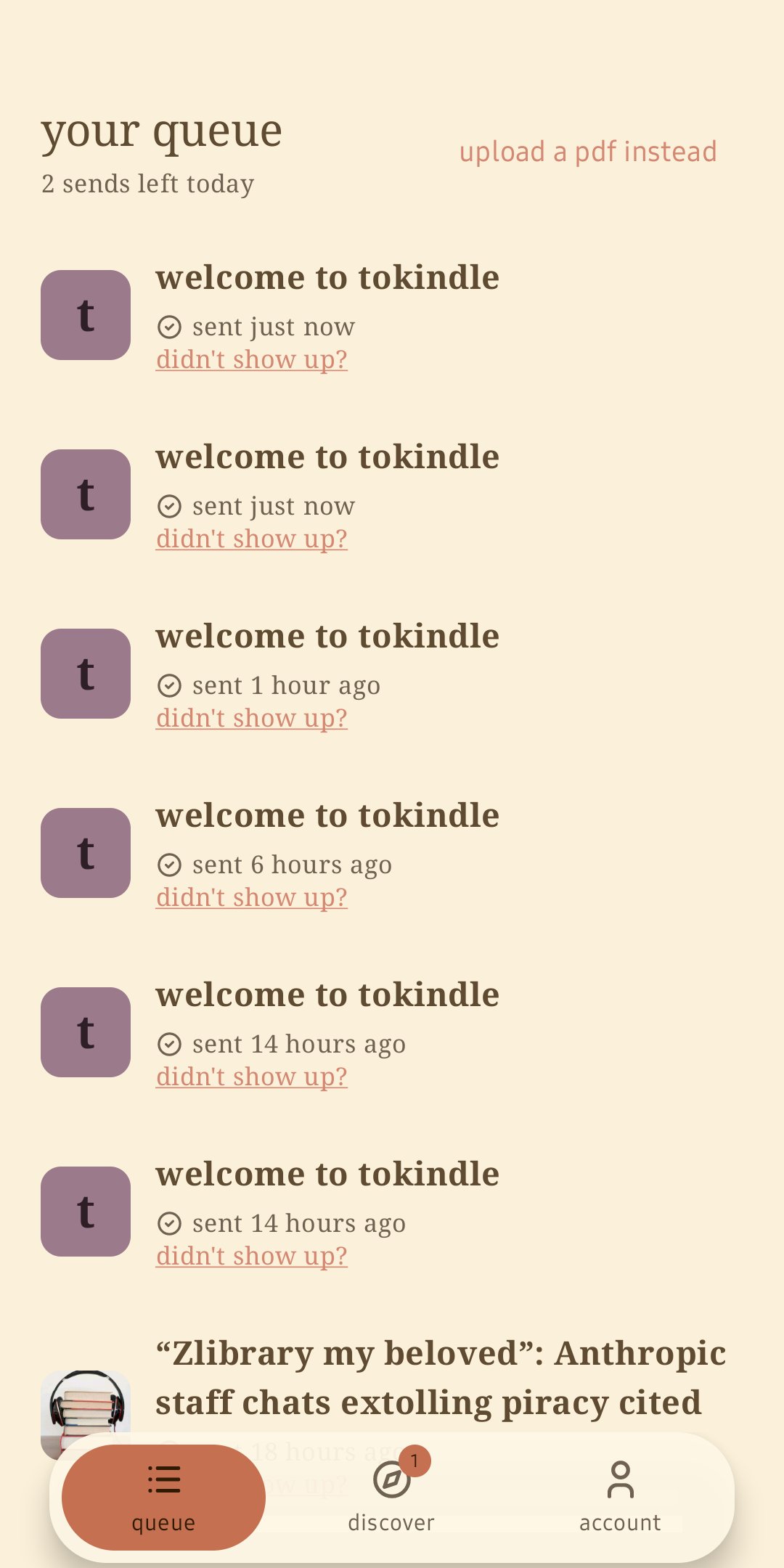
• 掌控一切:查看您的閱讀隊列、已送達的文章以及本週的閱讀量
• 檢查連接:發送測試頁面,並按照內建指南在您的亞馬遜帳戶中批准 tokindle
使用方法
1. 使用您的信箱登錄,無需記住密碼
2. 新增您的 Kindle 位址,並在亞馬遜已核准的寄件者清單中核准 tokindle@icloud.com(應用程式會引導您完成操作)
3. 分享、發現、發送
免費和付費
tokindle 可每日免費使用。高級版是為重度讀者提供的可選訂閱服務:無每日閱讀量限制,內容更豐富,除了 PDF 格式外,還提供 epub、docx 和 mobi 格式。隨時可以取消訂閱。
ToKindle 由 Kindle 閱讀愛好者開發。閱讀記錄、封面和摘要的誕生,源自於維護者本身的閱讀體驗。如果您遇到任何問題,可以透過應用程式內的說明頁面聯絡真人客服。






感謝您的評分和反饋!
您已經評分了。