在APKPure安全快速地下載APK
APKPure 使用簽章驗證功能,確保為您提供無病毒的 Icon Changer APK 下載。

Icon can be chosen from gallery and lots of icon packs.
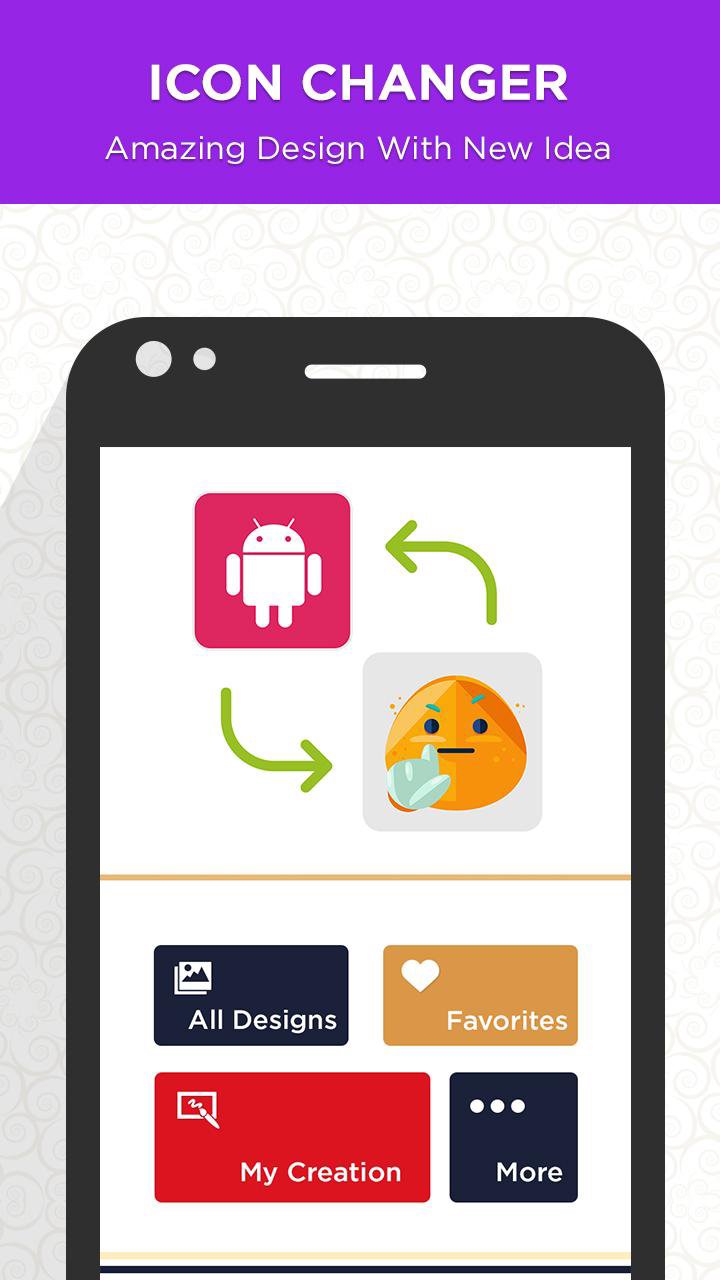
Icon Changer is the app that makes shortcut with a new icon at home screen.
Icon can be chosen from gallery and lots of icon packs.
This app is able to change inbuilt icon of app and put newly created icon picture on home screen.
App Icon changer helps you to modify your existing app icon and you may change the icon from one app to another. Also make your image as your app icon and give your phone wall a new look.
Awesome Icons lets you customize your home screen icons with icon packs and your own pictures. It works with any launcher and does not require root.
Creating customized icons is easy: find the application and the icon pack you want, and create your new home screen icon with a single tap. You can also customize the label of the application or remove it completely
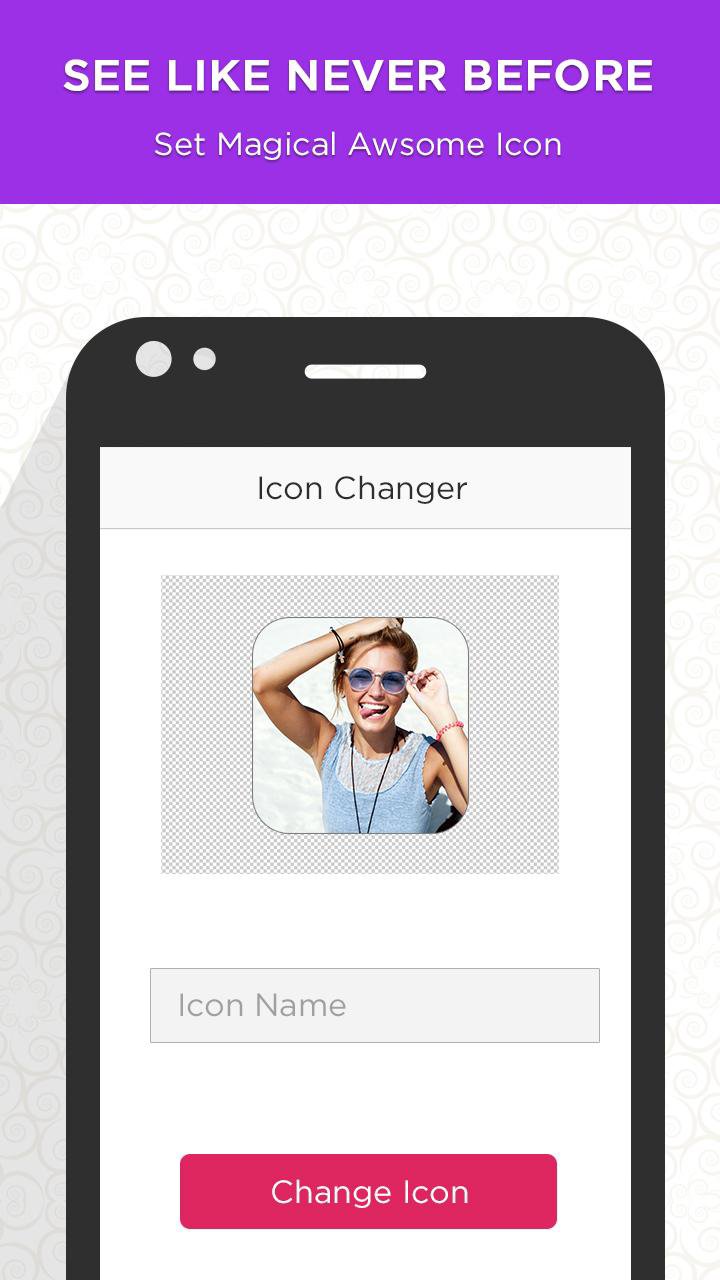
Change icons by starting our Icon Changer app. Select the app which you want to change icon. Set the costume icon from our list or pick any image from gallery.
Features:
* Offline
* Generate awesome icons
* Image can be added as background from gallery
* Created within a moment
* Free to use for unlimited time
* Text colors can easily changeable
* Efficient and easy to use



感謝您的評分和反饋!
您已經評分了。