在APKPure安全快速地下載APK
APKPure 使用簽章驗證功能,確保為您提供無病毒的 Hide Apps Space Lite APK 下載。

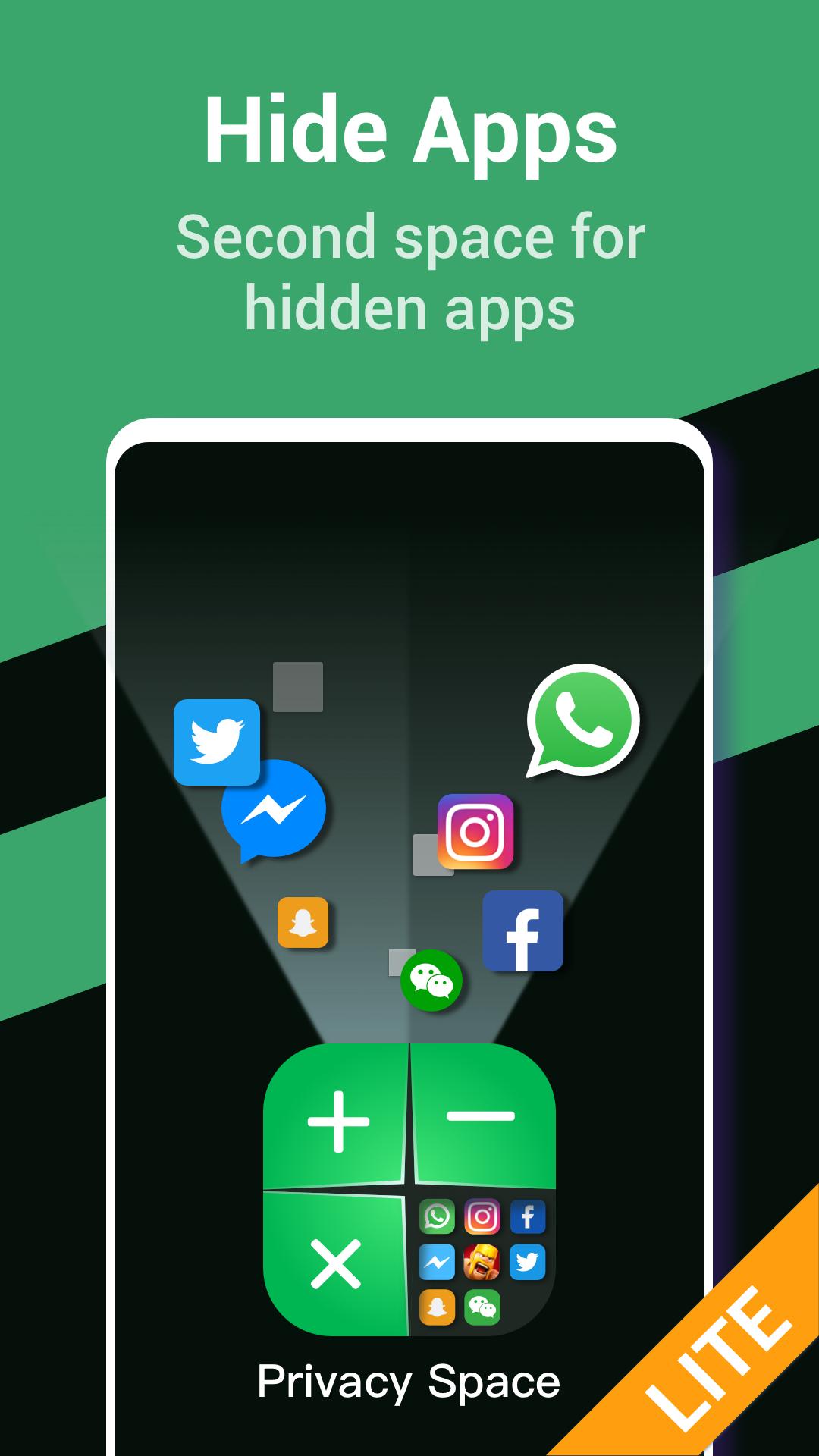
用於隱藏應用程序的隱藏空間克隆在偽造的計算器後面。
Hide Apps Space Lite is a great app hider, which has created a safe hidden space for your hiding apps.
Hide apps icon process:
👉 Clone and move apps into the hidden space, such as WhatsApp, Instagram, Facebook, Tinder, WeChat, twitter, etc.
👉 Open and use the hiding apps copy in the hidden space.
👉 Hide apps icon from phone desktop.
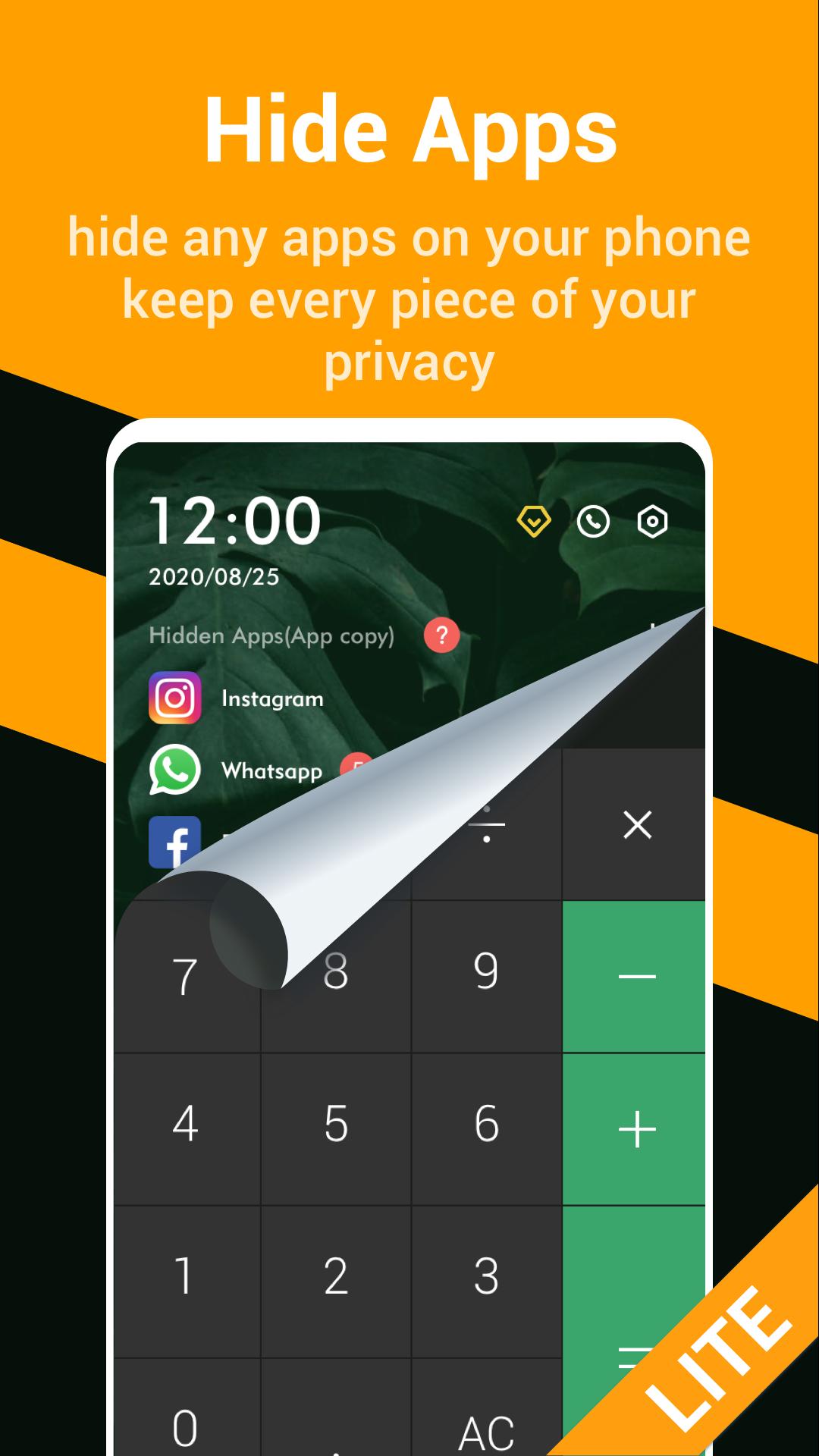
👉 Enable the fake calculator icon & interface protection.
Hide Apps Space Lite, your hidden personal phone, for hidding apps or hidding apps icon.
Any apps can be cloned and moved to its hidden space, this is a safer way to hide apps or hide apps icon.
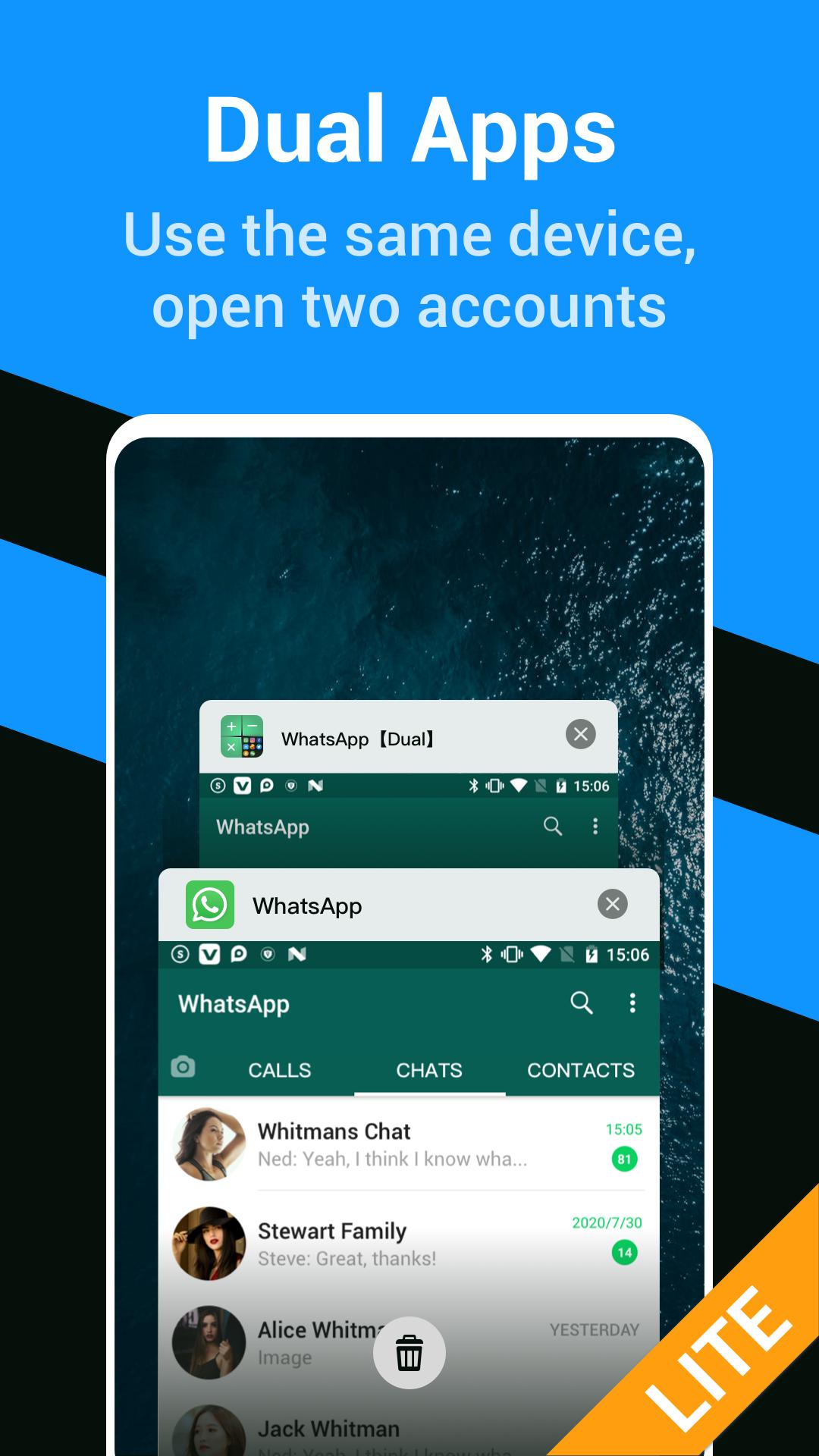
Hide Apps Space Lite supports dual apps opening.
You can login to dual accounts on dual apps. For example, you can login 2 whatsapp accounts on 2 whatsapp apps.
In this app hider app, you can
⭐hide apps or hide apps icon
- Clone and move any apps into the Hide Apps Space Lite.
- Open and use the hidden apps in hidden space, all private data will be protected.
- Hide apps icon from phone desktop by unintalling the original apps to prevent peeping.
⭐ Keep dual apps and dual accounts logged in
- After adding an application to the privacy space, the initial application in the system is still maintained.
- You will have two independent applications at the same time, and log in to two accounts on one device
- The best way to balance work and life
- Distinguish between public and private accounts, no need to switch frequently between multiple accounts
⭐ Gesture password
-Set a gesture password for the application, you can easily protect the security of the privacy space
⭐ Recommended: calculator password
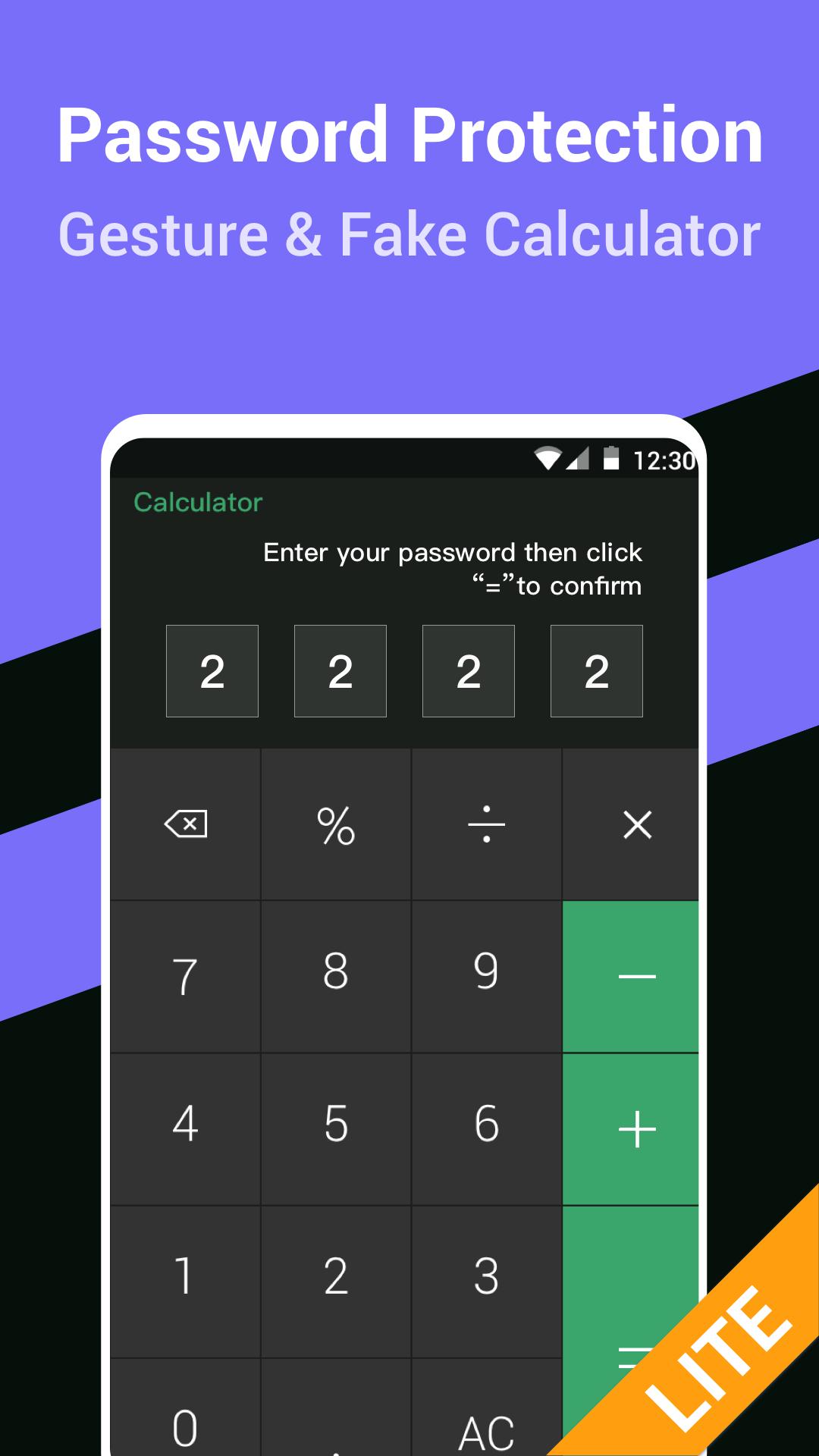
-In order to deceive other people’s eyes, you can set a calculator password, it will change the app’s icon and password interface, other people just think it’s an ordinary calculator
-Only you can open the private space by entering a custom 4-digit password on the calculator interface and use the hidden application
⭐ Privacy browser
-A private browser specially designed for you, does not keep any records and traces, and rejects tracking from the Internet
Caution:
1. Due to compatibility issues, some applications may not be copied to the private space. When you uninstall the source application, please make sure that you can open and use the copy in the private space normally
2. Unlike traditional application hiding tools, we will not hide the application directly from the system, but hide its copy, so you can still see the source application and source application in the system after adding the application The program and the copy application are independent of each other.
If you have any other questions, please contact us through the developer's email, and we will try our best to solve it for you.

感謝您的評分和反饋!
您已經評分了。