
在APKPure安全快速地下載APK
APKPure 使用簽章驗證功能,確保為您提供無病毒的 File Widget - home screen file APK 下載。

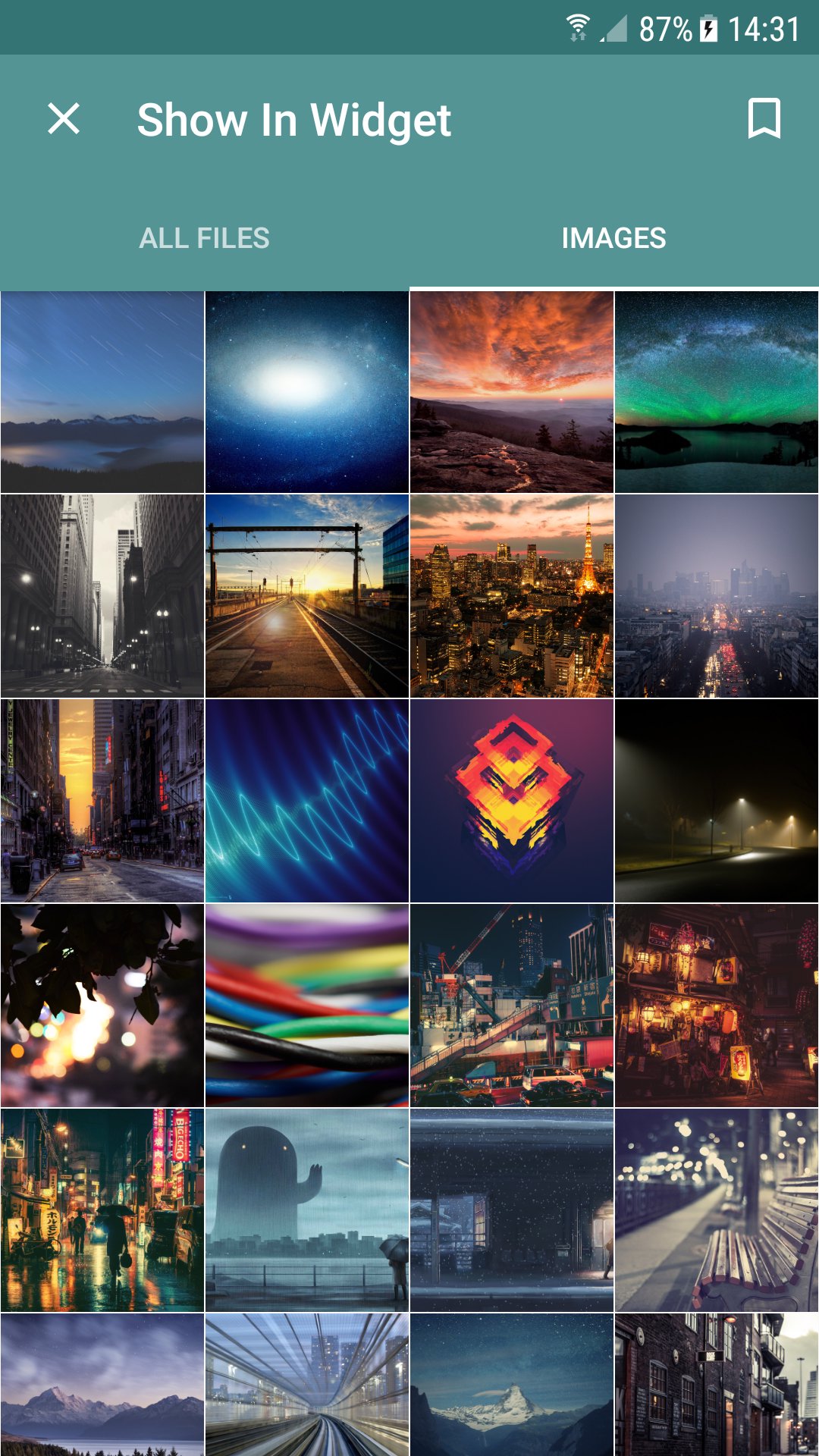
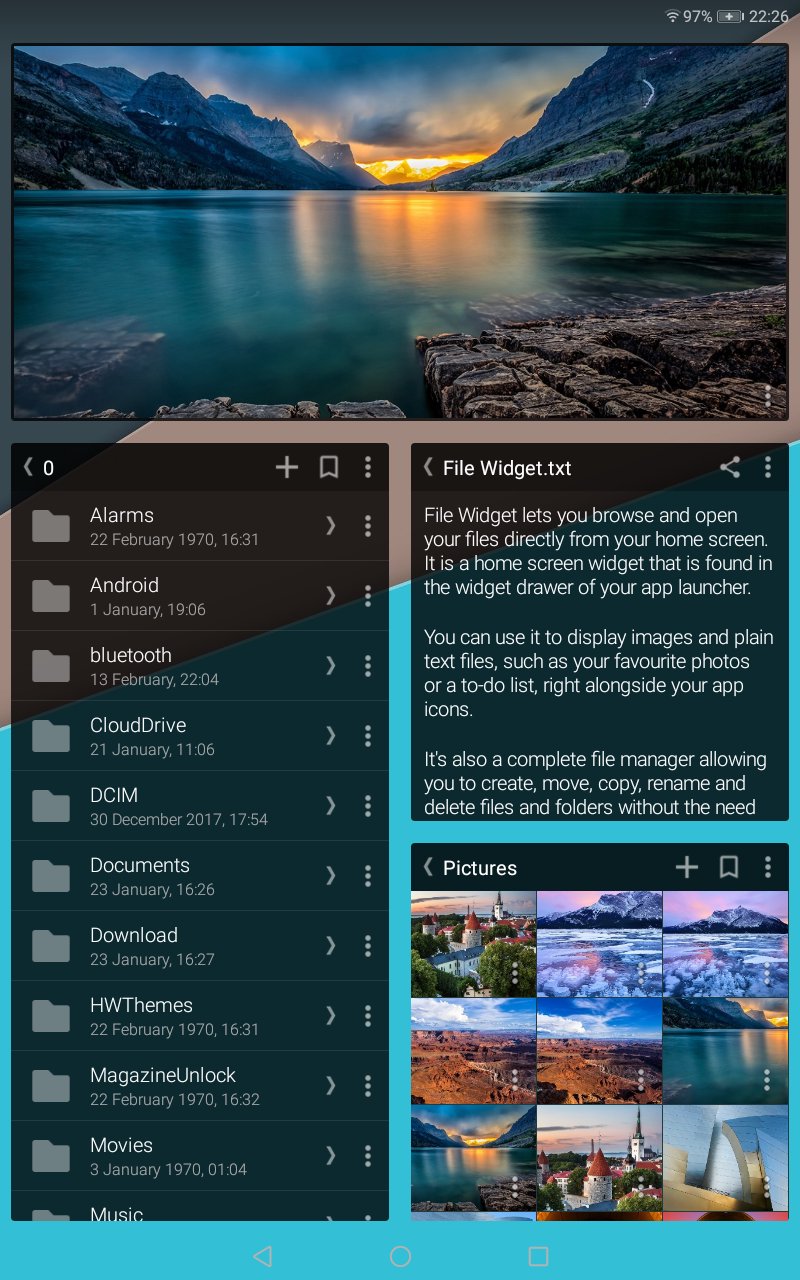
瀏覽文件夾和顯示圖像,純文本文件和PDF您的主屏幕上
文件窗口小部件可以讓你瀏覽和直接查看您的主屏幕上的文件。
它可以顯示圖片和純文本文件,如您喜愛的照片或待辦事項列表中,右鍵你的旁邊應用程序圖標。
這也是一個完整的文件管理器允許您創建,移動,複製,重命名和刪除文件和文件夾,而不需要其他應用程序(升級需要)。
一旦安裝了它可以在你的應用程序啟動的窗口小部件抽屜中找到。要使用它,長按您的主屏幕上的空白區域,然後選擇小工具。點擊並按住文件窗口小部件,並將其拖動到適當位置。
在這個版本中,您可以:
- 瀏覽你的文件列表或庫視圖
- 顯示圖像,純文本文件和PDF文件
- 開放和共享文件
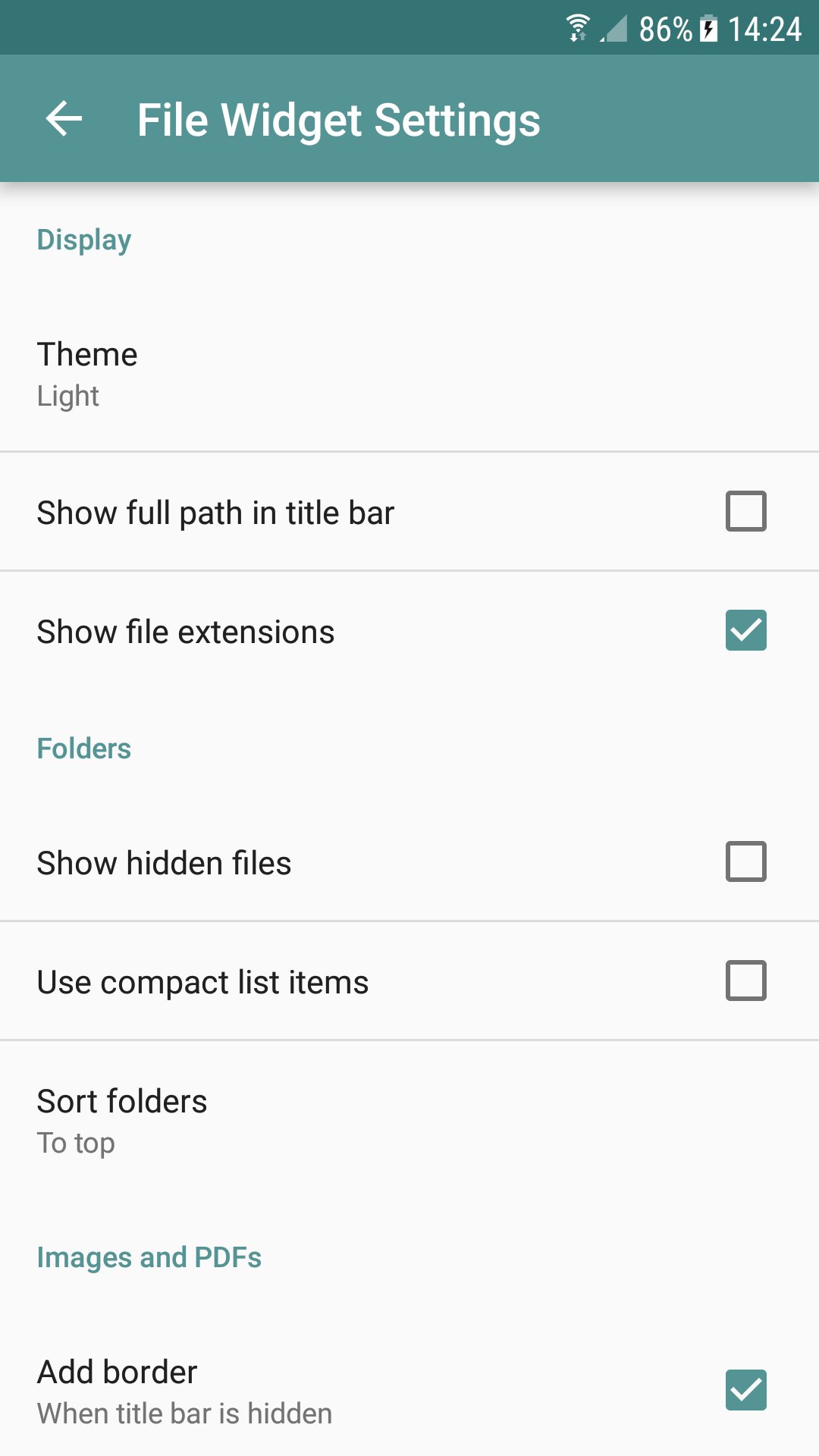
- 五個不同的主題之間選擇
- 一次使用一個小部件
升級之後,你還可以:
- 同時使用多個小部件
- 創建新的文件夾和文本文件
- 移動,複製,重命名和刪除文件和文件夾
請注意:
- 僅可顯示以下文件類型:JPG,PNG,GIF,TXT和PDF。 GIF動畫將無法運行動畫。
- 如果您運行的是Android 4.4(KitKat)的文件管理功能將無法使用存儲在可移動SD卡上的文件。這是一個奇巧的限制。




感謝您的評分和反饋!
您已經評分了。










