
在APKPure安全快速地下載APK
APKPure 使用簽章驗證功能,確保為您提供無病毒的 Copying text from image APK 下載。

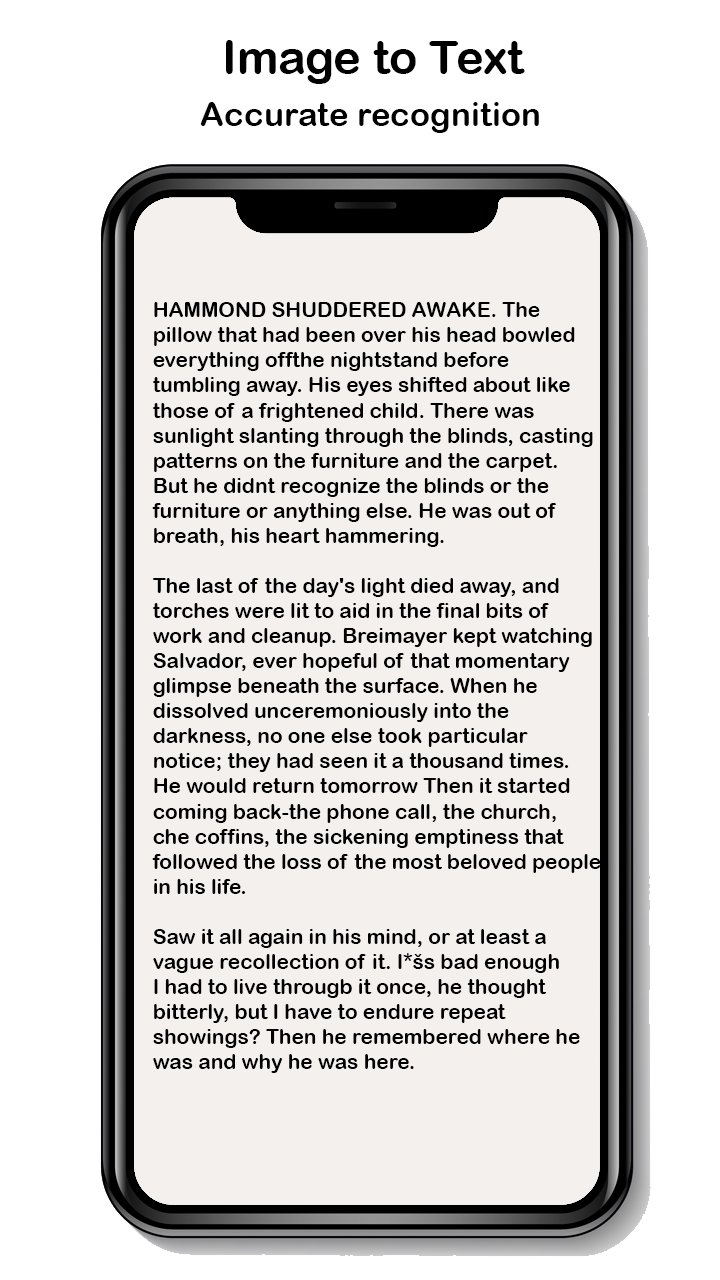
準確地從書籍、圖像、照片、圖片和相機中提取文本
Text Recognition: using our powerful OCR engine to recognize text from any image. It's easy to use anytime, anywhere, and you get clean scan results from any angle. This app is suitable for everyone, such as students, businessmen’s, journalists…..
Convert your phone into a text scanner using this app. Prefer to choose selection text and easily share. Text Recognizer's OCR feature supports over 50 languages. Select the language in your images and translate into your known languages instantly.
This app enables you to perform OCR (Optical character recognition) on your phone and allows you to easily scan text from images. Copying text from image app makes images into documents, books, and notes into high-quality PDF or JPG images.
You do not have to worry about typing on the keyboard while viewing the document.
Features:
Edit the images using black/white filter.
Rotate and Crop images as you need.
You can export your scanned document to PDF or Text.
Convert image to text supporting +50 Languages with 99%+ accuracy





感謝您的評分和反饋!
您已經評分了。







