在APKPure安全快速地下載APK
APKPure 使用簽章驗證功能,確保為您提供無病毒的 Color Notes - Quick Notepad APK 下載。


7.6 MB
文件大小
Everyone
Android 6.0+
Android OS
Take simple, fast and good notes. Quick and easy notes app with powerful tools
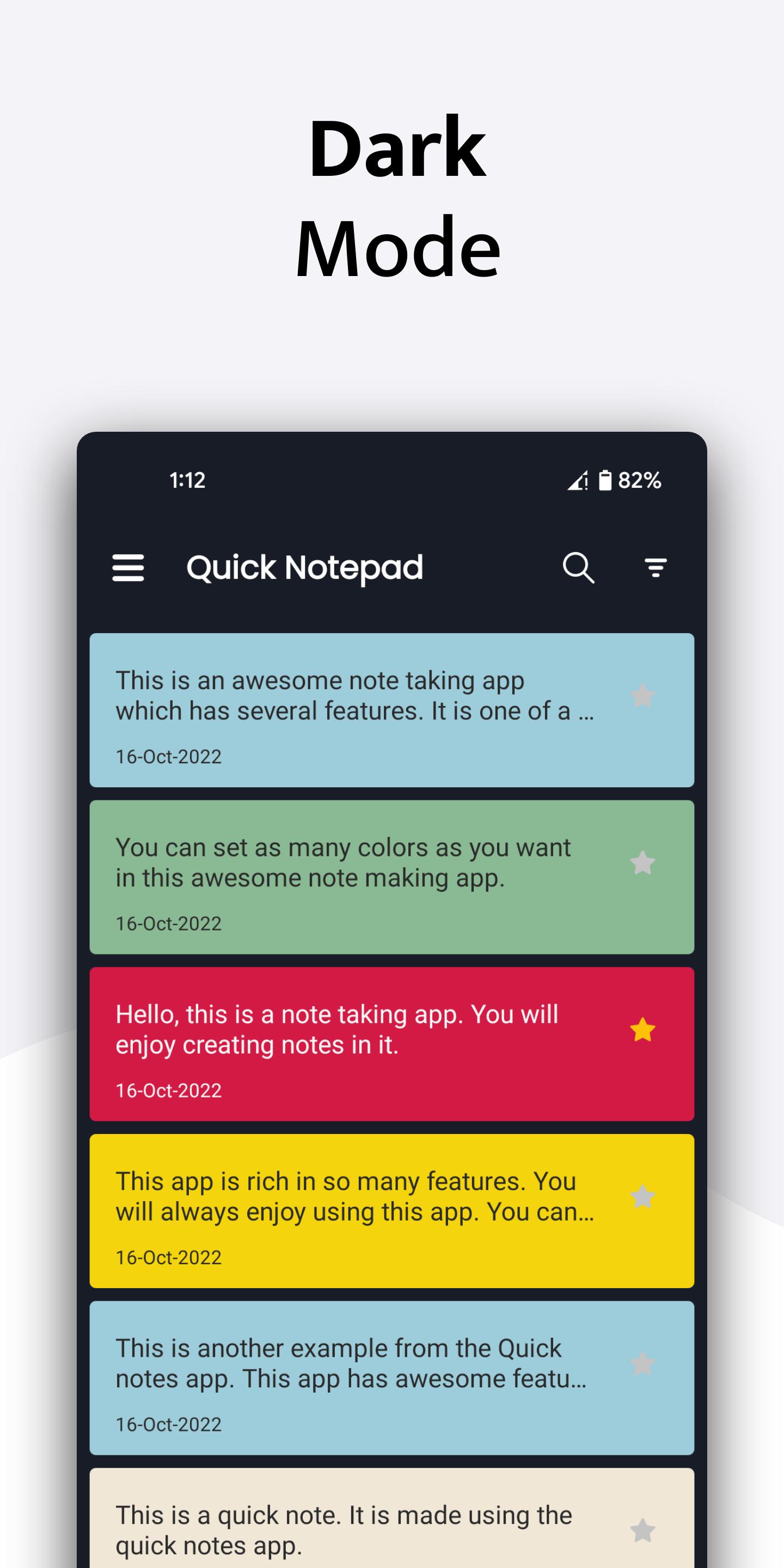
Use Quick notepad to take notes faster. Edit and manage your notes on the go. Quick notepad app makes it possible to jot down all your important things. It works faster and has the ability to label notes with different colors.
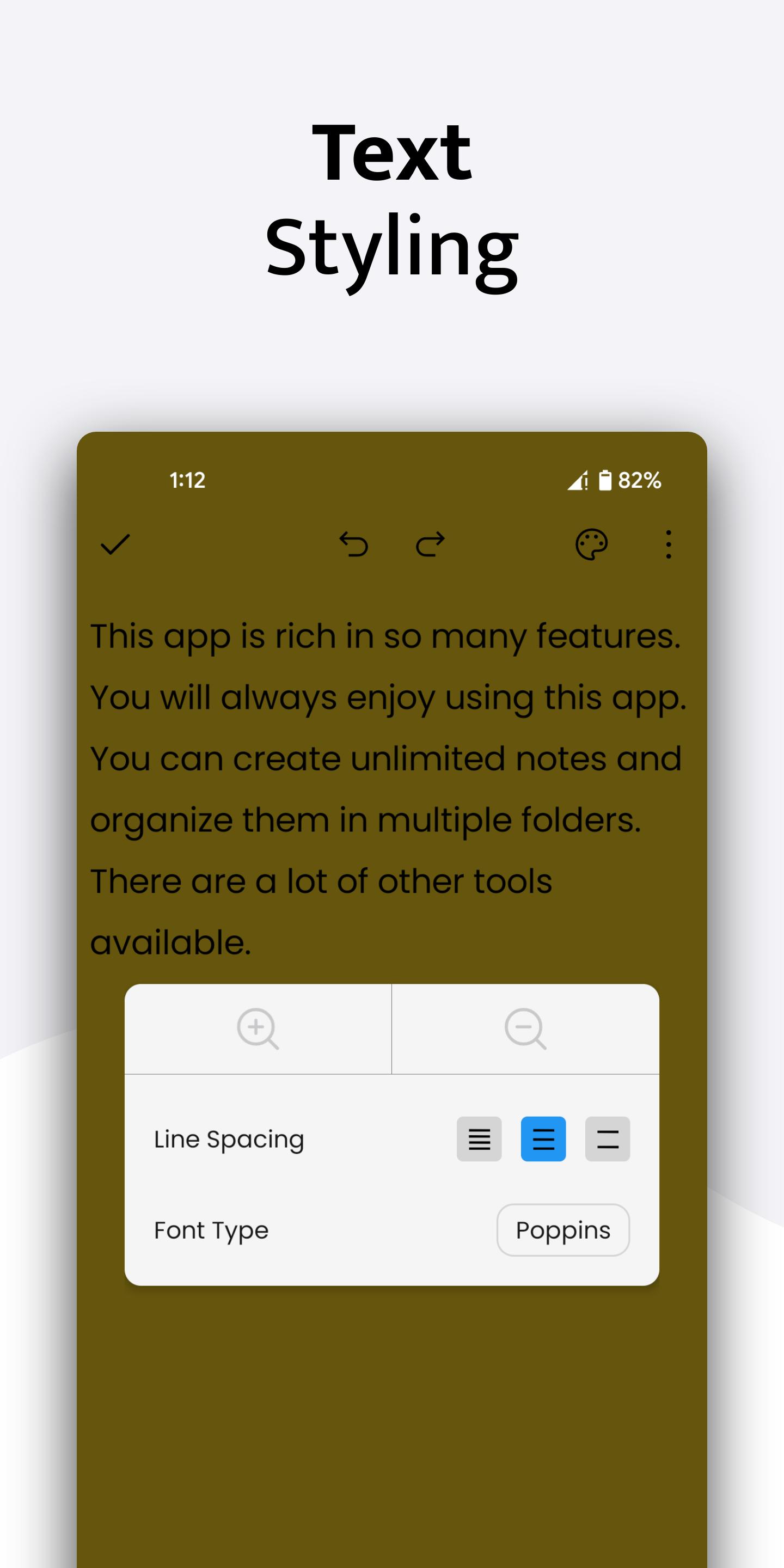
You can use Quick Notepad to customize your notes. You can change and modify the color, line spacing and even the font of your notes.
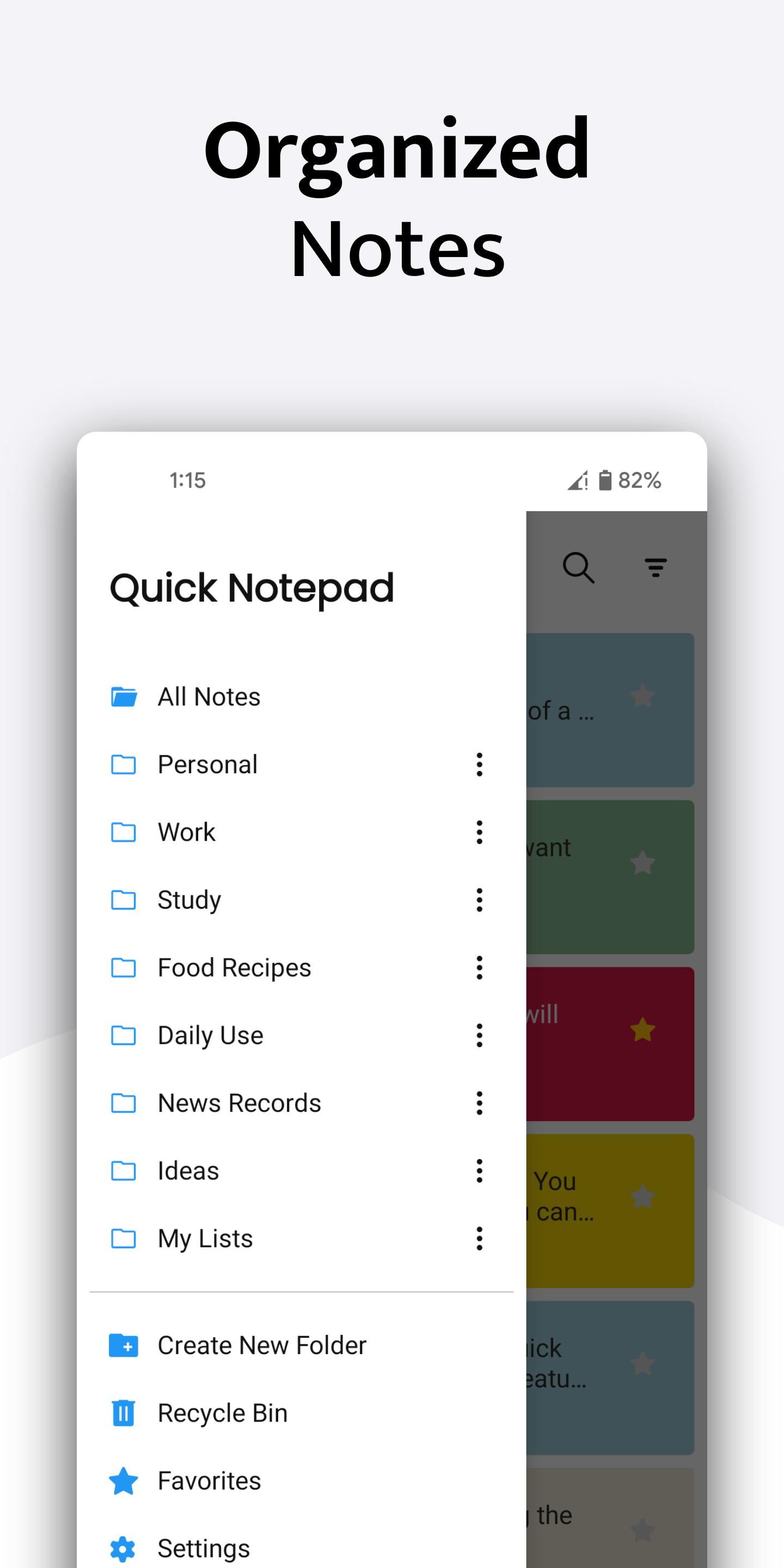
With Quick Notepad, you can easily organize all your notes under different folders. You can create unlimited categories or folders. There is no restriction in this note taking app.
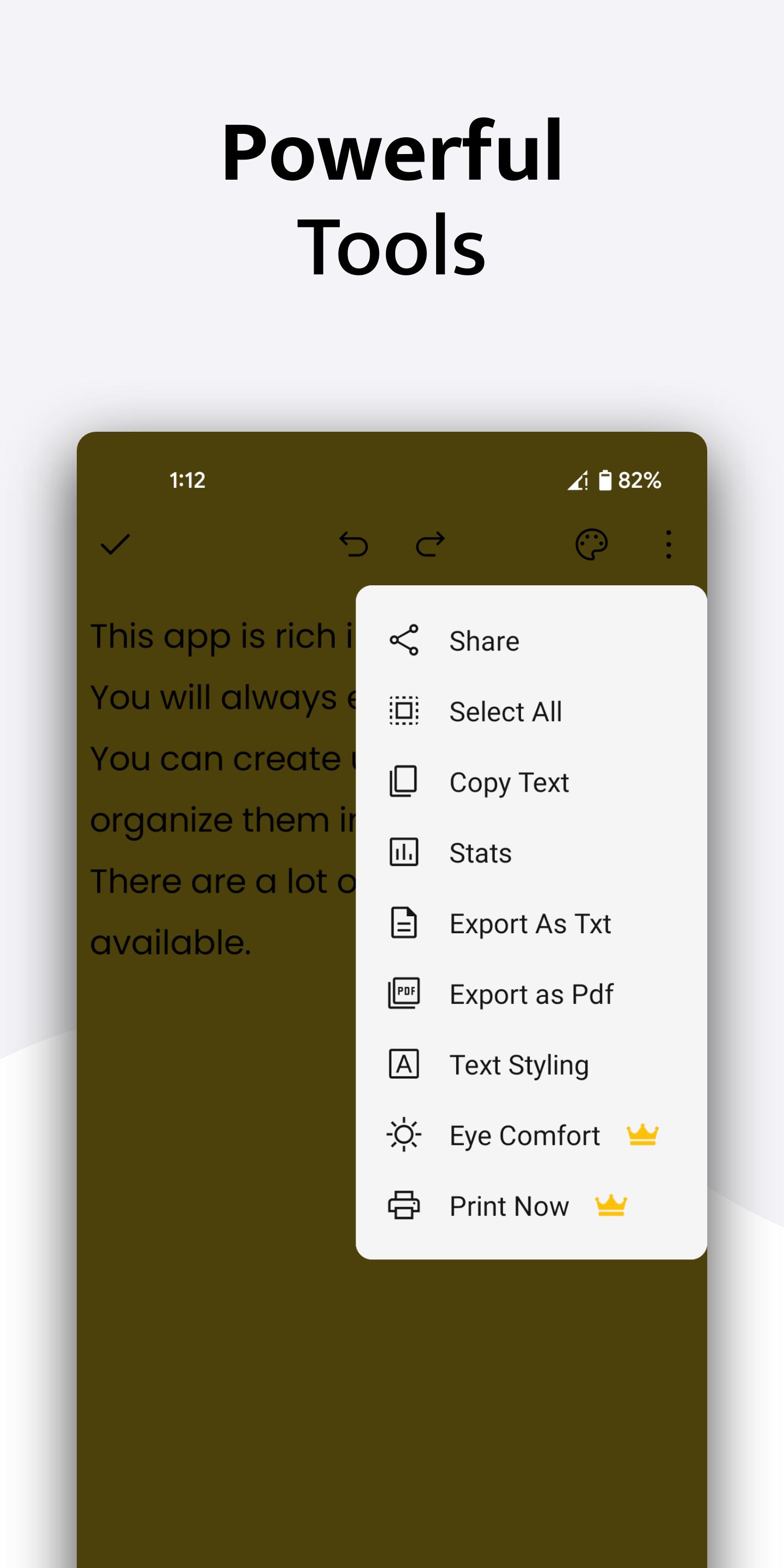
You can use this app for making notes, memos, short and long text files. The app also contains printing feature and exporting feature. You can use export to pdf notes and export to txt notes option to save your notes as pdf and txt file in your desired location.
Quick notepad is one of a kind and it comes with Eye Comfort feature which lets you dim your display while taking notes at night. The Eye comfort feature also contain blue light filter/ warm reading mode which can be adjusted as per your requirement.
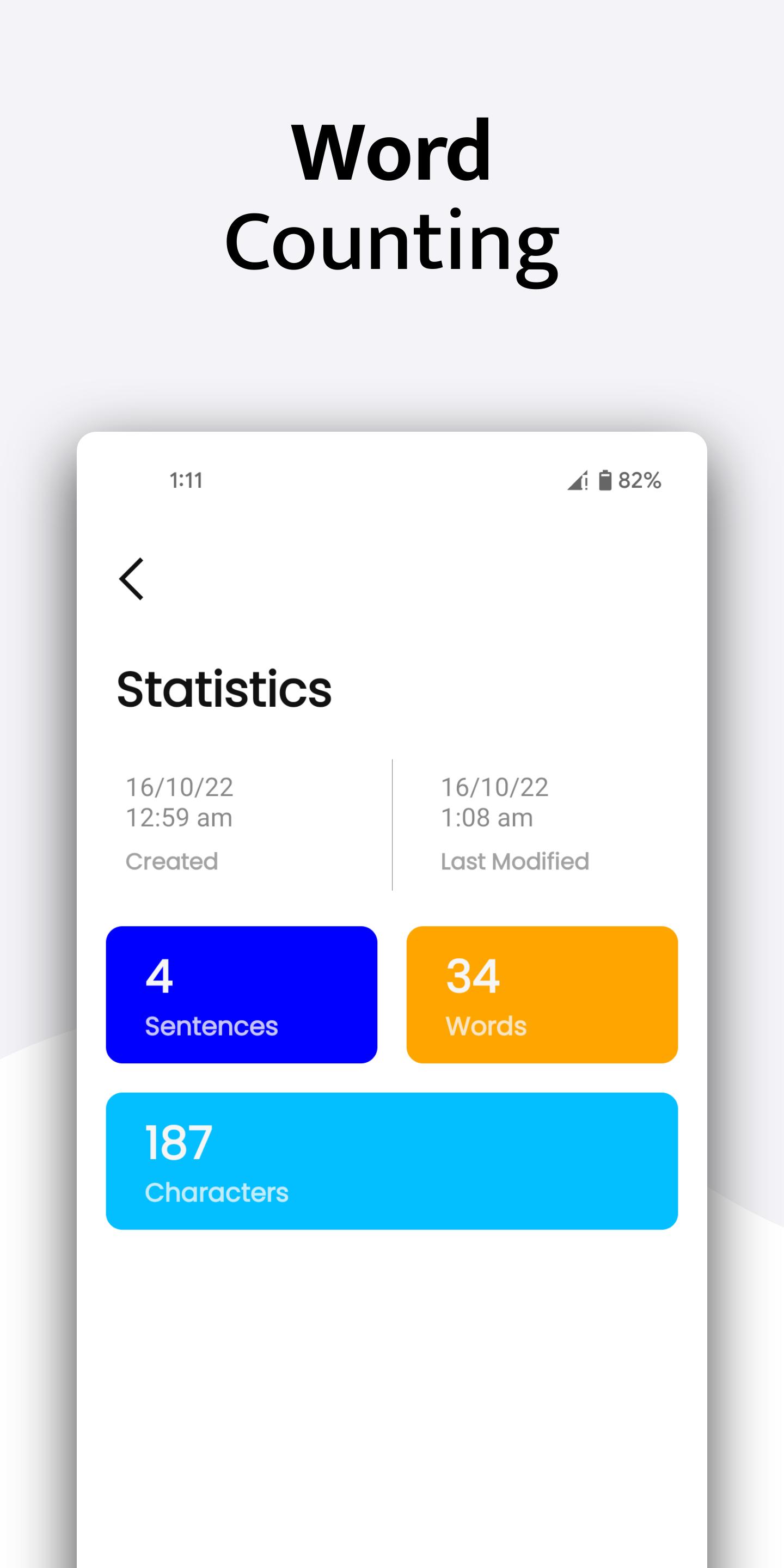
Advance notes sorting feature lets you organize and store your notes in an efficient way. You can easily search your notes and see their last modification time.



感謝您的評分和反饋!
您已經評分了。