在APKPure安全快速地下載APK
APKPure 使用簽章驗證功能,確保為您提供無病毒的 ClockworkMod Tether (no root) APK 下載。


10.0
3 評論
3.8 MB
文件大小
Everyone
Android 5.0+
Android OS
繫繩。互聯網的任何地方。無根的。
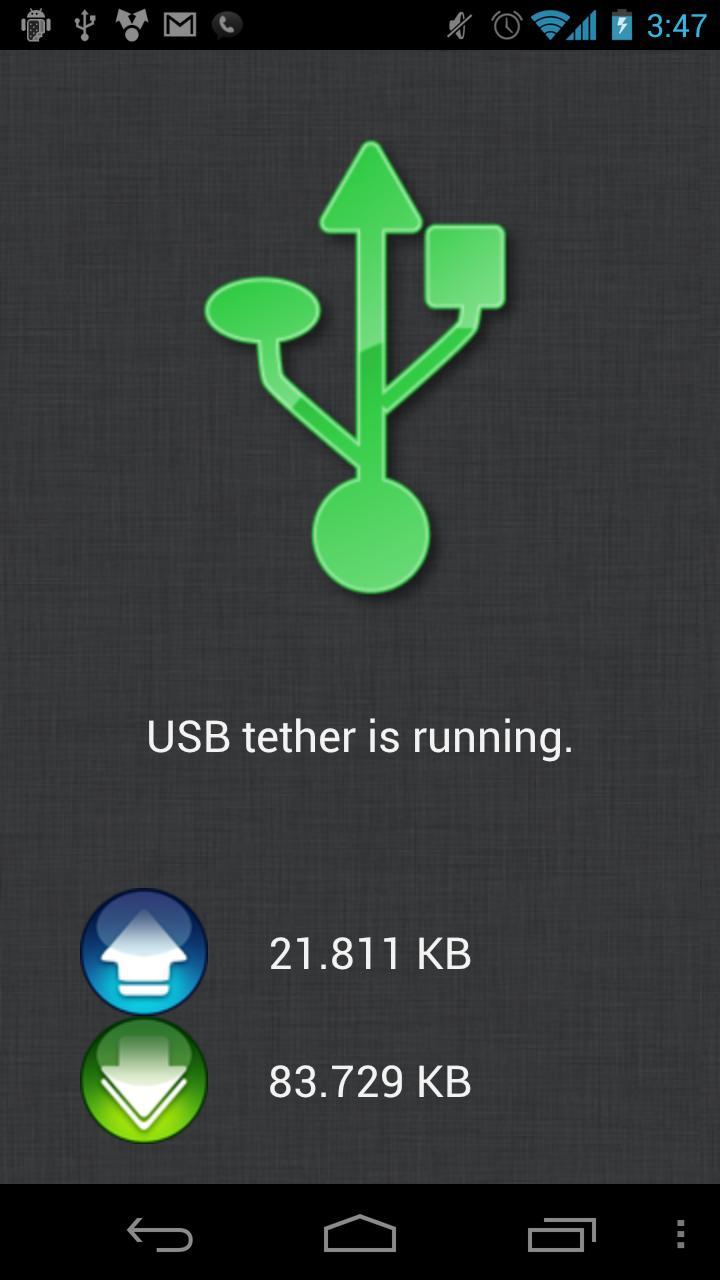
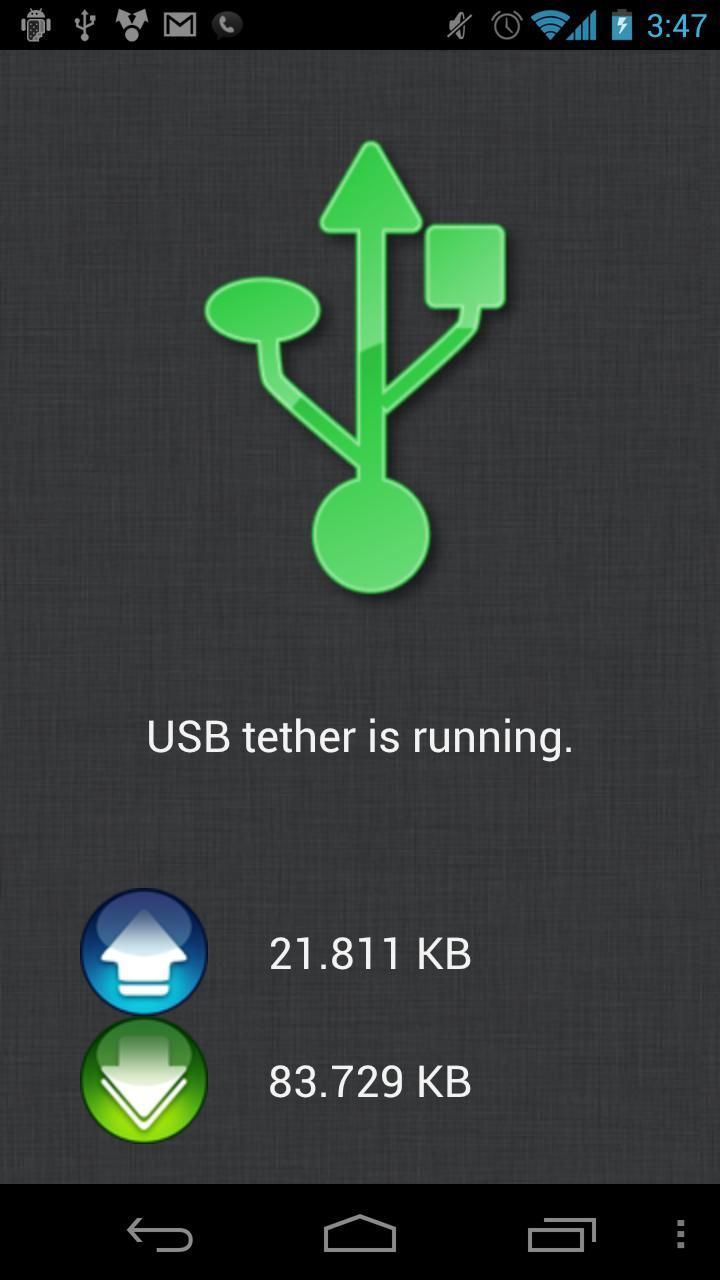
ClockworkMod Tether is a USB tether solution for Mac, Windows, and Linux that allows you to use your phone's data connection to get internet access on your desktop or laptop.
Need a direct link to the Tether Android installation (APK) file?
http://download.clockworkmod.com/tether/Tether.apk
Looking for the Premium version of ClockworkMod Tether? It is a $4.99 in app purchase, no additional download necessary!
ClockworkMod Tether does not require root on your phone and does not require a separate tethering plan. Tether should work with any carrier and phone and does not require a carrier's tethering plan. To get around the root requirement on your phone, Tether will need to install a virtual network adapter on your computer; so there is a PC side install.
1) Install this application on your Android phone!
2) Install the Tether software on your PC. If your PC currently has an internet connection, you can download it here:
Mac: http://download.clockworkmod.com/tether/tether-mac.zip
Linux: http://download.clockworkmod.com/tether/tether-linux.tgz
Windows: http://download.clockworkmod.com/tether/TetherWindowsSetup.msi
If your PC does NOT have an internet connection at the moment, start Tether for Android and use the Help button to easily download the PC software to your phone. You can then copy it to your PC and install!
Windows users will also need to install the USB/ADB driver for their phone. Tether's setup process will assist you through that step by step, or you can use the link below!
http://www.clockworkmod.com/tether/drivers
That's it! Connect your phone via USB to your PC, start Tether, and turn it on! Happy surfing!
If you have problems with Tether, please try the following first:
Disable Firewalls and Antivirus software.
Make sure you area not connected to the internet on wireless or ethernet.
Make sure you are using your OEM's USB data cable (and not just a charge cable).
If still not working, please contact koush@clockworkmod.com and provide the log from the Tether log window!
Tether is a 14 day trial. You will have full unfettered usage for 14 days, after which you will only be able to download 20MB a day. Please buy Tether Premium from the application's menu to unlock the full version and support future development!
Tether speeds slow?
Your USB speed is limited to the speed of the *slowest* peripheral you have connected. It is recommended you unplug any unnecessary/slow USB peripherals to get maximum Tether speeds.
Need a direct link to the Windows Drivers?
http://www.clockworkmod.com/tether/drivers
Applications that may interfere or cause installation issues with Tether on Windows:
VirtualBox
OpenVPN
Easy Tether
PDANet
TeamViewer VPN
Applications that may interfere with Tether on Mac:
PDANet
EasyTether
Hamachi
Viscosity
Questions? Comments? Support? Just shoot me an email to koush@clockworkmod.com

感謝您的評分和反饋!
您已經評分了。