


在APKPure安全快速地下載APK
APKPure 使用簽章驗證功能,確保為您提供無病毒的 Camera Scanner APK 下載。

相機掃描儀-從照片和圖像創建PDF
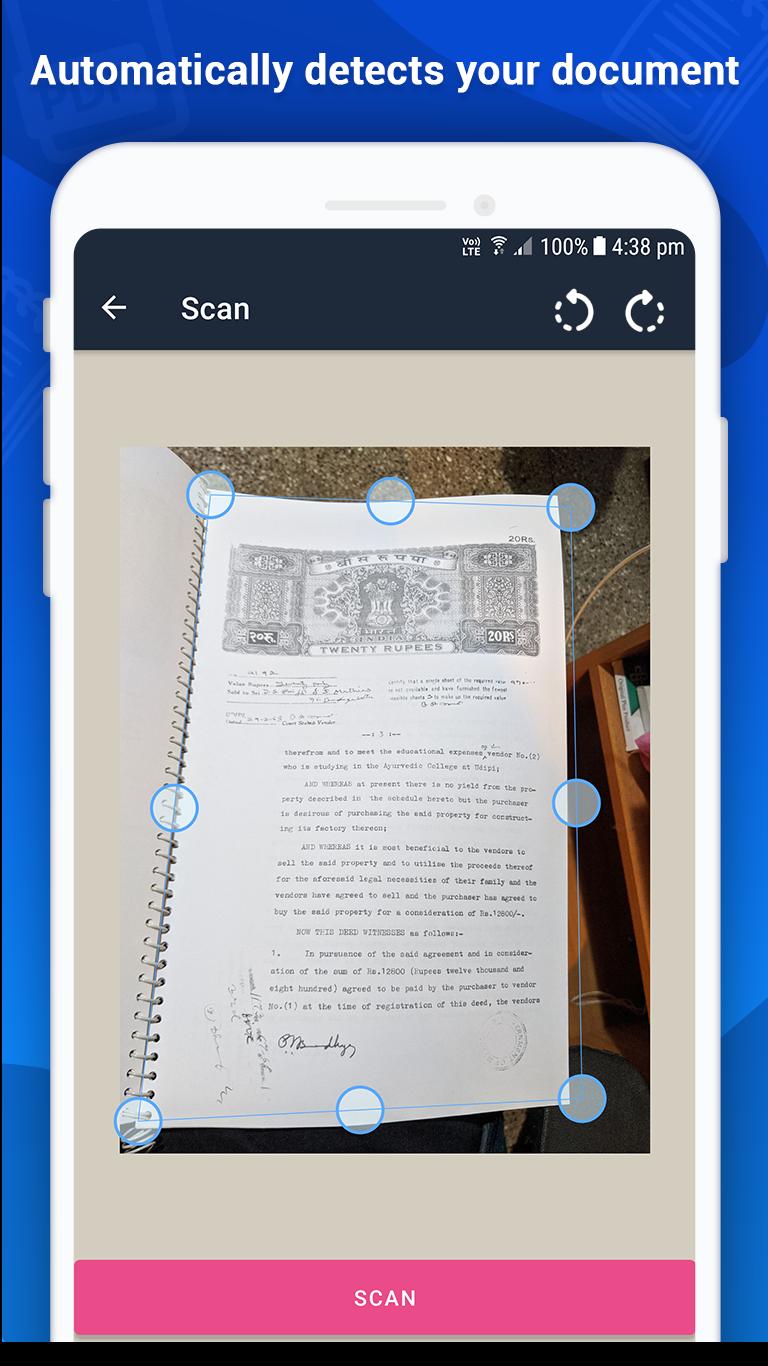
CamScanner lets you scan and create PDF files on your device using photos and camera. You can click or scan your document from your camera or choose photos from gallery. PDF generation is completely offline and requires no internet connection. It saves your PDF file history and the list of recently scanned documents. With a light clean and easy to use interface, using CamScanner is a breeze. Along with scanning, features like cropping and filters improve the visibility of your documents.
CamScanner is extremely convenient and helps you scan and digitize all your documents, receipts, notes, photos, discussions and cards. You can also share your documents as image or as pdf easily. It is literally a scanner in your pocket.
CamScanner is not just easy to use but also completely secure. The documents scanned are not uploaded to any server for any processing. Document recognition in the photos after scanning is done on the device.
How to Use?
- Use options in the top bar to scan, click or chose photos from gallery
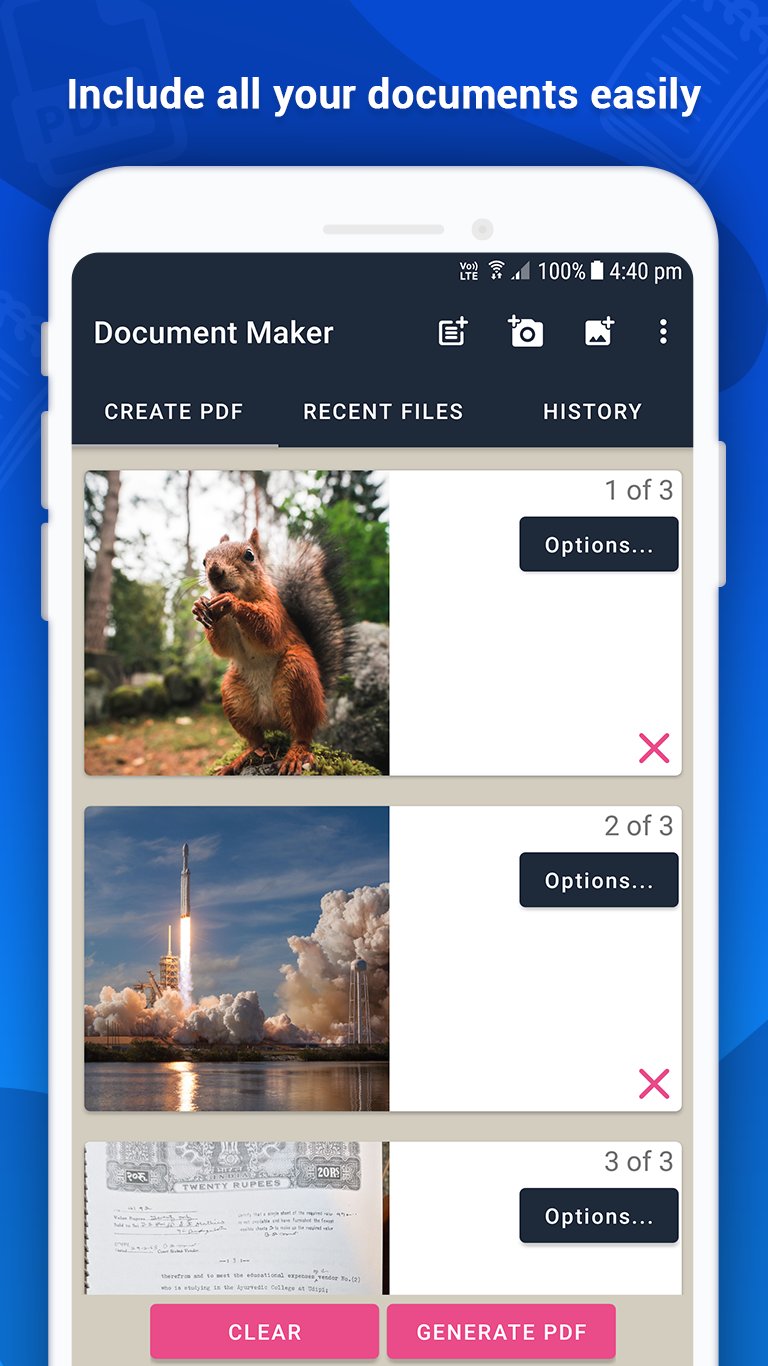
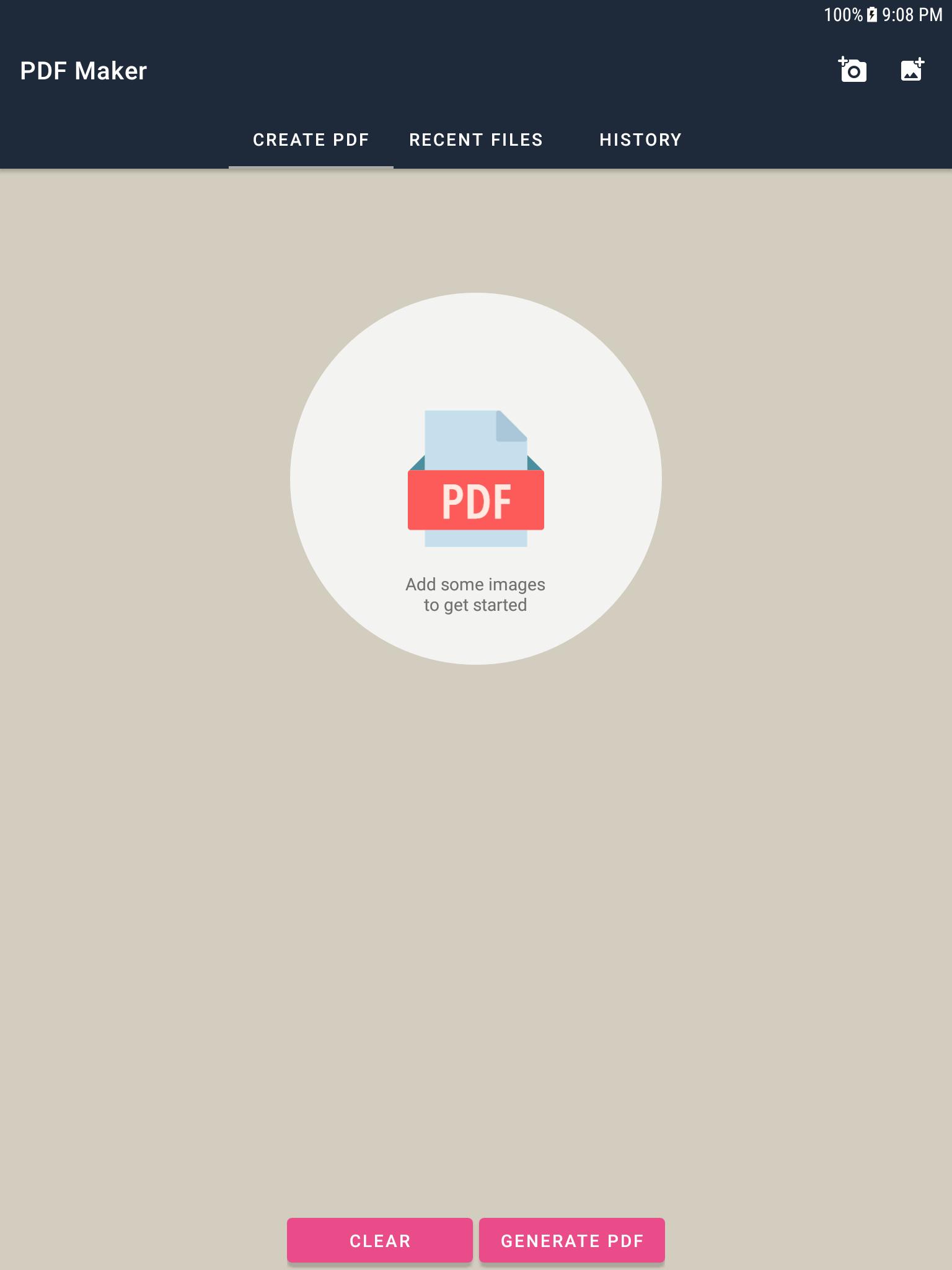
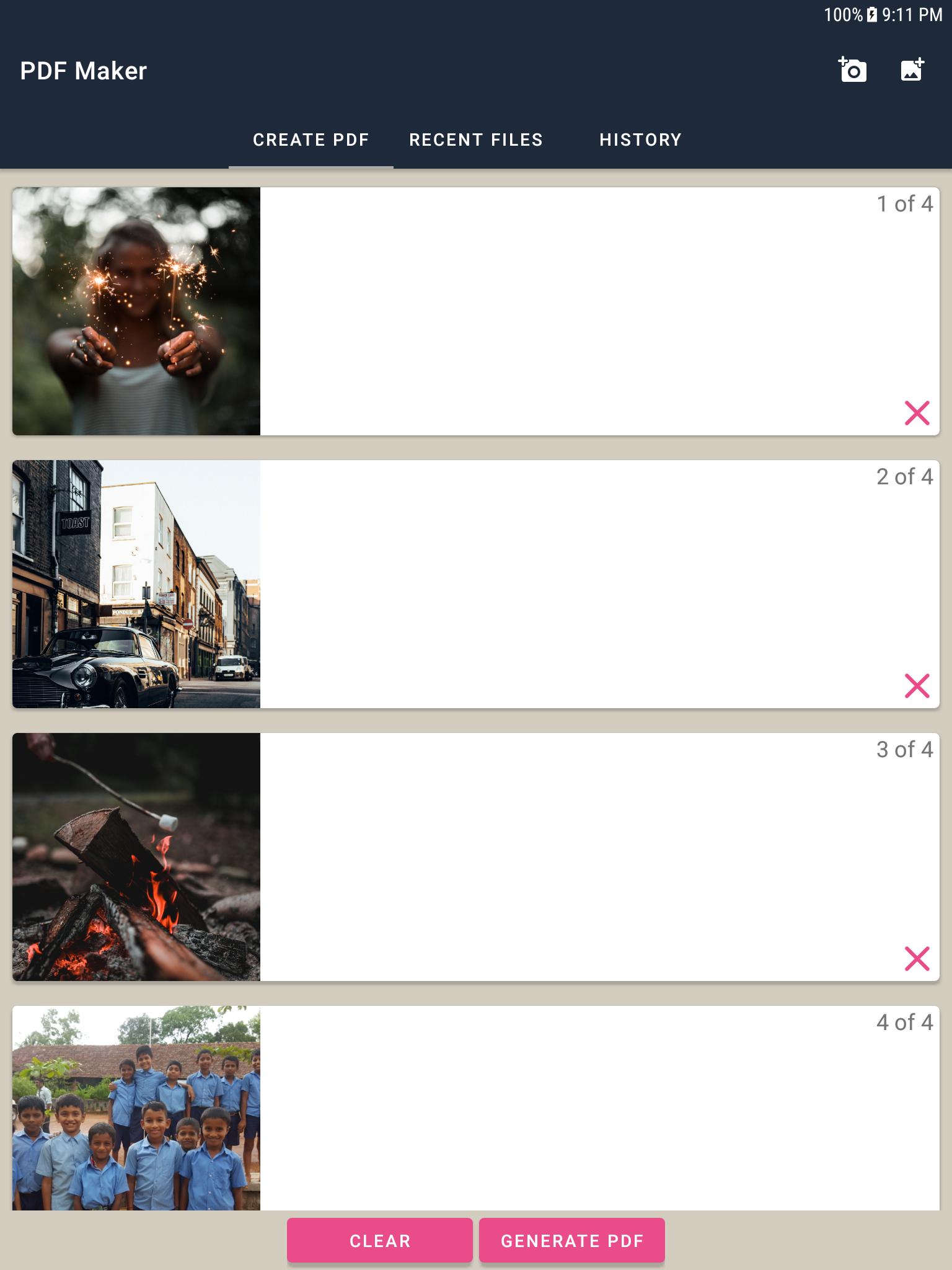
- The “Create PDF” tab shows the documents/scans that will be included in the PDF
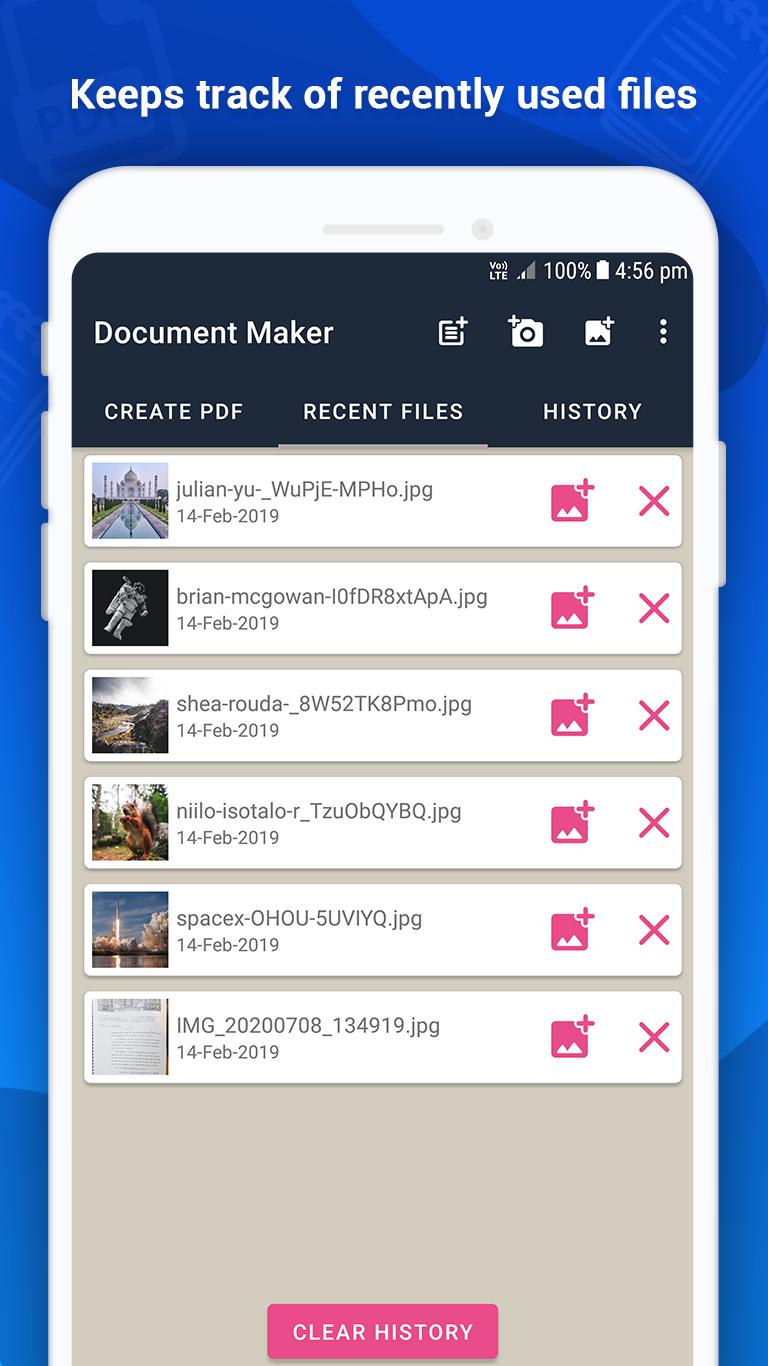
- The “Recent Files” tab shows the recently used documents/scans
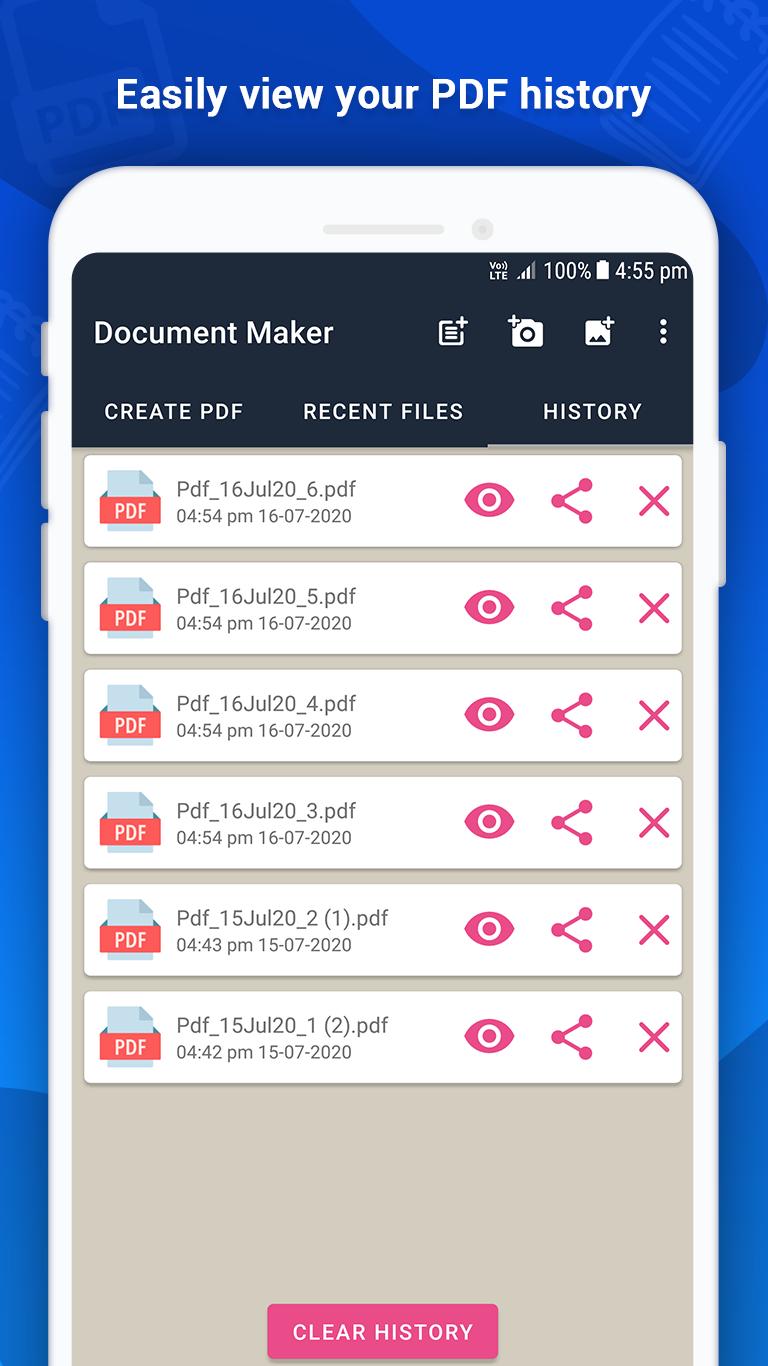
- The “History” tab shows recently generated PDF files
- In the “Create PDF” tab, use the options button for additional options
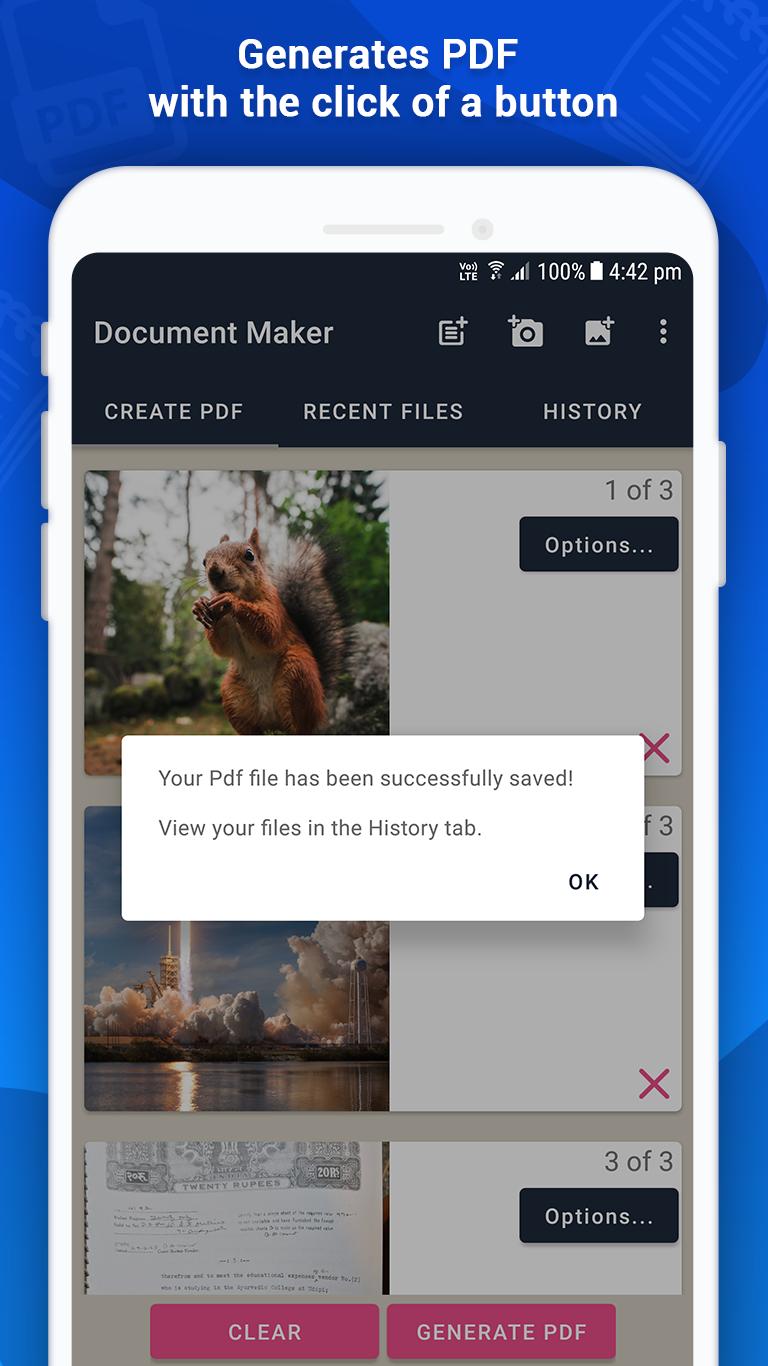
- “Generate PDF” button generates PDF file using the files in the first tab
Features:
- No subscription charges - unlimited scans, shares and document creation, absolutely free!
- Works completely offline - no online servers
- Choose document from your gallery or scan/click photos from camera
- Maintains file history
- Open the PDF with any PDF viewer
- High quality image option for PDF
- Convert multiple images into single PDF
- Easily share your PDF file via email
- Saves your document in process, so you can start over from where you left
- Rotate/Enhance the visibility of your documents after scanning using built in effects
- Select multiple images from your gallery (using a supported like Google Photos)
- Cloud Backup(supported by Dropbox)
- Multiple filters


感謝您的評分和反饋!
您已經評分了。