在APKPure安全快速地下載APK
APKPure 使用簽章驗證功能,確保為您提供無病毒的 Button Theme 4 Apex Launcher APK 下載。

這是apex啟動器的主題
!頂點啟動或新星啟動的最新版本是必需的!
從市場的自由安裝。搜索的Apex啟動/諾華啟動! (不需要的Apex /新星的Pro版)
-------------------------
因此,這裡是我們的新主題。按鈕主題4的Apex啟動白眼設計。
一切都已經專門適應了這種發射器。下載這個主題,有一個全新的風格為你的Android手機和平板電腦。
功能概述:
*超過200圖標按鈕樣式
*特殊的Apex圖標都包含
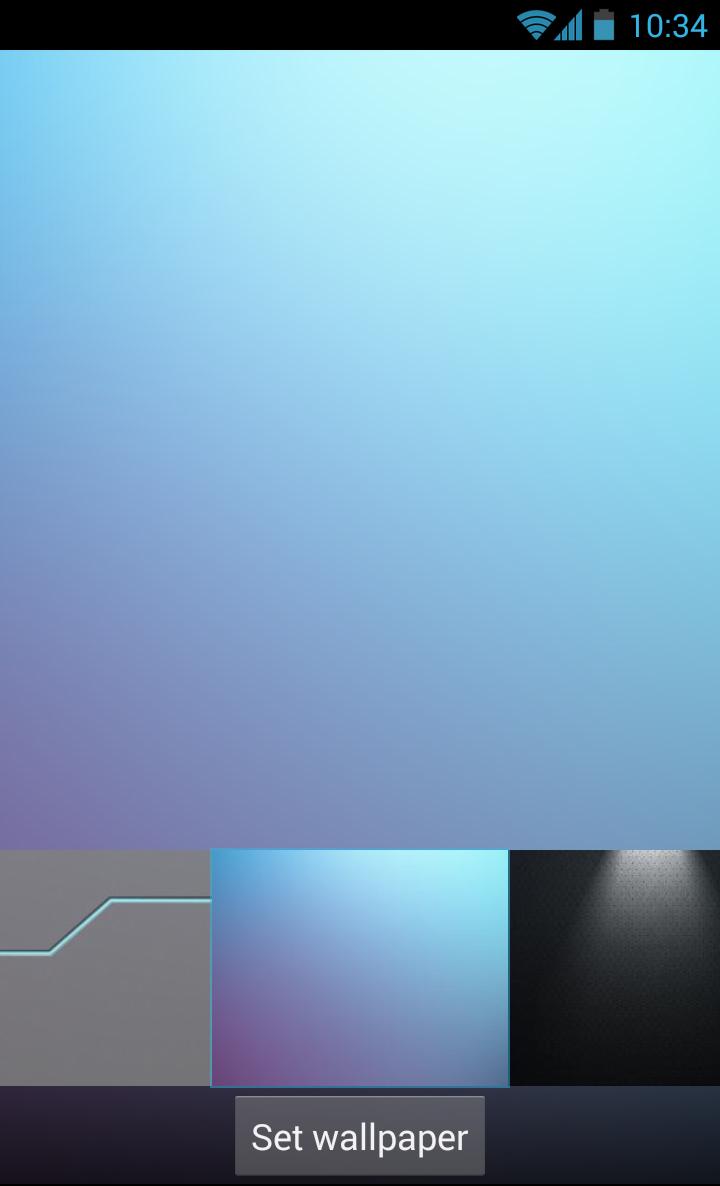
* 6高清壁紙
*與新星發射器兼容
*不要求專業版
*新的文件夾界面和碼頭*
---------------------------
如何安裝:
1.搜索的Apex啟動的最新版本。安裝並運行它
2.安裝主題(請在安裝後不要直接打開)
3.回到頂點發射器:頂點設置>主題設置。
4.選擇按鈕主題4頂點啟動
5.標記圖標包,字體,皮膚和壁紙
6.應用。
更改壁紙:
- 按下並保持到主屏幕。
- 選擇“壁紙”,然後“壁紙的Apex啟動器”
- 選擇牆紙,按“設置壁紙”
更改圖標:
某些設備可能不會自動更改圖標
1.Tab並按住主屏幕上的應用程序。(在應用程序列表不可用)
2.Edit>點擊圖標>從圖標包>按鈕主題4的Apex啟動器中選擇
3.選擇一個圖標,然後按OK
--------------------------
感謝您的支持!更多主題仍然來了。希望大家喜歡我們的設計!
對於存在的問題和建議郵寄至:
support@white-eye-design.de
新聞和公告,請訪問:
wed-themes.blogspot.com





感謝您的評分和反饋!
您已經評分了。