ADB Control for Root Users

ADB Control for Root Users

Pixplicity
2015年12月04日
  • 1.6 MB

    文件大小

  • Everyone

  • Android 2.2+

    Android OS

關於ADB Control for Root Users

快速啟用或禁用植根設備調試模式

Quickly enable or disable debug mode!

Allows you to toggle the Android Debug Bridge (ADB) without disconnecting from USB or heading into the developer menu. Perhaps your device's debugger occasionally stops responding? No worries, restarting it is done in a jiffy!

This app often resolves launch errors such as:

• com.android.ddmlib.SyncException: Too many open files

• java.io.IOException: Unable to open sync connection!

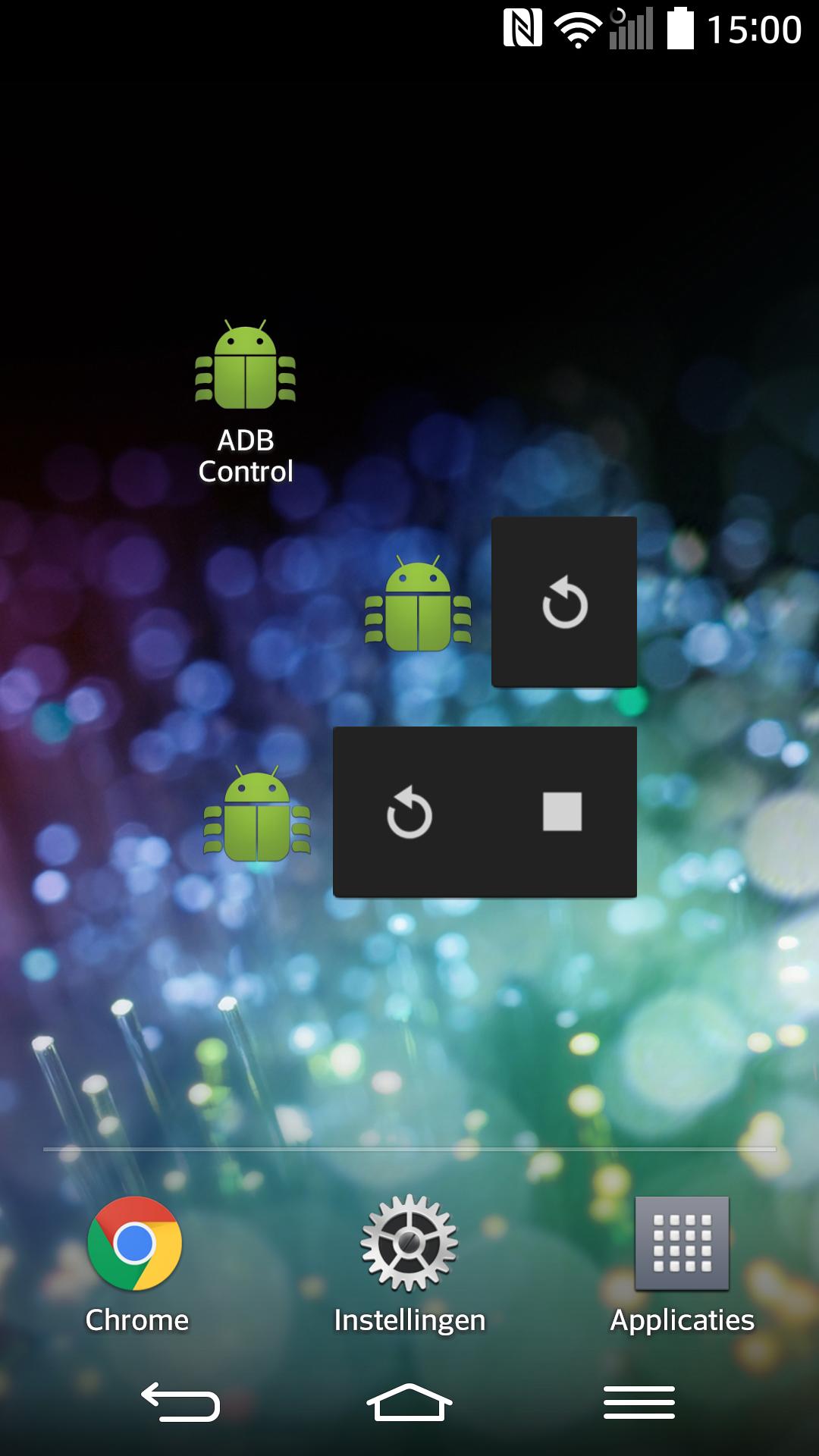
Includes a simple interface and two widgets.

Supported on all rooted devices from Android 2.1 up. Requires root permissions.

更多

最新版本1.1.1的更新日誌

Last updated on 2015年12月04日
After two and a half years, finally an update!

- Widget problems have been addressed
- New, material design
- Crash reporting to help diagnose any problems
- Tweaked the app icon a bit
- Help links now point to Wikipedia articles
- Dutch translation

Best of all, the app is now open source! Contribute code, bug reports or translations at:
https://github.com/Pixplicity/adb-control
更多

視頻和屏幕截圖

  • ADB Control for Root Users 海報
  • ADB Control for Root Users 截圖 1
  • ADB Control for Root Users 截圖 2
  • ADB Control for Root Users 截圖 3
  • ADB Control for Root Users 截圖 4
  • ADB Control for Root Users 截圖 5

ADB Control for Root Users APK信息

最新版本
1.1.1
類別
工具
Android OS
Android 2.2+
文件大小
1.6 MB
開發者
Pixplicity
內容分級
Everyone
在APKPure安全快速地下載APK
APKPure 使用簽章驗證功能,確保為您提供無病毒的 ADB Control for Root Users APK 下載。

ADB Control for Root Users歷史版本

APKPure 圖標

在APKPure極速安全下載應用程式

一鍵安裝安卓XAPK/APK文件!

下載 APKPure
thank icon
We use cookies and other technologies on this website to enhance your user experience.
By clicking any link on this page you are giving your consent to our Privacy Policy and Cookies Policy.
Learn More about Policies