Package Name:de.twokit.tv.test
Show More


5.6 MB
File Size
Everyone
Android 8.0+
Android OS
Find and fix TV problems: 4K HDR, dead pixel, calibration, sound and Wi-Fi tests
Does your TV really play 4K at 60 Hz? Which HDR formats does it accept? Why does it turn off in the middle of a film? TV Test runs a full TV check on your Android TV, Google TV or streaming stick, finds TV problems and shows how to fix them. It also brings a dead pixel test, screen tests, calibration patterns, and video and internet speed tests, all made for the remote.
• Check my TV, your TV fixer: One button, about 20 seconds, a cause and a fix for every problem
• A button on each fix opens the matching settings screen
• No account, no sign-up, no ads
• Made for Android TV and Google TV, including Chromecast with Google TV
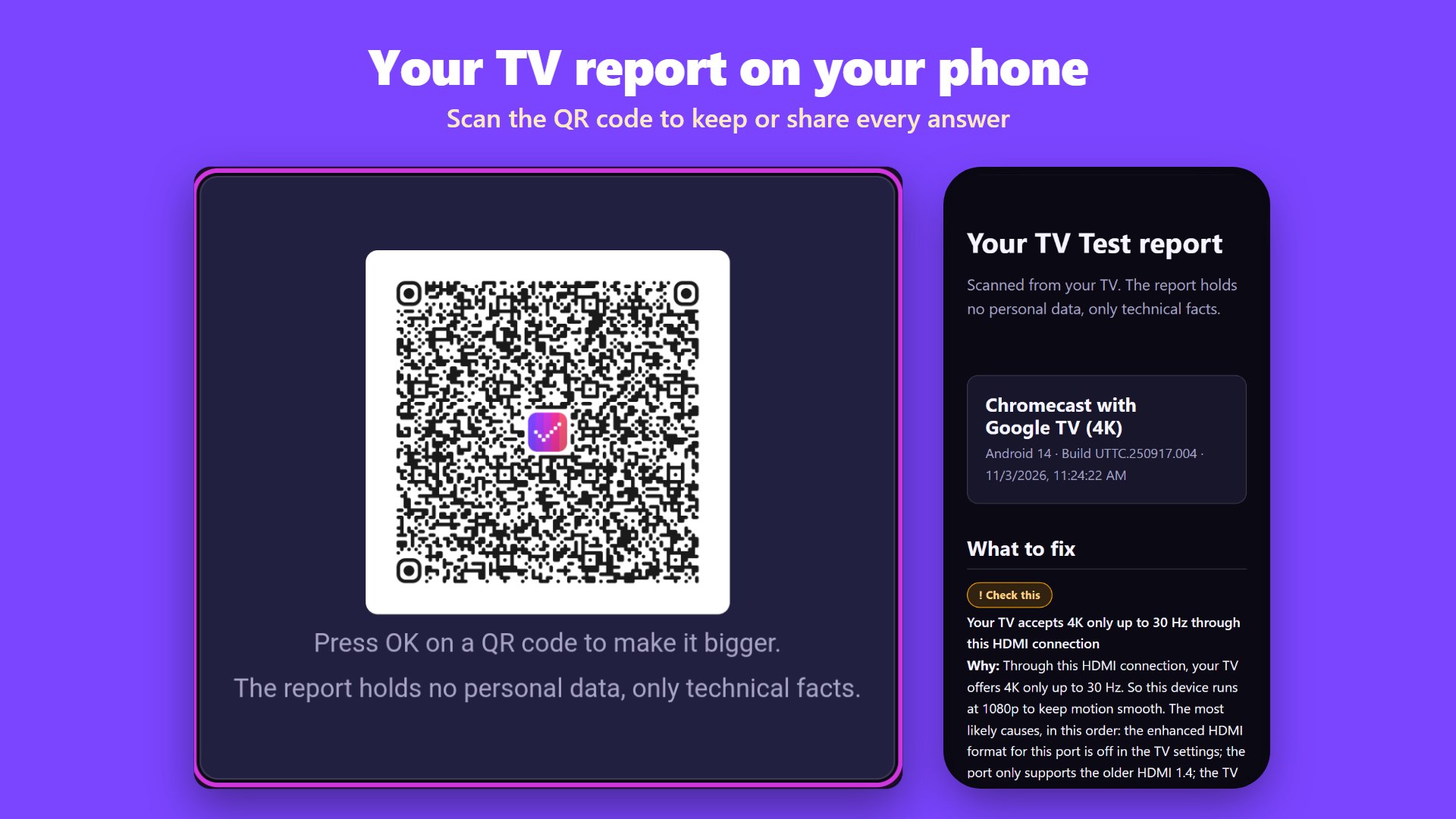
• Scan a QR code, and the full report opens on your phone
Check my TV and fix TV problems
One button runs a full TV diagnostic:
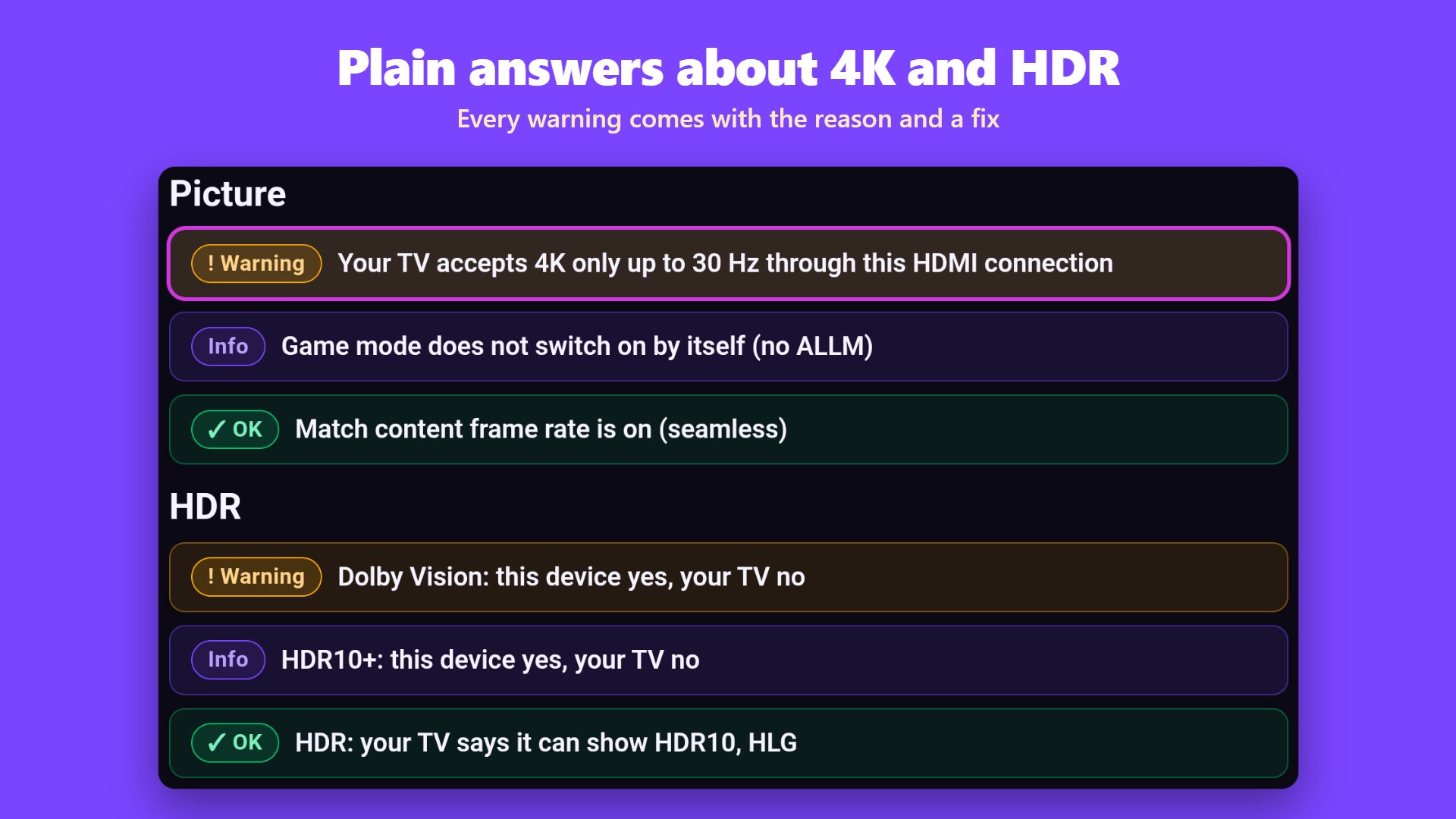
• Picture: The resolution and refresh rate your TV accepts (4K at 60 Hz, or only at 30 Hz?), HDR10, HLG, Dolby Vision and HDCP
• Streaming: The Widevine DRM level (L1 or L3), the video codecs the video chip plays (H.264, HEVC, VP9, AV1), and streaming apps that never got an update
• Sound: The formats your TV or soundbar accepts over HDMI, such as Dolby Atmos and DTS, and a muted volume
• Network: Wi-Fi band and signal, internet access, name lookups (DNS), ad blockers such as Pi-hole that block streaming apps, proxies, hotspots, guest networks, date and time
• Settings: Sleep timers, the screensaver, and settings left on by accident, such as TalkBack reading everything aloud or captions
• Connected devices: Remotes, game controllers and USB drives, with the free space and why a drive cannot be read
• Device: Storage, memory, Android TV version, the last security update, and Play Protect certification
Every yellow or red answer says why and how to fix your TV. For problems the app cannot see, such as no signal, it links to TV fix guides on your phone.
4K HDR video test
Test clips in 1080p and 4K, at 24 to 60 frames per second, in H.264, HEVC, VP9 and AV1, in SDR, HDR10 and HLG. TV Test plays each clip, counts the dropped frames and shows whether the TV switched to the clip's frame rate and to HDR.
Dead pixel test and screen tests
A full TV screen test and display test: Dead pixel test, stuck pixel fixer, uniformity test, backlight bleed test, blooming test, OLED burn-in test, color banding test, motion test, overscan test and full-screen colors.
TV calibration patterns
Set black level, white level, color and tint by eye with TV calibration patterns, then check the geometry. No meter needed.
Sound test and remote test
• Speaker test: Does sound come from the left and the right?
• Audio sync test: Does the sound run ahead of or behind the picture?
• Remote control test: Which buttons of your remote or game controller reach the TV?
On TV speakers, test tones start at half volume or below, to protect your ears.
Internet speed test for Android TV
Measure the download speed on the TV: Is it enough for 4K? A one-minute stability test finds the dropouts that make streams stall. The Cast check shows the Cast devices in your home.
Great for
• Finding out why streaming apps do not play in 4K or HDR, or stopped working
• Finding out why the TV turns off by itself, or reads everything aloud
• Checking a new TV, streaming stick or HDMI port before the return window closes
• Testing a used TV for dead pixels and burn-in before you buy
• Finding the cause and the fix before you pay for a TV repair
• Getting Dolby Atmos or Dolby Vision to work with your soundbar and TV
• Fixing buffering: Is it the Wi-Fi band, the signal, dropouts or the speed?
• Finding out why apps load nothing, or whether an ad blocker blocks YouTube or Netflix
Made by 2kit
TV Test is made by Kraus und Karnath GbR 2kit consulting in Düsseldorf, Germany. We have built apps for TVs since 2010 and test them on more than 100 TVs and streaming devices in our own lab. More tests, guides and fixes: tv-test.com






One-click to install XAPK/APK files on Android!

Thanks for your rating and feedback!
You have already rated.