truBackup - Mobile Backup

truBackup - Mobile Backup

3Frames Labs
Aug 21, 2015
  • 2.9 MB

    File Size

  • Everyone

  • Android 2.2+

    Android OS

About truBackup - Mobile Backup

truBackup - Backup & Restore - The Android Backup and Restore app.

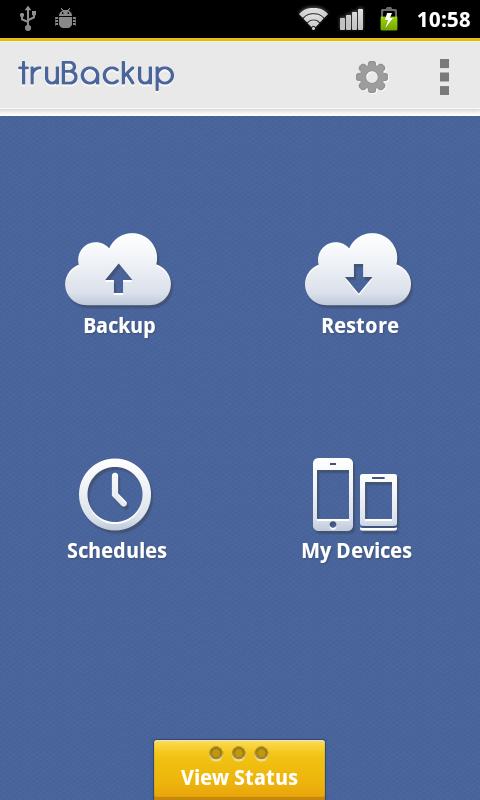
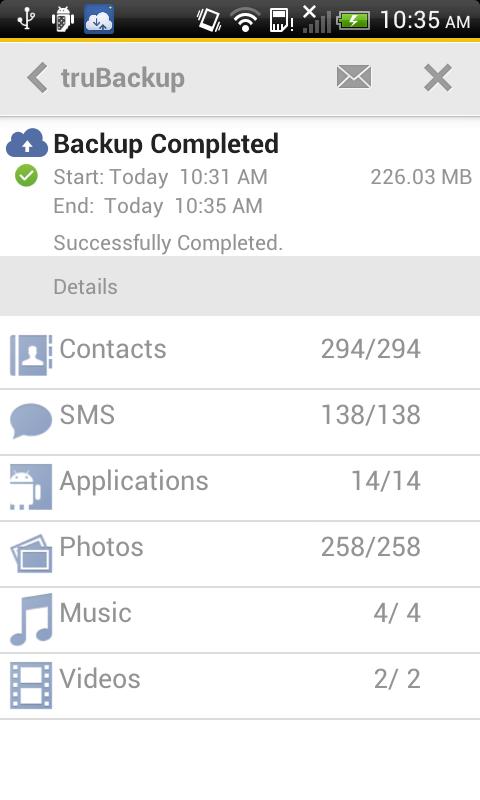
The backup and restore app – you will love it! This backup assistant easily backup and restore your Contacts, SMS, Apps, Photos, Audio, and Videos on your Android phone. Also helps you transfer data from different carriers and devices.

Features:

Backup and Restore:

✓ Contacts

✓ SMS

✓ Photos

✓ Videos

✓ Audio/Music

✓ Apps (Note: truBackup backups apk files only, not app data or app settings)

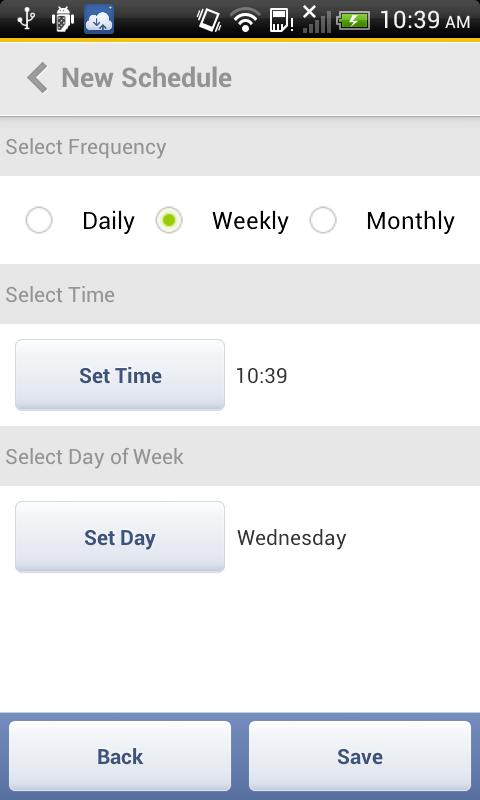
Schedule automatic or manually create backups

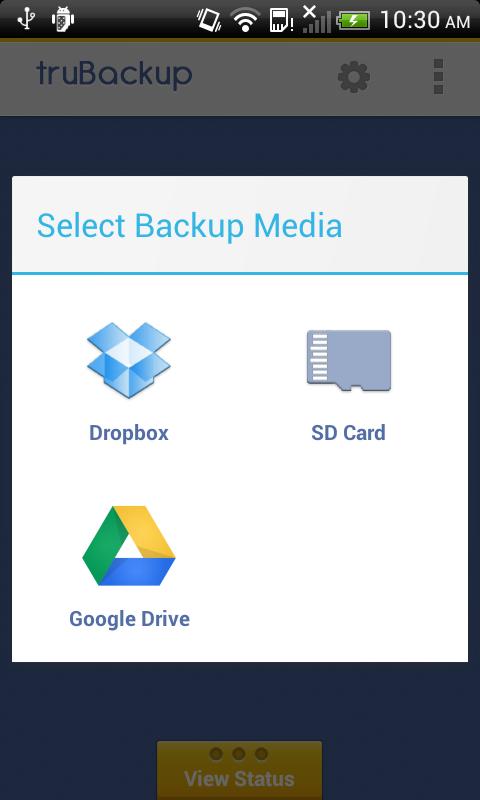
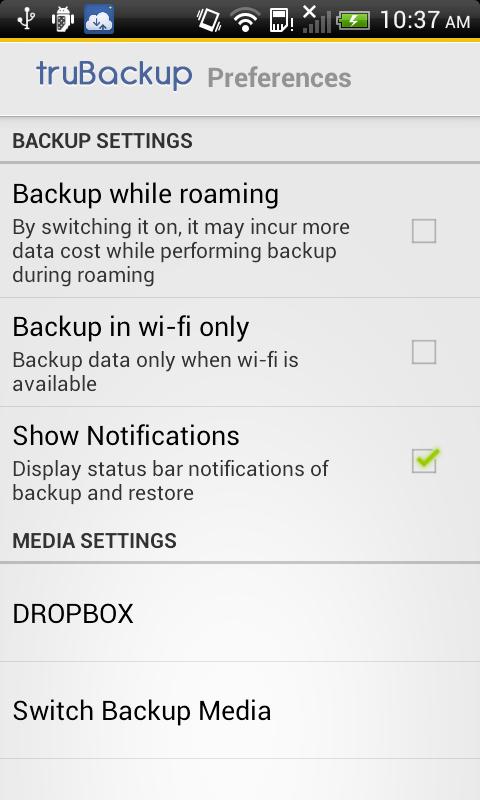
Backup to Dropbox

Backup to Google Drive

Backup to SD Card (external SD Card recommended)

View backup status and progress

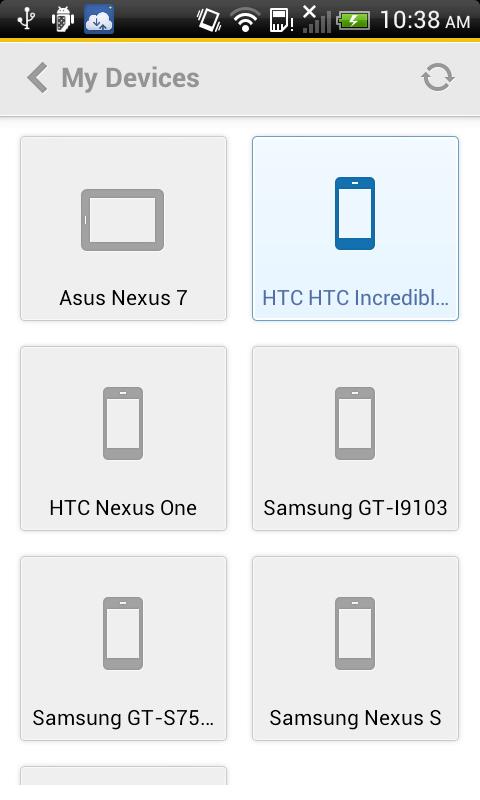
My Devices shows all your devices connected to one cloud account, and enable you to transfer data from different devices. For e.g., A backup from Samsung device can be restored to HTC or Motorola devices or Tabs.

Show More

What's new in the latest 2.6.0

Last updated on 2015-08-21
2.6.0
UI enhancements
Performance issues fixed
Misc bug fixes
Show More

Videos and Screenshots

  • truBackup - Mobile Backup poster
  • truBackup - Mobile Backup screenshot 1
  • truBackup - Mobile Backup screenshot 2
  • truBackup - Mobile Backup screenshot 3
  • truBackup - Mobile Backup screenshot 4
  • truBackup - Mobile Backup screenshot 5
  • truBackup - Mobile Backup screenshot 6
  • truBackup - Mobile Backup screenshot 7

truBackup - Mobile Backup APK Information

Latest Version
2.6.0
Category
Tools
Android OS
Android 2.2+
File Size
2.9 MB
Developer
3Frames Labs
Content Rating
Everyone
Safe & Fast APK Downloads on APKPure
APKPure uses signature verification to ensure virus-free truBackup - Mobile Backup APK downloads for you.

Old Versions of truBackup - Mobile Backup

APKPure icon

Super Fast and Safe Downloading via APKPure App

One-click to install XAPK/APK files on Android!

Download APKPure
thank icon
We use cookies and other technologies on this website to enhance your user experience.
By clicking any link on this page you are giving your consent to our Privacy Policy and Cookies Policy.
Learn More about Policies