Güvenli ve Hızlı APK İndirmeleri APKPure'de
APKPure, virüssüz PDF Editor Tools - PDF Reader APK indirmelerini sağlamak için imza doğrulaması kullanır.

Akıllı telefonunuz ve tabletiniz için gelişmiş PDF düzenleme araçları
PDF Editor Tools brings all documents management into one place, now you can get the job done completely paperless from your Android smartphone and tablet very easily.
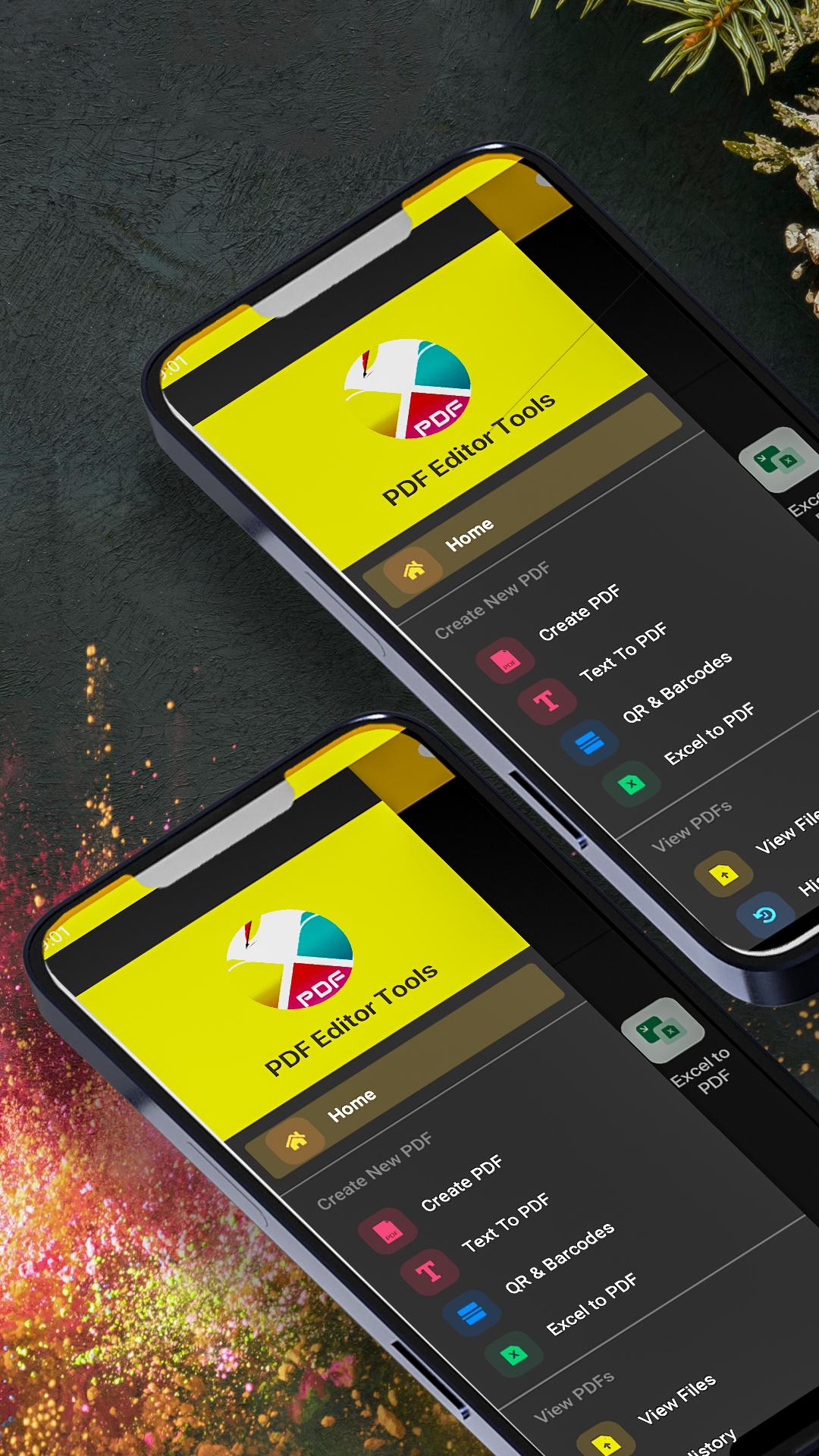
PDF reader, PDF converter, PDF editor, marge PDF, image to PDF, watermark PDF and word to PDF in just a few seconds with this handy PDF editor tools.
Image To PDF
• Convert your images to pdf now within few click. Convert jpeg to pdf, png to pdf, gif to pdf easily.
Text or Word To PDF Converter
• Convert any text to pdf within a few second or convert word to pdf.
• Convert office documents to PDF files.
• Extract images from your PDF file.
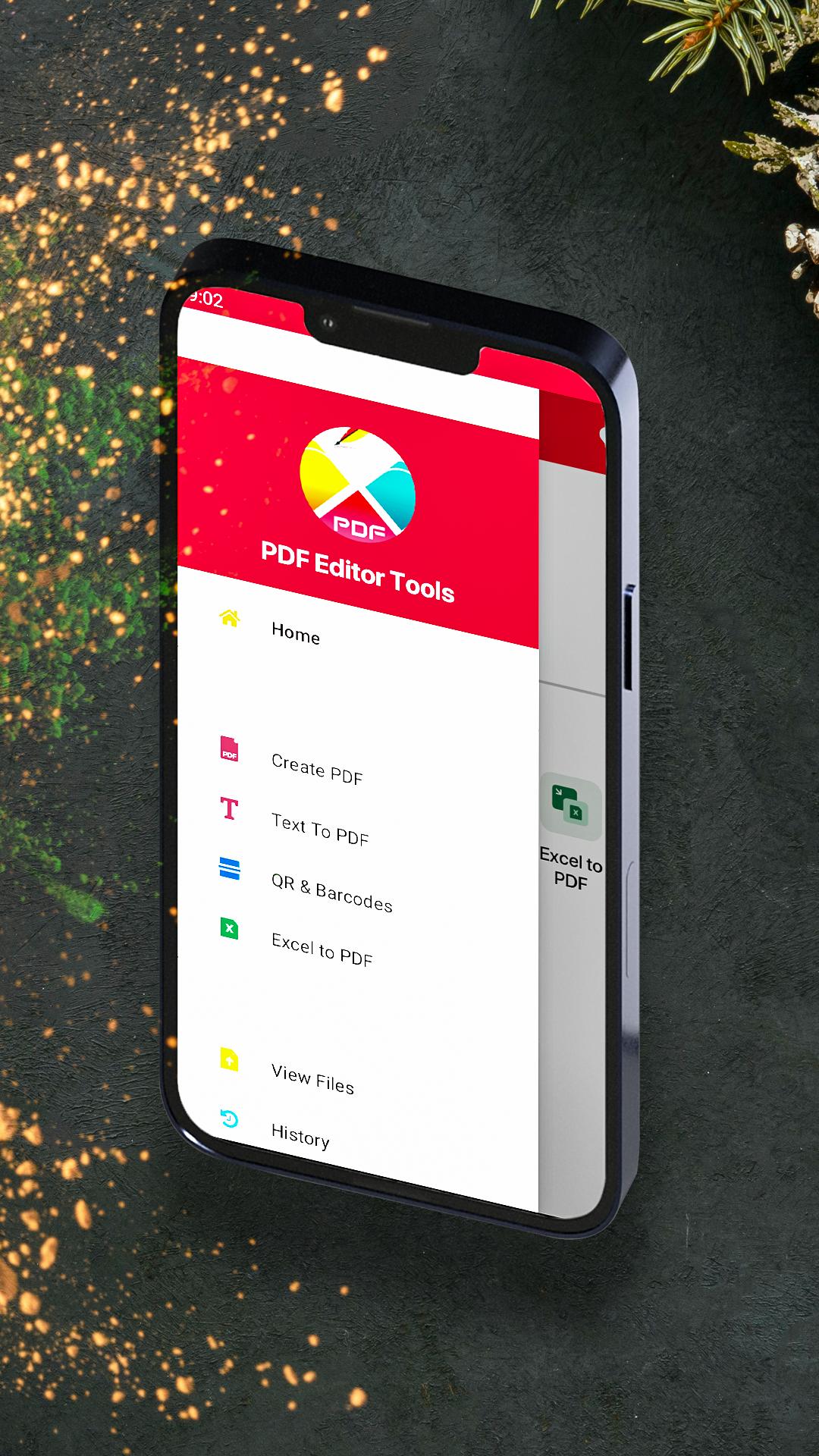
QR To PDF & Barcodes To PDF
• Simply convert QR to pdf or Barcode to PDF file.
• View pdf, edit pdf and modify pdf files stored on your device those contain qr and barcodes.
Excel To PDF
• Conver excel to pdf from your smartphone and tablet at anytime and any place.
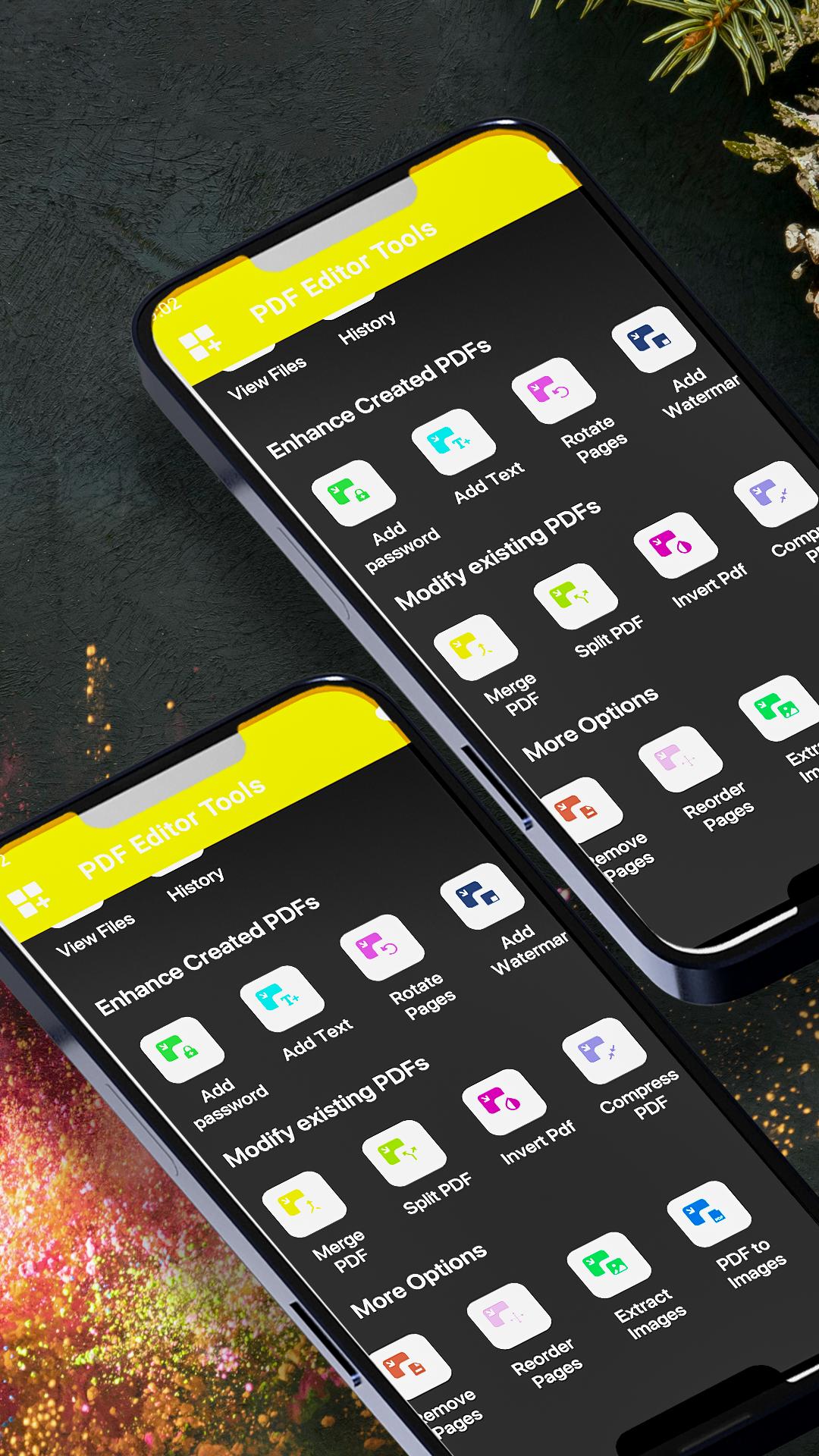
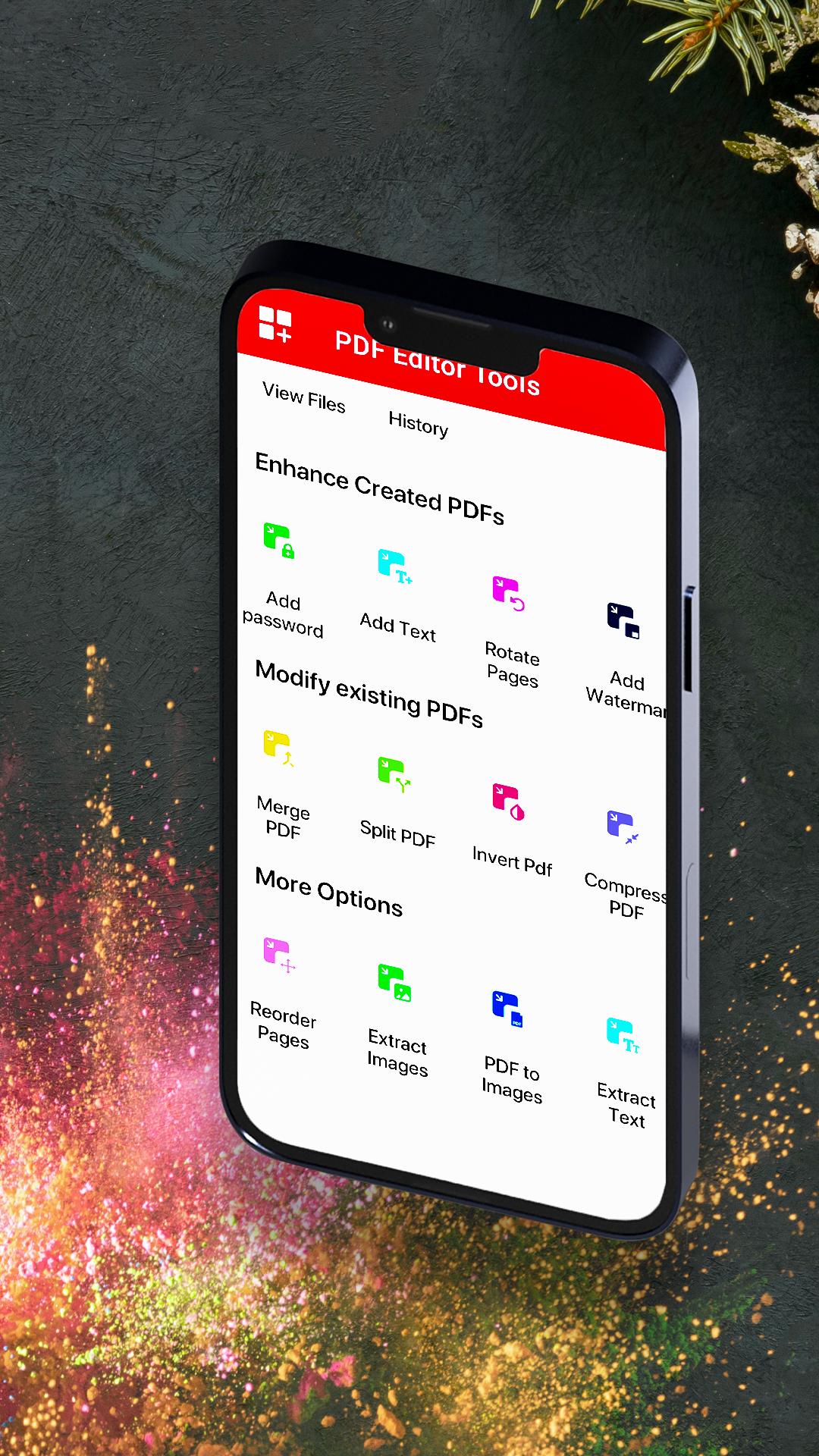
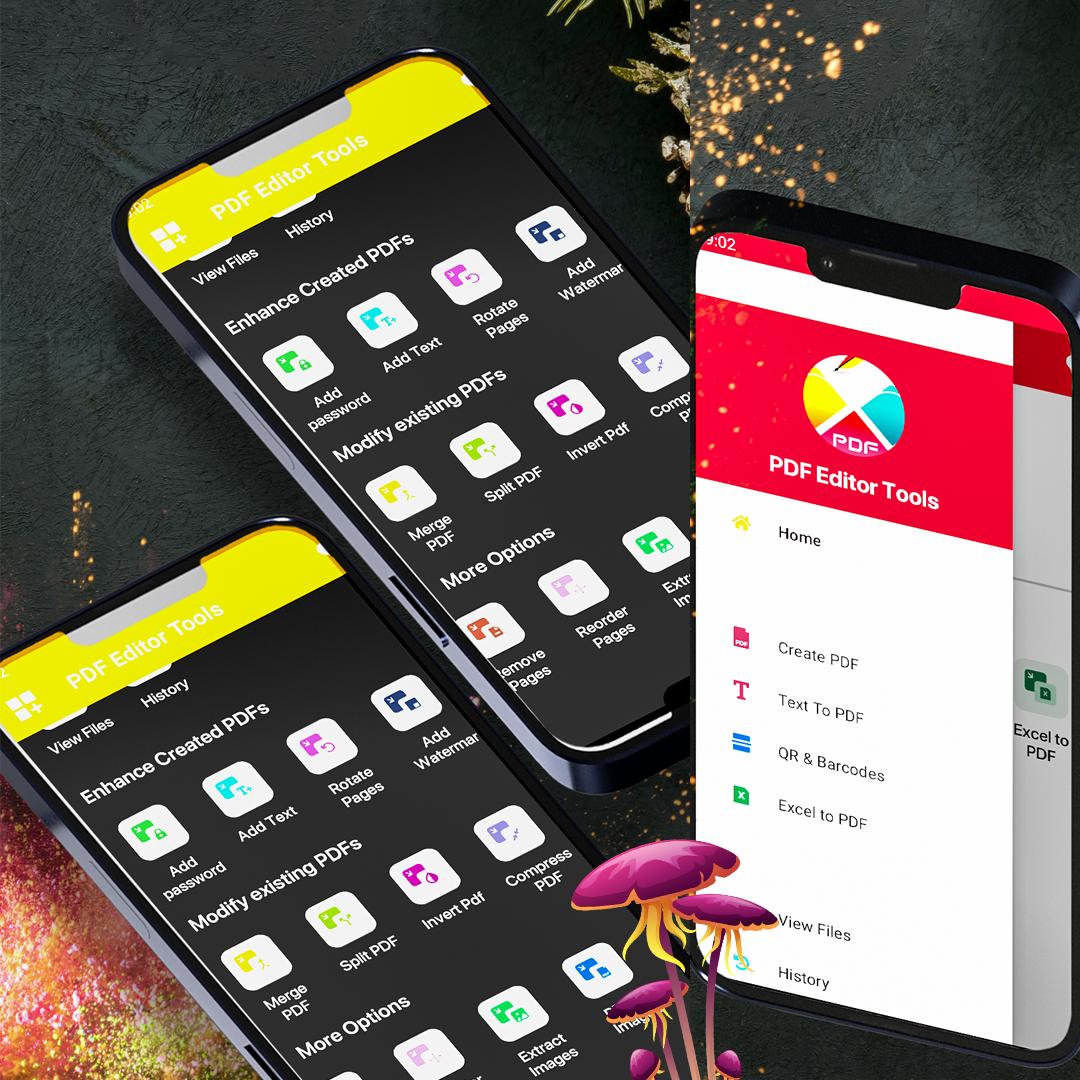
ENHANCE PDF FILE
• Password protect pdf: Protect your pdf file using password option.
• Add text to pdf: Add text to pdf files stored on your smartphone and tablet.
• Rotate pages: Rotate PDF pages and adjust their fit within your document file stored on your smartphone and tablet.
• Watermark PDF: Choose an image or a text and add it to your PDF document file. You can add your business logo or sign watermark inside your pdf file as well.
• Add Image in PDF: Add images from your smartphone and tablet to pdf file.
MODIFY EXISTING PDF
• Merge pdf: Combine multiple pdf files into a single PDF file. Merge as many pdf file you want.
• Split pdf: Split PDF pages or extract pdf pages to multiple PDF documents stored on your smartphone and tablet.
• Invert pdf: Let's invert any pdf within a second.
• Compress pdf: Reduce the pdf file size of your documents while keeping visual quality.
• Remove Duplicate from pdf: Remove any duplicate portion from your pdf files.
ORGANIZE PDF AND MORE
• Reorder PDF: Rearrange any pdf documents from smartphone and tablet.
• Remove pdf page: Remove unwanted page from your pdf document files.
• Extract images from PDF: Extract any image from your pdf documents.
• PDF to images: Convert your pdf document to image from smartphone and tablet.
• Extract text: Extract any text from your pdf documents.
• ZIP to pdf: Now you can use this zip to pdf from smartphone and tablet.
SHARE PDF FILES
• Share the pdf documents you have converted with any other messaging applications, mail or social network. Complete your work with PDF Editor Tools and lets share it if you want.
The best free PDF editor tool to read pdf, create PDF, edit PDF and modify PDF. Edit pdf file as many as you want free of cost.
Complete app is free to edit pdf documents.
For any suggestion contact with us.
Thanks

XAPK/APK dosyalarını Android'e yüklemek için tek tıkla!

Derecelendirme ve geri bildiriminiz için teşekkürler!
Zaten derecelendirdin.