
Package Name:io.disrpt.lock
Show More

Block accidental touches while you watch, listen, trace or hand your phone over
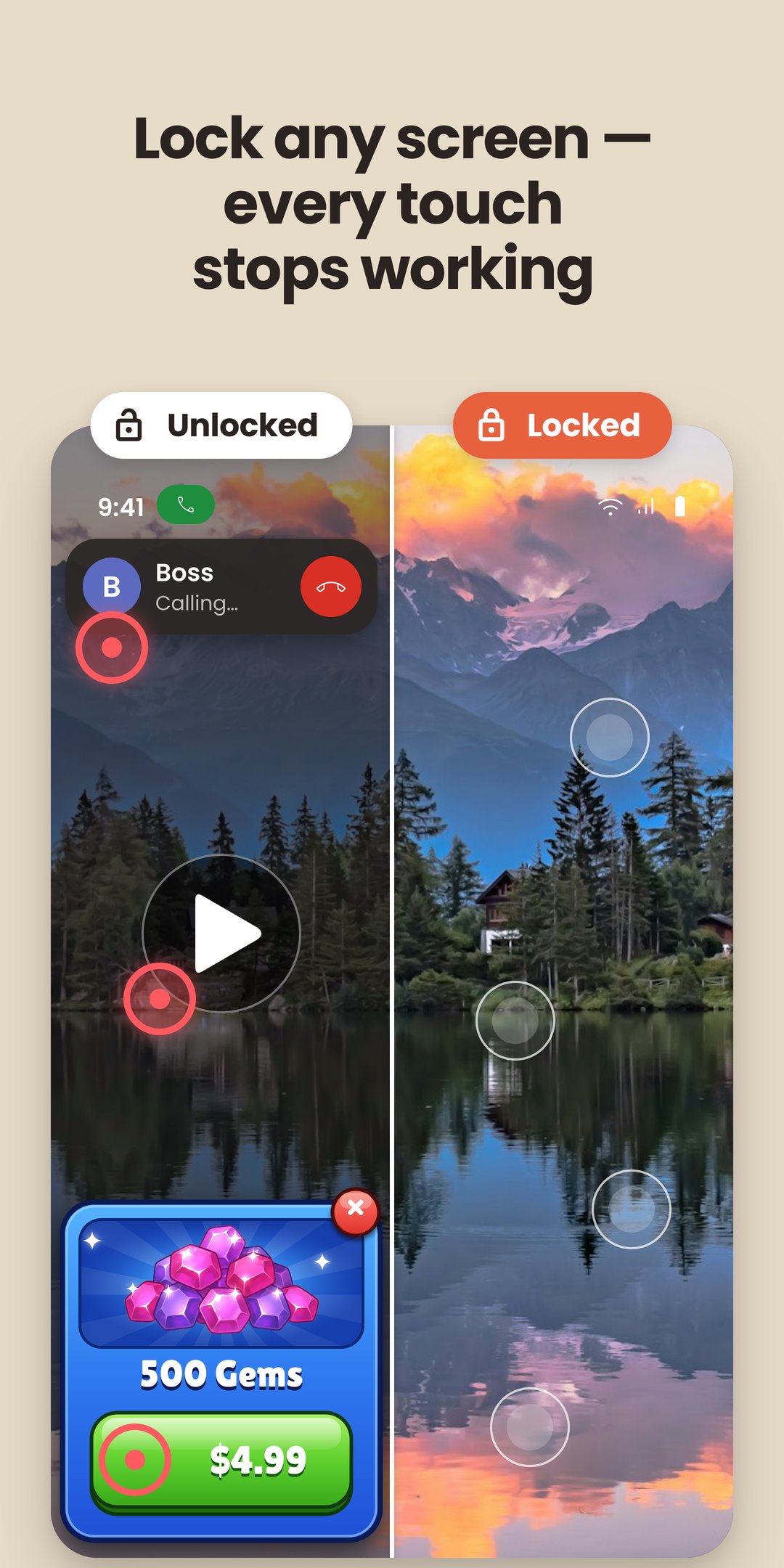
Block the touch screen while your video keeps playing. Hand your phone to a toddler, put it in your pocket with music on, or lay paper over it for tracing: Touch Lock stops taps, swipes and accidental touches, and whatever is on screen carries on until you unlock it.
No ads, no subscription and no time limit.
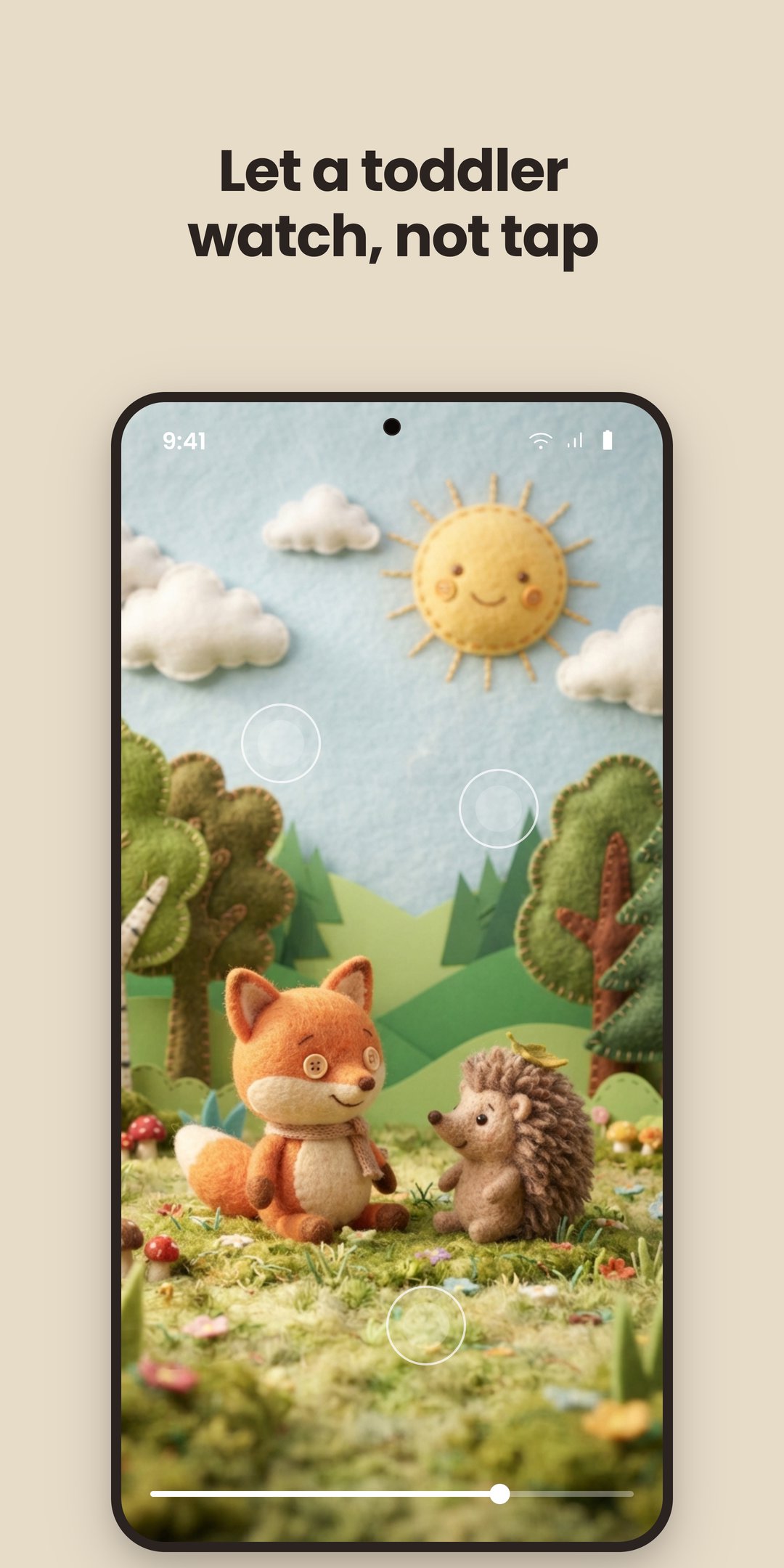
A SCREEN LOCK FOR KIDS
Use it as a child lock, and here is what a child runs into:
• Taps, swipes and pinches do nothing, so the video can't be paused, skipped or closed
• The notification shade won't pull down
• Back does nothing, and with button navigation neither do the home and recent apps buttons
• With gesture navigation, a swipe up to go home is the one move no Android app can block. Touch Lock brings the video straight back, still playing, and the lock stays on
• Tapping an ad inside the video goes nowhere, so there are no surprise trips to the Play Store
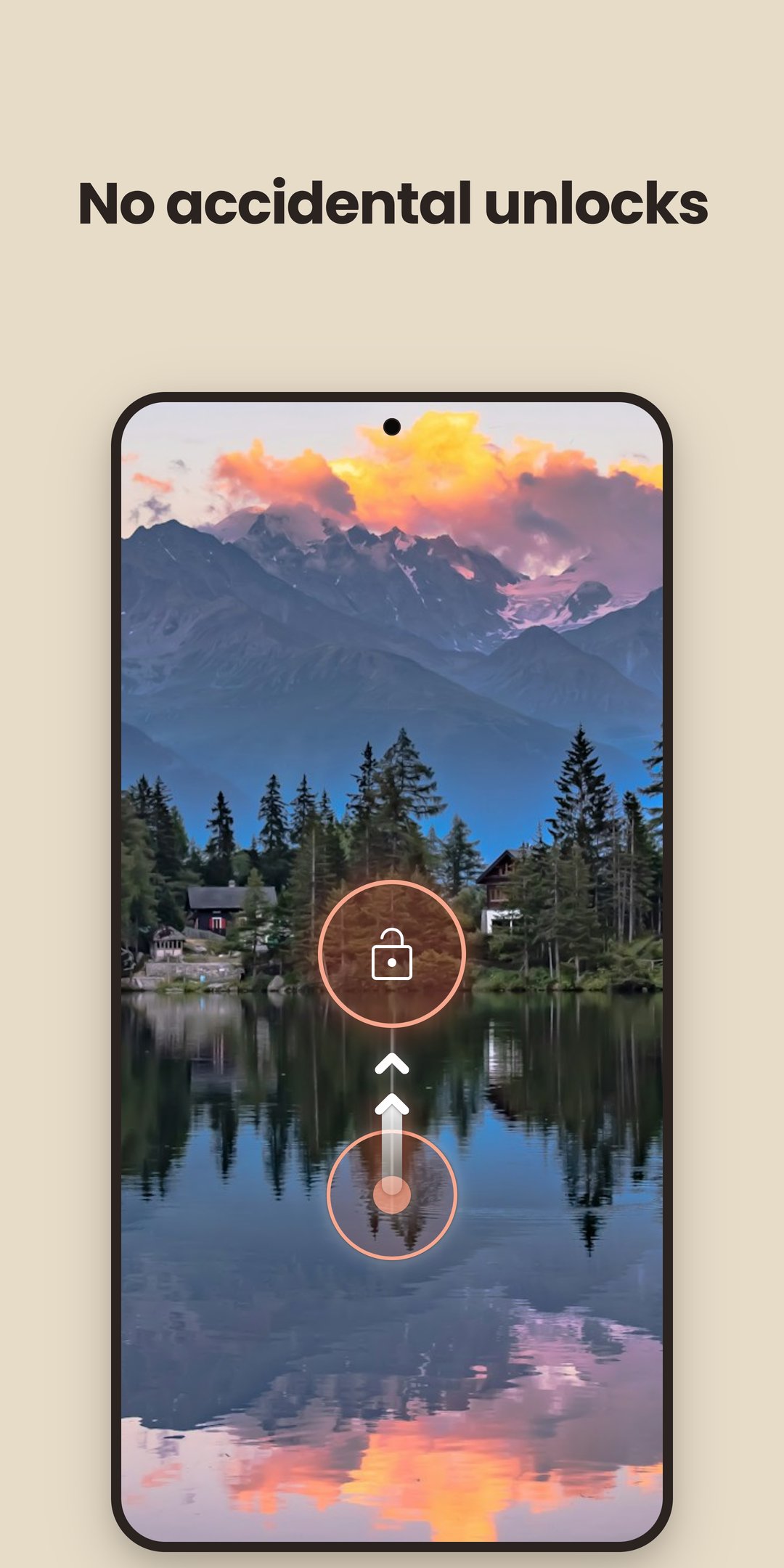
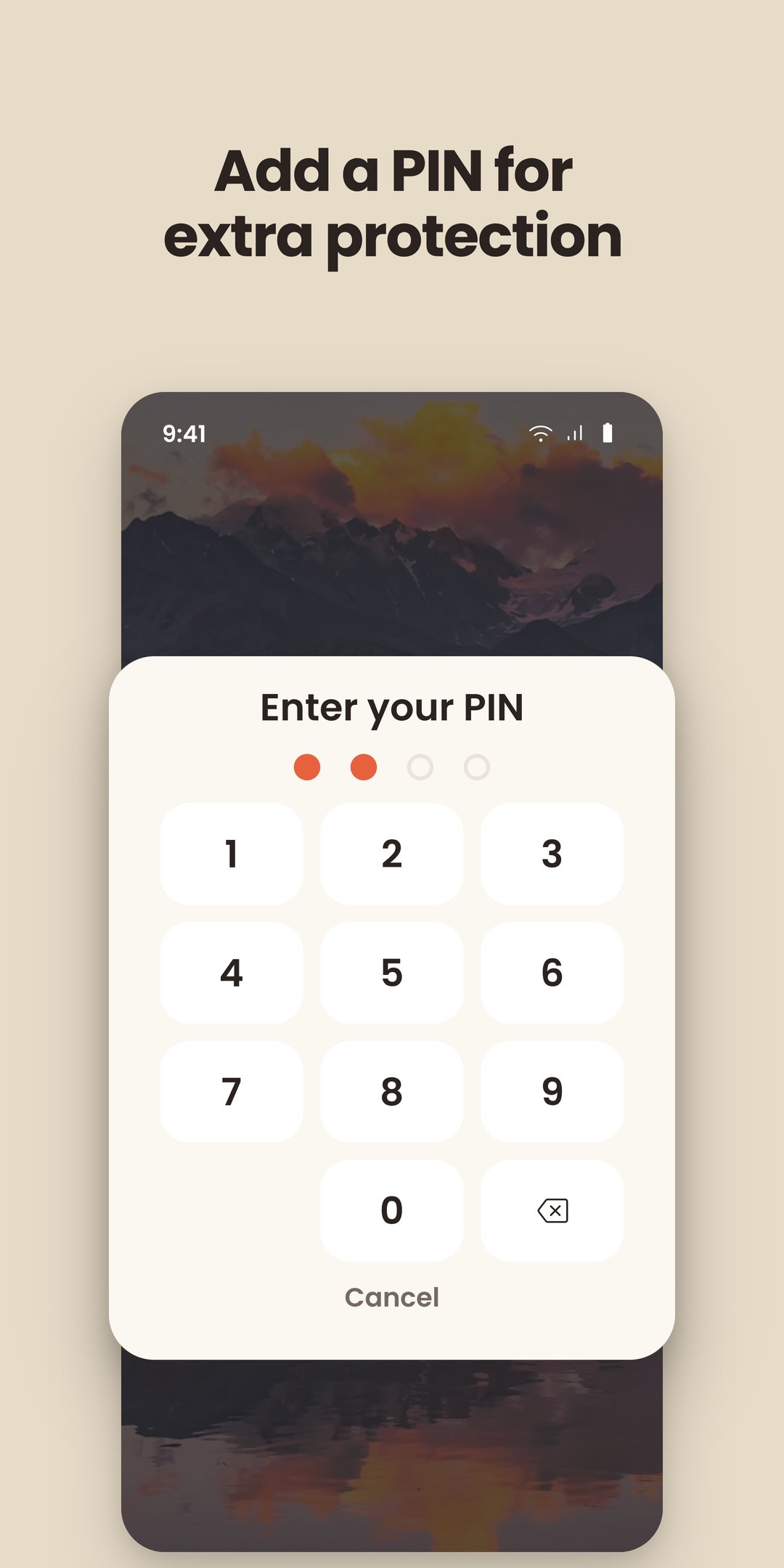
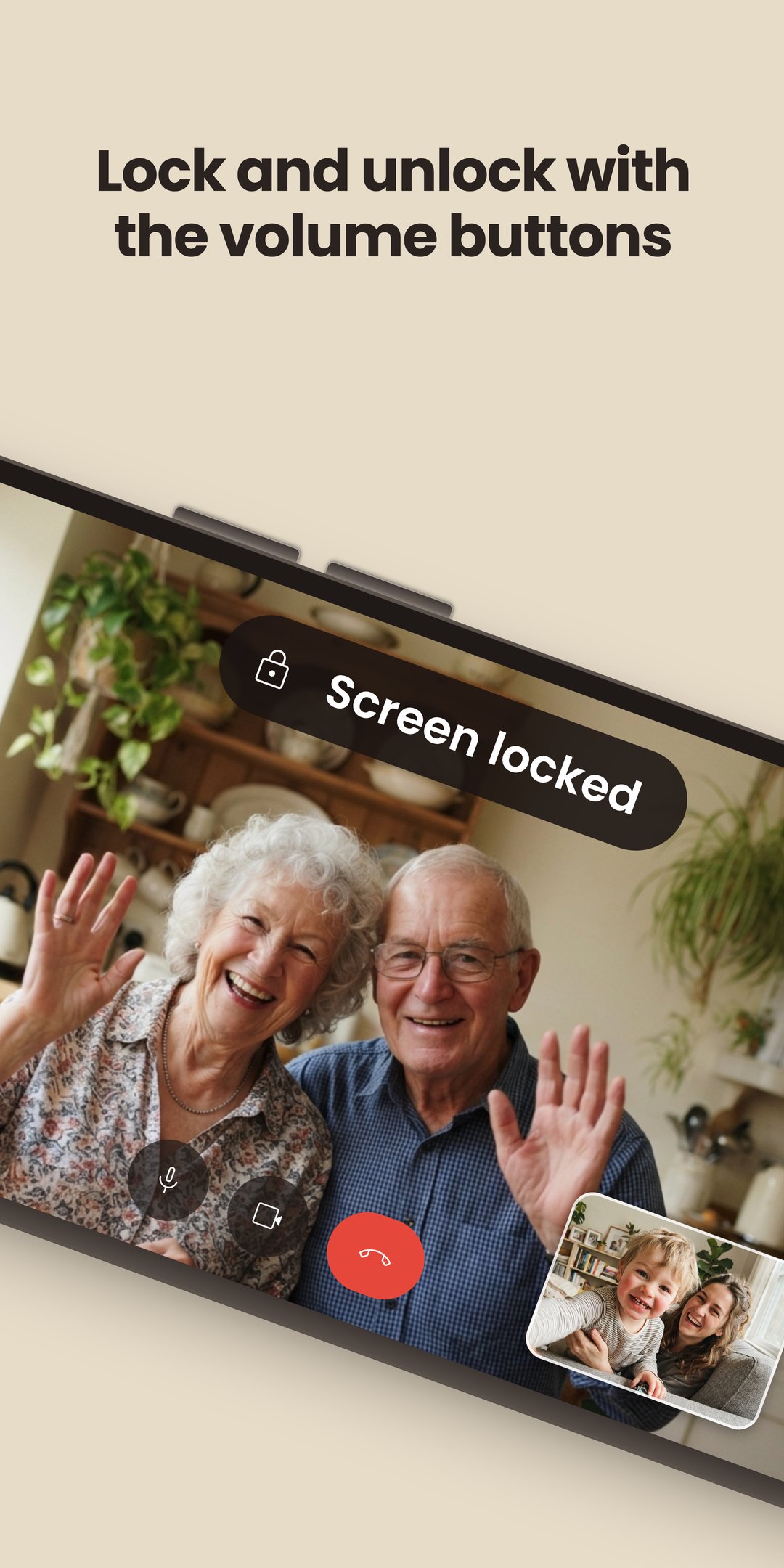
Random taps and swipes from a toddler won't unlock it. You unlock with a hold-and-slide move or the volume keys, and can add a PIN.
LOCK THE SCREEN FROM ANY APP
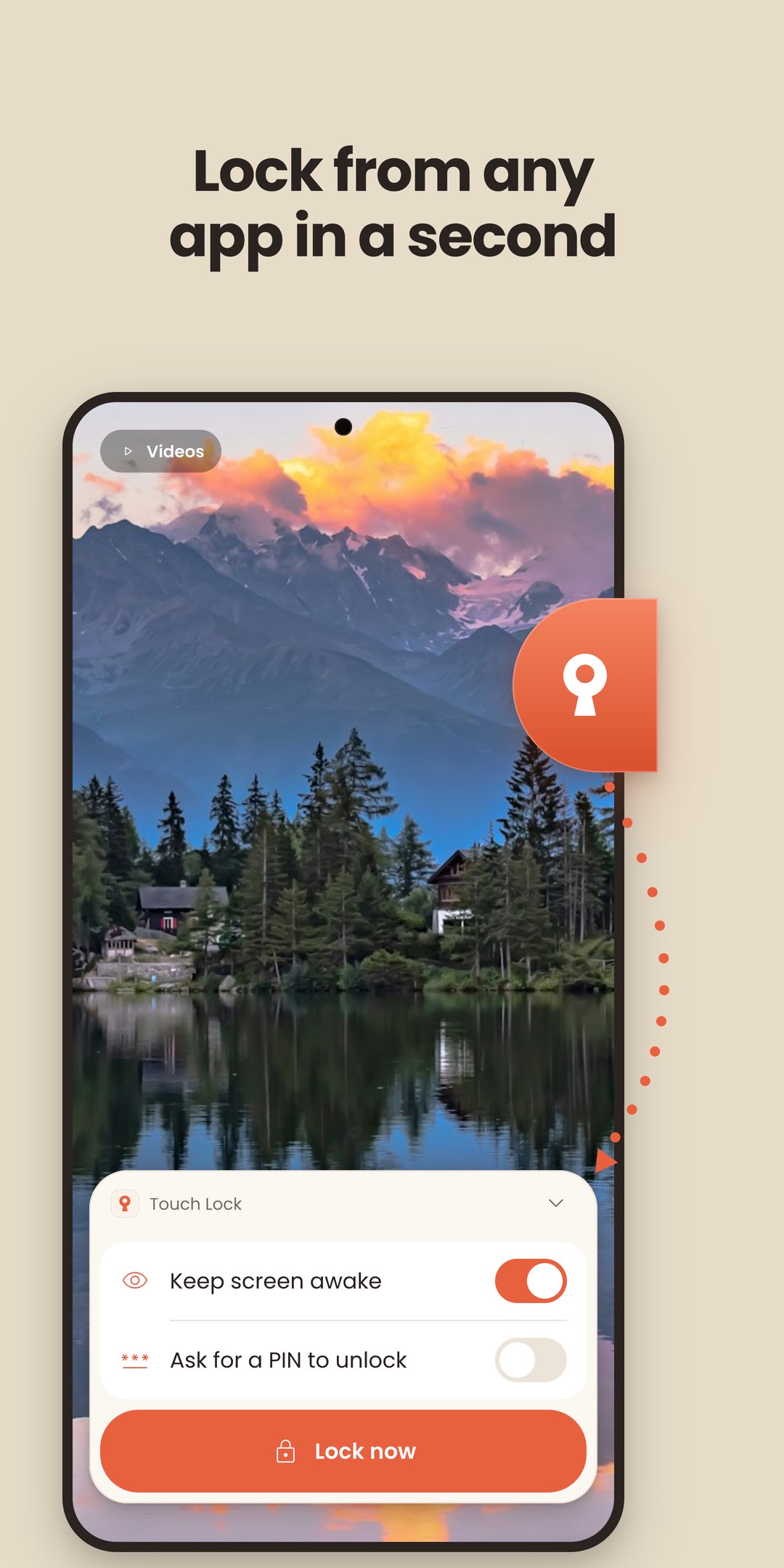
No need to open the app first. Lock the screen from the app you're in with the floating lock button, the volume keys or the Quick Settings tile. The video, call or game keeps running without a pause.
WHAT PEOPLE USE IT FOR
📺 Lock the screen while kids are watching cartoons: no pausing, skipping or tapping into another app
📞 Video calls with grandparents while the baby holds the phone
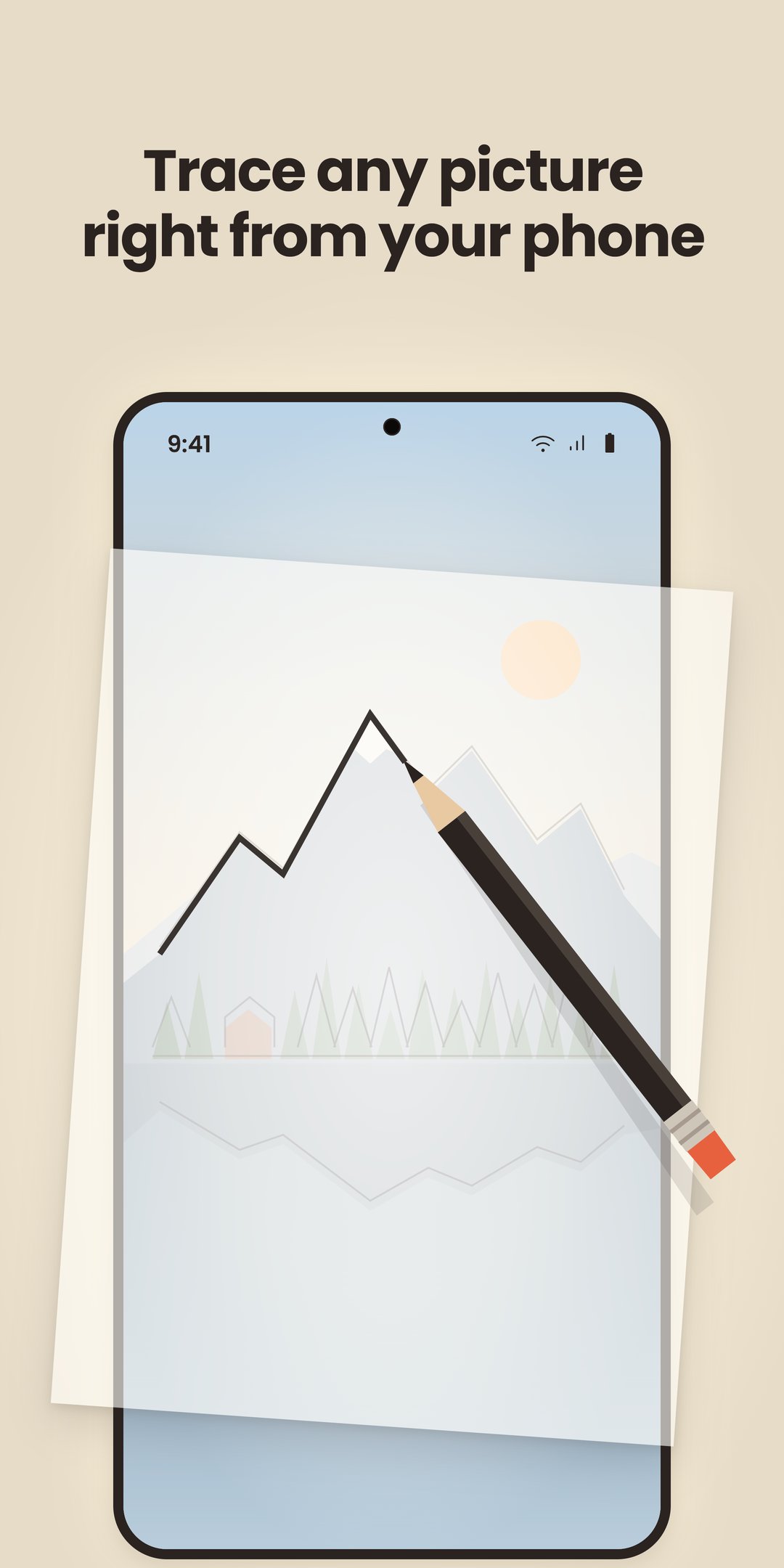
✏️ Tracing and drawing: freeze the screen under the paper and keep it awake as long as you need
📱 Ghost touch or a cracked screen that taps by itself: block the touch screen and keep watching
🎧 Music, podcasts or a video in your pocket: block the touch screen so accidental touches don't skip or pause anything
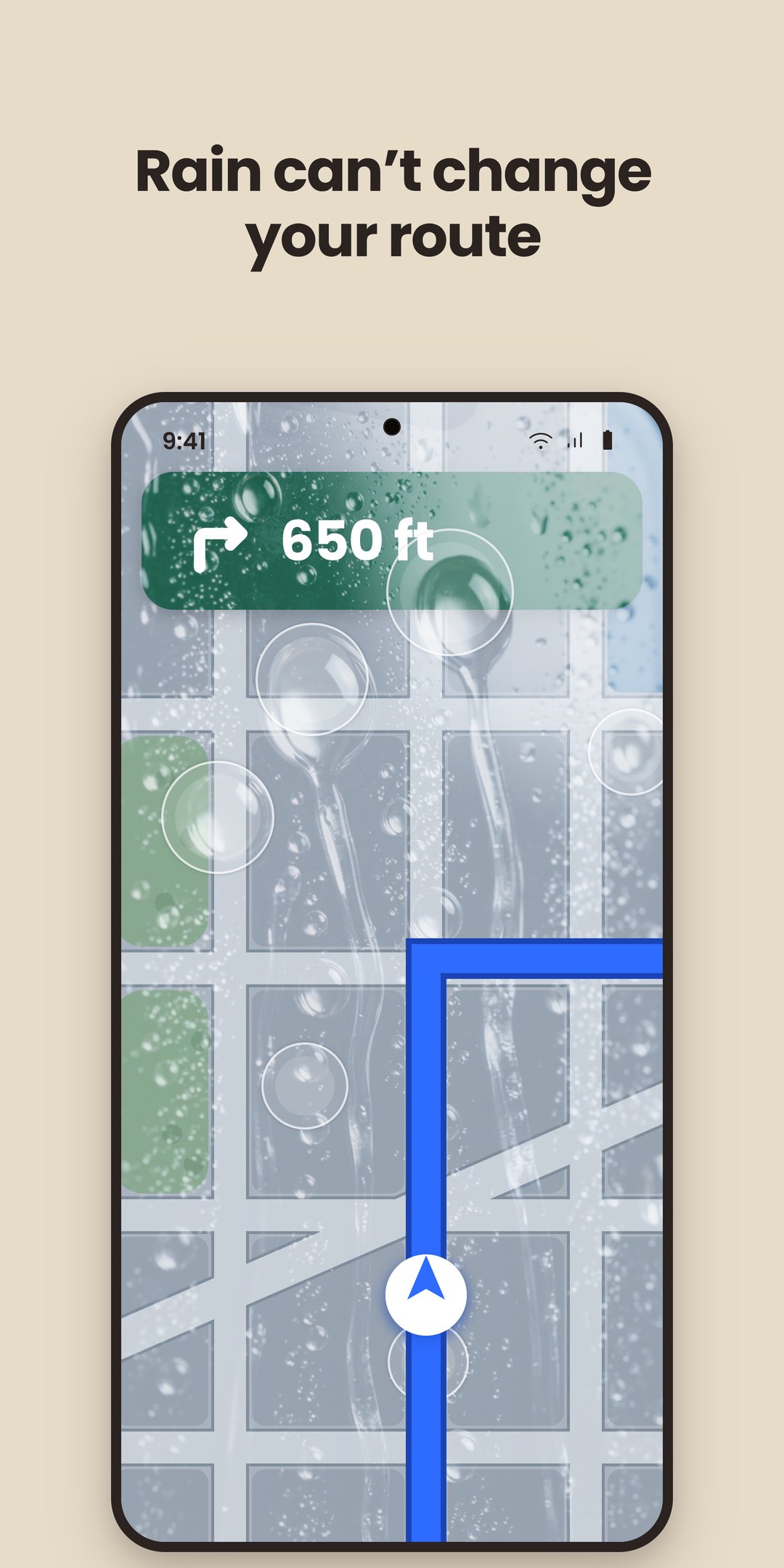
🏍 A phone on a bike or car mount, with no accidental touches from rain
WORKS WITH ANY APP, ON ANY PHONE
Touch Lock is a touch blocker that sits over whatever is playing, so it works with every video, streaming and calling app. It works on Samsung, Xiaomi, Pixel, OPPO, realme and other Android phones and tablets, with gesture navigation or buttons. No root needed.
WHY IT ASKS FOR THE ACCESSIBILITY PERMISSION
Android only lets an Accessibility service cover the whole display, including the notification shade and the navigation bar. The app uses it to cover the display, to detect volume-key presses, to show the floating lock button, and to bring back the app you locked. It never reads what's on your screen, never records what you type, and carries no advertising ID.
Touch Lock isn't your phone's lock screen and doesn't limit screen time. It is a touch blocker with one job: it disables the touch screen until you unlock it, so a child, a pocket or ghost touch can't change what's playing while you're watching.

One-click to install XAPK/APK files on Android!

Thanks for your rating and feedback!
You have already rated.







