










Thanks for your rating and feedback!
You have already rated.

Torque Pro (OBD 2 & Car) is a vehicle diagnostic and performance-monitoring app for compatible OBD2 cars.
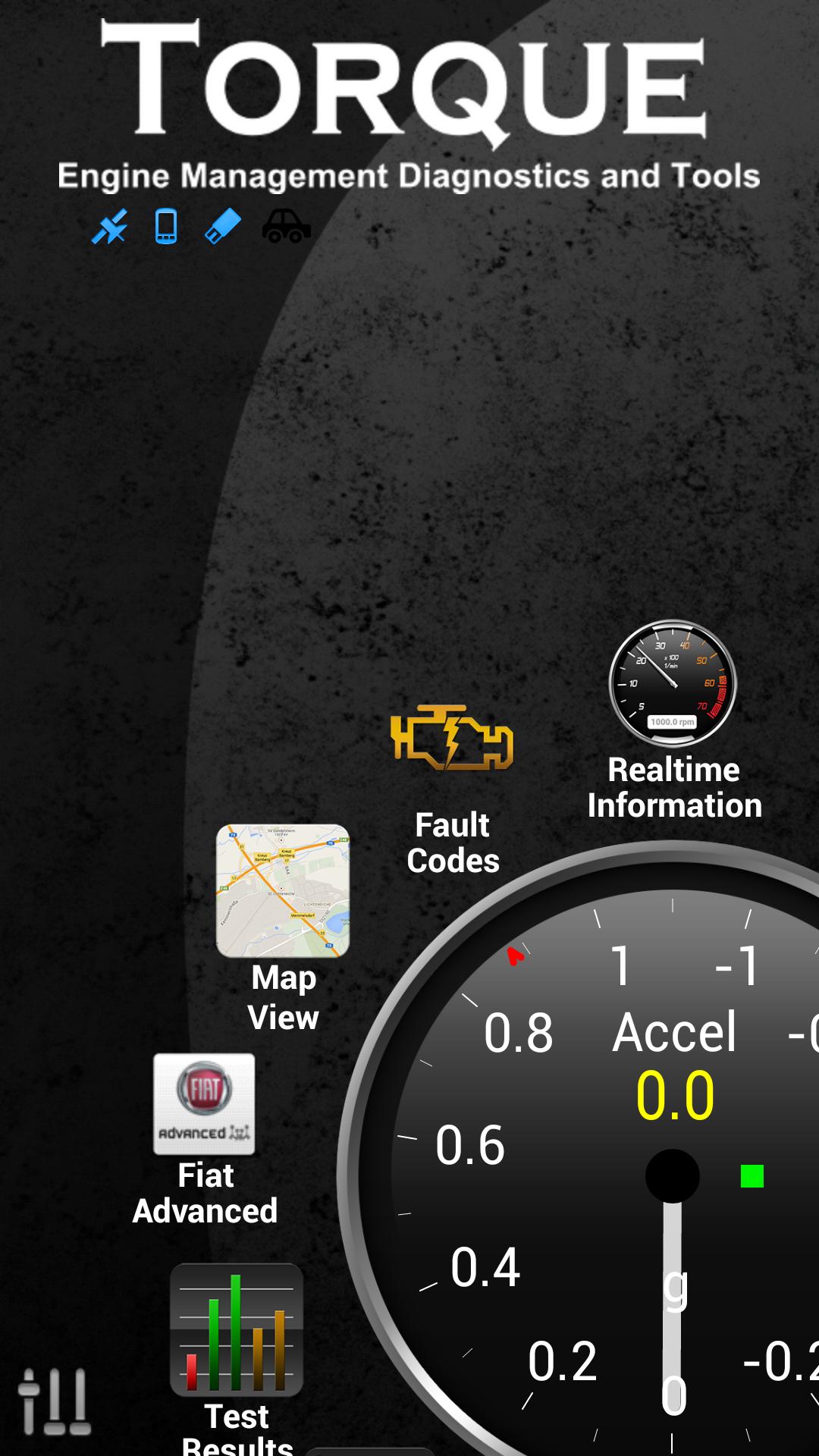
Developed by Ian Hawkins, its main appeal is a customizable live dashboard that turns ECU readings into clear gauges while driving. With a Bluetooth OBD2 adapter connected, it can show engine data, fuel use, speed, and selected vehicle-specific sensors. The Torque Pro (OBD 2 & Car) APK also includes diagnostic tools and trip logs for drivers who want to follow their car’s condition over time. Its main features are outlined below.
Displays live engine sensors, fuel data, speed, and emissions estimates
Reads and clears supported diagnostic trouble codes and warning lights
Builds custom dashboards with gauges, themes, alerts, and vehicle profiles
Records GPS-linked trips and exports data in CSV or KML format
Offers acceleration tests, estimated power figures, and optional HUD display
Torque Pro (OBD 2 & Car) centers on a dashboard where live readings can be arranged as gauges and widgets. Depending on the car and adapter, users can monitor engine speed, coolant temperature, vehicle speed, fuel consumption, CO2 estimates, and sometimes transmission temperature. This is useful for spotting a rising temperature during a long climb or keeping an eye on consumption during daily commuting.
The layout can be tailored around the data a driver actually checks, rather than showing a fixed set of dials. Separate vehicle profiles also help households with more than one compatible car, since each profile can use its own dashboard and monitored items. Available readings still depend on what the vehicle ECU exposes, so not every gauge will work on every model.
Torque Pro (OBD 2 & Car) can scan for DTC and CEL information when an engine warning light appears. It presents the stored code information for lookup, giving users a starting point before arranging a repair or checking a recurring issue. Supported codes can also be cleared after the underlying problem has been addressed.
This function works best as a basic car diagnostic scanner, not as a replacement for professional repair equipment. It focuses mainly on powertrain-related diagnostics, and its access to other modules or bidirectional controls is limited. A compatible ELM327 or other Bluetooth OBD2 adapter is required before any scanning can begin.
Torque Pro (OBD 2 & Car) includes performance tools for drivers who want more context than standard dashboard instruments provide. It can estimate horsepower and torque, record 0–60 acceleration results, and show turbo boost on supported MAP or MAF-equipped vehicles. These figures are best treated as useful comparisons between runs, since vehicle sensors and adapter quality affect the results.
For longer drives, charts show how readings change over time rather than only displaying a current number. Users can set alerts for conditions such as high coolant temperature, including spoken notifications that may be easier to notice while concentrating on the road. The night HUD mode can also project selected information for compatible nighttime setups.
Torque Pro (OBD 2 & Car) links GPS location records with engine data, making it easier to revisit what happened during a particular section of a trip. A driver can review sensor changes alongside route information after an unusual warning, high-temperature event, or fuel-use change. This makes the logging tools more practical than a simple mileage record.
Logs can be exported as CSV for spreadsheet review or KML for map-based viewing, through web or email sharing options. The optional Track Recorder plugin can add OBD data overlays to recorded video, which may suit track-day users reviewing acceleration and engine readings. GPS use and recording can consume more battery during long sessions, so they are most useful when needed.
Torque Pro (OBD 2 & Car) offers broad everyday monitoring because it combines live gauges, code checks, performance tools, and trip records in one interface. Its limitations mainly come from differences between vehicle ECUs, supported sensors, and Bluetooth adapter quality.
Pros
Customizable dashboard for frequently checked vehicle data
Reads supported fault codes and clears eligible warnings
GPS-linked logs export to CSV and KML formats
Useful performance tests and sensor charts for driving comparisons
Supports many OBD2 vehicles and Bluetooth adapter types
Cons
Requires a separate compatible Bluetooth OBD2 adapter
Sensor availability varies by vehicle and ECU
Limited access to non-powertrain modules and advanced controls
You can download the latest Torque Pro (OBD 2 & Car) APK from APKPure. The listed file size is currently unavailable, so download time cannot be estimated in advance and may vary with the connection and the version provided. Checking available phone storage before installation is still sensible, especially if trip logs or video recording will be used regularly.
After installation, the key requirement is a compatible Bluetooth OBD2 adapter, such as a supported ELM327 model, paired with the vehicle and phone. Start by confirming basic live readings before depending on advanced gauges, as supported sensors differ between cars. The Torque Pro (OBD 2 & Car) latest version is most useful when its dashboard is configured around the readings that matter for your vehicle.



One-click to install XAPK/APK files on Android!
Thanks for your rating and feedback!
You have already rated.