Safe & Fast APK Downloads on APKPure
APKPure uses signature verification to ensure virus-free TLINK APK downloads for you.

TLINK is a car connectivity app that brings Android Auto to Android-based vehicle displays.
Developed by Zhijian Technology, TLINK makes Android Auto accessible on many Android car screens. TLINK latest version emulates a trusted display connection over USB or Bluetooth, so units not officially certified can still show the interface. It focuses on fast activation and reliable access to navigation, music, and messaging. It is especially useful for Android-based head units often found in imported or aftermarket vehicles. Below are the core features.
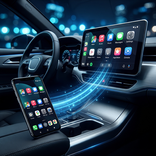
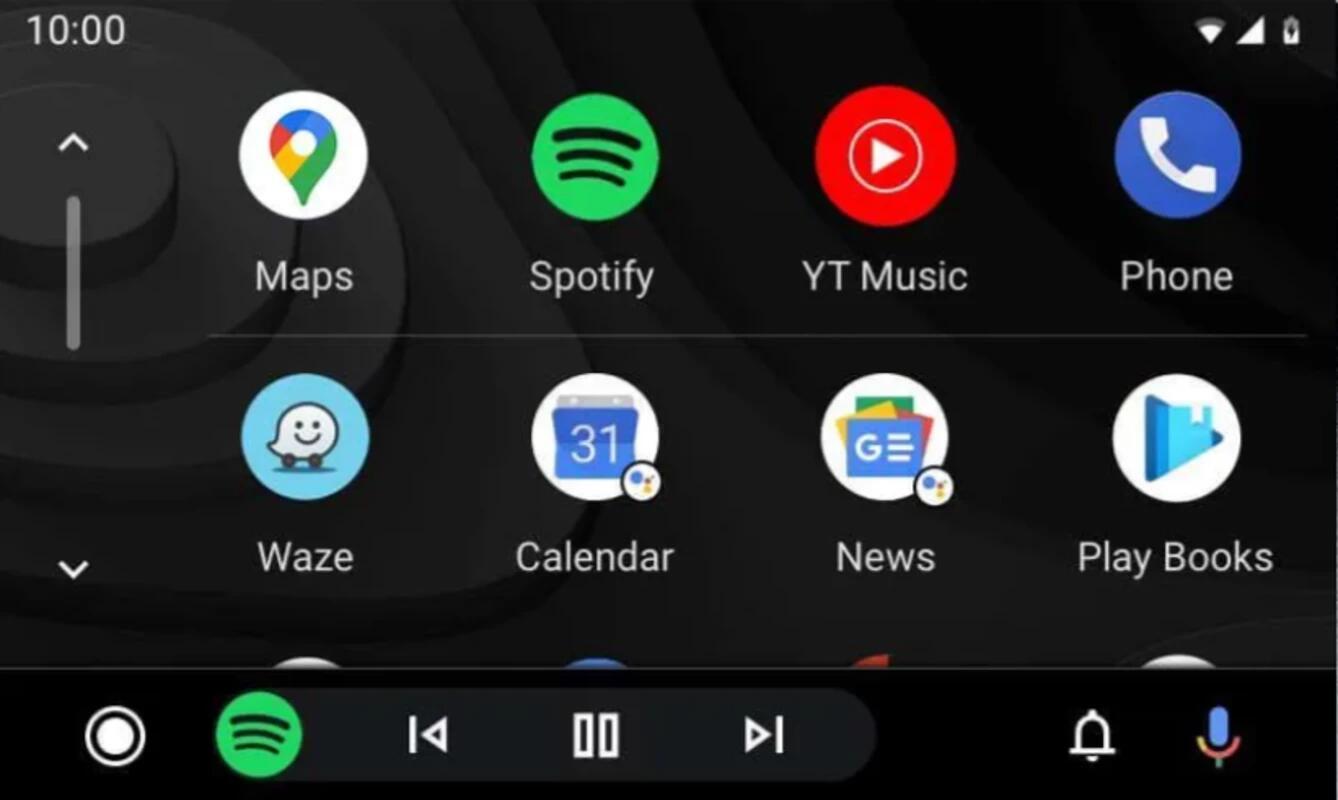
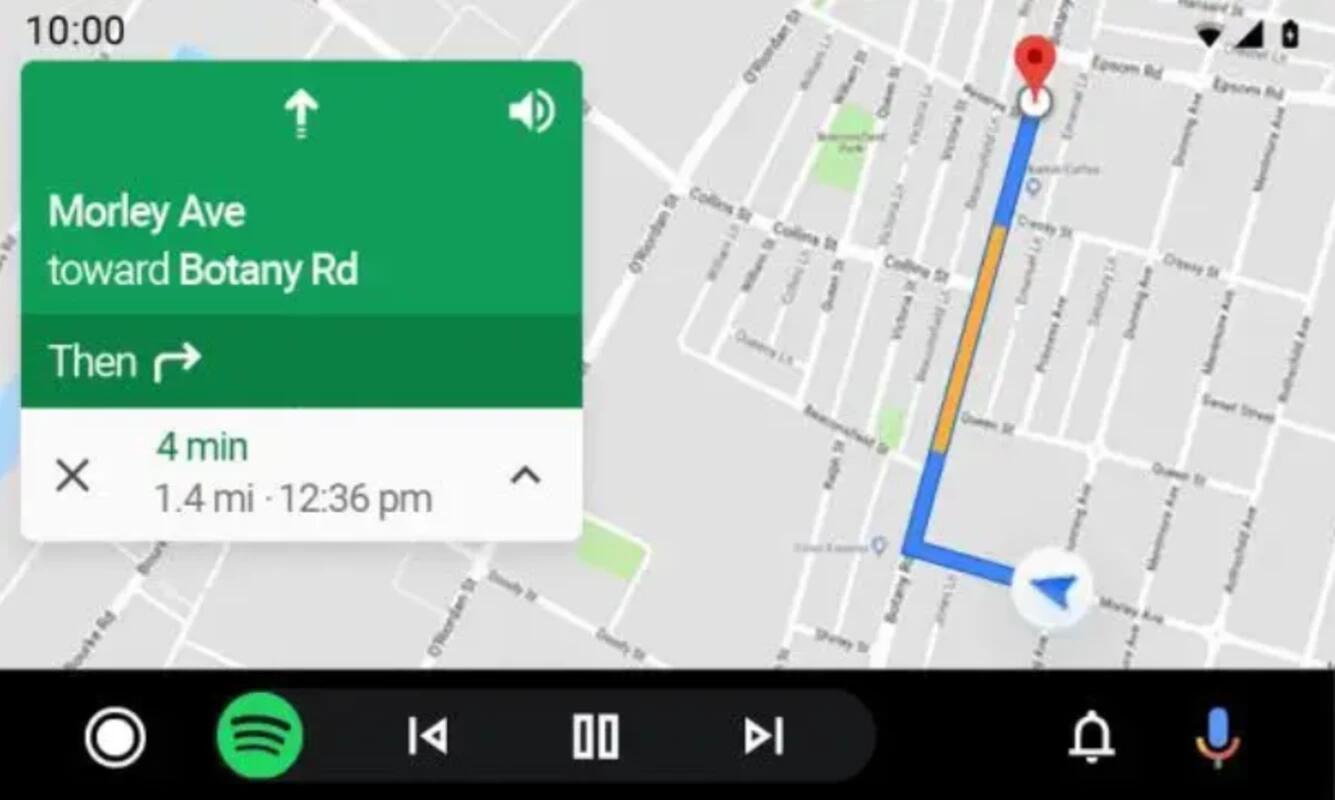
TLINK emulates a trusted Android Auto display, letting many Android-based head units show the familiar interface. In daily use, you search destinations in Google Maps, start playlists in Spotify, and switch apps right on the dash.
TLINK connects through USB or Bluetooth and usually starts as soon as the phone pairs. For a typical commute, you plug in or let the phone reconnect, and the Android Auto screen appears within seconds. You then control navigation and audio from the car’s touchscreen instead of handling the handset.
You can download the latest TLINK APK from APKPure. On a solid connection, the file should complete quickly; slower networks may take longer. After the download, Android may show an install prompt and request permission to install apps from outside the store.
Once you download TLINK, install it and connect your phone to the vehicle via USB or Bluetooth. Open the app, confirm access if asked, and try navigation or music while parked. For safety, set preferences before driving and keep focus on the road.

One-click to install XAPK/APK files on Android!

Thanks for your rating and feedback!
You have already rated.