











Thanks for your rating and feedback!
You have already rated.

Timeless KWGT is an Android widget pack for clean, modern KWGT home screen layouts.
Phone Customization designs Timeless KWGT around one clear appeal: polished presets that make a launcher setup look cleaner without building every widget from scratch. It suits users who already work with KWGT Maker and want ready-made styles for daily screens, from clock-focused layouts to iOS-inspired looks. Here are the main points before you download Timeless KWGT.
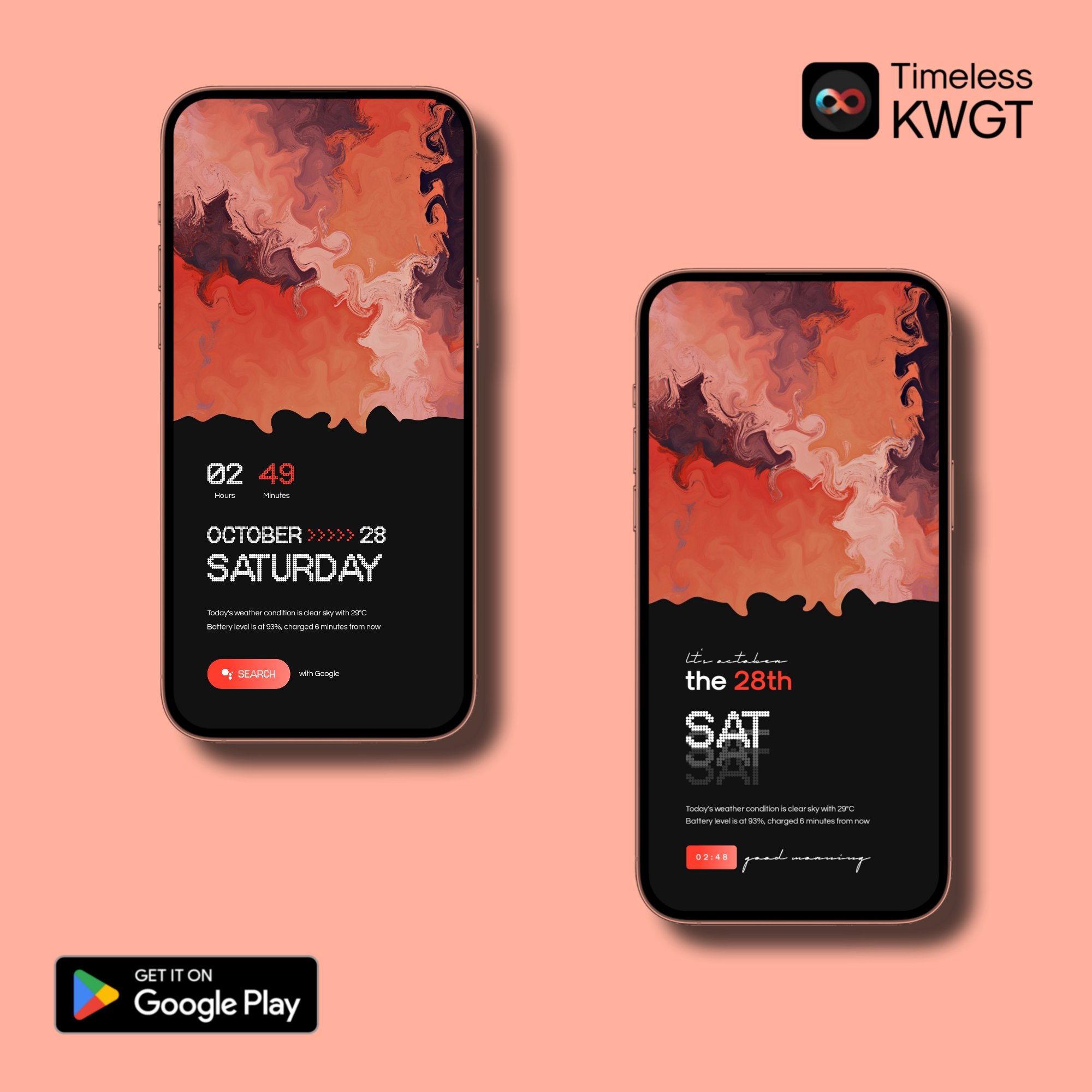
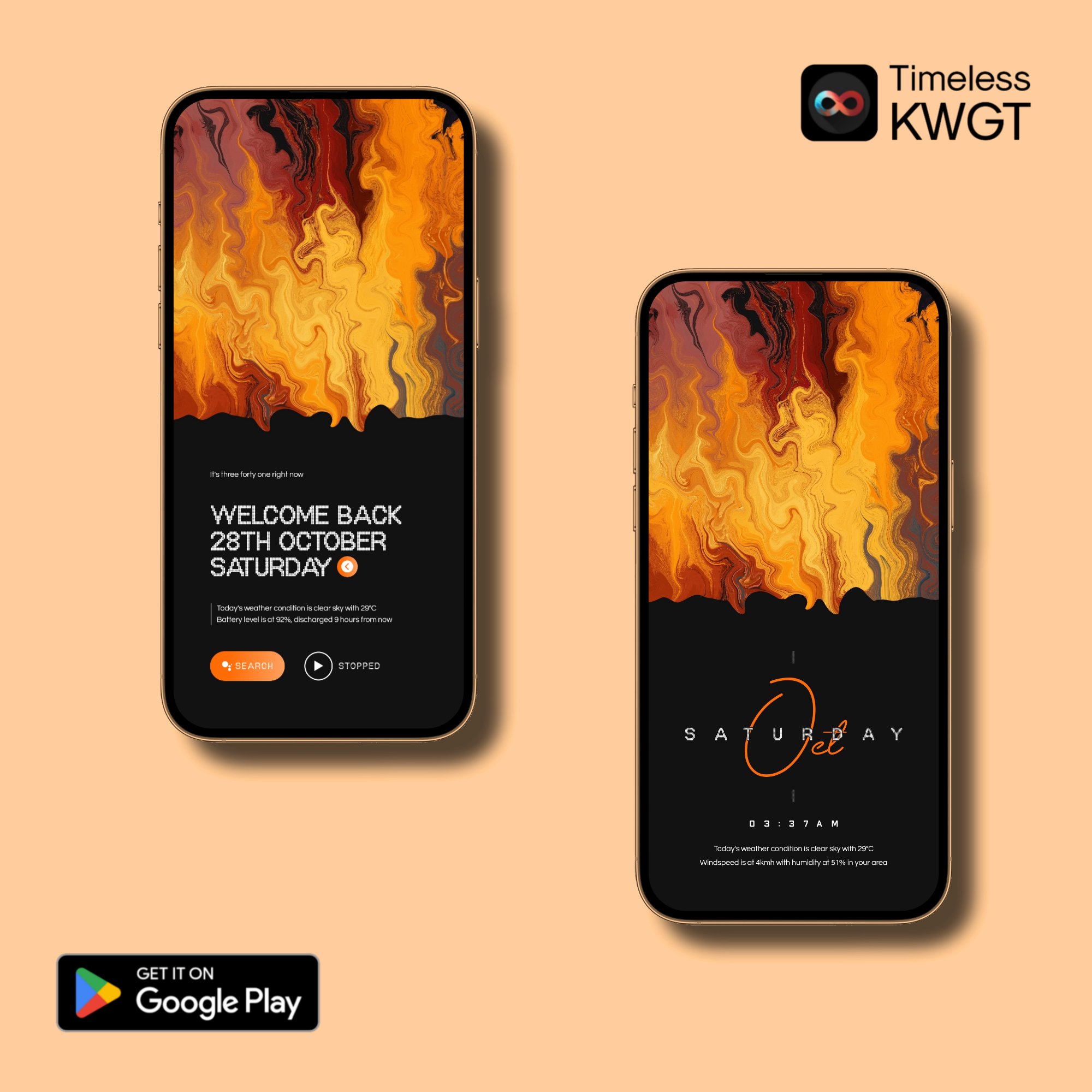
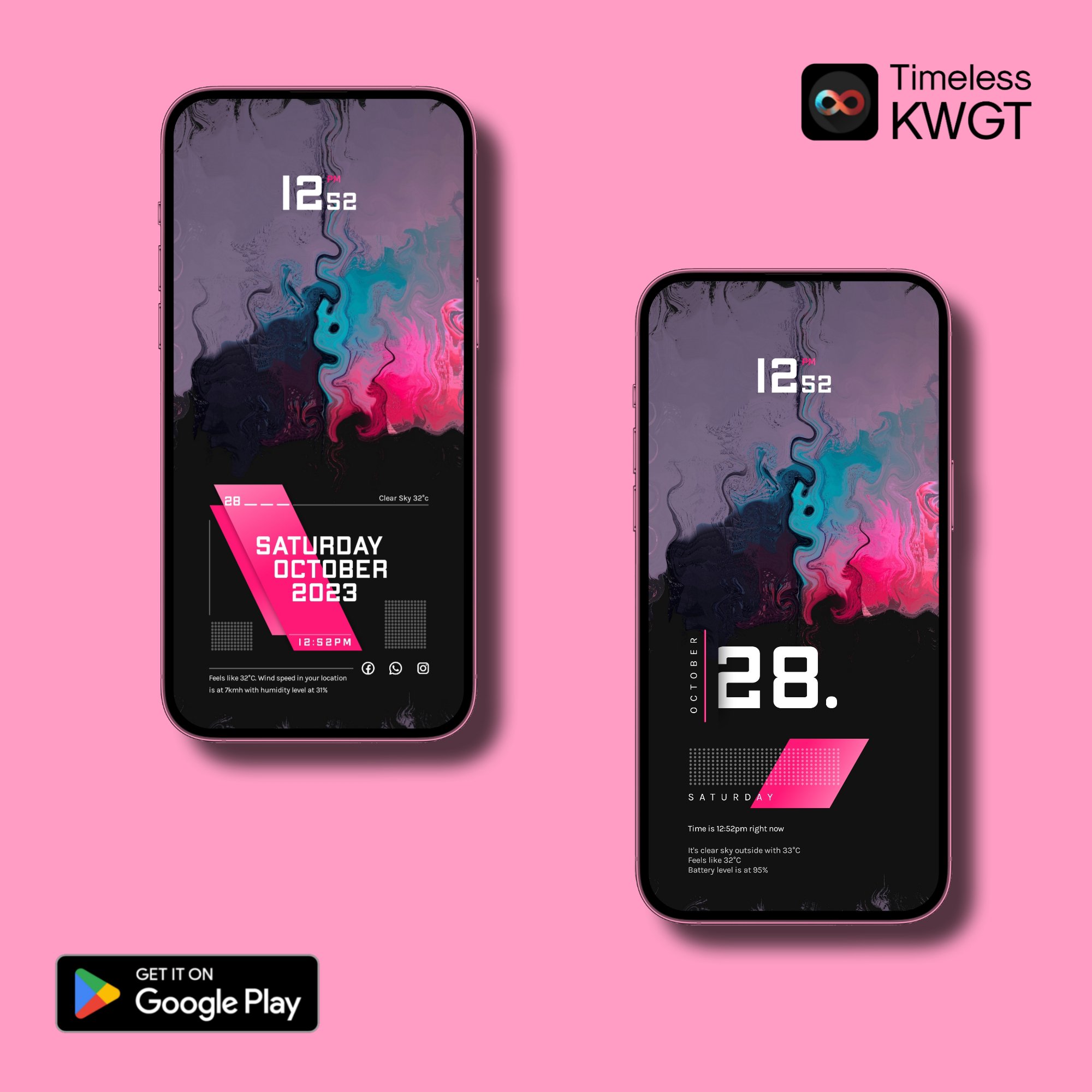
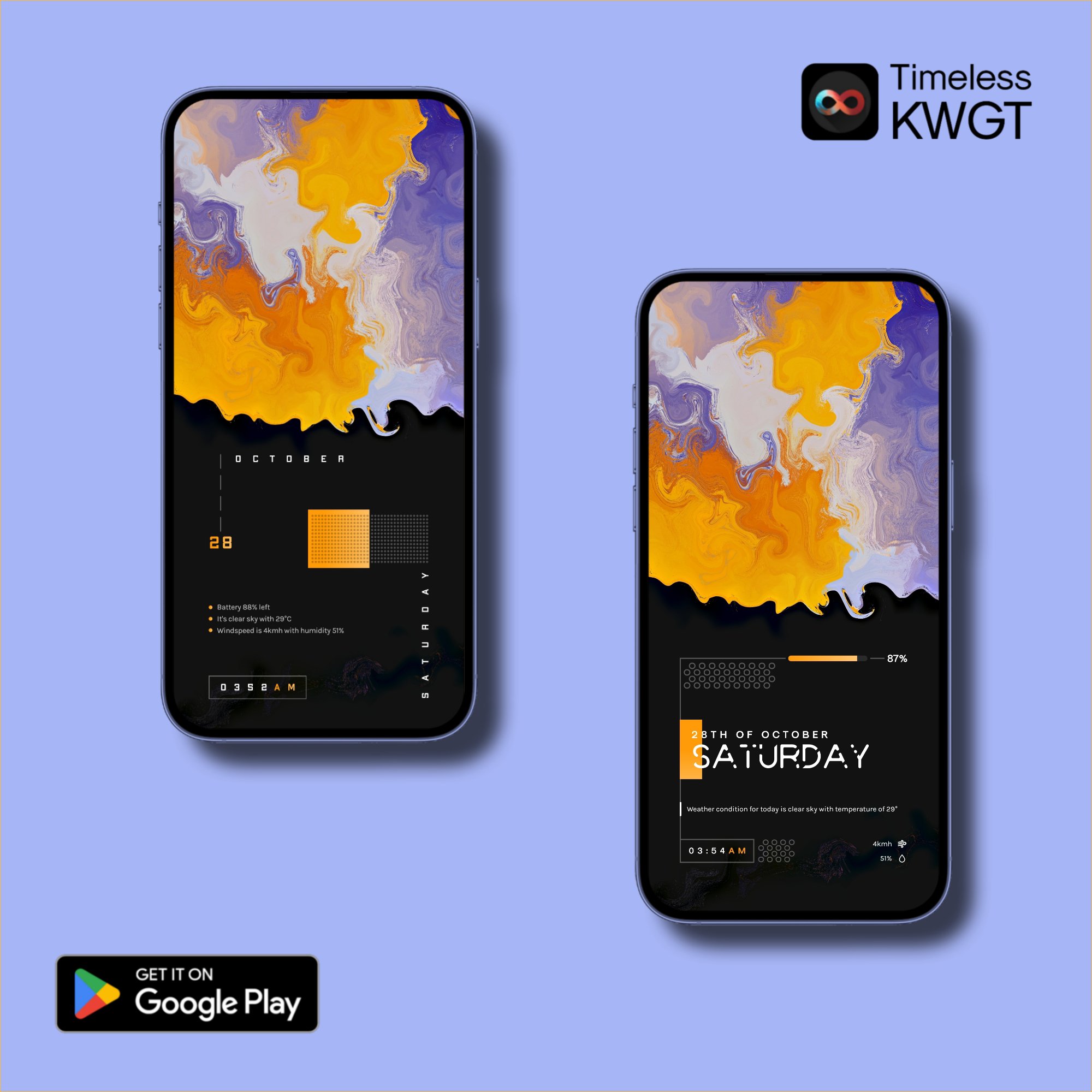
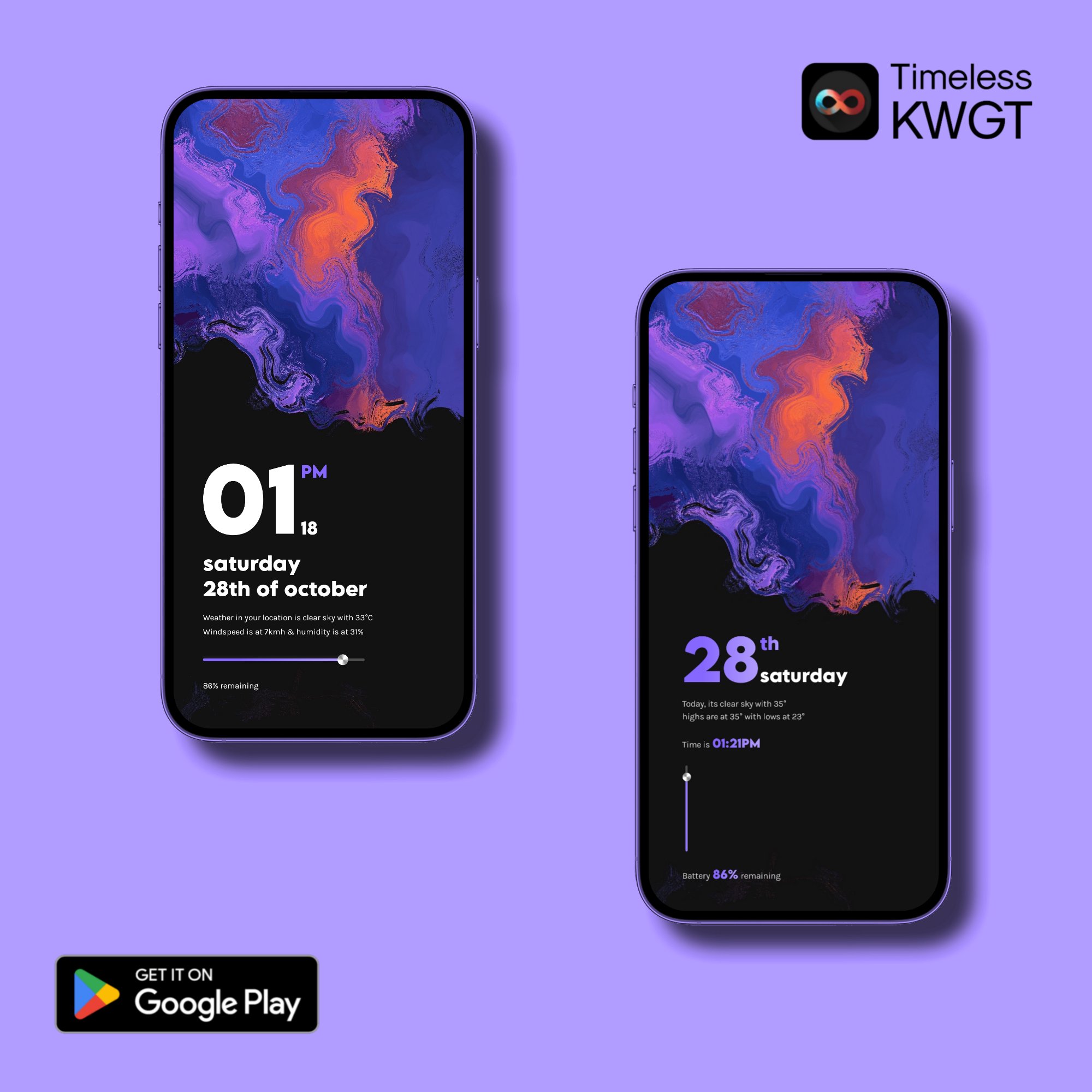
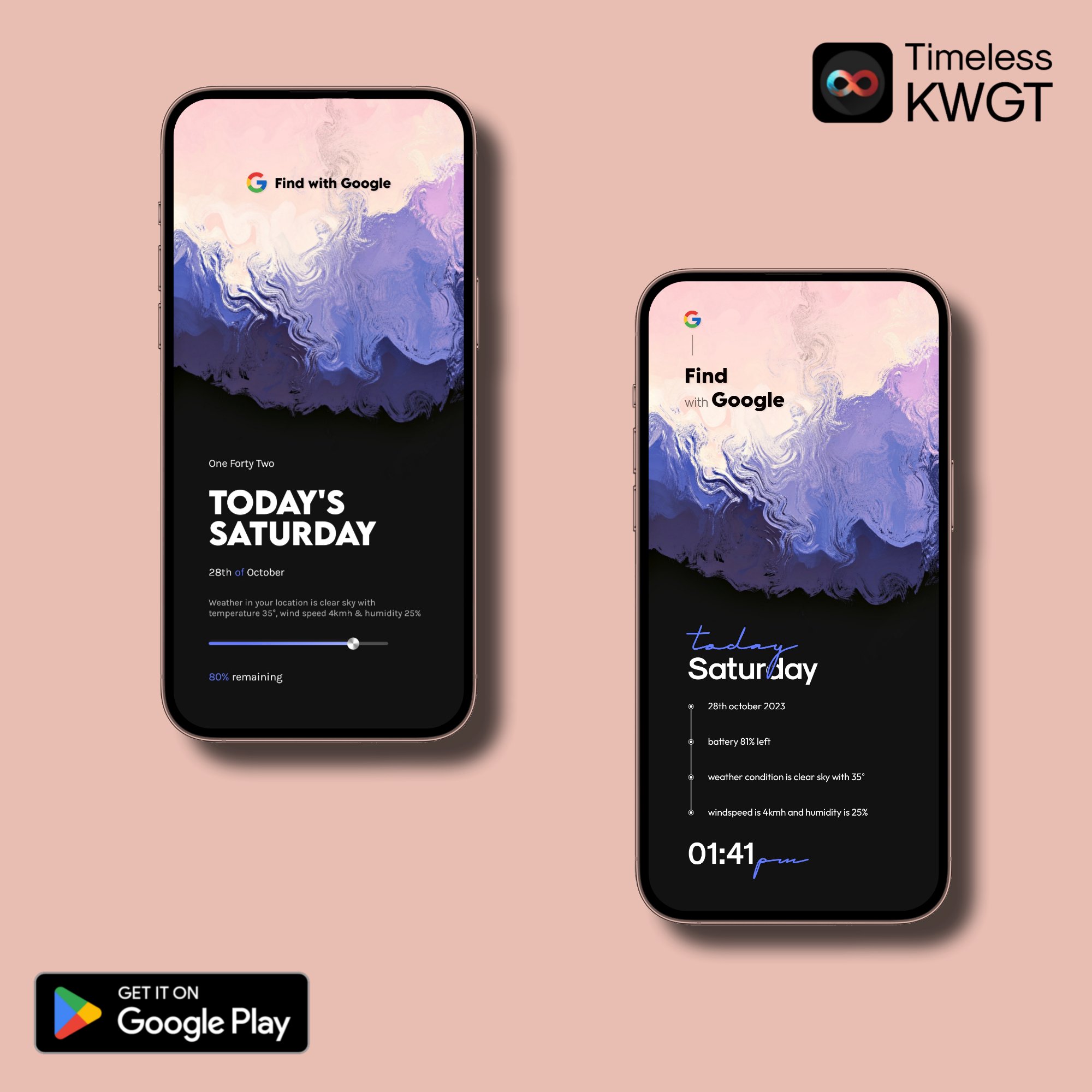
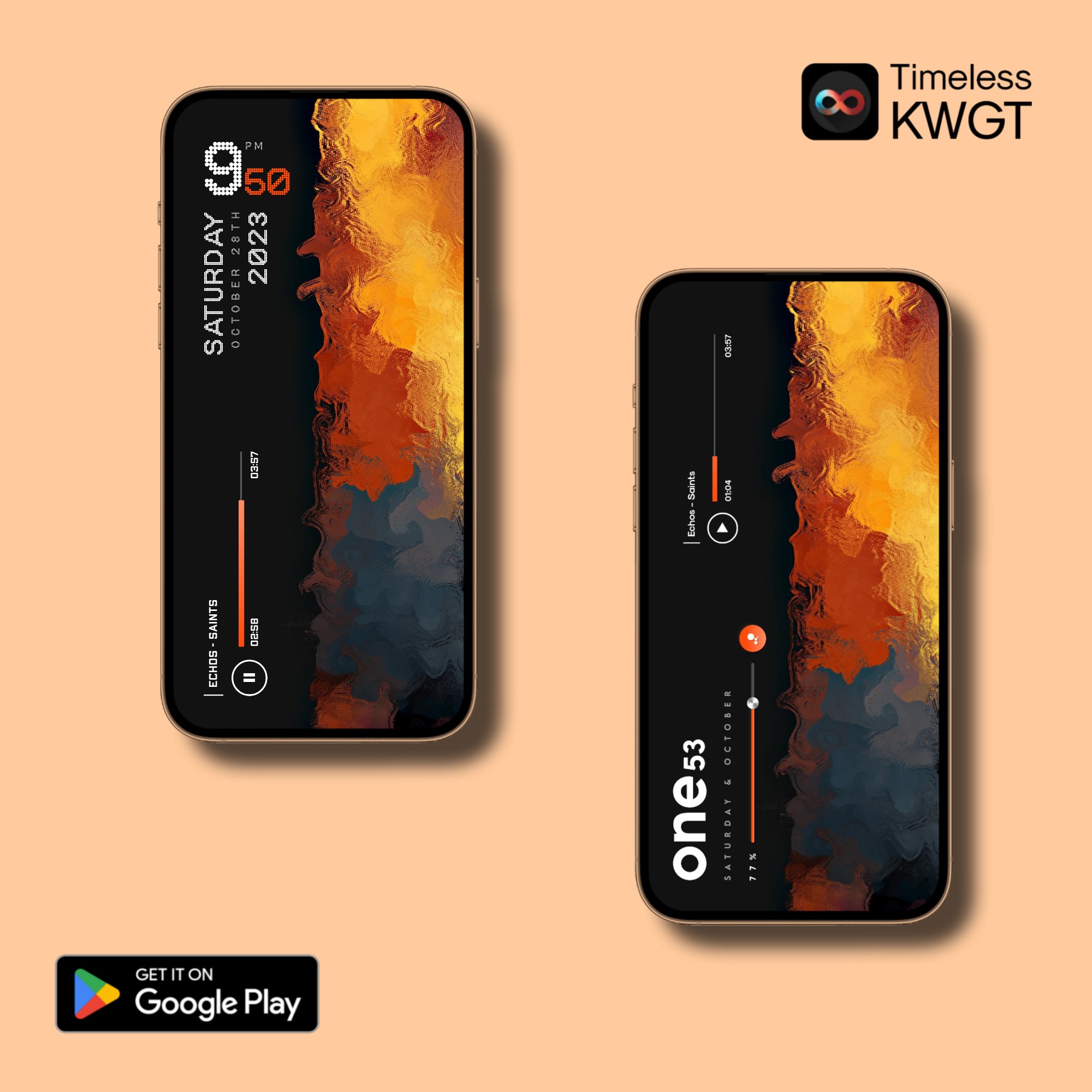
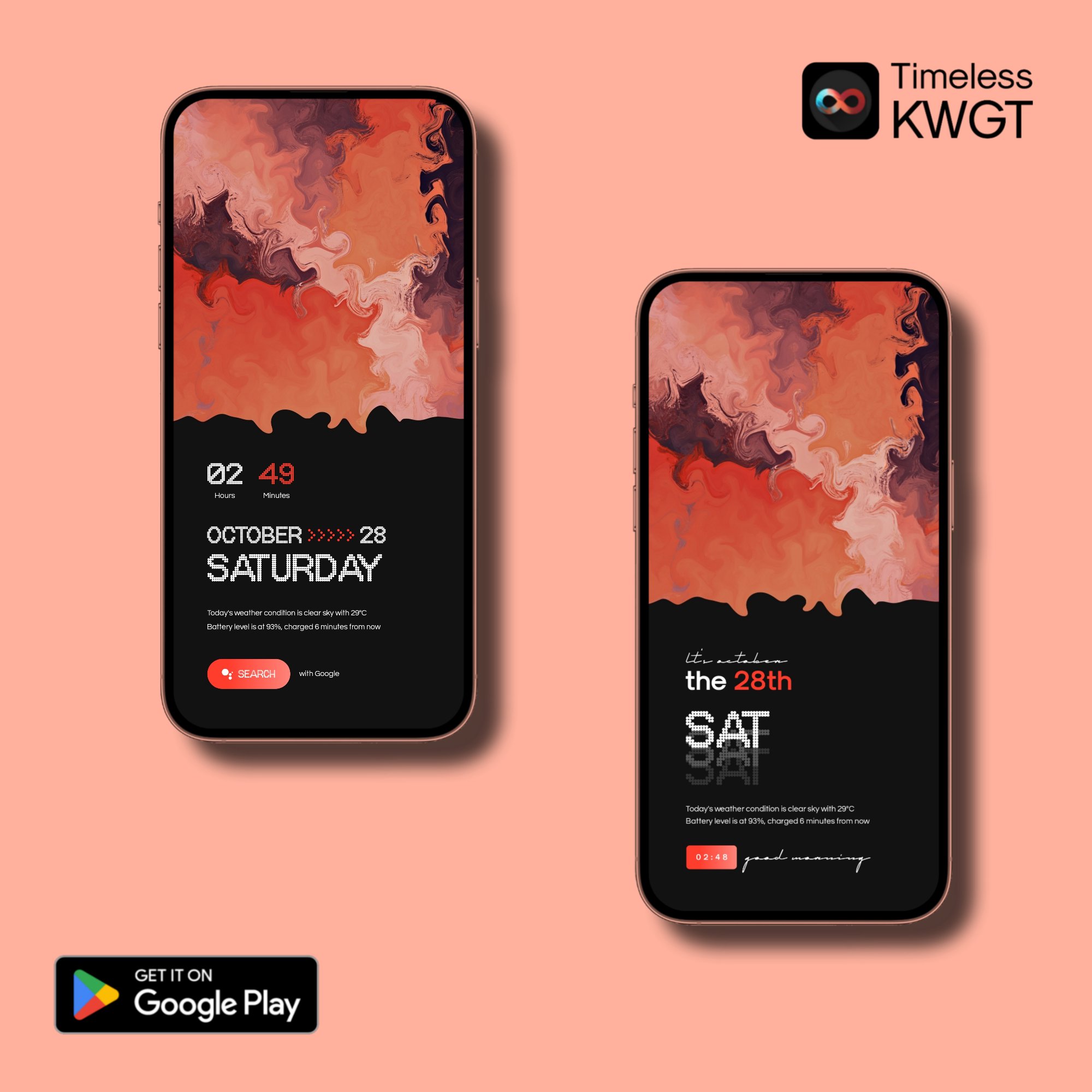
Timeless KWGT provides a large set of ready-made KWGT widgets for users who prefer a neat, designed home screen instead of a plain launcher layout. The initial collection includes 130 presets, which gives enough room to try different clock, date, and visual styles without starting from a blank canvas.
The main value is consistency. Many presets follow a clean and minimal look, so they can fit with simple wallpapers, monochrome icon packs, or carefully arranged launcher grids. A user who wants a calm lockscreen-like home page can choose a compact widget, while someone building a more information-heavy screen can test larger presets and adjust placement in the launcher.
Timeless KWGT focuses on modern visuals rather than crowded widget designs. The presets use simple spacing, clear typography, and balanced shapes, which helps the home screen feel organized. Some widgets also follow an iOS-style direction, making them useful for users who like Apple-inspired home screen setups on Android.
This style works best when paired with matching wallpapers and icons. For example, a soft gradient wallpaper can make a rounded iOS-like widget stand out, while a dark wallpaper can suit cleaner text-based widgets. The app does not replace a full launcher theme, but it can become the visual center of a custom setup when the surrounding layout is kept simple.
Timeless KWGT lets users adjust widget colors through KWGT global options, which is important for making presets match different wallpapers and icon packs. Instead of accepting a fixed color scheme, users can tune key visual elements in KWGT Maker and keep the same design structure.
This is useful when a preset looks good but the accent color clashes with the home screen. A user may choose a widget, open it in KWGT Maker, adjust the global color values, then save it and return to the launcher to check the result. The process still depends on basic KWGT knowledge, so complete beginners may need a little time to understand where color controls are located.
Timeless KWGT supports scaling through KWGT global options, which helps when a widget appears too large, too small, or slightly misaligned after placement. Android launchers can use different grid sizes, margins, and widget areas, so the same preset may not fit every screen perfectly on the first try.
The usual setup flow is simple but not instant. A user long-presses the home screen, places a KWGT widget area, taps the empty widget, then selects a preset from the installed pack inside KWGT Maker. If the widget does not sit correctly, the scale option can help it fit the chosen space before saving. A custom launcher such as Nova Launcher is recommended because it gives better control over home screen grids and placement.
Timeless KWGT is not a standalone widget maker, so it needs KWGT Maker and the paid KWGT PRO KEY to work fully. This requirement matters because users looking for one-tap customization may find the setup more involved than a normal wallpaper or icon app.
For users already familiar with KWGT widgets, the workflow feels practical. The pack appears inside KWGT Maker after installation, and presets can be selected from the Timeless KWGT collection. After saving, the widget appears on the launcher home screen, where final size and position can be checked. The latest version listed is v2e3k34t231029, but no detailed changelog is available, so users mainly download it for the existing preset library and customization options.
These points reflect how Timeless KWGT performs as a KWGT preset pack for users who already customize Android launchers and home screens.
ProsYou can download Timeless KWGT latest version from APKPure and install it as an Android widget pack. After the Timeless KWGT APK is installed, it will not work like a standalone app on the home screen. The presets need to be opened through KWGT Maker after a KWGT widget area is placed on the launcher.
The APK file size information may vary by release, so download time is usually best checked from the current package page before installation. Since this is a widget pack rather than a large game, the download should feel light on most connections, but keeping enough storage free is still a good habit before installing customization tools.
After installation, prepare KWGT Maker, KWGT PRO KEY, and preferably a custom launcher first. Then choose a preset, adjust colors or scale if needed, save it, and return to the home screen to review the final layout.

One-click to install XAPK/APK files on Android!
Thanks for your rating and feedback!
You have already rated.